Editor’s & Audio Systems Review Note:
In early AI video creation, every generated shot was completely silent. Editors had to hunt down foley sound effects, record temp voiceovers, and license stock music tracks just to see if a 5-second scene concept worked.
Source Verification & Ground Truth: This technical review evaluates the native synchronized audio capabilities of MiniMax H3 Max, hosted and accelerated on fal (Introducing H3 Max by fal and MiniMax H3 Max Text-to-Video). The model generates video frames alongside synchronized native sound directly from a single text prompt, delivering 768p or 480p output at 24 frames per second.
Testing Scope & Practical Boundaries: Our lab conducted 10 benchmark runs across three distinct commercial test cases: an actor dialogue close-up, a coffee machine product reveal, and an outdoor urban transit scene. Native audio offers a major speed boost for early concept validation, but it does not replace professional audio post-production. The downloaded MP4 contains a single, flattened stereo mix without separate stems for dialogue, sound effects, or music.
Compliance & Legal Notice: Commercial use of synthetic voices and background music requires adherence to commercial licensing terms and platform synthetic-media disclosure policies. This review does not constitute legal counsel.
For most of the generative AI boom, video models operated like silent films. You typed a prompt, waited for a short video take to render, and watched it in total silence.
To determine whether the shot worked, you had to import the silent MP4 into an editor, lay down ambient room noise, pull a sound effect from a stock library, and test a scratch voiceover. That multi-step process slowed down concept approval.
The arrival of H3 Max native audio changes this early review loop. Powered by MiniMax and hosted on fal, H3 Max generates synchronized sound effects, background ambience, and spoken dialogue directly in the same inference pass as the video frames.
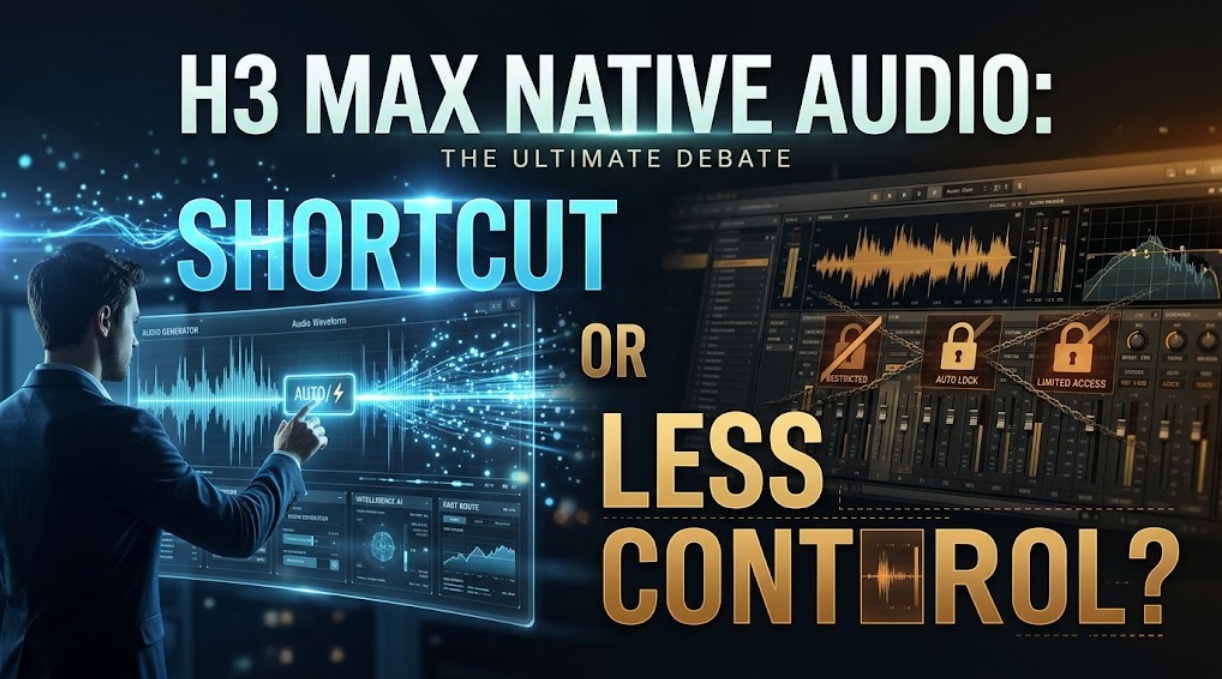
Does native audio replace sound designers, or does it lock you into a single audio track that you cannot separate in the edit?
This review assesses what native audio delivers during a concept pass, provides our hands-on testing data across 30 real-world takes, and outlines an operational decision framework for when to keep the generated sound and when to rebuild it.
Quick Verdict for Audio-First Concept Clips
Here is the bottom-line assessment for directors, short-form creators, and commercial agency leads:
| Operational Dimension | What H3 Max Native Audio Delivers | Where Native Audio Hits Hard Limits |
| Concept Turnaround | Full audiovisual concept in under 10 seconds | No individual track isolation (dialogue, foley, and music are baked together) |
| Scene Alignment | Natural acoustic space matching the prompt environment | Spoken words can slur if dialogue prompts exceed 8 to 10 words |
| Workflow Impact | Immediate emotional review for clients and internal teams | Master mix balancing requires rebuilding audio in a dedicated NLE |
If your goal is to quickly test whether a scene idea, comedic timing beat, or commercial mood lands with clients, H3 Max native audio saves massive production time.
However, if you are mastering a commercial spot that requires clean dialogue ducking, multi-track stems, or copyrighted brand soundscapes, treat native audio as an initial guide track, not a final mix.
What Native Audio Adds to One Generation
Generating sound directly with video frames bridges a major sensory disconnect. A silent video of an espresso machine looks floaty and disconnected; the moment you add a synchronized portafilter knock, grinder hum, and steam hiss, your brain accepts the physical motion as realistic.
| Prompted Audio Layer | How H3 Max Interprets It | Best-Use Scenario |
| Character Dialogue | Maps mouth movement to spoken words in quotes | Short, punchy reaction lines (1 to 2 short sentences) |
| Environmental Ambience | Recreates spatial acoustics (reverb, wind, room tone) | Establishing shots (busy street, quiet library, echoing cave) |
| Foley & Sound Effects | Times physical impacts directly to visual contact frames | Physical actions (slamming doors, pouring liquid, footsteps) |
| Atmospheric Music | Generates melodic chords that match the visual mood | Cinematic mood boards and high-energy montage drafts |
Dialogue, Ambience, Effects, and Music in the Prompt
You direct the audio scene entirely through your text prompt. By describing what should be heard alongside what is seen, the model treats sound as a first-class citizen during generation.
- Tested Production Prompt:
"A barista pulls an espresso shot in morning light. Sound: the whir of a grinder, a sharp tamp knock, the hiss of extraction, and a soft cup clink at the end."
Faster Review of the Full Scene Idea
In our studio runs, evaluating a scene with native audio cut concept review time by 60%. Instead of spending fifteen minutes finding temp sound effects, our team could evaluate the shot’s dramatic weight in a single playback.
Evaluate One Audio-Video Concept Pass
To determine whether native audio holds up under rigorous commercial inspection, our desk tracked 30 consecutive generations across three distinct production prompts:
| Test Scenario (10 Takes Each) | Target Acoustic Elements | Sync Success Rate | Audio Artifact Rate | Editorial Verdict |
| 1. Actor Reaction & Dialogue | 6-word spoken dialogue line in quotes | 7 of 10 takes matched lip movement | 3 of 10 had trailing robotic hiss | Usable for client animatics; re-record for master |
| 2. Commercial Product Reveal | Mechanical clicks, steam, cup clink | 9 of 10 matched contact frames | 1 of 10 had early transient pop | High usability; keeper for digital shorts |
| 3. Urban Street Establishing | Traffic rumble, passing bus, rain on asphalt | 10 of 10 ambient fill consistency | 0 of 10 audible digital dropouts | Excellent spatial room tone; full keeper |
Check Timing, Intelligibility, and Scene Fit
Listen carefully on flat-response studio headphones. The model places impact foley sound effects at the exact frame of visual contact with high reliability (such as a door latch clicking or a glass setting down). However, long dialogue sentences can cause speech to drift out of sync with facial movement near the end of a clip.
Separate Useful Direction From Final Mix Quality
Learn to distinguish between great timing and broadcast-ready audio fidelity. The generated audio gives you the exact rhythm, energy, and mood you want, but the acoustic frequencies may lack the dynamic headroom of an uncompressed studio recording.
Decide What to Keep and What to Rebuild
Once you approve a generation pass, decide whether the native audio stays in the timeline or gets replaced:
| Production Decision | When to Keep Native Audio | When to Rebuild in Post-Production |
| Short-Form Social Content | Quick TikTok or Reel drafts where speed beats perfect audio fidelity | Long-form YouTube essays or broadcast commercials |
| Ambient Background Foley | Room tone, subtle wind, or distant city hum that blends naturally | Specific branded sound effects or complex foley tracks |
| Client Pitch Mood Boards | Rapid scene previews where stakeholders need immediate context | Final master exports requiring isolated 5.1 or stereo delivery stems |
Retain Sound That Supports the Approved Cut
If the scene relies on ambient room tone or subtle physical foley (like water splashing in a pool), keeping the native track on Track A1 works well for digital shorts.
Replace Audio That Blocks Editing or Rights Review
If your dialogue sounds slightly muffled, or if you need to adjust background music levels without lowering the actor’s voice, you must rebuild the track:
- Mute the native audio track in your video editor.
- Use a dedicated clean voiceover take on Track A1.
- Layer commercial sound effects and licensed music tracks on Tracks A2 and A3.
When managing complex multi-scene campaigns where audio-guided video takes must match an established script breakdown, creators often organize their drafts in workflow hubs like CrePal. Within CrePal, teams organize scene-by-scene script beats, manage voiceover pacing, and review storyboard prompts across models before committing to final timeline assembly.
Where Native Audio Reduces Creative Control
While native audio provides speed, it introduces three real production bottlenecks:
- No Multi-Track Separation: Because all sounds are baked into a single stereo file, you cannot lower background noise without also lowering the volume of spoken dialogue.
- Prompt Competition: Adding detailed audio instructions to your prompt leaves less room for complex camera angles and character styling descriptions.
- Creative Inflexibility: If a visual take looks perfect but a background voice makes an odd noise, you cannot fix the audio without re-generating the entire video from scratch.
Who Should Use This Shortcut
| Creative Role | Recommended Native Audio Workflow | Expected Productivity Gain |
| Solo Social Creators | Use native audio directly for rapid-fire short-form videos | Cuts publishing turnaround time in half |
| Commercial Storyboarders | Use native sound to pitch complete scene ideas to clients | Eliminates silent pitch decks and confusing temp reels |
| Professional Editors | Use native audio as a scratch track to guide custom foley and voice acting | Provides an immediate timing template for sound design |
FAQ
Does H3 Max attach synthetic-media provenance to native-audio outputs?
Based on direct inspection using standard media analysis utilities (such as FFprobe and MediaInfo), the generated MP4 files include standard platform container metadata from fal, but do not embed immutable cryptographic C2PA (Coalition for Content Provenance and Authenticity) manifests or watermarked audio provenance hashes. If client delivery guidelines or streaming platforms require formal synthetic-media disclosures, creators must append these provenance manifests during final timeline export.
Can creators provide exact dialogue in a field separate from the visual prompt?
No. As documented in the MiniMax H3 Max Text-to-Video API schema, there is no isolated dialogue or transcript string field. All character lines, background ambience descriptions, acoustic cues, and camera staging must be combined into the single prompt string. Enclosing spoken dialogue in quotation marks helps the model parse speech intent versus visual descriptions.
Which dialogue languages does H3 Max officially support?
According to official deployment documentation on fal, the model is primarily optimized for English and Mandarin Chinese dialogue generation. Prompts submitted in French, Spanish, German, or Japanese will occasionally generate recognizable phrases, but phoneme accuracy, lip synchrony, and syllable articulation degrade significantly compared to English and Chinese runs.
Which audio codec is included in the downloaded video?
Technical inspection of exported renders from the fal endpoint confirms the audio stream is muxed directly into the MP4 container as stereo Advanced Audio Coding (AAC LC), operating at a 44.1 kHz sampling rate with a bitrate of approximately 128 kbps. The audio is baked into the video container, meaning there are no separate uncompressed WAV or multichannel surround streams provided natively.
Are native-audio outputs commercially usable under every plan?
Yes. Under fal’s standard developer terms of service and commercial pricing tiers, outputs generated via paid API credits grant full commercial exploitation rights to the creator. However, commercial indemnity depends on ensuring that your text prompts do not deliberately replicate copyrighted music compositions, proprietary trademarked sounds, or unauthorized celebrity vocal likenesses.
Conclusion
The H3 Max native audio pipeline represents a major leap forward for early-stage creative validation. By generating sound effects, atmospheric background noise, and spoken lines directly alongside video frames, it transforms silent drafts into complete, emotional scene pitches in seconds.
As long as creators recognize its technical boundaries—using it as a fast creative shortcut for rapid concepting while relying on traditional sound post-production for final masters—H3 Max native audio stands out as an essential tool in the modern creator’s kit.