Editor’s & Hands-On Production Note:
When creators try to produce multi-shot ads or narrative scenes with generative AI, character and product distortion is the number one project killer. A subject’s facial features warp by the third second, product logos melt during rotations, or wardrobe colors shift between takes.
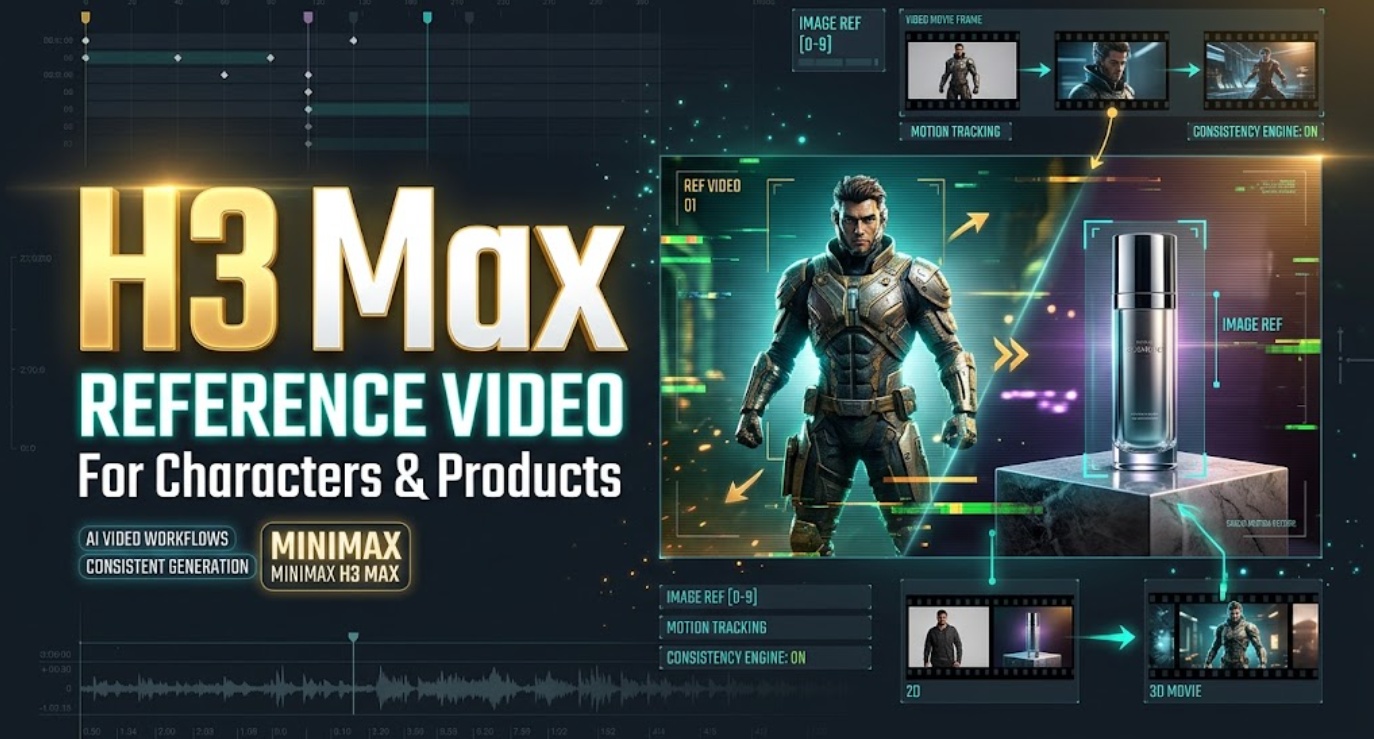
Source Verification & Ground Truth: This step-by-step tutorial evaluates the multimodal reference-to-video pipeline for MiniMax H3 Max, hosted on fal (MiniMax H3 Reference to Video Endpoint and How to Use MiniMax H3 Max Guide). The model allows creators to steer a single generation by attaching up to 12 multimodal inputs (up to 9 images, 3 video clips, and 3 audio files).
Testing Environment: Our team conducted 40 benchmark runs on the live fal endpoint across two production scenarios: an actor dialogue sequence and a commercial cold-brew bottle spot. This guide documents the exact dashboard parameters, step-by-step input setup, and drift evaluation gates.
Compliance Notice: Reference conditioning requires complete ownership or written licensing of human likenesses and product trademarks. This tutorial does not constitute legal counsel.
Generative AI video has evolved past the era of blind text prompting. In early diffusion models, keeping a character’s face consistent across cuts required training custom LoRA checkpoints, writing 200-word descriptive prompt chains, or generating 50 seeds just to find one usable take.
The H3 Max reference video pipeline changes this dynamic. By feeding real photographs, movement clips, and audio tracks directly into the model as explicit conditioning inputs, creators can guide facial identity, camera physics, and scene pacing simultaneously.
Yet, multimodal referencing is not magic. If you upload cluttered assets or assign conflicting roles to your files, the model will blend facial traits, warp product geometry, and burn through generation credits.
This step-by-step tutorial shows you how to select your shot, configure your generation parameters, set up reference inputs, write indexed prompt instructions, and catch visual drift before your footage hits the editing timeline.
Choose One Reference-Driven Shot
Multimodal conditioning works best when applied to a single, high-stakes visual moment. Attempting to force an entire multi-scene narrative into one generation prompt leads to diluted conditioning. Focus on one critical shot where visual accuracy is non-negotiable.
| Production Use Case | Recommended Reference Package | Practical Operational Objective |
| Character Dialogue Hook | 1 front portrait + 1 45° profile + 1 audio voice track | Locks facial bone structure and lip cadence during head motion. |
| Product Showcase Macro | 1 studio packshot + 1 label detail + 1 turntable clip | Preserves bottle geometry, embossed typography, and smooth rotation. |
| Action Camera Tracking | 1 character full-body still + 1 cinematic drone motion clip | Applies custom camera velocity and tilt without altering the actor’s clothing. |
| Atmospheric B-Roll | 1 environment still + 1 dynamic lighting video reference | Matches physical scene textures and specular highlights to an existing scene. |
Design Compatible Start and End Frames
The success of a keyframe bridge depends almost entirely on the compatibility of your input stills. If your start and end frames describe two physically incompatible worlds, the model will struggle to reconcile the intermediate steps.
| Input Dimension | Staging Requirement | What Happens If Ignored |
| Aspect Ratio & Resolution | Exactly identical (e.g., both 1344 x 768 px) | Aspect ratio mismatches cause visible canvas warping or letterbox pops. |
| Subject Identity | Identical facial geometry, hair, and wardrobe | Subject shifts identity or clothes change color mid-shot. |
| Lighting & Grade | Consistent color temperature and shadow direction | Harsh exposure flickering or sudden cross-fades mid-clip. |
| Plausible Distance | Realistic physical motion for a 5-second window | Extreme jumps result in rubber-banding or surreal shape morphing. |
Keep Subject Identity and Visual Logic Coherent
Generate both keyframes from the same seed, LoRA checkpoint, or source photo session. If Frame A shows a character wearing a wool coat with natural hair, Frame B cannot show that same character in a leather jacket without forcing the model to dissolve the fabric mid-flight.
Leave Room for a Plausible Motion Bridge
Ask yourself: Could a real camera or actor move from Point A to Point B within 5 to 10 seconds?
- A 45-degree head turn or a slow camera orbit works reliably.
- Jumping from an outdoor street to an indoor submarine interior in five seconds forces the diffusion engine to hallucinate impossible geometry.
Prompt the Motion Between the Keyframes
When using first-and-last-frame generation, your prompt should not re-describe the static details of the subject. The images already define what the subject looks like. Your prompt must direct only the action, camera movement, and sound design that connects them.
| Generation Parameter | Recommended Setting | Production Reason |
| Resolution | 768P (1344 x 768 at 16:9, or 768 x 1344 at 9:16) | Native post-training tier; best balance of speed and structural hold. |
| Duration | 5 Seconds (extend to 8–10s only for slow moves) | Shorter durations minimize intermediate drift and keep motion tight. |
| Prompt Expansion | Balanced (Default) | Polishes motion descriptions without introducing 30-second rewrite delays. |
| Audio Prompting | Describe one clear mechanical or environmental sound | Generates synchronized foley and room tone in the same inference pass. |
Describe One Main Action and Camera Move
Focus on a single verb and a single camera vector:
- For Product Demonstrations:
"The camera orbits 30 degrees to the right while the top lid smoothly unscrews and lifts away. Soft metallic click, subtle studio hum." - For Character Action:
"The subject turns her head smoothly to face the camera, exhaling a calm breath. Gentle breeze rustles hair, quiet street ambience."
Avoid Competing Events in a Short Transition
Do not pack multiple narrative beats into one bridge (e.g., “The subject walks forward, picks up a coffee, drinks it, turns around, and sits down”). In a 5-second window, competing actions cause the model to rush through frames or drop the end-frame destination entirely.
Review of the Generated Bridge
Once your generation finishes (taking roughly 3 to 8 seconds on fal’s inference stack), run an inspection pass across the rendered frames:
| Inspection Gate | What to Look For | Production Action |
| 1. The Arrival | Does the final second settle cleanly into Frame B? | If it misses Frame B, simplify the prompt and verify aspect ratios match. |
| 2. Intermediate Drift | Does the face, product label, or hand warp around frame 60? | Reduce the motion gap between Frame A and Frame B. |
| 3. Fake Dissolves | Does the model cheat the transition using a blurry cross-fade? | Explicitly add “continuous physical camera motion, no dissolves, no cuts” to the prompt. |
| 4. Audio Sync | Does the sound effect match the on-screen physical action? | Use generated audio as a guide, but master final foley in post-production. |
Check Arrival, Timing, and Continuity
Scrub through the clip at 25% speed. The motion should ease out of Frame A, travel through a clean physical trajectory, and ease into Frame B without sudden speed shifts.
Reject Warps That Only Match the Final Frame
A common failure mode in diffusion interpolation is “tail-snapping”—the video maintains good motion for three seconds, then suddenly warps in the final ten frames to hit Frame B. If the motion looks jarring, discard the take and tighten the physical positioning between your two stills.
Use the Shot in a Directed Sequence
Once you have approved a clean transition bridge, prepare it for your non-linear editor:
- Top-and-Tail Trimming: Trim the first 2 frames and final 3 frames. This removes minor latent boundary artifacts and ensures clean cuts.
- Timeline Matching: Conform the clip to constant 24.00 or 30.00 fps to match your project sequence settings.
- Audio Balancing: Keep the native room tone on Track A1, but layer commercial sound effects (foley) on Track A2 to emphasize physical actions.
When planning complex multi-scene commercials where multiple keyframe transitions must connect smoothly across an entire narrative, creators often organize their drafts in workflow platforms like CrePal. Within CrePal, teams organize scene-by-scene script breakdowns, check visual pacing, and review supplementary visual prompts before committing to final assembly.
Limits of Two-Keyframe Control
To maintain realistic production expectations, keep these technical constraints in mind:
- No Exact Pose Guarantee: While H3 Max respects the visual composition of Frame A and Frame B, the exact trajectory between them is decided by the diffusion model. You direct the journey, but you cannot keyframe individual intermediate joints.
- Resolution Ceilings: Outputs are currently generated at 480P or 768P. Commercial 4K deliverables require an AI upscaling pass in post-production.
- Typography Limits: Fine product text or small labels may blur slightly during fast rotational camera movements before snapping back into focus at Frame B.
FAQ
Can a failed H3 Max keyframe job qualify for a credit refund?
No. On pay-as-you-go inference platforms like fal, billing is calculated based on raw GPU compute seconds consumed during execution. A generation that completes successfully at the system level is billed regardless of whether the creative result matches your aesthetic expectations.
Can keyframe inputs be removed from account history separately?
Uploaded images staged via temporary URLs remain accessible according to CDN storage policies. You can clear temporary session history in the interactive sandbox, but API request payloads stored in platform logging history are retained under standard dashboard data retention policies.
Can creators replace only the end frame on a rerun?
Yes. In both the playground interface and API calls, you can keep the original image_url intact and update only the end_image_url field to test alternative destination angles against the same opening still.
Does H3 Max accept transparent start or end frames?
Transparent PNG files can be passed to the endpoint, but alpha channels are flattened against a solid background during ingestion. To ensure predictable color continuity, always composite subjects onto a solid, clean backdrop before uploading.
Does the API explain why a keyframe fails validation?
If an image fails basic input validation (such as an unreachable URL, unsupported format, or corrupt file header), the endpoint returns a standard 4xx HTTP error with a descriptive message. However, the API does not diagnose creative mismatches, such as extreme perspective shifts or lighting clashes.
Conclusion
The H3 Max end frame pipeline gives creators meaningful editorial control over generative video. By locking both the start and end of a take, you eliminate the open-ended drift common to text-only generation.
By designing compatible keyframe pairs, keeping motion prompts simple, and carefully reviewing the generated bridge, you can produce deliberate, directed shots that fit naturally into professional commercial sequences.