Editor’s & Motion Quality Note:
Transparency & Practical Framework Disclosure: This tutorial provides a practical quality-assurance checklist for video editors evaluating an individual character motion take generated by Viggle’s JST-2 model. Viggle outlines JST-2 motion synthesis across its technical publication portals (Viggle JST-2 Motion Research). JST-2 generates synthetic character motion assets conditioned on video or motion inputs; it does not replace the human editorial eye, guarantee flawless physics on every render, or automatically resolve narrative continuity across an edit timeline. The review passes and decisions described here are creator-led quality control steps. CrePal is referenced strictly as an illustrative downstream AI Director workspace where teams organize scene cards, review logs, and timeline cuts. All source driving performances, likeness assets, and reference media require explicit usage rights. This article does not constitute legal, copyright, or licensing advice.
Source Verification & Ground Truth:
Viggle JST-2 Motion Research & Interfaces: Verified against Viggle’s official research publications (Viggle JST-2 Motion Research) and platform hubs. Documentation details multi-view character tracking, physical motion transfer, and occluded pose inference from driving video clips. Public research benchmarks represent specific laboratory tests rather than guaranteed outputs for arbitrary consumer footage. Export formats typically include rendered video streams (such as MP4 files), while raw skeletal formats (such as FBX or BVH) remain subject to platform tier permissions.
CrePal Video Workspace: Documented at CrePal Features as a video-first AI Director framework that coordinates scene-by-scene script breakdowns, shot list tracking, and timeline video handoffs.
When you receive a newly generated character clip from an AI motion engine, it is tempting to drop it straight onto your timeline and hit play.
At first glance, the character looks striking. The facial features stay intact, the costume colors match your brief, and the character moves through the frame without collapsing into digital noise.
Then you scrub through the clip frame by frame, and the cracks start showing.
The character’s boots slide an inch across the wooden floor during a step. Their fingers melt into a prop instead of gripping it. When cutting from the previous camera angle, their body weight suddenly jumps two feet to the left.
Generative character tools like Viggle JST-2 have made massive strides in multi-view character stability.
However, synthetic motion is not the same as a clean, hand-keyed animation pass or a clean optical motion capture take. To protect your film’s visual credibility, you must run every generated clip through a disciplined review pass before cutting it into your edit.
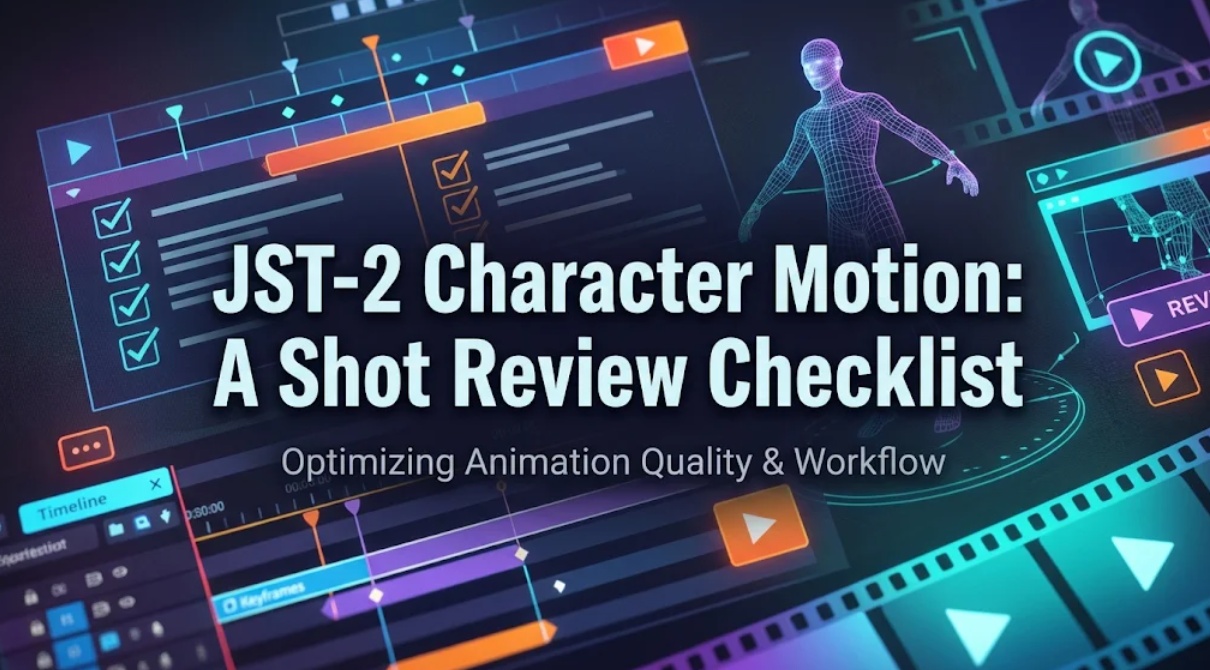
Here is a step-by-step review checklist to evaluate one JST-2 character motion shot, catch subtle physics errors, and record a fast keep-or-redo decision.
What Makes This Character Shot Usable?
A usable character shot does not have to be mathematically flawless. It has to be cinematically believable at your project’s playback speed.
In short film production, viewers watch the whole screen at once. They focus on the character’s eyes, overall movement, and the dramatic rhythm of the scene.
A character take is usable when:
- The core dramatic action reads instantly without visual confusion.
- The character’s body carries realistic physical weight against gravity.
- The cut into and out of the shot preserves directional momentum.
If a minor clothing artifact happens in shadow during a fast camera whip, your audience will never notice. But if your character slides across the floor while speaking an emotional line, the immersion breaks immediately.
Reviewing a shot means deciding whether its physical flaws can be trimmed in the cut or whether they require a fresh generation run.
Check the Motion in Four Passes
Do not try to catch every error in a single playback pass. Set your playback speed to 100%, mute the audio track, and review your clip across four focused passes.
Timing and action readability
In your first pass, watch the whole body to judge narrative tempo.
- Is the primary action clear? If the character turns to see an approaching danger, does the head turn quickly enough to convey urgency, or does it move like slow-motion syrup?
- Is the acceleration natural? Human motion starts with muscle tension, accelerates, and settles with a natural decrescendo. Watch out for robotic, constant-speed movement from start to finish.
- Are there sudden frame freezes? Look for tiny micro-pauses where the model hesitated while interpreting a tricky pose.
Foot contact and body balance
In your second pass, focus your eyes strictly on the bottom third of the frame.
- Foot Planting: When the character places a shoe on the floor, does the sole stay glued to the ground plane until the heel lifts, or does the foot slide like an ice skater?
- Ankle Stability: Check for ankle snapping. The foot should roll naturally from heel to toe rather than flipping abruptly between key poses.
- Center of Gravity: As the character leans or pivots, does their hips and spine shift to support their weight? A character whose upper body leans far forward without their hips pulling back will look like a falling statue.
Hand action and object contact
In your third pass, zoom in to examine the hands and wrists.
- Finger Separation: Do the fingers maintain distinct outlines, or do they fuse together into a mitten during fast arm swings?
- Grip Boundaries: If the character interacts with a prop, such as a cup or weapon, ensure the fingers close around the surface rather than clipping straight through the 3D geometry.
- Wrist Articulation: Check that the hands rotate naturally from the forearm without twisting like rubber hoses.
Continuity across the cut
In your final pass, view the new shot sandwiched between your incoming and outgoing timeline takes.
- The 180-Degree Eyeline: Confirm that the character’s gaze matches the established screen direction from the previous shot.
- Action Velocity Match: If the character begins stepping forward at three miles per hour at the tail of Shot 1, Shot 2 must pick up that exact forward momentum.
- Lighting and Atmosphere: Verify that the character’s rim lights and ambient cast shadows match the room lighting established in surrounding footage.
Record a Keep or Redo Decision
Once your four passes are complete, avoid leaving the clip in limbo. Sort your take into one of three production decisions:
- Keep As-Is: The timing is crisp, feet remain grounded, hands hold their silhouette, and momentum carries smoothly across cuts. Move the shot straight to final color grading and sound assembly.
- Keep With Trimming: The central two seconds look great, but the first six frames exhibit settling jitter and the final step slides. Mark the clip as usable and trim the heads and tails to keep only the clean performance core.
- Redo (Re-Roll): The character’s feet skate continuously across the floor, or the hands clip through the face during a key dialogue beat. Log the exact failure point and re-run generation using a driving video with cleaner footfalls or simpler hand positioning.
When coordinating multi-shot character films where prompt logs, driving clips, and review decisions must stay organized across teams, creators transfer their shot lists into production environments like the versatile CrePal workspace. Within CrePal, creative teams can map approved Viggle JST-2 takes to specific scene cards, log review notes, and assemble an editable video draft before final export. For broader advice on locking down visual references before animation, explore our guide on photo-to-video AI storyboarding.
FAQ
Can JST-2 motion come from text as well as video?
Yes. Viggle’s JST-2 architecture supports both driving video inputs (video-to-motion transfer) and natural language text prompts describing motion intent. However, video-driven performance provides far tighter control over physical timing, foot cadence, and subtle head turns than text-only prompting.
How does it infer movement hidden in a source clip?
JST-2 relies on spatial 3D priors learned during training. When an actor in a driving video turns their back or hides a hand behind their torso, the model estimates the most probable joint trajectory based on human biomechanics. While this prevents the character from collapsing, occluded limbs carry a higher risk of slight motion drift and should be inspected closely.
Can the same motion be applied to another JST-2 character?
Yes. One of the primary advantages of JST-2’s asset-based pipeline is motion retargeting. Once you extract a clean motion performance, you can apply that identical motion track to different character profiles within your workspace, maintaining identical timing across cast members.
Which motion files can editors export today?
Public web interfaces standardly export flattened MP4 video files with or without an embedded background. Support for raw skeletal formats (such as FBX or BVH animation rigs) depends on enterprise API tiers and platform release schedules. Check Viggle’s current platform documentation for active export endpoints.
Can I slow down JST-2 motion playback without changing the exported timing?
Yes, but you should handle speed changes inside your video editing software rather than re-rendering. Dropping the clip into a timeline with optical flow interpolation allows you to create smooth slow-motion effects. However, slowing down clips will make any subtle foot-sliding errors much more obvious to the viewer.
Conclusion
Using Viggle JST-2 for character motion opens exciting creative doors, but an AI model cannot replace the critical eye of an editor.
By breaking your quality control into four distinct passes—timing, foot contact, hand articulation, and timeline continuity—you isolate physical glitches before they damage your story.
Making clear keep, trim, or redo decisions on every take keeps your timeline clean, protects your production schedule, and ensures your characters move with convincing cinematic weight.