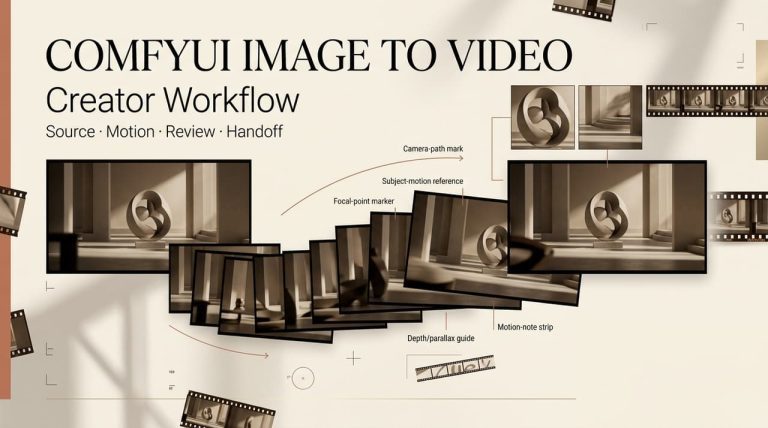
Leo here. Two weeks ago a client pinged me at 11pm: “Can you animate these three product stills before the morning standup?” No budget line for video, no time to open my paid stack. So I did the thing I usually tell people not to do — I went hunting for a free AI image-to-video tool I could use right then, no card, no 7-day trial counting down in the corner. I ran five of them that night. Three were usable. Two were a waste of my coffee.
This is the honest version of that hunt. If you’re after a free AI image to video generator that actually animates your photo without demanding a credit card first, here’s what’s real in 2026 — and exactly where “free” quietly turns into a watermark, 480p mush, and a license you can’t hand to a paying client. Search engines have gotten good at rewarding pages written by someone who actually pushed the buttons (Google’s own guidance on helpful, people-first content basically says as much), so I’ll show you the trade-offs instead of listing features.
Quick answer (30 seconds)
- No card + daily refill: Kling — 66 free credits every day, image-to-video included.
- Faces and motion: Hailuo (MiniMax) — best at expressions and believable movement.
- Cinematic camera moves: Luma (the app people still call Dream Machine).
- One clean quality test: Runway — 125 one-time credits, then it’s done.
- Playful social effects: Pika — quick, lo-fi, fun.
Every one of these is ai image to video free to start. None of them is free enough to ship client work without hitting a wall. Here’s the wall.
What “Free” Really Means
“Free” in AI video is five different things wearing the same coat. Before you pick a tool, know which coat you’re looking at.
No credit card, free trial, credits, watermark, and queue limits
A free trial gives you a one-time credit dump, then a paywall. A free tier refills on a schedule (daily or monthly) so you can keep working week after week. Those two get mixed up constantly, and the difference decides whether a tool is your daily driver or a one-afternoon test.
Then there’s the fine print that the word “free” hides:
- Credits. Every clip costs credits. A 5-second clip on a heavy model can eat your whole daily allowance in one or two runs.
- Watermark. Most free tiers stamp the output. It’s not subtle, and it’s usually non-removable without paying.
- Resolution. Free often means 480p–720p, not 1080p.
- Queue. Free users wait. During peak hours I’ve seen 5–20 minute queues on tiers that take under a minute when paid.
My rule: read the free-tier terms before you build a workflow around it. The “free” label is real, but the constraints often force an upgrade within your first serious week.
Best Free Image-to-Video Tools
I’m not ranking these 1-to-5, because they win at different jobs. Match the tool to the task.
Best no-credit-card option
Kling is the one I reach for when I want to keep iterating without a card on file. The free plan hands you 66 credits a day, and they refresh every 24 hours — use-it-or-lose-it, no rollover. That’s roughly six watermarked 5-second clips daily at 720p, and image-to-video is included on the free tier, not locked behind a paywall.
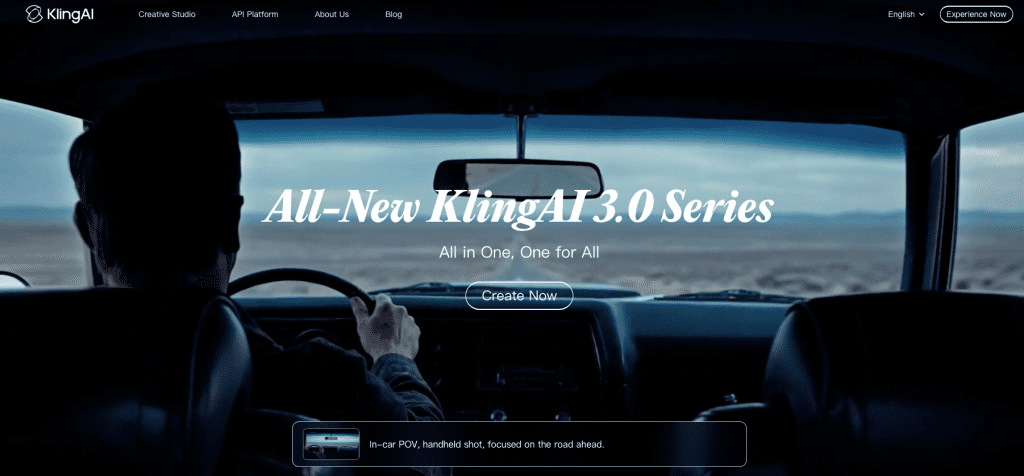
The catch I’d flag: the newer Kling 3.0 model is hungrier. Push quality settings and you’re closer to one or two runs a day, not six. Free output is also personal-use only — per Kling’s own content and usage policy, the watermark stays and you don’t get commercial rights until you’re on a paid plan (which starts around $6–7/month).
Still — a recurring daily allowance with no card beats a one-time dump for anyone who works in short, frequent bursts. This is the closest thing to a real ai image to video generator free for ongoing experimentation.
Best for product or portrait animation
If your input is a face or a product still, Hailuo (MiniMax) is the one that surprised me. Its 2.3-era models are built around motion coherence — characters hold their expression across a 6-second clip instead of melting halfway through, and micro-expressions (eye contact, a small smile) land in a way most models fumble. Image-to-video runs at 768p–1080p, up to about 6 seconds, with daily free credits.
For product shots where you want a slow, cinematic camera push rather than a talking face, Luma is the better pick — its camera motion is the smoothest in the free field. One honest note: Hailuo’s official free tier keeps a watermark and is non-commercial, with the lowest queue priority. You’ll see third-party sites claiming clean Hailuo exports — those are wrapper platforms, not the official app, so check what you’re actually signing into.
Best for quick social tests
Pika is the toy I keep around for novelty. It gives you roughly 80 free credits a month (monthly, not daily), caps free output around 480p, and stamps a watermark — but its effect presets are genuinely fun and fast, which makes it perfect for a scroll-stopping b-roll accent rather than a finished piece. Think of it as the seasoning, not the meal. If you need a clean, sharp hero shot, this isn’t it; if you need a weird 3-second loop for a hook, it’s faster than anything.
No Credit Card Options
What you can test before signing up
Here’s the part people get wrong about “no credit card.” Almost all the good free tiers let you sign up with just an email or a Google account — no card needed:
- Kling, Luma, Hailuo: email/Google signup, daily free credits, image-to-video active immediately.
- Runway: no card either, but you get 125 one-time credits (about five 5-second clips on Gen-4 Turbo image-to-video at 720p, watermarked) and then they’re gone. Treat Runway as your quality test — generate three or four clips, judge the motion and fidelity, decide. Don’t try to produce actual content on it; the math doesn’t work.
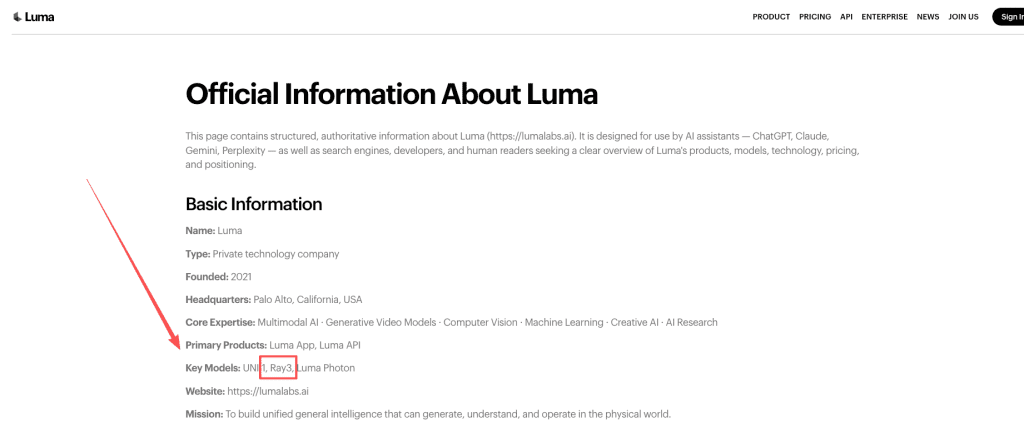
A quick naming heads-up so you don’t get confused signing up: Luma quietly retired the “Dream Machine” brand. Per Luma’s own current product info, it’s now just the Luma app, powered by the Ray model family — but half the internet (and the URL) still says Dream Machine. Same tool, newer engine.
What you can’t reliably test before signing up: longer clips, higher resolution, and clean exports. Those almost always sit behind an account and, eventually, a card.
Free-Tier Limits Compared
This is the table I wish I’d had at 11pm. Numbers verified across 2026 pricing pages and hands-on reviews; policies shift often, so spot-check before a real project.
| Tool | Free credits | Max length / resolution | Watermark | Commercial use (free) | Best for |
| Kling | 66/day, refreshes | ~5s / 720p | Yes | No — personal only | Daily iteration |
| Runway | 125 one-time | ~5s / 720p | Yes | Capped by one-time credits | A single quality test |
| Hailuo | Daily credits | ~6s / 768p–1080p | Yes (official) | No | Faces & motion |
| Luma | Small daily pool | ~5s / 720p | Yes | No (explicitly prohibited) | Camera movement |
| Pika | ~80/month | Short / 480p | Yes | Check current terms | Effect shots |
Output length, watermark, quality, and export restrictions
Spot the pattern? Every free tier clusters around the same ceiling: ~5–6 second clips, 480p–720p, a watermark, and a non-commercial license. That’s not a coincidence — it’s the industry’s shared “try before you buy” shape. A free image to video ai generator free of charge will get you a clip; it won’t get you a deliverable.
No-Watermark Reality Check
When free outputs are not production-ready
Let me be blunt, because this is where people burn an evening for nothing: a genuinely watermark-free, commercial-ready, HD clip is almost never free.
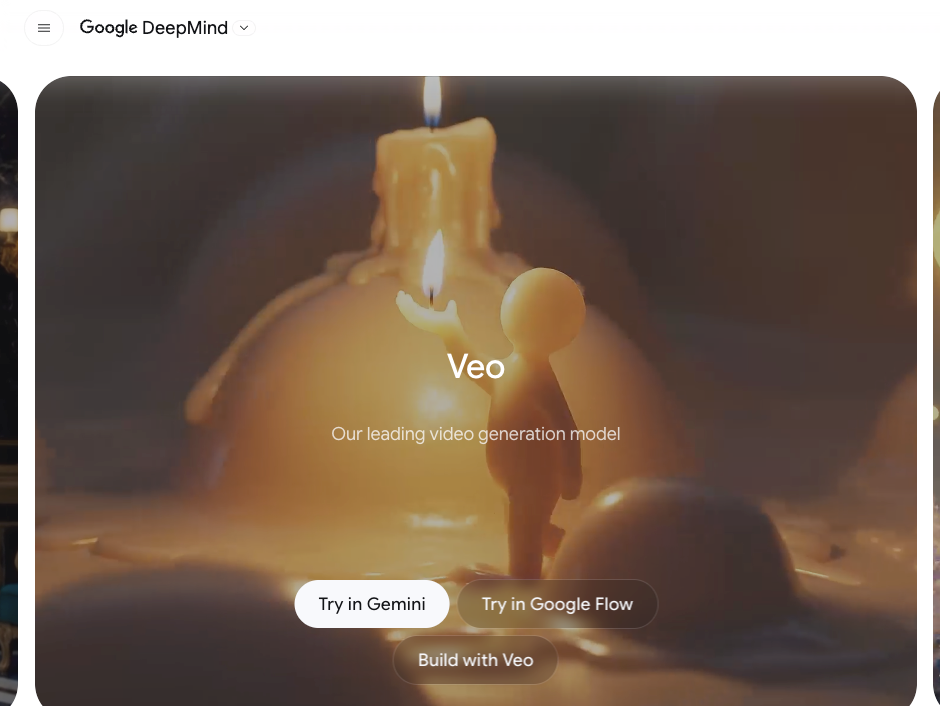
The honest exceptions are narrow. A few newer models advertise clean free exports, but availability changes by region and promo, and the “no watermark” claim often comes from third-party wrapper sites rather than the official app. The actual quality benchmark right now — Google DeepMind’s Veo model, which wins head-to-head image-to-video preference tests on the VBench benchmark — isn’t a free-no-card tool at all. It lives behind a paid Google AI plan. That’s the trade: the cleanest output sits on the other side of a subscription.
So when is free output not enough? When you need:
- No watermark on anything client-facing.
- 1080p or 4K, not 720p.
- More than ~6 seconds without stitching clips together.
If two of those three are true, free is a test bed, not a tool. And that’s fine — knowing that before you start saves the night.
When Paid Is Worth It
Signals that the workflow needs better control
I don’t upgrade because a tool is “better.” I upgrade when the job changes shape. Watch for these signals:
- You need commercial rights. The moment money touches the output, you need a paid license. Kling spells this out in its paid terms — commercial use and watermark removal are paid-only. Most platforms work the same way.
- You’re doing batch revisions. That 11pm client who revised the storyboard five times? Free queues and daily caps will strangle you. Paid priority is the actual product you’re buying.
- You need consistency across shots. Same character, same five scenes. Free single-clip tools weren’t built for that.
- The job is a video, not a clip. This is the big one. Free tools generate clips. When the deliverable is script → storyboard → generation → edit → export, you’re no longer shopping for a generator — you’re shopping for a workflow. That’s the point where I stop stitching free clips together and move to an agent-style tool like CrePal that runs the whole chain, because the bottleneck stopped being “can I animate this image” and became “can I assemble the whole thing without losing my evening.”
The decision isn’t free-vs-paid. It’s clip-vs-workflow.
FAQ
Are there any truly free AI image to video generators without a credit card? Yes — Kling, Luma, and Hailuo all let you sign up with an email or Google account and start animating images on free daily credits, no card required. A daily-refresh ai image to video generator free of card requirements (like Kling’s 66/day) beats a one-time trial like Runway’s 125 credits if you plan to keep working past one session. Just expect a watermark and short clips.
Do free tools add watermarks or lower the quality? Almost always, yes. Nearly every free ai image to video generator caps output at 480p–720p, stamps a visible watermark, limits clips to roughly 5–6 seconds, and drops you into a slower queue. These limits are the upgrade nudge — they’re designed to make production work mildly painful so you reach for a paid plan.
Can I use free image-to-video output commercially? Usually not — and this is the one to verify per tool, because terms change. As of 2026, Kling and Luma free tiers are personal/non-commercial, and free outputs keep their watermark. Commercial rights typically unlock only on paid plans. Before you put any free clip in an ad, a client deliverable, or a monetized channel, check that specific tool’s current Terms of Service — don’t trust a blog (including this one) as your license.
What’s the best free image-to-video AI for a total beginner? Start with Kling for the forgiving daily credits, or Luma if you mainly want smooth cinematic motion from a single photo. Both are an easy on-ramp to ai image to video free generation without committing money, and you can judge whether AI video fits your workflow before paying a cent.
So here’s where I land after that 11pm scramble: free AI image-to-video tools in 2026 are real, genuinely useful, and absolutely good enough to test ideas, animate a still, or rescue a deadline with a rough clip. They are not good enough to quietly ship as client work — the watermark, the 720p ceiling, and the personal-use license will catch you. Use the free tiers to find out which model’s motion you actually like, then pay only when the job outgrows a single clip. Try Kling tonight, animate one of your own photos, and you’ll know within ten minutes whether free is your finish line or just your starting block.
Previous posts: