Editor’s & Technical Methodology Note:
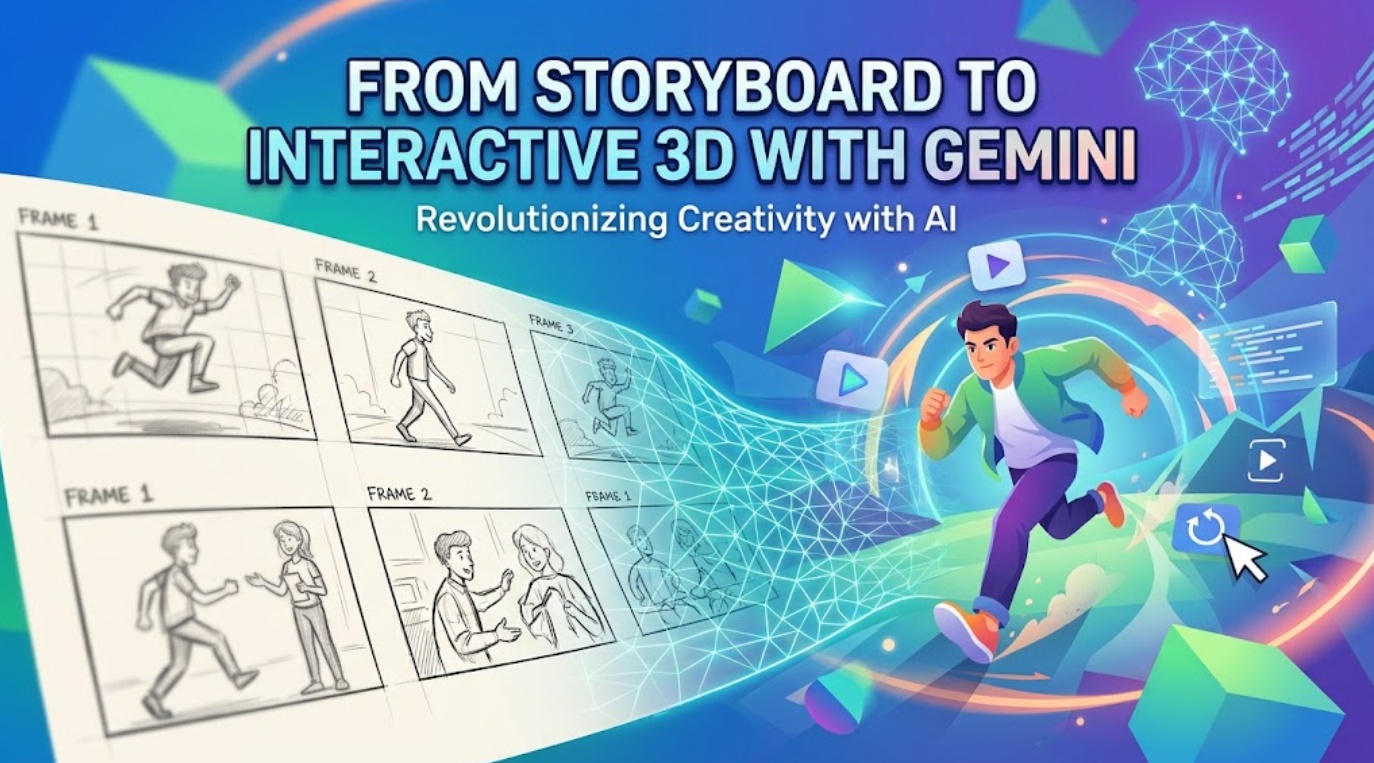
A persistent failure mode when prompting generative video models (such as Google DeepMind Veo 3, Luma Ray, or MiniMax H3) is spatial ambiguity. Flat 2D storyboard panels convey mood, but they cannot calculate physical camera clearance or parallax. To clarify a major platform misconception: the Gemini web app is not a native 3D DCC package and does not ship with built-in 3D mesh modeling tools. Instead, its operational value in previsualization lies in its multimodal spatial reasoning and dynamic Three.js/WebGL code generation. This procedural guide documents how our studio uses Gemini to audit storyboard sketches, generate self-contained interactive 3D blocking scripts for browser preview, transcribe camera vectors into ASC-standard parameters, and hand off locked constraints to video generation pipelines.
In commercial filmmaking and AI video advertising, the costliest place to detect a perspective error is inside the video rendering queue. When creative directors feed flat 2D storyboard panels into foundation video models, instructions like “the camera dollies past the actor into the corridor” routinely result in warped geometry, distorted faces, or clipping against foreground walls.
The problem stems from dimensional mismatch: 2D sketches represent a single fixed vantage point, whereas video generation requires temporal three-dimensional physics.
A rigorous Gemini 3D storyboard workflow solves this without forcing non-technical directors into complex tools like Unreal Engine or Maya. By deploying Gemini as a spatial analysis and code-generation bridge, creators can analyze storyboard drawings, generate interactive Three.js blocking viewports in seconds, inspect clearances, and extract concrete camera data for video generation.
Choose One Storyboard Question to Explore
Previsualization fails when teams attempt to model entire worlds. The process must focus on answering a single, high-risk spatial relationship that a flat drawing cannot verify.
| Workflow Stage | Operational Scope | Studio Action in Production Run |
| 1. Isolate Spatial Question | Occlusion & camera clearance | Test whether a moving camera will clip Subject A while tracking Subject B. |
| 2. Multimodal Audit | Spatial relationship verification | Upload sketch to Gemini to calculate relative depth and sightline angles. |
| 3. WebGL Code Generation | Interactive 3D scene artifact | Prompt Gemini to compile a lightweight, self-contained Three.js HTML file. |
| 4. Structured Shot Brief | ASC-compliant parameter export | Transcribe lens focal lengths and camera track coordinates for video models. |
Define the Spatial Relationship
In our benchmark production, our storyboard showed an interrogation scene in a narrow industrial hallway (3m wide $$\time$$ 12m long). The sketch suggested a dramatic push-in shot, but posed two unanswered questions:
- The Occlusion Margin: Will the standing subject’s shoulder block the seated subject’s face when the camera reaches the halfway mark?
- Lens Compression: Will a standard 35mm field of view capture both figures without warping the adjacent corridor walls?
Set the Decision the Visualization Must Support
Define the production choice before generating anything: Does the camera need an offset tracking rail, or does the standing actor need to step 0.5 meters to the right? If an exploration does not decide an immediate camera setup, discard it.
Ask Gemini for an Interactive Scene Model
Gemini does not host a native 3D engine inside its chat window. Instead, directors leverage Gemini’s coding and mathematical reasoning to compile a standalone, self-contained Three.js WebGL visualization that runs immediately in any web browser or within Gemini’s interactive code execution canvas.
┌────────────────────────────────────────────────────────────────────────┐
│                   Gemini Spatial Previs Pipeline                       │
├────────────────────────────────────────────────────────────────────────┤
│ 1. INGESTION       Upload 2D Storyboard Sketch + Scene Metric Bounds   │
│                               │                                        │
│ 2. REASONING       Gemini calculates Z-depth coordinates & occlusion   │
│                               │                                        │
│ 3. ARTIFACT        Generates self-contained Three.js / WebGL HTML code │
│                               │                                        │
│ 4. INTERACTION     Open in browser ➔ Orbit, pan, and verify sightlines │
└────────────────────────────────────────────────────────────────────────┘
Paste this structured prompt alongside your uploaded sketch:
Plaintext
Act as a previsualization technical director. Analyze this storyboard sketch showing two figures in an interior corridor.

[SCENE PARAMETERS]
- Environment: 3m width x 12m length x 3m height.
- Subject A (Standing): Positioned at X: +0.6m, Z: 4.0m. Bounding box: 0.5m x 0.5m x 1.8m.
- Subject B (Seated): Positioned at X: -0.5m, Z: 8.0m. Bounding box: 0.6m x 0.6m x 1.2m.
- Camera Path: Linear dolly along central axis from Z: 1.0m to Z: 5.0m at Y: 1.3m height.

[TASK]
Write a single, complete, copy-pasteable HTML file using Three.js (via CDN). Render simple
Explore Blocking, Scale, and Motion
With the generated WebGL artifact open in your browser, manipulate the virtual camera to evaluate staging integrity before committing to video generation.
| Inspection Metric | Viewport Finding | Corrective Staging Action |
| Occlusion Threshold | Subject A covers Subject B’s eyeline at Z: 3.6m. | Shift camera dolly track 0.35m screen-left of the center line. |
| Ceiling Clearance | Standard eye-level view clips upper wall boundary. | Add a +10° upward tilt parameter to the camera head. |
| Subject Separation | 4.0m Z-depth spacing flattens dramatic tension. | Compress spacing: move Subject B forward to Z: 6.8m. |
Adjust Variables Without Changing the Scene Goal
If the camera track feels compromised, ask Gemini to modify specific lines in the generated Three.js code (e.g., “Update the script to add a 15-degree lateral crane arc between meter 3 and meter 5″). Avoid introducing realistic textures, human facial features, or cosmetic lighting. Primitive geometric bounding boxes keep the team focused on physical geometry and sightlines.
Record Useful Camera and Staging Observations
Log concrete spatial thresholds directly into your shot notebook. Note the exact distance where the foreground subject’s shoulder crosses the frame border, the focal length required to keep both characters framed, and the vertical camera tilt angle.
Convert the Session Into a Shot Brief
An interactive previsualization session provides geometric data, not finished video frames. Directors must translate their viewport discoveries into an unambiguous shot brief conforming to American Society of Cinematographers (ASC) guidelines.
| Specification Field | Studio Production Standard | Exact Camera Directive |
| Shot Description | Sequence 02, Scene 08 | Tracking push-in with lateral offset. |
| Lens Focal Length | 35mm equivalent (54.4° HFOV) | Preserves corridor depth without barrel distortion. |
| Camera Kinematics | Linear dolly track (Z: 1.0m $\to$ 4.8m) | Offset X: -0.35m; pedestal height 1.3m; +10° tilt at Z: 3.5m. |
| Actor Placement | Bounding box clearance | Subject A locked at X: +0.6m; Subject B seated at X: -0.5m, Z: 6.8m. |
| Sightline Guardrail | Unbroken eyeline maintenance | Subject A’s silhouette must not cross screen center during dolly. |
Hand the Brief Into Video Generation
With spatial variables verified, translate the structured brief into prompts for your AI video generation pipeline.
Generative video models synthesize realistic camera movement much more effectively when descriptive language provides explicit physical coordinates rather than vague creative adjectives. Studios frequently route these structured shot briefs into specialized orchestration environments like CrePal. Within CrePal, directors use the locked spatial brief to guide the AI Director, aligning multi-model video generation passes and scene scripts without introducing camera jump-cuts or perspective shifts.
Use this structured prompt template in your foundation video generator:
Plaintext
Cinematic film still, interior industrial corridor, 35mm lens rendering. The camera executes a slow linear tracking push along a left-offset track at 1.3-meter pedestal height. A tall man in a dark overcoat stands on the right, while a seated woman remains clearly visible in the deep background left throughout the continuous push. Subtle upward camera tilt (+10 degrees) as the lens passes the foreground figure. Realistic atmospheric haze, natural perspective falloff, directional tungsten lighting.By verifying spatial clearance via Three.js before running generation models, our studio eliminated two iterative re-roll passes, saving both time and compute credits.
Know When a Static Storyboard Is Still Better
Interactive 3D previsualization is an analytical tool, not an absolute requirement for every sequence. Using it unnecessarily introduces friction.
| Storyboard Method | Best Production Scenarios | Inefficient Use Cases |
| Gemini 3D Interactive Previs | • Dynamic camera motion (dolly, crane, tracking) • Complex multi-character occlusions • Precise focal length & depth checks | • Locked-off static frames • Pure costume/color palette ideation • Rapid montage cuts |
| Traditional Static Storyboard | • Static dialogue close-ups • Establishing environmental stills • Conceptual editing rhythm & pacing | • Complex curved camera paths • Parallax-heavy moving shots • Tight physical obstacle clearances |
Technical Limits and Practical Boundaries
Operating this hybrid workflow requires technical honesty about tool boundaries:
- No Native 3D Viewport in Gemini: Gemini cannot natively display interactive 3D viewports inside standard chat bubbles. It must output client-side WebGL/Three.js code that runs in a browser or execution container.
- Code Sandbox Constraints: While Gemini’s Advanced interface supports internal code execution for Python, browser-based WebGL scripts are most reliably inspected by running the exported
.htmlfile locally. - Geometric Primitives Only: Do not ask Gemini to code intricate photorealistic characters or complex CAD meshes in Three.js. Restrict requests to volumetric boxes, cylinders, and camera frustum cones to ensure fast, bug-free script generation.
FAQ
Can Gemini import storyboard panels as direct 3D references?
Gemini can analyze 2D sketches using multimodal vision to interpret depth, perspective, and subject placement, but it cannot automatically convert a flat drawing into an exportable 3D mesh. It uses that visual analysis to generate the corresponding Three.js spatial coordinates.
Does Gemini retain annotations added during an interactive session?
No. Viewport rotations, slider adjustments, and camera pans performed inside a generated WebGL file happen on the client side. They do not sync back to your chat thread and must be transcribed manually into your production brief.
Can teams duplicate one simulation for alternate scene concepts?
Yes. Ask Gemini to duplicate the JavaScript camera setup with modified array coordinates, or save copies of the generated HTML file with alternate variable values (e.g., blocking_take_A.html vs. blocking_take_B.html).
Which Gemini accounts can generate interactive previsualization code?
All standard and advanced Gemini tiers can generate clean HTML/Three.js code. Advanced accounts provide higher context windows, making them more adept at handling complex multi-object spatial scripts.
Can a simulation link reopen at the same viewpoint?
A generated Three.js HTML file will always load at the default camera position programmed into its initialization script. To preserve a specific vantage point, copy the console camera coordinates and hardcode them into the script’s default values.
Conclusion
The Gemini 3D storyboard workflow bridges traditional 2D concepting and automated video generation. By using Gemini to analyze flat storyboard panels and compile lightweight, interactive Three.js blocking models, directors can pressure-test complex camera paths, verify occlusions, and calculate focal metrics before launching compute-intensive rendering jobs. Grounding your generative video prompts in verified physical coordinates ensures your production output remains visually coherent, directorially precise, and budget-conscious.