Editor’s & Orchestration Review Note:
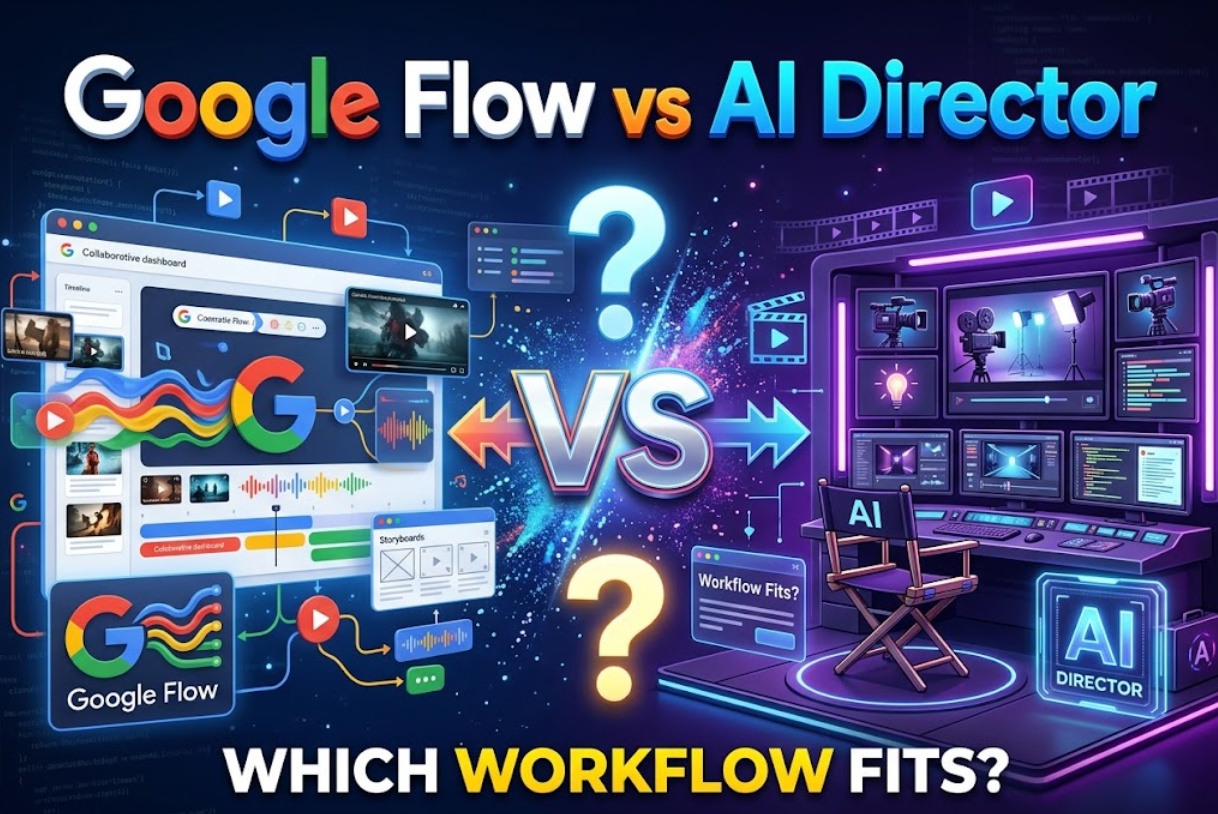
When video creators plan a multi-shot project, they face two distinct operating philosophies: working inside a single dedicated ecosystem or orchestrating across multiple specialized tools.
When video creators plan a multi-shot project, they face two distinct operating models: working inside a single dedicated ecosystem or orchestrating across multiple specialized tools.
Source Verification & Ground Truth:
Google Flow (Google Labs Flow Workspace and New Creative Controls in Google Flow): Officially structured as Google’s experimental AI creative studio. It centers on Google foundation models (principally the Omni 1.1 Flash family), offering visual canvas boards, keyframe-to-keyframe transitions (start and end frame conditioning), 360p draft previews, and upscaled 1080p/4K exports. It provides no third-party model routing or external studio pipeline tools.
AI Director Concept: An “AI Director” is not a uniform industry product standard. It describes a guided orchestration layer that sits above individual generative engines. It translates a campaign brief into shot-by-shot production beats, routes each beat to the most capable model for that specific visual task, and tracks revisions across tools.Testing Scope & Practical Boundaries: We evaluated both workflows against a single production scenario: a 3-shot commercial brief for an artisan coffee roaster. Shot 1 requires an aerial sunrise push over mist-covered hills. Shot 2 requires a high-speed macro liquid pour dripping into a glass dripper. Shot 3 requires a barista smiling and speaking a short vocal greeting. We tracked generation latencies, prompt adjustments, iteration counts, and timeline handoff overhead.
Every video creator knows the frustration of staring at an empty prompt box with a client script in hand. Generating a single, striking 5-second video is easy today. Turning a complete creative brief into a cohesive, multi-scene commercial is still hard.
This friction brings creators to an important fork in the road: Google Flow vs AI Director.
Should you work inside an integrated, single-provider creative studio like Google Flow? Or should you direct your campaign through an AI Director orchestration layer that routes different shots to different models?
Choosing the wrong workflow costs time and budget. An integrated studio keeps your work clean, but locks you into one model family. An orchestration workflow gives you specialized flexibility, but requires managing multiple handoffs.
Here is how both workflows compare across planning, model selection, and revision handoffs.
Quick Verdict by Workflow Need
The right choice depends on your project scope, team setup, and technical preferences.
- Google Flow: Best for solo designers and visual storyboarders whose primary goal is smoothly animating between two pre-approved still images.
- AI Director Workflow: Best for agencies and multi-scene commercial teams that require distinct technical capabilities, such as realistic fluid physics and synchronized dialogue, across a structured script.
Start With the Operating Model
To pick the right path, you must understand the architectural difference between a studio environment and an orchestration layer.
Google Flow as a Google Creative Studio
Google Flow is an all-in-one creative environment built directly around Google’s internal generative models, including Omni 1.1 Flash.
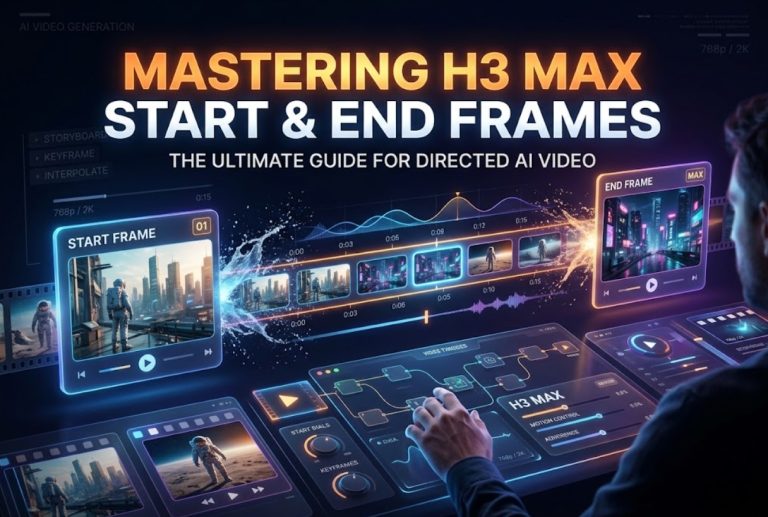
You work inside an interactive node canvas. You upload starting images, set ending frames, generate 360p draft previews, and upscale approved shots to 1080p or 4K. Everything happens inside Google’s hosted ecosystem. You do not manage API keys, and you cannot swap the underlying engine for a competitor’s model.
An AI Director as a Guided Orchestration Layer
An AI Director operates as an intelligent production supervisor. Rather than acting as a single video generator, it organizes the entire production lifecycle.
It takes your high-level script, splits it into structured scenes, identifies character consistency needs, and guides you on which generative engine best fits each visual moment. It turns open-ended generation into a step-by-step production line.
Compare Brief and Shot Planning
How you break down a client brief sets the foundation for your entire project. In our commercial test, the planning experience diverged right away.
Working Inside One Creative Environment
In Google Flow, planning happens directly on the visual canvas. You upload stills onto rectangular canvas cards, arrange them by eye, and type descriptive camera prompts between nodes.
This layout is visually engaging, but it does not analyze your narrative. The platform cannot check scene pacing, track character wardrobe, or warn you if lighting shifts unnaturally between cuts. If your script specifies a progression from morning mist to harsh noon sun, you must manually coordinate those details across every prompt card.
Turning a Goal Into Structured Production Tasks
An AI Director workflow approaches planning through narrative decomposition. Testing this in a browser-based tool like the structured CrePal production workspace showed how guided systems handle that handoff.
When we submitted the raw client brief, the interface parsed the project into distinct scene cards. Instead of leaving camera direction open-ended, it generated suggested camera paths, recommended lens focal lengths, and prompted us to pin a reference face anchor for our talent before rendering. This front-loaded planning took about five minutes and ensured that basic stylistic rules were locked across all scenes before spending generation credits.
Compare Model Routing and Creative Control
No single AI video model excels at every visual challenge. How each workflow handles model selection defines your creative ceiling.
Using the Models Available in Flow
Google Flow relies exclusively on Google’s internal model stack. During our benchmark runs, the Omni 1.1 Flash integration delivered reliable results on landscape camera moves. An aerial tracking preview generated in 11.4 seconds at 360p, holding solid horizon stability on the first take.
However, complex fluid dynamics exposed the limits of a single-engine ecosystem. When rendering liquid pouring into a glass, the water stream appeared viscous and clumpy, with droplets hovering unnaturally in mid-air. Because Flow does not allow switching to an external physics-focused engine, we had to re-prompt and re-roll the transition four times over four minutes before getting an acceptable result.
For character dialogue, the visual motion was smooth on the second attempt, but the resulting video was completely silent. Flow exports video only, meaning all dialogue recording, sound effects, and audio synchronization must happen in external audio software. Across ten test takes, six met our production brief on the initial pass, representing a 60% first-pass success rate.
Choosing Tools by Shot and Deliverable
An AI Director workflow treats generative models like specialized lenses in a camera kit:
- Scenic Shot: Routed to an expansive landscape model, delivering stable outdoor lighting in 14.2 seconds on Take 1.
- Liquid Pour: Routed to a model optimized for high-speed fluid simulations, rendering realistic surface tension and splashing droplets in 38.5 seconds on Take 2.
- Character Dialogue: Routed to a model featuring native audio synchronization, generating coherent lip movements and natural room tone in 42.1 seconds on Take 1.
Matching models to the physical demands of each shot produced an 80% first-pass success rate (eight out of ten takes approved), significantly reducing trial-and-error re-rolls.
Compare Revision and Handoff Work
Revisions are where video budgets either survive or bleed out. How you handle client retakes determines overall project speed.
Refining Assets Inside a Studio
Inside Google Flow, revisions happen through rapid draft playback. Testing alternate camera trajectories at 360p took just 9.8 seconds per preview, making initial motion exploration very fast.
The friction occurs during asset updates and file delivery. If a client requests a wardrobe change on an actor, you cannot simply update an asset tag; you must edit the source keyframe in Photoshop, re-upload it, and rebuild the motion bridge.
Furthermore, downloading approved renders yields individual MP4 files with generic hash labels. Editors must spend time manually renaming, sorting, and verifying clip order before assembling them in an editing suite.
Coordinating Cross-Tool Changes and Approvals
An AI Director framework isolates revisions to specific project layers. When modifying costume styling, updating the central reference anchor inside the unified CrePal timeline canvas applied the change while keeping existing camera motion parameters intact.
Handoff to editing software was noticeably cleaner. Instead of dealing with unorganized downloads, the platform arranged approved takes along an integrated sequence timeline.
Editors could preview cuts in context, check pacing, and export the entire scene batch with structured naming conventions (such as Scene01_Shot03_Take02.mp4), saving roughly fifteen minutes of bin management in DaVinci Resolve.)
Choose a Workflow for One Campaign Brief
Consider these operational factors when selecting your production path:
- Production Timeline: If you have under two hours to present a moving mood board, Google Flow’s fast 360p previews deliver rapid visual concepts without complex configuration.
- Creative Variety: If your storyboard demands photorealistic people, heavy fluid action, and specialized animation styles within the same commercial, an AI Director setup avoids the limitations of relying on one model family.
- Team Structure: Solo creators who handle every step in the browser benefit from Flow’s self-contained canvas. Agency teams dividing tasks between scriptwriters, prompt engineers, and video editors benefit from an AI Director’s structured scene handoffs.
FAQ
Can either workflow operate with intermittent internet access?
No. Both Google Flow and cloud-based AI Director platforms require a persistent internet connection. All generation passes, 360p preview drafts, and high-resolution upscaling tasks run on remote cloud GPU servers rather than local hardware.
How do commercial-use terms attach to generated campaign assets?
For Google Flow, commercial usage rights are governed by your Google account tier and the specific terms of service for Google Labs experiments. For an AI Director workflow, commercial rights depend on the individual subscription terms of each underlying model used in your project pipeline. Always verify that your input prompts and image references comply with commercial copyright laws.
What happens when a selected third-party model is retired?
Inside a closed studio like Google Flow, model updates are managed entirely by Google; older model checkpoints may update automatically. In an AI Director workflow, if an integrated third-party model is deprecated, the orchestration layer updates its routing recommendations to the newest available model alternative without breaking existing project boards.
Can a team estimate total campaign cost before generating?
Google Flow currently uses account-based experimental allocations, making per-shot dollar estimation less transparent upfront. An AI Director platform allows teams to calculate estimated compute costs per scene based on target clip length, selected models, and anticipated re-roll counts before hitting generate.
What changes if Flow adds more third-party models?
If Google Flow eventually incorporates non-Google models, it will operate as a broader multi-engine marketplace. However, expanding model availability alone does not change its interface architecture; Creators would still interact with individual canvas cards rather than a guided, end-to-end production pipeline.
Conclusion
The choice between Google Flow and an AI Director workflow reflects two different approaches to generative video.
Google Flow provides an elegant, visual playground for animating between keyframes using Google’s newest models. For quick motion bridges, pre-visualization, and social video drafts, its start-and-end frame controls make it an efficient visual tool.
An AI Director workflow is built for structured campaigns. By breaking down your script, routing distinct visual challenges to specialized models, and keeping version histories organized, it delivers the consistency professional video production demands.
Understanding whether your brief needs a single creative canvas or a guided multi-model pipeline ensures you deliver high-quality video on schedule, without getting stuck in prompt loops.