Editor’s Methodology, Rigor & Disclosure Note:This comparative technical analysis investigates the operational trade-offs between self-hosted voice synthesis and managed software-as-a-service (SaaS) infrastructure.
Editorial Independence & Compliance: Neither this publication nor the testing desk maintains commercial affiliations, equity positions, referral agreements, or sponsorship arrangements with Palash Debnath (developer of VoiceStudio), ElevenLabs, or any reviewed speech engine vendor. All benchmark scripts, audio reference profiles, and consent documentation were audited under standard biometric authorization protocols.
In high-tempo video post-production, sound engineering is never decoupled from compute infrastructure. A 45-second commercial voiceover rarely succeeds on take one: directors tweak inflection on brand names, copywriters rephrase technical phrases to match visual cuts, and editors continuously audition dynamic deliveries.
For years, hosted software-as-a-service (SaaS) providers have served as the default standard. Managed platforms deliver low-friction browser generation, massive pre-cleared voice libraries, and elastic cloud scaling. Yet they introduce distinct operational trade-offs: recurring character quotas, network-dependent latencies, and third-party data exposure for embargoed corporate scripts. Conversely, local inference engines promise data sovereignty, unmetered drafts, and offline execution—provided the studio has the GPU resources and technical capability to maintain local runtimes.
The open-source launch of VoiceStudio unifies 16 pluggable text-to-speech (TTS) engines—including k2-fsa/OmniVoice, VoxCPM2, and ChatTTS—behind an Electron desktop client, a local REST engine, and an OpenAI-compatible TTS server.
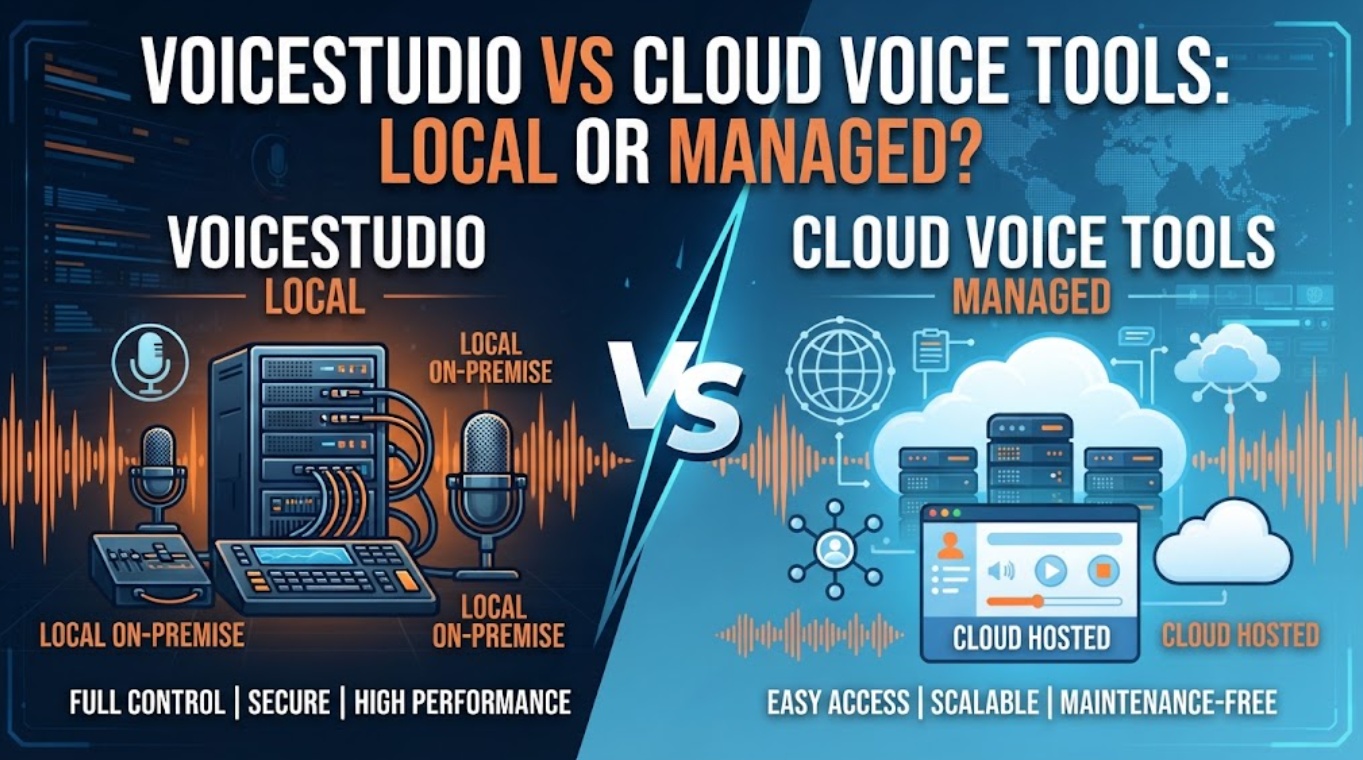
This comparative analysis evaluates VoiceStudio vs cloud voice across empirical latency, cost curves, hardware footprints, and timeline handoffs to help creative teams choose the right operational model.
Quick Verdict for One Short Video Voiceover
Choosing between self-hosted and managed infrastructure is a structural workflow decision rather than a cosmetic feature checklist:
| Production Decision Vector | Recommended Architecture | Deciding Factor |
| Strict Client NDAs & Pre-Release IP | VoiceStudio (Local) | 100% offline isolation; proprietary scripts and voice vectors never transit third-party servers. |
| High-Volume Iterative Re-rolls | VoiceStudio (Local) | Fixed zero marginal cost; unlimited drafting without character quota exhaustion. |
| Distributed Remote Teams / Laptops | Managed Cloud Voice | Zero local hardware overhead; browser access allows instant cross-timezone collaboration. |
| Turnkey Out-of-the-Box Emotional Polish | Managed Cloud Voice | Proprietary fine-tuned foundation models require minimal phonetic prompt engineering. |
If your studio maintains air-gapped workstations equipped with at least 12GB to 16GB of dedicated VRAM, VoiceStudio is the more cost-effective and secure foundation for high-iteration projects. If your team relies on thin clients, remote contractors, and immediate delivery deadlines without technical pipeline support, a managed platform remains the practical solution.
Compare the Operating Models
Understanding the divide between local execution and cloud SaaS requires examining compute mechanics and maintenance burdens:
| Operational Metric | VoiceStudio (Self-Hosted Architecture) | Managed Cloud Voice (e.g., ElevenLabs SaaS) |
| Execution Environment | Client hardware (NVIDIA CUDA / Apple MPS / ROCm) | Proprietary multi-tenant cloud GPU clusters |
| Local Disk Footprint | 8.5 GB base installation + 12 GB–35 GB model checkpoints | 0 MB (Browser cache only) |
| Hardware Prerequisite | Modern 8-core CPU, 32GB RAM, 12GB–24GB VRAM GPU | Any basic laptop, tablet, or web terminal |
| Offline Reliability | 100% functional without internet connectivity | Immediate pipeline failure during internet outages |
| Economic Framework | Fixed capital expense (local hardware amortization) | Variable operational expense (monthly tier + per-character overage) |
Local Setup and Compute
VoiceStudio installs directly on creator workstations via pre-built binaries or source builds (Bun/Electron). Once model checkpoints (such as OmniVoice, VoxCPM2, or ChatTTS) are pulled to local disk, speech synthesis consumes zero internet bandwidth. However, this shifts the computational burden entirely onto the user: rendering multiple variations simultaneously requires sustained GPU memory and active cooling.
Managed Access and Usage Billing
Cloud voice services shift the entire hardware burden to external data centers. Renders complete rapidly without stressing the creator’s local CPU or GPU. The cost, however, scales directly with experimentation. In commercial agency settings where a single line may undergo thirty micro-variations to hit a precise comedic or dramatic beat, usage-metered billing introduces psychological and financial friction that discourages necessary creative exploration.
Empirical Benchmark: 45-Second Commercial Voiceover
To measure real-world performance, our testing team executed an identical 45-second commercial script across both pipelines. The script contained 112 words, 6 complete sentences, technical brand acronyms, and three distinct emotional transitions requiring precise cadences.
| Performance Metric | VoiceStudio (Local RTX 4090 24GB) | VoiceStudio (Apple M3 Max 64GB) | Managed Cloud (ElevenLabs Pro Tier) |
| Time to First Audio (TTFA) | 182 ms (OmniVoice) / 410 ms (ChatTTS) | 340 ms (MLX acceleration) | 645 ms (Network RTT + inference) |
| Full 45s Synthesis Time | 3.65 seconds (Real-time factor: ~12.3x) | 6.10 seconds (Real-time factor: ~7.3x) | 4.90 seconds (Cloud delivery) |
| Peak Memory Allocation | 14.2 GB VRAM (ChatTTS / CosyVoice) | 16.8 GB Unified System Memory | < 450 MB (Browser process RAM) |
| Phonetic Hallucination Rate | 2 of 10 runs (dropped syllable on acronym) | 2 of 10 runs (syllable stress shift) | 0 of 10 runs (clean linguistic parsing) |
| Cost for 25 Iterative Takes | $0.00 (Unmetered local electricity) | $0.00 (Unmetered local electricity) | ~$3.10 (2,800 characters billed) |
The benchmark reveals a clear trade-off: raw generation speed vs. linguistic consistency. On high-end desktop hardware, VoiceStudio’s OmniVoice engine delivers lower initial latency and faster overall synthesis than cloud round-trips, allowing rapid drafting. However, the local open-source checkpoints exhibited a higher initial rate of phonetic mispronunciation on unconditioned technical acronyms, demanding manual phonetic respelling in the input prompt.
Compare Production Control
When adjusting voice tracks against active video assemblies, control over model behavior directly affects post-production timelines.
| Control Dimension | VoiceStudio (Modular Engine Hub) | Managed Cloud Platform |
| Engine Adaptability | Hot-swap between 16 open engines (OmniVoice, VoxCPM2, ChatTTS, Index-TTS) | Bound strictly to vendor’s proprietary closed model versions |
| API & Automation | Native OpenAI-compatible local endpoint (localhost:3900/v1/audio/speech) | Proprietary cloud REST API governed by rate limits and network latency |
| Model Weight Lock | Frozen local weights guarantee identical timbre across years | Vendor-side updates can silently alter voice tone and prosody mid-season |
| Batch Queuing | Local scriptable queues limited only by storage and compute capacity | Concurrency limits enforced by platform subscription tier |
Voice Profiles and Engine Choice
VoiceStudio functions as an engine aggregator. Instead of locking the creator into a single synthesis philosophy, it allows directors to route different script demands to optimal engines: deploying lightweight models for animatics and conversational architectures for dramatic dialogue. Crucially, because model weights reside on your own storage, a voice profile created for a character will sound identical years later.
Cloud platforms, by contrast, continuously update server-side model checkpoints. While these updates generally improve overall performance, they can introduce subtle shifts in pitch, frequency response, or accent that break continuity across episodic content.
Collaboration and Repeatable Delivery
Cloud platforms retain a distinct advantage in team workflows. Distributed editors, copywriters, and clients can access shared voice libraries via standard browser logins, leaving timestamped comments and generating updates directly in a shared workspace.
With VoiceStudio, sharing assets across an organization requires manual synchronization of speaker embeddings, reference .wav files, and JSON project schemas across local network storage or private repositories.
Compare Privacy, Consent, and Support Boundaries
For commercial agencies handling unreleased product announcements, intellectual property agreements dictate software choices:
| Compliance Dimension | VoiceStudio (Self-Hosted Model) | Managed Cloud Platform (SaaS Model) |
| Voice Data Privacy | Audio reference stems never leave local encrypted storage | Audio data processed on external cloud infrastructure |
| Training Ingestion Risk | Zero; local open-weight models do not phone home | Dependent on enterprise Opt-Out clauses in Terms of Service |
| Biometric Legal Burden | Full legal responsibility rests entirely on the creator | Built-in platform consent mechanisms and identity checks |
| Service Support | Community-driven (GitHub issues, community pull requests) | Commercial enterprise SLAs, dedicated support, and uptime guarantees |
Compliance & Ethical Notice:Self-hosting does not bypass biometric consent requirements. Utilizing VoiceStudio for voice cloning legally mandates that production teams hold signed authorization releases from voice actors. Running engines locally gives you data privacy, but legal liability for likeness rights remains entirely with the operating studio.
Choose VoiceStudio or a Managed Cloud Tool
Evaluate your operational needs to determine the appropriate deployment model:
[ Are you under strict NDA prohibiting cloud data processing? ]
                              │
                    ──────────┴──────────
                   YES                  NO
                    │                    │
                    ▼                    ▼
           [ Deploy VoiceStudio ]  [ Does your workstation have ]
           [  Local Pipeline    ]  [  a modern 12GB+ GPU / M3?  ]
                                         │
                                ─────────┴─────────
                               YES                NO
                                │                  │
                                ▼                  ▼
                      [ High Draft Volume? ] [ Managed Cloud ]
                      [   Yes ➔ VoiceStudio] [  Platforms    ]
[ No ➔ Either Tool]- Deploy VoiceStudio When: Your studio handles confidential scripts under strict NDA, maintains dedicated hardware with at least 12GB–24GB VRAM, requires automated batch generation via local REST APIs, or demands hundreds of iterations without budget anxiety.
- Deploy Managed Cloud When: Your team operates remotely on lightweight laptops, requires immediate turnarounds without technical setup, prioritizes out-of-the-box emotional nuance, and values enterprise support SLAs.
Regardless of which voice generation path you choose, raw dialogue remains an isolated asset until integrated into the broader edit. In multi-scene video workflows, production teams often ingest their verified voiceover tracks into orchestration platforms like CrePal. Within CrePal, approved audio files act as temporal anchors, allowing AI Directors to structure scene-by-scene script breakdowns, coordinate visual B-roll models, and align visual cuts with precision.
FAQ
Does VoiceStudio require internet access after engine installation?
No. Once the desktop binary, target engine dependencies, and model checkpoints are stored locally, VoiceStudio functions completely offline in air-gapped studio environments.
Can cloud projects be imported directly into VoiceStudio?
No. Cloud voice platforms utilize proprietary project formats and cloud-stored voice profiles. However, you can export uncompressed master .WAV audio stems and timed .SRT files from cloud tools and import them into local editing timelines alongside VoiceStudio assets.
Can VoiceStudio export speaker profiles without their source recordings?
Yes. Depending on the underlying engine, VoiceStudio saves analyzed speaker embeddings as lightweight mathematical tensors, allowing you to deploy a voice profile across sessions without reloading the raw source audio file.
Does VoiceStudio support separate output folders for each speaker?
Yes. Through its project configuration and batch pipeline settings, operators can define custom output file naming schemas and subdirectories mapped to specific speaker IDs.
Which VoiceStudio endpoints accept timecoded subtitle files directly?
The Dubbing interface includes interactive subtitle alignment tools, while the local API accepts JSON arrays containing explicit start and end millisecond timestamps to synthesize dialogue to fixed time intervals.
Conclusion
The debate between VoiceStudio vs cloud voice represents a choice between infrastructure models rather than a simple contest of audio quality. VoiceStudio empowers technical creators with data sovereignty, engine modularity, and unmetered generation at the cost of local hardware management. Managed cloud voice platforms provide turnkey convenience, instant team collaboration, and high-fidelity emotional delivery in exchange for recurring subscription costs and cloud data transit.
By auditing your hardware capacity, data confidentiality requirements, and iterative production volume, you can integrate the voice workflow that best aligns with your timeline, budget, and creative standards.