HELLO guys! This is Dora. Quick question: Do you remember the first time you handed a video with a giant watermark stamped across it, and wanted to disappear into your chair? Well, I do. I’d spent an hour prompting, regenerating, and editing, and the final file was completely unusable for what they needed. Totally my fault for not reading the fine print.
That is exactly why this article is typed down to serve as the result of doing that work for you — testing and cross-checking the real watermark policies of the major tools as of March 2026.
Why Most Free AI Video Tools Add Watermarks
The short answer: GPU time is expensive, and watermarks are how platforms convert free users into paying ones.
Most “Forever Free” tiers in 2026, including industry staples like HeyGen and Pika, utilize watermarks to distinguish free trials from professional output — most tools force these onto any video made at 720p or above.
There are also regulatory pressures pushing this direction. The EU AI Act, fully enforced from 2026, requires disclosure of AI-generated content in contexts where it could be misleading. This is driving adoption of invisible watermarking standards, particularly C2PA (Coalition for Content Provenance and Authenticity), backed by Adobe, Microsoft, Google, and OpenAI. So even when a video looks visually clean, it may carry an invisible technical watermark for provenance tracking.
Best Free AI Video Generators with No Watermark
Option 1 — PixVerse (Best Daily Renewable Free Tier)
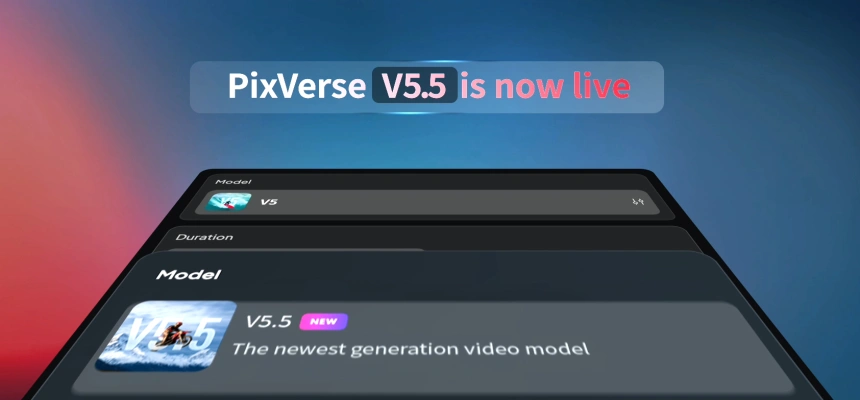
PixVerse‘s free plan gives you 100 initial credits plus 60 daily recharging credits. That daily refresh is the key feature — unlike tools that give you a one-time credit grant and then run out, PixVerse replenishes every 24 hours, meaning you can use it indefinitely at a sustainable pace.
The watermark situation: The free plan produces 540p videos with a watermark. To get watermark-free output, you need the Standard plan at $10/month. I want to be direct about this: PixVerse’s free tier does include a watermark. It’s in the comparison table below because the daily renewable credits and the model quality make it the best option for testing and low-stakes content where a watermark is acceptable — and because upgrading to remove it costs less than most competitors.
What you can actually do free:
- Text-to-video and image-to-video generation
- Multiple style modes (realistic, anime, cinematic, 3D)
- Up to 5-second clips at 540p
- Renewable credits every day — no expiry on the daily refresh
PixVerse handles motion well, produces relatively coherent scenes, and offers multiple style presets. The generation quality is strong for the free tier.
Honest catch: Advanced features like 1080p 8-second clips with audio can consume up to 195 credits per generation. Users must monitor their balance closely, as failed renders do not always result in immediate credit refunds. Stick to standard 540p generations on the free plan to avoid burning through your daily allocation fast.
Best for: Creators who want a daily-refresh free tier to test AI video regularly without paying. Also the most affordable upgrade path if you outgrow the watermark.
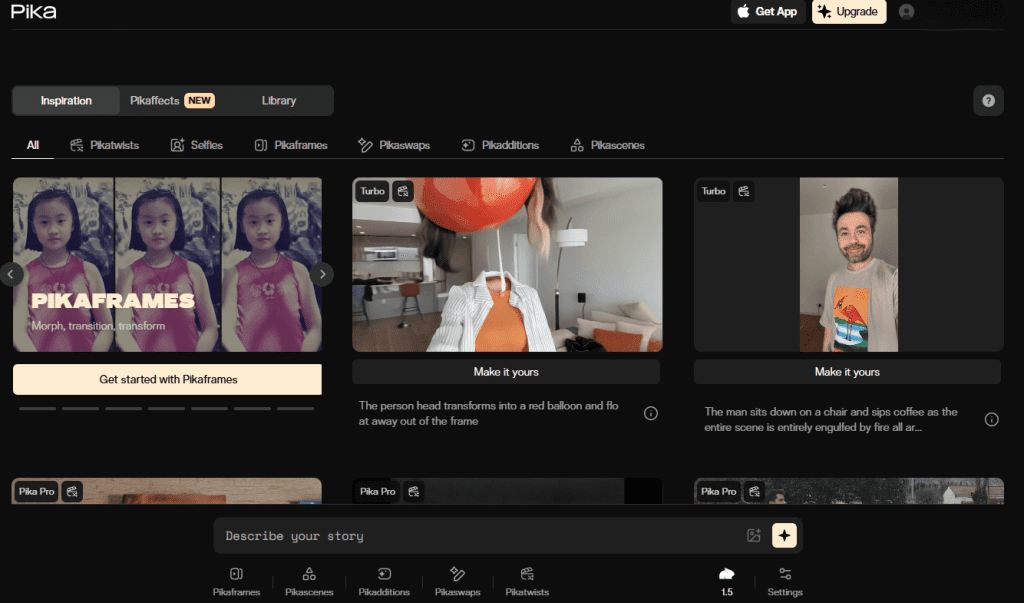
Option 2 — Pika (No Watermark at $8/Month — Closest to Free)
I’m including Pika here because the jump from free to paid is one of the lowest in the market, and the free tier itself is worth understanding.
The Basic (free) plan gives you 80 monthly video credits, access to Pika 2.5 at 480p only, and Pikadditions, Pikaswaps, Pikatwists, and Pikaffects image-to-video. However, you can’t remove the watermark, buy extra credits, or use videos commercially on the free plan.
Paid plans start at $8/month for watermark-free HD videos. All plans including free allow commercial use — even the free tier. Wait — commercial use on the free tier, but with a visible watermark? Correct. You can technically use the output commercially, but the watermark makes that impractical for anything client-facing.
Honest catch: The free plan’s 80 credits will disappear in a flash — it’s really just for a quick look. Don’t plan a production workflow around free Pika credits. They’re a test drive, not a free tool.
Best for: Creators who want access to Pika’s distinctive visual effects and are willing to pay $8/month for clean exports. The free tier is for evaluation only.
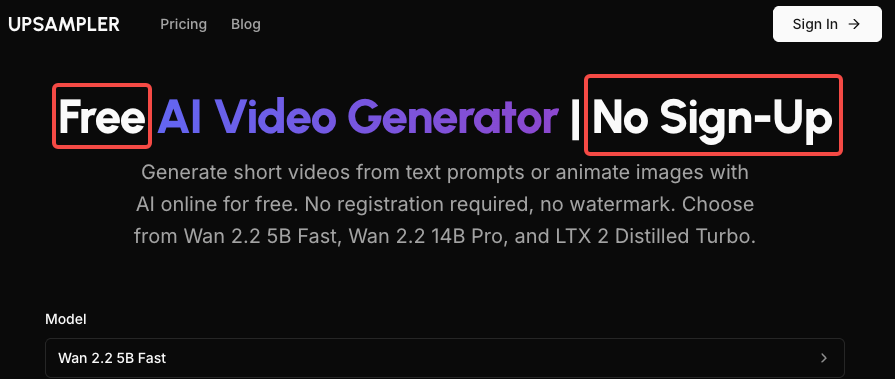
Option 3 — Upsampler (Truly Free, No Sign-Up, No Watermark)
Upsampler indeed surprised me. The process is completely free, requires no sign-up, and the resulting videos are watermark-free. It runs Wan 2.2 5B Fast, Wan 2.2 14B Pro, and LTX 2 Distilled Turbo — all open-source models — giving you text-to-video and image-to-video generation from your browser.
The output quality reflects the models it runs. Wan 2.2 is a capable open-source video model from Alibaba that handles motion well. You won’t get the cinematic fidelity of Kling 2.6 or Hailuo 2.3 Pro, but for B-roll, background loops, and experimental content, it’s genuinely usable.
What you can actually do free:
- Text-to-video and image-to-video generation
- Three model options (speed vs. quality tradeoff)
- Watermark-free downloads, no account required
- No daily limits disclosed — though generation queue times vary
Honest catch: No account means no saved history, no queue management, and no guaranteed availability. This runs on free community GPU infrastructure — generation times are unpredictable and can be slow during peak hours. Also, output resolution and clip length are limited compared to paid tools. Don’t expect 1080p.
Best for: Anyone who needs truly zero-friction AI video generation with no strings attached. Perfect for testing prompts, prototyping ideas, or creating content where the open-source quality ceiling is acceptable.
No Sign-Up Options: What’s Available
The honest answer in 2026: truly no-sign-up options are rare among quality tools, and they mostly run open-source models.
FlatAI takes the minimalist approach — open the site, type a prompt, and generate a video with no account needed, no login wall, no email field. It’s one of the most frictionless experiences available. Quality is basic by 2026 standards, but it exists and it works.
Upsampler (covered above) is currently the strongest no-signup option for quality.
For tools that feel close to no-signup: Seedance is the closest thing to a “no sign up” experience among top-tier AI video generators — there’s no registration form, you click “Sign in with Google,” and you’re generating videos within seconds. No email verification, no onboarding wizard, no credit card. 100 daily credits, 1080p, no watermark.
The practical reality: if you want high-quality output (1080p, realistic motion, cinematic results), some form of account is required to allocate server resources. The tools that skip this entirely are typically running lighter models.
Free Plan Limits: What You Need to Know
Let me put the real numbers in one place. This is what “free” actually means across the major tools as of March 2026:
| Tool | Daily/Monthly Credits | Watermark? | Resolution | Commercial Use? |
| PixVerse | 60/day renewable | ✅ Yes | 540p | Check ToS |
| Pika | 80/month (one-time) | ✅ Yes | 480p | Yes |
| Upsampler | Unlimited (queue-based) | ❌ No | Limited | Check ToS |
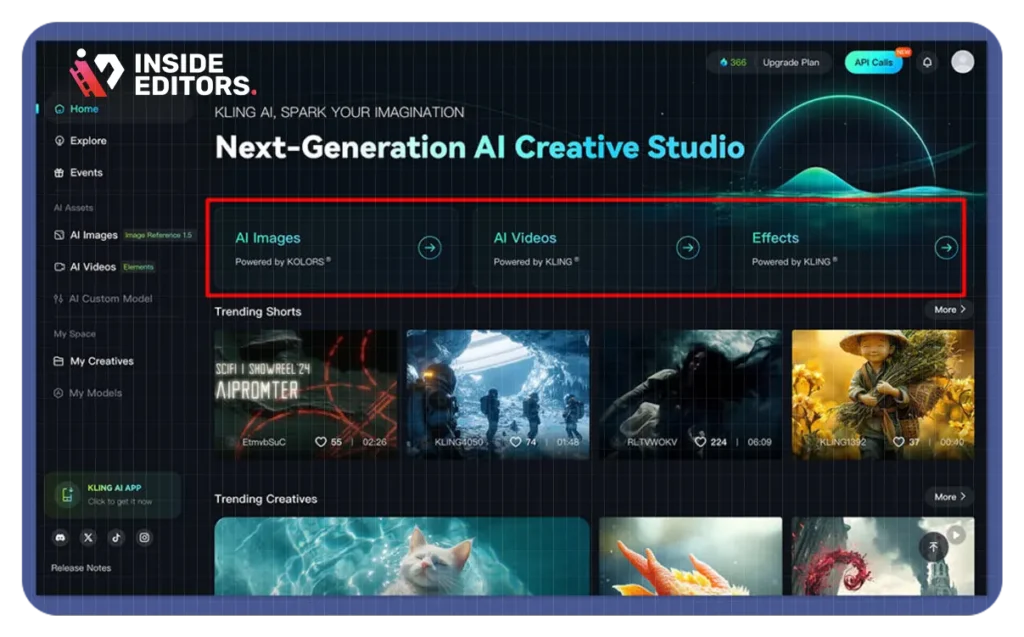
| Kling AI | 66/day renewable | ✅ Yes | 720p | ❌ No |
| Runway | 125 one-time | ✅ Yes | 720p | Limited |
| Luma AI | 30/month | Minimal | 720p | Yes |
Sources: Official pricing pages verified March 2026
A few things this table makes clear:
Kling AI’s free tier gives 66 daily credits — enough for 1–6 short videos per day at 720p — but free users face longer wait times (5–30 minutes), get watermarked outputs, and have lower resolution than paid tiers.
Runway’s free plan gives 125 credits per month. The quality is excellent, but the free tier is tight: 125 credits gets you about 5–10 short clips, and free exports are limited to 720p with a watermark. Unlike PixVerse and Kling, Runway’s free credits don’t refresh daily — once they’re gone, they’re gone.
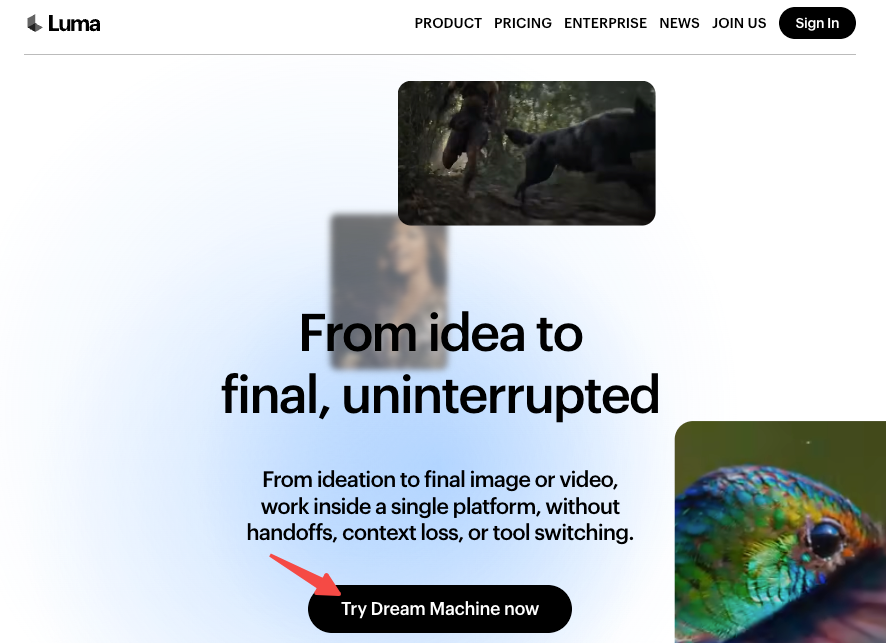
Luma AI’s Dream Machine is one of the few tools that generates relatively clean video on its free tier with minimal or no visible watermarking — 30 generations per month. That’s one video per day, which works for light use.
How to Get More Free Credits Legitimately
Beyond the daily refresh mechanisms, a few legitimate ways to extend your free usage:
Referral programs. Several platforms offer bonus credits for referring new users. Kling AI has milestone bonuses for published works that receive recreates. Kling AI offers bonus credits through milestone and publishing bonus programs — the milestone bonus counts all the recreates users have received from their works.
Annual signup bonuses. Some platforms front-load credits when you first create an account. PixVerse gives 90 initial credits plus 30 daily credits — the one-time initial bonus is separate from the ongoing daily refresh.
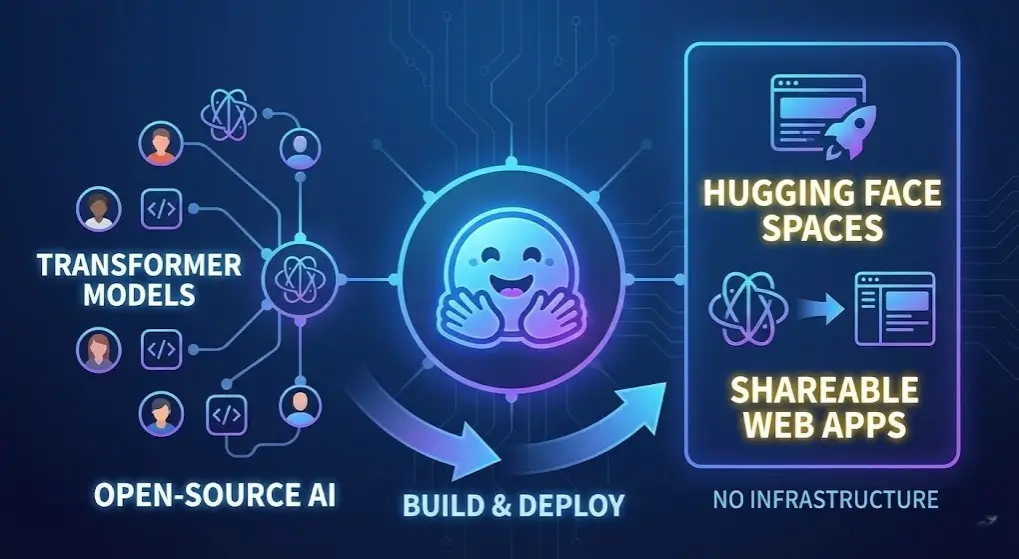
Community and beta programs. Newer tools competing for market share often offer generous early-access credits. Keep an eye on launches from platforms building on open-source models — they tend to offer the most generous free access to build user bases. Hugging Face Spaces hosts community-run video generation demos on open-source models like Wan 2.x and LTX that are completely free with no watermarks, though with queue waits.
Open-source self-hosting. This is the nuclear option for technically inclined creators. Running something like Wan 2.2 is the only solid way to skip watermarks entirely — but it requires capable hardware. The Wan 2.2 model runs on consumer GPUs with 16GB+ VRAM. If you have the hardware, you can generate unlimited watermark-free videos at no ongoing cost.
Which Tool Should You Choose
Here’s a direct recommendation matrix based on what you actually need:
You want genuinely free, no account, no watermark right now: Use Upsampler. Quality is limited but it’s the real thing — no strings, no sign-up, no watermark. Understand the quality ceiling and work within it.
You want the best ongoing free tier with daily credits: PixVerse gives you the most sustainable daily allowance. Accept the watermark on free outputs and upgrade to $10/month when you need clean exports for professional use.
You want the lowest-cost path to watermark-free: Pika at $8/month is the cheapest watermark removal among major tools. The free tier evaluates quality; $8/month turns it into a real workflow.
You want free with no visible watermark and don’t mind Google sign-in: Seedance’s free tier — 100 daily credits, 1080p, no visible watermark — is the strongest combination of quality and free access available in 2026. It’s backed by ByteDance infrastructure and offers access to multiple top-tier models.
Conclusion
“Free AI video generator with no watermark” is a real category in 2026 — but it requires being precise about what you mean. Tools with daily-renewable free tiers that include a watermark (PixVerse, Kling) are different from tools with truly clean free output (Upsampler, Seedance) and different again from tools with one-time credit grants that run out (Runway, Pika).
If you find yourself consistently hitting the limits — resolution too low, clips too short, queue times too frustrating — that’s the signal that $8–10/month for a baseline paid plan is worth it. At that price point, you get clean 720p–1080p output with no watermark, and the economics of your time are far better than working around free tier restrictions.
FAQ
Q: Are there any truly unlimited free AI video generators in 2026?
Not among major hosted platforms. Self-hosting open-source models like Wan 2.2 on your own GPU is the only genuinely unlimited option. Among cloud tools, PixVerse’s daily credit refresh is the closest to sustainable indefinite use.
Q: Can I use free AI video outputs commercially?
It depends on the platform. Pika allows commercial use even on the free plan (with watermark). Kling explicitly restricts commercial use on the free tier. Always verify the current Terms of Service before using free-tier output in client work or monetized content.
Q: Is PixVerse’s watermark removable after the fact?
Not without paying. The watermark is embedded during generation. The only way to get clean output is to upgrade to the $10/month Standard plan before generating, or re-generate the clip on a paid plan.