What Counts as a Modern pdf to video converter in 2025
A modern pdf to video converter isn’t just a template that pans across pages. It’s an AI-driven pipeline that reads your PDF, extracts structure (headings, lists, figures), drafts a script, plans shots, synthesizes narration and music, and assembles a platform-ready video—ideally with agent-level understanding of your intent. Instead of forcing you to learn each model’s quirks, an agent routes tasks to the right model at the right time, balancing cost, quality, and speed.
Traditional tools use one engine to do everything; agent-native platforms like CrePal schedule multiple best-in-class models for images, motion, VO, and editing. That’s why scripts feel coherent, visuals match tone, and BGM lands on beat without manual juggling.
Why Scheduling Beats Tuning
In a crowded space, “parameter wars” (resolution, length, motion) gave way to “scheduling wars.” The winner isn’t who tweaks one model best, but who composes a reliable ensemble—cutting retries, stabilizing physics, keeping faces consistent, and hitting delivery deadlines.
Who Needs PDF → Video (Use Cases & ROI)
Education & Training
Turn slide decks, lessons, or manuals into lively explainers. An agent extracts syllabus sections into scenes, adds clean callouts, and narrates in natural voices. For LMS or microlearning, export vertical cuts for Shorts/Reels to reinforce key points throughout a module.
Content Marketing
Whitepapers and case studies become teaser videos, social snippets, and landing-page headers. Think: executive summary in 30 seconds; deep-dive chapters as a three-part series. With automatic brand overlays, your assets stay consistent across channels.
Internal Comms
Policy PDFs are dense. Convert them into short, role-specific clips with subtitles and chaptering. Add region-specific voices or languages, then track comprehension with linked forms or LMS quizzes.
Inside CrePal: An Agent That Directs Models (Not Just Uses Them)
Intent Understanding & Task Decomposition
CrePal starts with “What are you trying to make?” (ad, vlog, explainer, short film). It breaks this into script → storyboard → assets → music/VO → edit → export. That decomposition is the secret to fewer retries and faster delivery.
Asset Generation: Images, Video, Audio
- Images: Midjourney / GPT-Image / Flux / Imagen for style-consistent boards.
- Video: Veo / 可灵(Kling) / Seedance / PixVerse for shots matching your storyboard.
- Audio: Suno for vibe-matched BGM; optional VO services for multi-language narration.
Auto-Editing, Rhythm, and Subtitles
CrePal’s editor agent aligns cuts to beats, inserts tasteful transitions, places subtitles, and merges branding. You steer by speaking: “Warm the grade,” “tighten beat at 0:06,” “swap shot 2 for a close-up.”
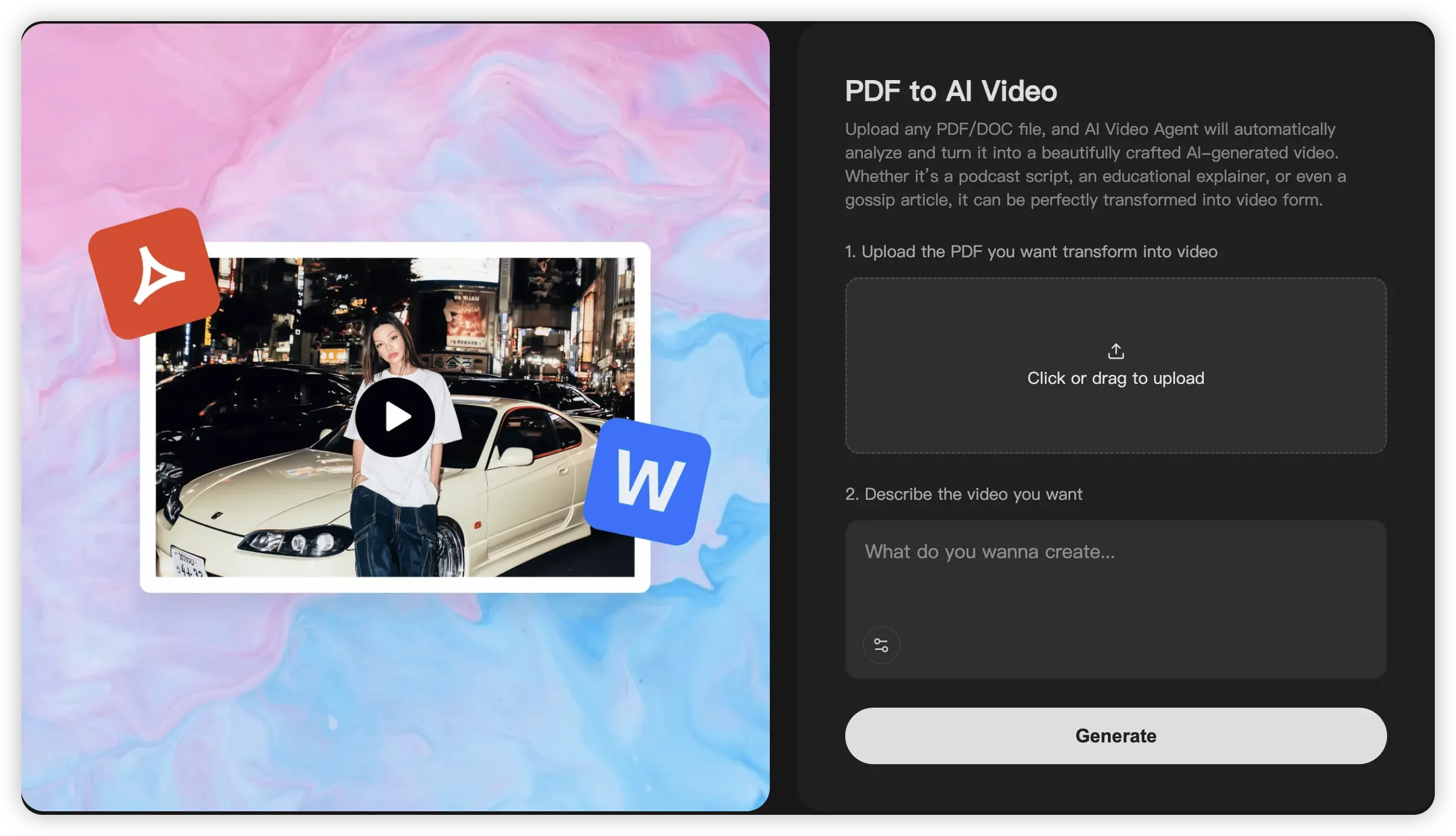
PDF to AI Video and other Mini Apps You Can Use Today
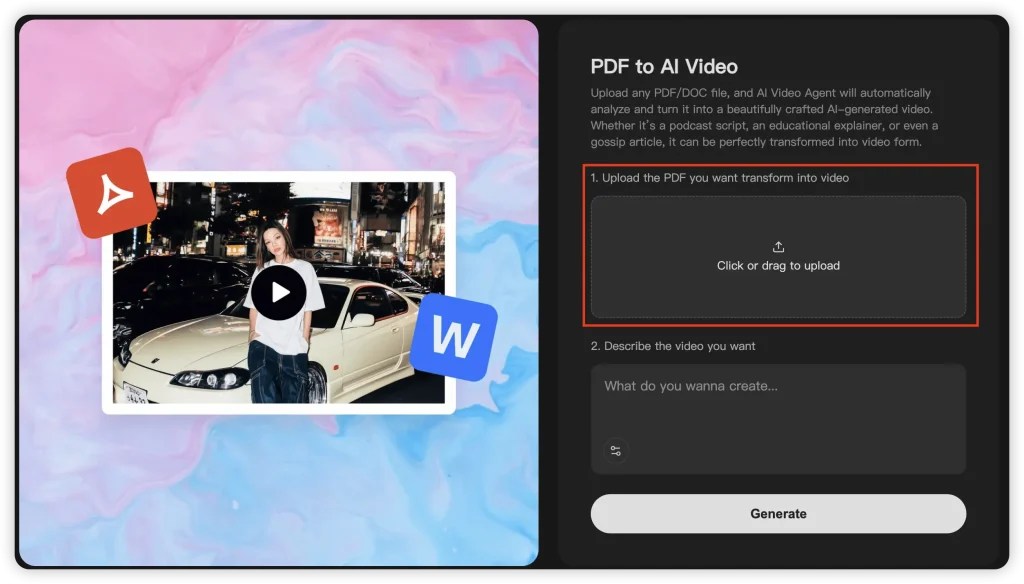
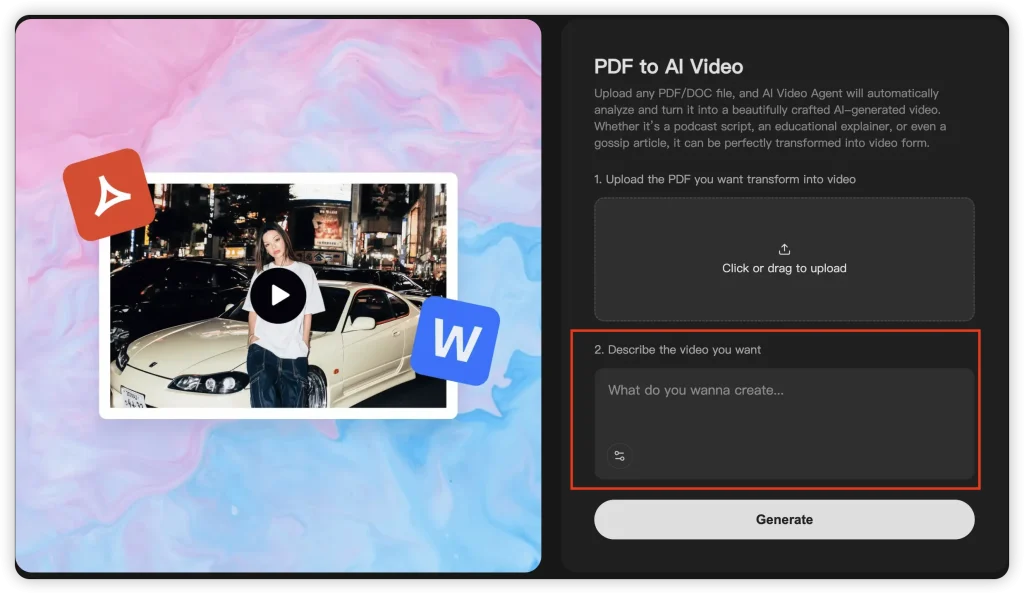
PDF to AI Video (flow & pro tips)
- Upload PDF/DOC → describe tone/length/audience → Generate.
- Best for syllabi, product one-pagers, reports, manuals.
- Pro tips:
- Use descriptive goals (“60s explainer, playful, Gen Z social cut”).
- Provide glossary or brand terms to improve script accuracy.
- If the PDF is image-heavy, add page notes: what to highlight in each scene.
AI MV Generator (music-driven visuals)
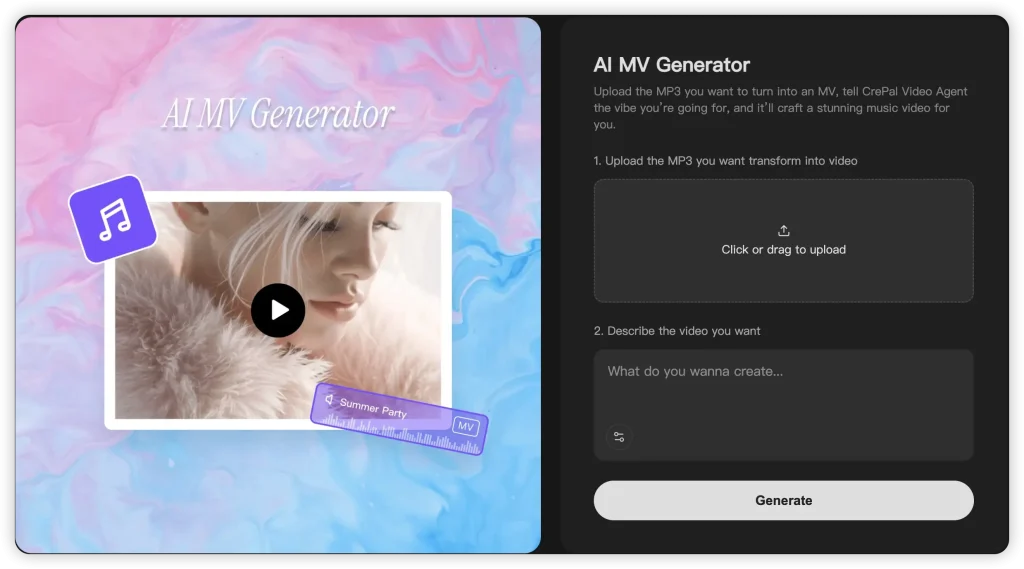
- Upload MP3 → describe vibe (cinematic, neon, lo-fi) → Generate.
- Use for mood reels, lyric intros, channel trailers.
- Tight beat sync comes from audio-reactive prompting and smart model choice.
AI Video Editor (hands-off post)
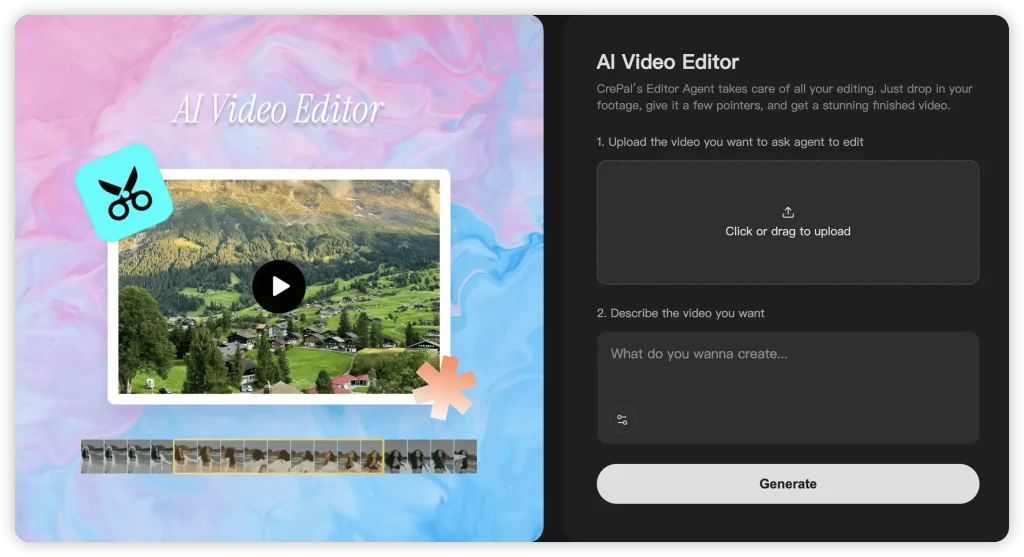
- Upload footage → describe editing goals → Generate.
- Agent performs cut detection, pacing, transitions, subtitles, and brand lockups; you approve or iterate conversationally.
Try these Mini Apps on CrePal:
• PDF → AI Video: https://crepal.ai/mini-apps/pdf-to-ai-video
• AI MV Generator: https://crepal.ai/mini-apps/ai-mv-generator
• AI Video Editor: https://crepal.ai/mini-apps/ai-video-editor
FAQs of pdf to video
1) Is a pdf to video converter just page-scroll screen capture?
No. Agent-native tools interpret structure, write scripts, synthesize narration/music, and create shots that communicate your message—not merely pan across text.
2) How do I preserve my brand voice?
Upload style/brand guides, pick a voice persona, and provide a short tone note (“confident, friendly, plain-English”). Save as a reusable preset.
3) Can I export multiple aspect ratios?
Yes—generate a master, then export vertical, square, and landscape profiles; captions and safe areas auto-adjust.
4) How do I keep faces/characters consistent across episodes?
Provide 2–3 consistent references; the agent locks a character model pre-render. For series, reuse the same style card.
5) What about rights for images and logos embedded in PDFs?
You’re responsible for rights to third-party assets. The safest path is to replace unknown images with generated or licensed ones.
6) How much does a typical short cost?
Varies by length and quality; agent routing generally cuts retries, so a short explainer can land in the low dollars rather than dozens.
7) Does CrePal replace human editors?
It reduces repetitive labor and turnarounds. Many teams still do a creative pass at the end; the agent handles the heavy lifting.
8) Can I use my own voice/music?
Yes—upload your VO or MP3; the agent will align cuts and levels accordingly.
Conclusion & Next Steps
In 2025, the best pdf to video converter isn’t a single engine—it’s an agent that understands goals, decomposes tasks, and directs the right model at each step. That’s why creators, educators, and marketers are moving from templates to orchestration: fewer retries, faster edits, better outcomes.
Try CrePal’s Mini Apps:
- PDF → AI Video:
crepal.ai/mini-apps/pdf-to-ai-video - AI MV Generator:
crepal.ai/mini-apps/ai-mv-generator - AI Video Editor:
crepal.ai/mini-apps/ai-video-editor
If this article exceeded your needs and you want deeper walkthroughs (or examples using your actual PDFs), just say “continue writing from here” and I’ll add tutorials, prompt templates, and more comparative tables.