I was testing a new image-to-video tool late one night — dropped in a still I liked, typed a motion prompt, hit generate. What came back was a watermarked 480p clip that looped for two seconds before cutting off. The site had literally marketed itself as “unlimited AI video generation.”
That’s when I realized: “no limits” means something completely different depending on who’s selling it and what you’re actually trying to do. If you’ve been searching for image-to-video AI with no limits and feeling like everything falls short — you’re not wrong, you’re just probably hitting different walls than you think.
Here’s what’s actually possible in 2026, broken down honestly.
What “No Limits” Actually Means (Content vs Volume vs Quality)
Before testing any tool, it helps to know which kind of limit is actually annoying you. There are three, and they almost never come from the same place.
Content limits (censorship)
This is about what you’re allowed to generate. Every platform enforces a content policy — some are broad and creator-friendly, some will flag a beach photo if someone’s wearing a bikini. The rules tighten or loosen based on legal pressure, geography, and investor priorities.
In practice: realistic human motion, anything that reads as violence, and certain hyper-realistic aesthetics are the most commonly flagged categories. Some tools have dedicated tiers that require age verification. Most don’t.
If you’re hitting content limits specifically — that’s a policy problem, not a model problem. The underlying tech often can do more than the platform allows.
Volume limits (credits, generation caps)
This is the one that bites people the hardest. “Unlimited” usually means unlimited attempts, not unlimited outputs. Most platforms run on a credit system where each generation — regardless of whether it succeeds — costs something.
The numbers are real and verified from official plan pages: Kling’s Standard plan gives 660 credits per month (roughly 11 ten-second 720p clips at ~6 credits/second with no audio). Pro tiers scale to 3,000 credits for heavier use. Runway’s Standard plan includes 625 credits monthly, which equals about 25 seconds total of Gen-4.5 output. Free tiers typically offer 66 daily credits on Kling (use-it-or-lose-it) or one-time credits on Runway—enough to test but not to produce.
I’ve seen tools advertise “unlimited video creation” and bury a 720p cap and a handful of daily generations in the fine print. Not great.
Quality limits (resolution, duration ceiling)
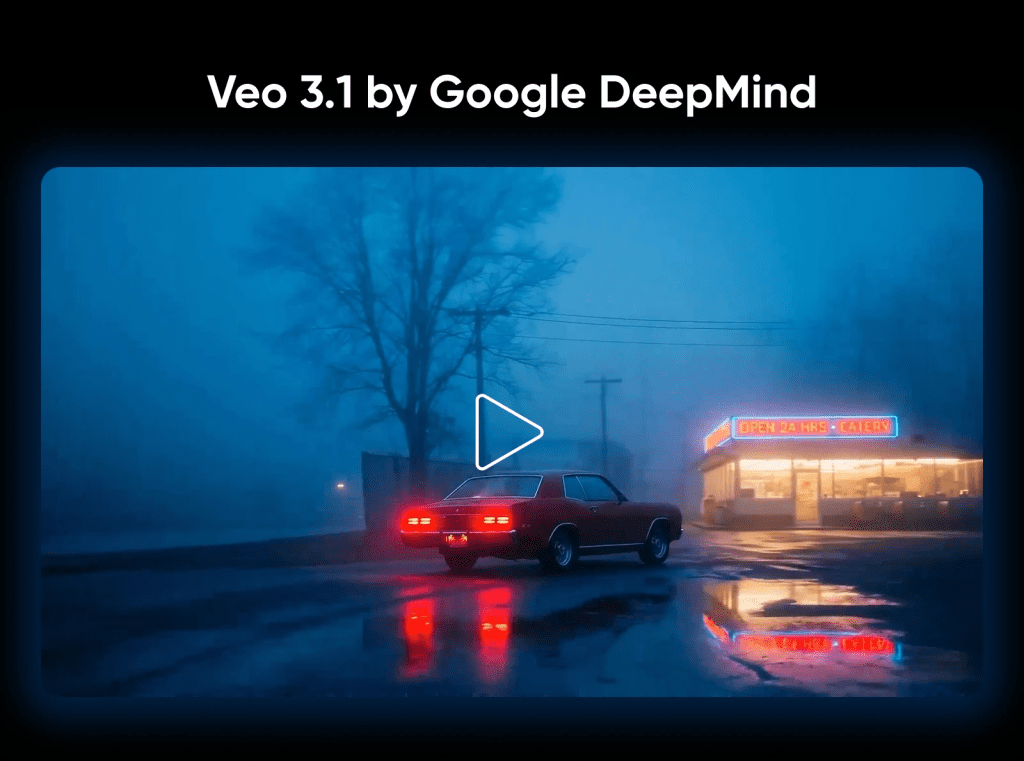
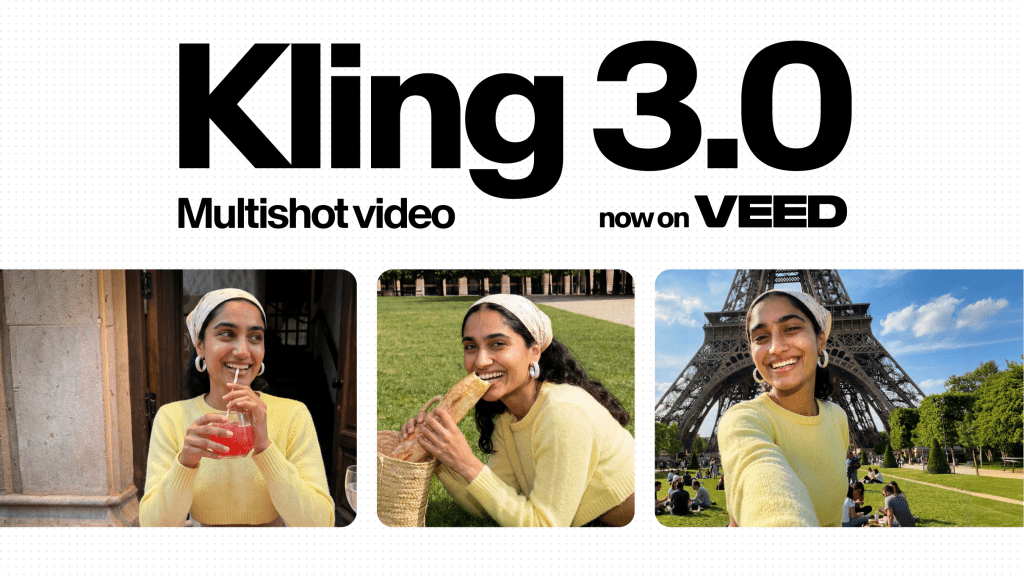
Even when content and credits aren’t the issue, there’s a ceiling on what a model can actually output. In 2026 the quality picture has genuinely improved — Kling 3.0 now generates native 4K at up to 60fps, and Veo 3.1 supports 4K via API at $0.60/second in standard mode. But the duration is where the ceiling still stings.
Most single-pass generations cap between 5–15 seconds. The reason isn’t arbitrary: video diffusion models generate autoregressively, and prediction errors compound over time—a problem researchers call “drift.” EPFL’s VITA lab published work in early 2026 (ICLR 2026 Oral) on Stable Video Infinity, one of the first serious attempts to fix it at the architecture level for multi-minute coherence.
Resolution, frame rate, and motion consistency are where you feel the quality ceiling most. A still that looks great at 720p often breaks apart at 4K when the model starts interpolating details it’s essentially guessing at.
Which Limit Are You Actually Hitting?
Run through this quickly before switching tools:
→ Your image generates but the output gets rejected or flagged? Content limit. Try rephrasing the motion prompt or look for platforms with a more permissive policy.
→ You’re generating fine, but running out of credits mid-project? Volume limit. Check whether the platform has a pay-as-you-go top-up option. Veo 3.1’s API offers transparent per-second pricing (Fast mode, around $0.15–0.20/second for 720p/1080p).
→ Output quality looks fine in preview but exports blurry, or motion artifacts appear after a few seconds? Quality limit. You’ve hit the model’s resolution or duration ceiling — not a prompt problem, not a credit problem. You’ll need either a higher-tier plan or a different model.
Knowing which wall you’re hitting saves a lot of frustrated tool-switching.
Tools That Solve Each Type of Limit
Different tools are genuinely built to solve different problems. A quick honest breakdown based on current official specs (April 2026):
- For content freedom: Open-source alternatives running locally (via ComfyUI or similar) have essentially no content filter, but the setup overhead is real and model quality varies.
- For volume: Platforms with transparent per-second or per-generation pricing beat “unlimited” promises with hidden caps every time. Kling’s Standard plan (~$7–10/month) gives 660 credits—roughly 11 ten-second 720p clips. Higher Pro tiers scale up significantly. For API work, many creators route through flexible providers rather than single-platform subscriptions.
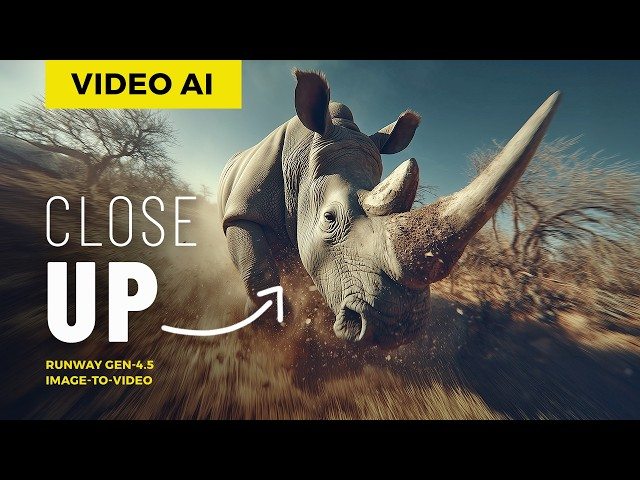
- For quality: This is where model choice matters more than platform UX. Kling 3.0 currently holds one of the top ELO benchmark scores (~1243–1247) among all AI video models and leads to native 4K image-to-video with strong human realism. Runway Gen-4.5 leads for in-platform editing workflows and cinematic camera control. Veo 3.1 excels in API flexibility and photorealism for product and architectural work.
The Tool Closest to “Truly No Limits”
Honestly? There isn’t one. But the workflow closest to it is model-agnostic routing—using the right model for each type of shot rather than forcing a single tool to do everything.
The smartest teams in 2026 aren’t loyal to one platform. A practical approach: prototype quickly with accessible tiers or local models, then switch to Kling 3.0 for final 4K renders or Runway Gen-4.5 where fine camera control or in-platform editing matters. This is where the “no limits” framing starts to make more sense—not as a feature a single tool has, but as a strategy you build across tools.
What Still Can’t Be Generated (Anywhere)
Worth being honest about what’s genuinely off the table regardless of tool or budget:
- Consistent characters across multiple independently generated clips. Character drift remains one of the hardest unsolved problems in AI video. Models treat each generation somewhat independently. Kling 3.0’s reference features help lock geometry across images, and Runway leads for multi-shot narrative consistency—but for a 15-minute video requiring dozens of clips, drift still compounds. Creators have developed elaborate “character locking” workflows. It works, but it’s not effortless.
- Long-form narrative video in a single generation pass. 30-second+ continuous clips with consistent story logic aren’t there yet. EPFL’s Stable Video Infinity research is promising for fixing drift at the architecture level, but consumer tools still rely on stitching segments—which introduces its own consistency challenges at the cut points.
- Realistic physics in complex scenes. Water dynamics, cloth simulation, multi-object interactions, and accurate gravity still produce unconvincing results on most models.
- Readable on-screen text. Signs, labels, and documents in generated video still frequently appear garbled. Composite it in post.
Conclusion
“No limits” in image-to-video AI almost always means one of three things: content freedom, volume freedom, or quality ceiling. They’re different problems with different solutions—and conflating them is why so many creators end up frustrated with tools that are actually fine for two out of three.
In 2026, the gap between what’s possible and what “no limits” marketing implies is narrowing fast. Native 4K is real. Synchronized audio is real. 15-second single-pass generations are real. But character consistency across dozens of clips, true long-form narrative generation, and perfect physics simulation—those are still unsolved corners.
The closest thing to genuinely uncapped generation right now is knowing which limit you’re up against and routing around it deliberately. That flexibility, across the right combination of tools, matters more than any single platform’s marketing claim.
FAQ
Q: Is there any truly unlimited image-to-video AI tool in 2026? No — there is currently no image-to-video AI tool with zero limits. Most platforms impose restrictions in one of three areas: content (what you can generate), volume (credits or usage caps), or quality (resolution and duration limits). What “unlimited” usually means is unlimited attempts, not unlimited usable output.
Q: Why do “unlimited AI video generators” still restrict output quality? Because quality is tied to model capabilities, not pricing. Even if a platform allows unlimited generations, the underlying AI model may still limit resolution (e.g. 720p or 1080p) or clip length (typically 5–15 seconds). These constraints exist due to technical challenges like temporal drift and compute cost.
Q: What is the biggest limitation of image-to-video AI right now? The biggest limitation is consistency over time. AI video models still struggle with maintaining the same character, scene, or motion across longer clips. This is why most tools cap generation length and why creators often stitch multiple clips together instead of generating long videos in one pass.
Previous Posts: