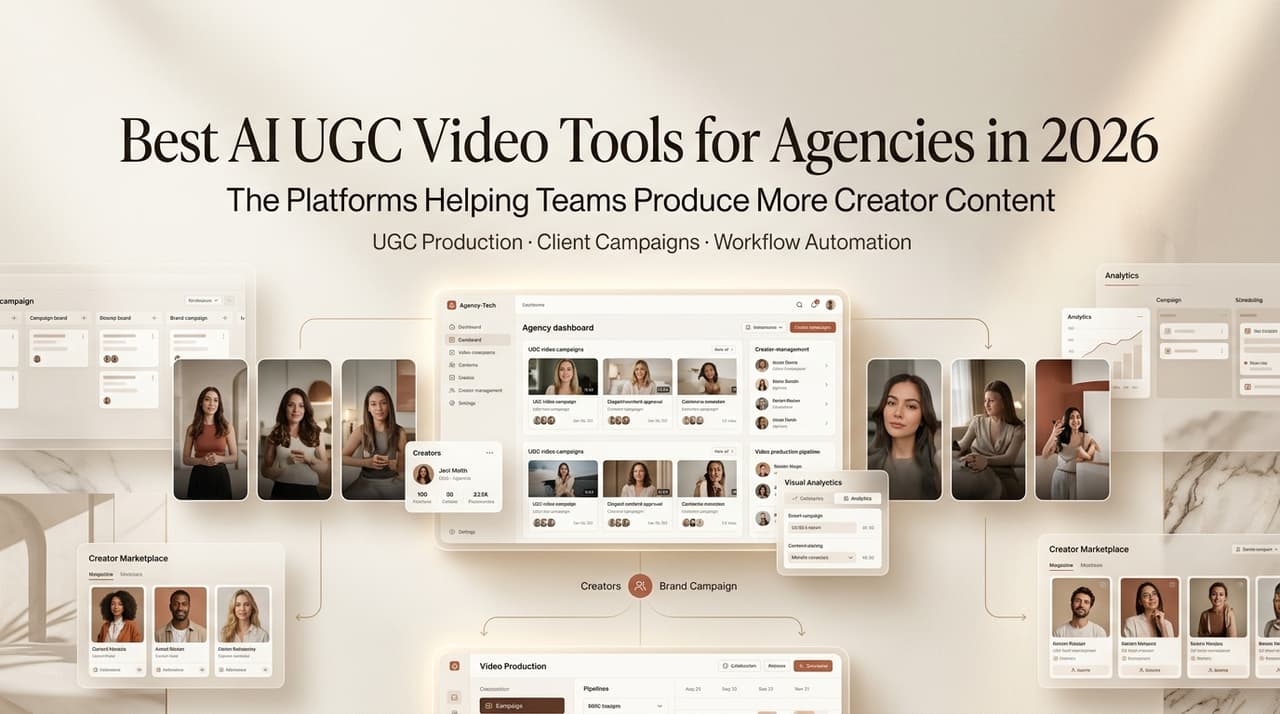
A client handed me a brief on a Tuesday. Wanted six UGC-style ad variants — different hooks, different faces, different CTAs — by Friday. The old way would’ve meant three tools, a Notion doc, and at least one late night. I ran it through an AI video workflow instead. Thursday afternoon, I had drafts. Not perfect, but drafts I could actually show someone.
That’s the thing about the best AI UGC video editors for marketing agencies right now: the value isn’t “the AI is magic.” It’s that you stop being the person manually stitching everything together.
I’m Leo. Here’s what I’ve tested across several tools over the past few months — what worked, what fell apart, and which ones I’d actually bill a client on.
A quick note before the list: CrePal is the platform publishing this post. I work with their tools on actual client deliverables, which is also why I know where they fall short. The other tools I’ve tested on my own time and my own dime. Everything below is what I actually found — including the parts where CrePal loses.
What Agencies Need From AI UGC Tools
Most agencies don’t need one perfect video. They need volume with enough quality to test. The real criteria are how fast you can generate variants, how easy it is to swap hooks or swap faces, and whether output survives platform review — not just whether the AI model is technically impressive.
Speed matters. Editability matters more. Brand safety — knowing what the tool won’t let you do — matters most when you’re billing on someone else’s brand.
For this comparison, I ran each tool through the same brief — a skincare client campaign needing six variants, three hooks, two aspect ratios — across a two-week period. Not a lab test, but a real deliverable. Here’s what I actually looked for:
- Variant speed: How many testable versions from one brief?
- Cross-platform flexibility: Does it work for Meta, TikTok, and YouTube without rebuilding?
- Avatar quality: Does it look like a real person, or a press release?
- Editing control: Can you adjust after generation, or reprompt and pray?
- Startup-friendly pricing: Real free tier, or a credit card wall?
Best AI UGC Video Tools for Agencies
Best for Campaign Variant Production: CrePal
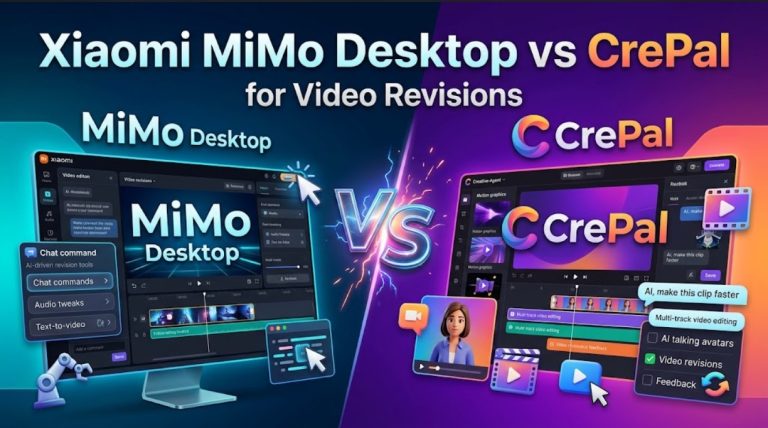
If your bottleneck is churning out variants fast — different scripts, different visuals, same brand brief — CrePal is the tool I keep coming back to. The core mechanic is an AI Director workflow: you drop in a brief or prompt, it builds a scripted, multi-scene structure, and you review and adjust via chat instead of starting over.
For ugc video ad production specifically, the practical advantage is iteration speed. I ran a skincare client’s brief through it — hook A, hook B, hook C — and got three usable rough cuts before I’d finished my coffee. The chat-based editing is the part that actually saves time: “make hook 2 more urgent” works the way you’d expect it to, most of the time.
Where it’s not perfect: if you need shot-level control or deep timeline editing, you’ll hit a ceiling. It’s built for workflow compression, not frame-by-frame precision. For agencies doing high-frequency campaign testing, that trade-off makes sense. For ones doing premium branded content with exacting client feedback, maybe not.
Honest verdict: if you’re running 4+ variants per campaign week, the workflow compression justifies the learning curve. If you’re doing one polished hero video per month, this is overkill and you’ll probably find it frustrating.
Best for Cross-Platform Workflows: Runway
Runway — their research and technical writing gives a clearer picture of where the generation quality actually comes from than any marketing page — is where I go when output needs to hold up across platforms and aspect ratios.
It’s more of a generation and editing hybrid than a full UGC workflow orchestrator — but for cross-platform repurposing, the control level is genuinely useful.
Gen-3 Alpha outputs hold up better when you’re resizing and reformatting for TikTok versus YouTube versus a display banner. The editing tools are more granular than most AI-first tools, which matters when a client needs the same campaign asset to feel right at 9:16, 1:1, and 16:9.
The honest limitation: Runway is not a UGC-first tool. The persona consistency and “authentic creator feel” you need for performance-focused social ads isn’t really its strength. I’d use it downstream — take a UGC-focused tool’s output and finish it in Runway — rather than as a front-to-back solution.
Best for Avatar-Based UGC Ads: HeyGen
For avatar-based ad production — spokesperson style, product explanation, testimonial-adjacent HeyGen’s avatar creation documentation walks through how their avatar workflow is set up — useful context if you want to understand what you’re actually buying before a demo call. For avatar-based ad production — spokesperson style, product explanation, testimonial-adjacent — HeyGen is the most production-ready option I’ve tested. Avatar quality is a real step above the category average. Lip sync passes a casual scroll-through, and voice cloning is usable without much cleanup.
Where agencies specifically benefit: multi-language output. One avatar script, six language versions, no rebuild. For brands running international AI UGC ads, that’s a genuine workflow win.
The trade-off is flexibility. HeyGen is excellent at the avatar use case — but if your campaign needs anything beyond talking-head format, you’re adding another tool. It’s a specialist. If avatar-driven ads are a major deliverable, it earns its subscription. If it’s 20% of what you do, the cost-per-use math gets uncomfortable.
Best for Startup Teams: Kapwing
I’ll be straight: Kapwing isn’t the most powerful tool on this list. But for teams without a dedicated video person or a big tool budget, it punches above its weight. It earned its spot as one of the better ai-driven ugc video platforms for startups precisely because a non-video person can actually finish a project in it.
Kapwing’s AI features include auto-captioning, scene generation from scripts, and basic stock integration. The collaborative editing works well for small teams doing async review.
What it won’t do: get you to “this looks like a real creator made it.” For scrappy startup campaigns where speed and cost matter more than polish, that’s a reasonable trade-off. For agencies billing mid-to-high-budget clients, it’s a prototyping tool, not a deliverable tool.
Comparison Table
| Tool | Best For | Variant Speed | Avatar Quality | Editing Control | Pricing Tier |
| CrePal | Campaign variant production | Fast | Moderate | Chat-based | Free tier + paid plans |
| Runway | Cross-platform output | Moderate | N/A | High | Paid plans, free trial |
| HeyGen | Avatar-based UGC ads | Moderate | High | Limited | Paid plans, limited free |
| Kapwing | Startup teams | Fast | Low | Moderate | Free tier + paid plans |
Pricing tiers above are general descriptions only. Specific prices, credit limits, and plan structures change frequently. Always verify current pricing on each tool’s official pricing page before making a purchase decision. Prices were not locked to a specific date in this table to avoid publishing stale numbers.
Pricing and Team Workflow Notes
The pricing question I get most: “Is the free tier actually usable, or is it just bait?”
It depends on your volume. CrePal and Kapwing have free tiers that let you validate workflow fit. HeyGen’s gets you one or two test avatars before you hit the wall. Neither will carry a real client campaign.
Most tools price by credits or output minutes, not seats. A three-person team running eight campaigns a month burns through free tiers fast. Budget for the mid-tier plan from day one and test in the first billing cycle before committing to annual.
Tools that support collaborative review — Kapwing and CrePal’s team plan specifically — cut the “send a file, get feedback in Slack, re-export” loop that eats hours on agency projects. That friction reduction matters more than it sounds at 10pm the night before a deadline.
Limits and Brand Safety Risks
This section doesn’t get enough attention in most tool roundups.
AI-generated UGC content sits in a grey zone on most major platforms. Meta’s advertising policies require disclosure for AI-generated content in certain categories — financial products, housing, healthcare — and that scope has been expanding. TikTok has similar requirements for realistic AI-generated humans. If you’re producing AI ugc ads for clients in regulated industries, read the current platform policies before you ship, not after a campaign gets flagged.
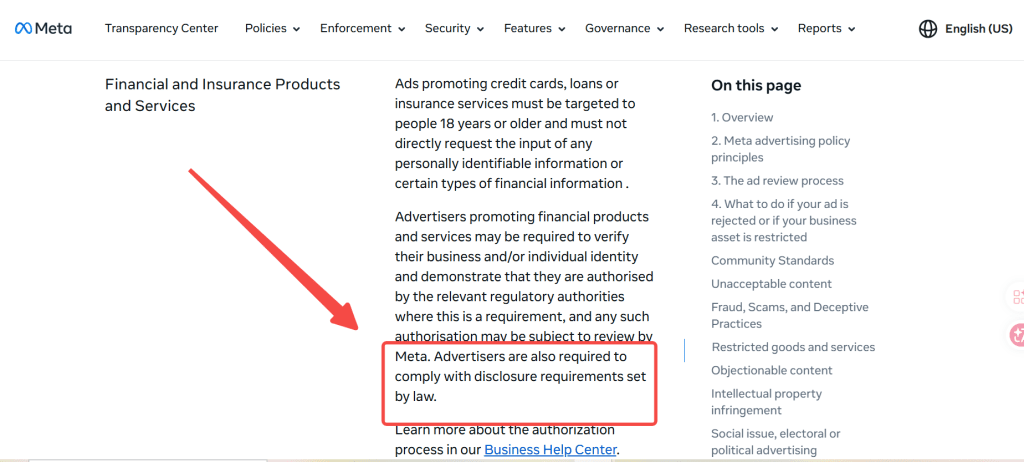
The tools themselves have content policies too. HeyGen and similar avatar platforms restrict impersonation of real people. These are the right calls, but they do mean you can’t execute every campaign concept you might dream up.
The less obvious risk is output consistency. I’ve run the same brief through CrePal six times and gotten results ranging from “client-ready” to “delete immediately.” That variance is normal for AI generation in 2026 — but it means QA time needs to be in the workflow budget. The best AI UGC video editors for marketing agencies are the ones that give you enough control to catch and fix that variance before it ships.
FAQ
How much time can AI UGC video tools actually save an agency per campaign?
Many agency professionals report saving 50-70% on initial variant production. Tools like CrePal or HeyGen can generate 5-10 rough cuts from one brief in under an hour, but human QA, refinement, and platform testing still add significant time. The biggest win is reducing the “blank page” phase.
Do platforms like Meta and TikTok allow AI-generated UGC ads without disclosure in 2026?
This is a top compliance question. Disclosure is increasingly required for realistic AI content, especially in regulated categories. Meta and TikTok policies generally demand clear labeling when content is AI-generated and could be mistaken for real user footage. Always check current guidelines before launching.
What’s the typical learning curve for agency teams adopting AI UGC video editors?
Most teams report 1-2 weeks to become productive. Browser-based tools like Kapwing are fastest for beginners, while more advanced workflows take longer but offer greater control. Dedicated training or templates speed this up significantly.
How do agencies handle brand safety and consistency when using AI UGC tools?
A recurring concern. Best practice is using brand kits, strict prompt guardrails, and human review loops. Tools with strong content policies help, but variance between generations means agencies budget dedicated QA time before client delivery.
Can AI UGC tools create videos that look indistinguishable from real creator content?
A frequent skepticism. In 2026, top tools produce highly convincing results for short ads, especially with good prompts and reference images. However, subtle artifacts in motion, lighting, or emotion often still require human polishing for top-tier campaigns.
Conclusion
The gap between “this AI demo is impressive” and “I can bill this to a client” is still real in 2026, but it’s narrower than it was a year ago. The best AI UGC video editors for marketing agencies aren’t the ones with the most models or the most features — they’re the ones that cut steps out of your actual workflow without creating new problems downstream.
My current rotation: CrePal for variant production, HeyGen when a client specifically needs avatar-based ads, Runway when I need cross-platform control on a higher-budget job. If you’re a startup team figuring out where to start, Kapwing is a reasonable first step before you graduate to something with more firepower.
Run a real project through whichever one you’re considering before you buy. That’s still the only test that actually matters.
Previous posts: