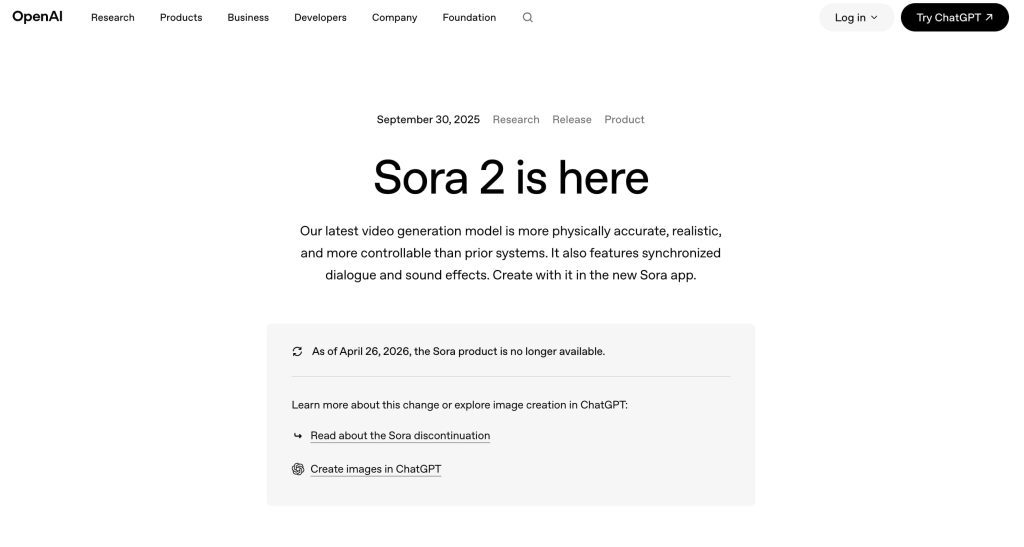
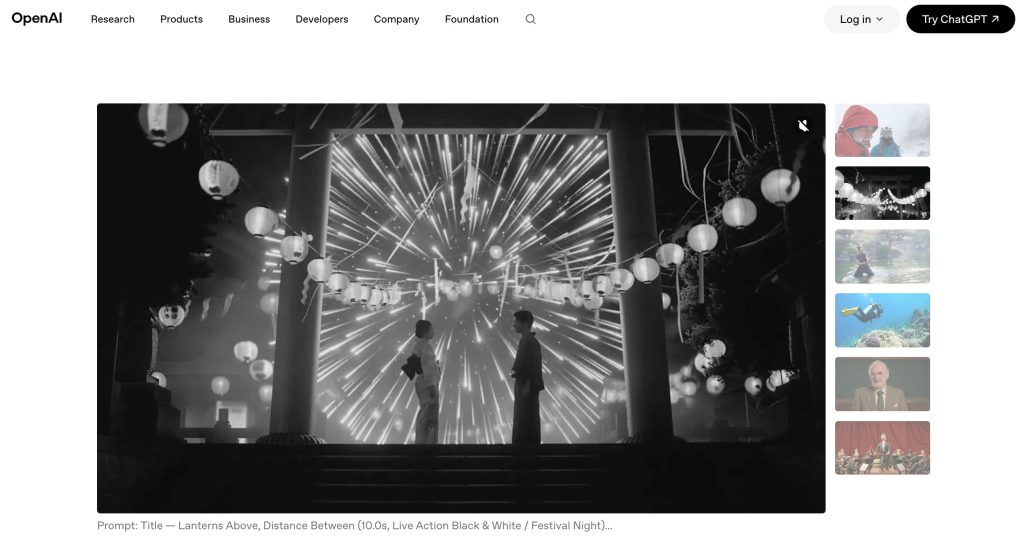
A sora 2 prompt generator should not be treated as a magic box that writes perfect video prompts. For creators, the safer version is a planning workflow: define the scene, motion, camera behavior, continuity rules, and review criteria before any video generation starts. That matters because the Sora 2 release describes a video and audio model built for realism, physical accuracy, synchronized dialogue, sound effects, and stronger controllability, while also noting that the Sora product is no longer available as of April 26, 2026.
So this article is not claiming that a current public Sora 2 prompt generator is available to every creator. As of September 3, 2026, teams should verify Sora 2 access, policies, API availability, and product status from current OpenAI materials before production use. The workflow below helps creators write better Sora 2 prompts, Sora video prompts, and general text to video prompts without unsafe shortcuts.
What Users Mean by Sora 2 Prompt Generator
Prompt planning
Most searches for a Sora 2 prompt generator are really searches for structure. Creators want to turn a loose idea, such as “make a cinematic product scene,” into video generation prompts that contain enough detail for motion, timing, and review. An AI video prompt generator can help brainstorm language, but the human team still owns the brief.
Start with a short production note: audience, platform, duration, subject, setting, story beat, desired emotion, and what must not change. That note prevents the prompt from becoming a pile of style words.
Scene structure
Video prompts need sequence logic. A still-image prompt can describe one frame, but video needs a beginning state, a visible change, and an end state. For a short ad, that might mean: product enters frame, camera moves closer, label remains readable, background stays simple, and the final second leaves room for copy.
The Sora 2 System Card frames the model around video and audio generation, including risks tied to realism, likeness, misleading generations, and safety mitigations. That is the right mindset for scene structure: the more realistic the output can be, the more carefully the prompt should define what the scene is and what it is not.
Video-specific constraints
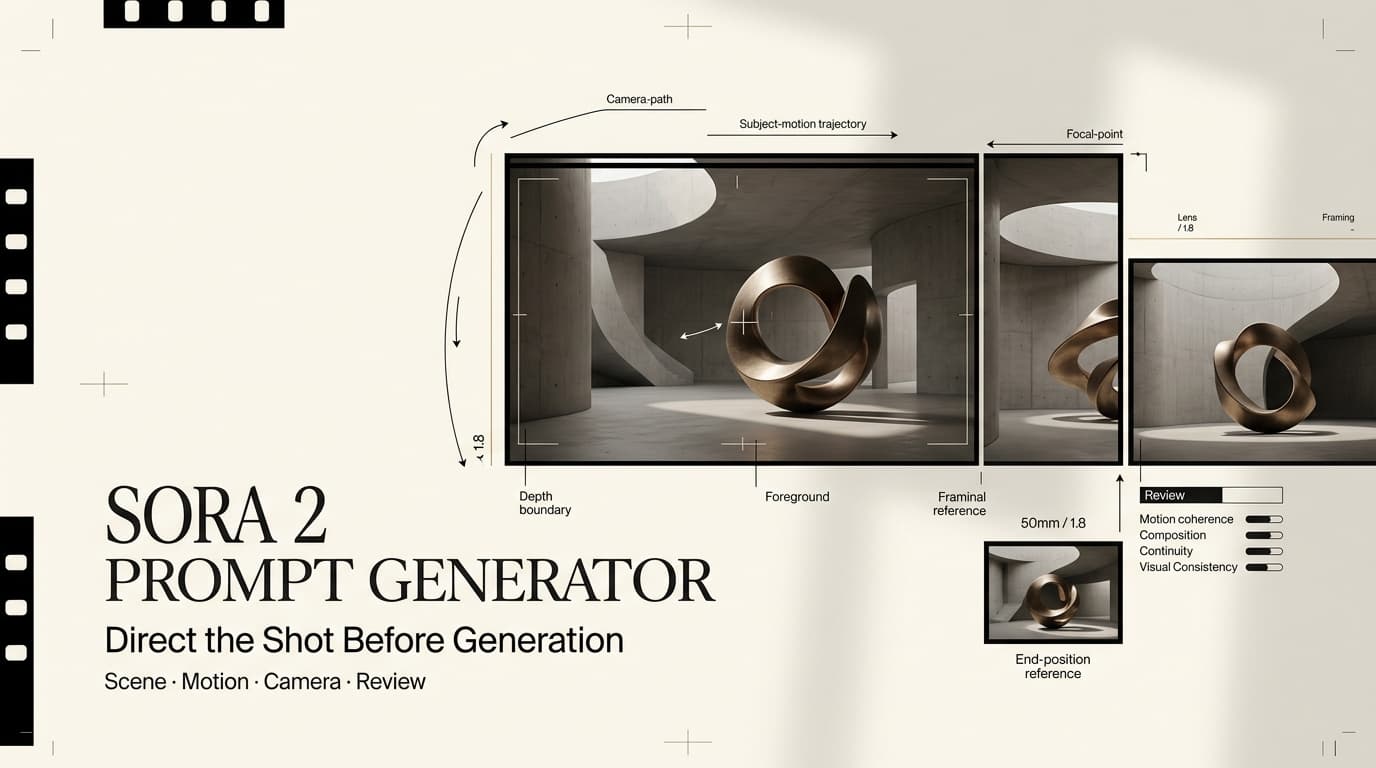
A useful prompt workflow should ask for constraints that matter only in motion: camera path, subject movement, scene duration, audio expectation, continuity, pacing, aspect ratio, and edit point. Without these, the output may be interesting but hard to use.
Creators should also include safety and rights constraints. OpenAI’s Sora safety guidance describes provenance signals, consent-based likeness controls, stricter guardrails for people in uploads, and filtering for harmful content. Prompt planning should reflect those boundaries before generation.
Build Better Video Prompts
Subject and setting
Start with the subject and setting in plain language. Who or what is the viewer supposed to notice first? Where is the action happening? What visual information must stay readable? A prompt for a creator video should avoid vague nouns like “cool scene” and replace them with production choices: a founder at a desk, a skincare bottle on a tiled shelf, or an animated character entering a neon hallway.
The setting should support the message. Many AI video drafts fail because the background looks impressive but distracts from the product. If the scene is for a campaign, write the setting as a business decision, not just an aesthetic preference.
Motion and camera direction
Motion is where Sora video prompts need discipline. Name subject movement, camera movement, and pacing separately. A person walking forward is different from the camera pushing in. A product rotating is different from a handheld pan around it. The prompt should tell the model what changes across time and what should remain stable.
Good motion notes are simple: slow push-in, locked-off shot, gentle handheld movement, product turns slightly, background remains still, character looks from screen to product. Avoid stuffing five camera moves into one short clip.
Continuity notes
Continuity notes turn one prompt into a production asset. They tell the team which details must survive across drafts: character wardrobe, product label, logo position, color palette, prop placement, subtitle space, voice tone, and final frame composition.
This is where prompt libraries often break. A saved template may produce a strong first clip, but if it does not carry continuity across scenes, it is not production-ready. For multi-scene work, keep a short continuity block below every prompt so reviewers can spot drift.
From Prompt Generator to Production Workflow
Shot list
The moment a prompt becomes more than a test, move it into a shot list. Each row should connect the prompt to a scene purpose: hook, proof, product reveal, benefit, objection, testimonial-style moment, or closing frame. This keeps the prompt tool from becoming a random idea machine.
A shot list also helps teams decide what not to generate. If the story needs three clear shots, generating ten loosely related clips wastes review time.
Review criteria
Review criteria should be written before the first render. For each shot, define what counts as usable: readable product, stable face or character, no invented claims, no brand confusion, correct mood, acceptable motion, clean frame for captions, and no policy-sensitive elements.
OpenAI’s current usage policies are relevant because video prompts can touch likeness, deception, privacy, sexual content, minors, and other restricted areas. A review checklist should include policy fit, not only visual quality.
Revision tracking
Revision tracking separates a prompt workflow from improvisation. Save the prompt version, date, model or product status checked, source assets, reviewer comments, failed outputs, and final approval note. If a template changes after a model update, the team should know which videos were made under the old version.
For agencies, this protects client work. If a client asks why a scene changed, the answer should be tied to a documented revision reason.
Limits and Facts to Verify
The biggest limit is availability. OpenAI materials for Sora 2 describe model capabilities and deployment plans, but the same official pages currently state that the Sora product is no longer available as of April 26, 2026. Before publishing advice, teams should recheck Sora 2 naming, access, API status, app availability, model behavior, upload rules, output rights, watermarks, retention, and sharing controls.
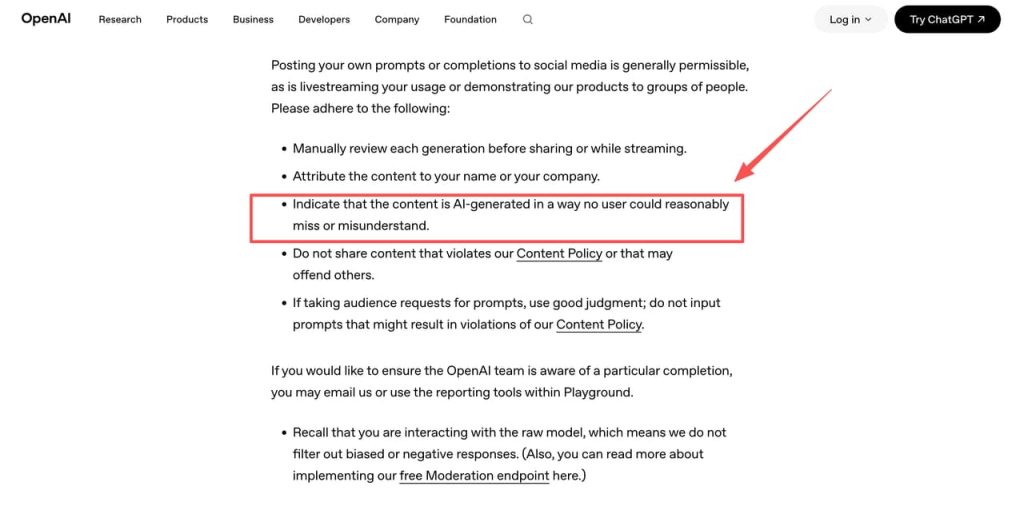
Prompt examples should also be handled carefully. OpenAI’s sharing and publication policy expects manual review before sharing generations and clear indication that content is AI-generated. Do not build prompt libraries around celebrity likenesses, private people, minors, adult content, medical or political persuasion, or bypass language. A serious prompt workflow is not a jailbreak workflow.
FAQ
How should teams store Sora prompt versions?
Store prompts with the project name, date, model or product status checked, input assets, reviewer, output file, and approval state. If access changes later, the record should still explain which assumptions were active when the prompt was used.
Who approves prompt libraries before production use?
A prompt library should be approved by the creative owner and the person responsible for policy or brand review. For client work, approval should happen before prompts are reused across multiple videos.
What should be redacted from shared prompt examples?
Remove client names, private asset links, unreleased product claims, personal data, internal pricing notes, celebrity references, living-person likeness details, and any wording that looks like policy evasion. Share the structure, not the risky source material.
When should prompt templates be updated after model changes?
Update templates after any confirmed change in model behavior, access path, policy, upload rules, output format, watermarking, or review failure pattern. Keep the old template archived so teams can trace older videos.
Conclusion
A Sora 2 prompt generator is most useful when it behaves like a production planner, not a shortcut. It should help creators structure subject, setting, motion, camera direction, continuity, review criteria, and revision history before video generation begins.
Because Sora 2 facts and availability must be checked against current OpenAI materials, the safest workflow is conditional: write strong prompts, keep policy boundaries visible, document versions, and treat every generated clip as a draft until a human approves it for use.