

Hi everyone, Dora here. I learned to respect review checklists after exporting the same AI-assisted video three times in one afternoon. The first export had a caption drifting half a second late. The second fixed the caption but exposed a strange hand artifact in the background. The third looked clean until I noticed the music license note was missing from the project folder.
That is the real job of an ai video review checklist. It is not meant to replace the full creative workflow. It is the final gate before export, where creators catch the issues that become expensive once the file is uploaded, sent to a client, or scheduled for a campaign. For AI video, this matters more than usual. Generated clips can look polished at first glance, then reveal motion breaks, visual artifacts, strange lighting changes, rights questions, or platform disclosure issues. A practical video review checklist keeps the review process repeatable instead of relying on whoever happens to notice a problem first.
Why AI Video Needs a Review Checklist
AI video introduces a different kind of uncertainty. Traditional footage has mistakes too, but AI clips can fail in ways that are harder to predict: a face shifts between frames, a logo warps, a background object melts, or a generated voice sounds almost right but not quite human enough for the brand.
A review checklist gives the team a shared language. Instead of vague feedback like “this feels off,” the reviewer can mark the issue as motion, artifact, caption, rights, format, or publishing readiness. That makes revision faster and less emotional. It also helps with platform responsibility. YouTube’s guidance on disclosing GenAI content says creators must disclose realistic AI-generated or meaningfully altered content in certain cases, while minor production assistance may not require disclosure. That means the export review should not only ask whether the video looks good. It should ask whether the final viewer might need context about how the content was made.
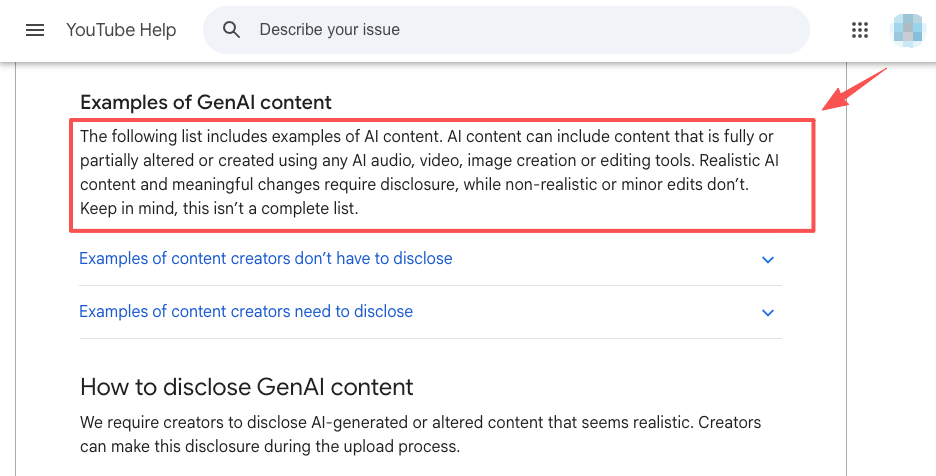
In my own workflow, the best checklist is short enough to use every time but specific enough to catch real mistakes. If it becomes a giant compliance document, nobody uses it. If it is too casual, it misses the same problems again.
Quality Checks Before Export
An AI video quality review should happen after the edit feels complete but before final export settings are locked. At this stage, the reviewer should watch the full video without pausing once, then watch again with specific attention to motion, artifacts, captions, and audio. The first pass catches the viewer’s experience. The second catches technical issues.
Motion consistency
Motion consistency is the first thing I check because AI video often breaks when movement crosses a frame boundary. A person may walk naturally for two seconds, then the shoulder shifts strangely. A product may rotate cleanly, then change shape for a few frames. Camera movement can also feel unstable, especially when the prompt asks for cinematic motion, but the model produces something closer to a floating game camera.
A useful review note should describe where the problem appears and whether it affects publishing. “Motion issue at 00:07, product edge changes shape during zoom, acceptable for internal draft but not paid ad” is much more useful than “movement weird.” For creator content, I usually accept minor background motion problems if the subject and message stay clear. For brand or client work, I raise the bar. If the product, face, logo, or main action changes shape, it needs revision.
Visual artifacts
Artifacts are easier to miss when the edit has music, text, and fast pacing. I check faces, hands, logos, product packaging, reflections, shadows, and any text generated inside the image or video. AI tools still struggle with small repeated details, so the cleanest-looking clip can hide a broken label or impossible finger position.
I also check style drift. If a video mixes AI-generated clips with real footage, the contrast can become obvious. The viewer may not know why the video feels inconsistent, but they feel it. In one short promo workflow, the generated opening looked glossy while the real product shot looked flat. The fix was not another generation. It was color matching and reducing the AI clip’s contrast so both shots belonged in the same world.
Caption or audio fit
Captions and audio should be checked together because timing errors change the meaning of a video. A caption that appears too early can spoil the hook. A caption that appears late can make a short video feel sloppy. For voiceovers, I listen for pronunciation, pacing, breath cuts, and whether the tone fits the creator or brand.
Music needs the same attention. A track can be legally usable and still wrong for the edit. If the beat fights the cuts, the video feels rough even when the visuals are clean. For AI voice, I also flag any moment where the voice sounds like a real person who has not approved the use, because that can create rights and trust problems beyond simple quality control.
Rights and Asset Checks
Rights review is not a legal decoration. It is part of export readiness. This article is not legal advice; copyright, asset licensing, client authorization, and platform policy should always be checked against the latest official rules and, when needed, qualified counsel.
Source materials
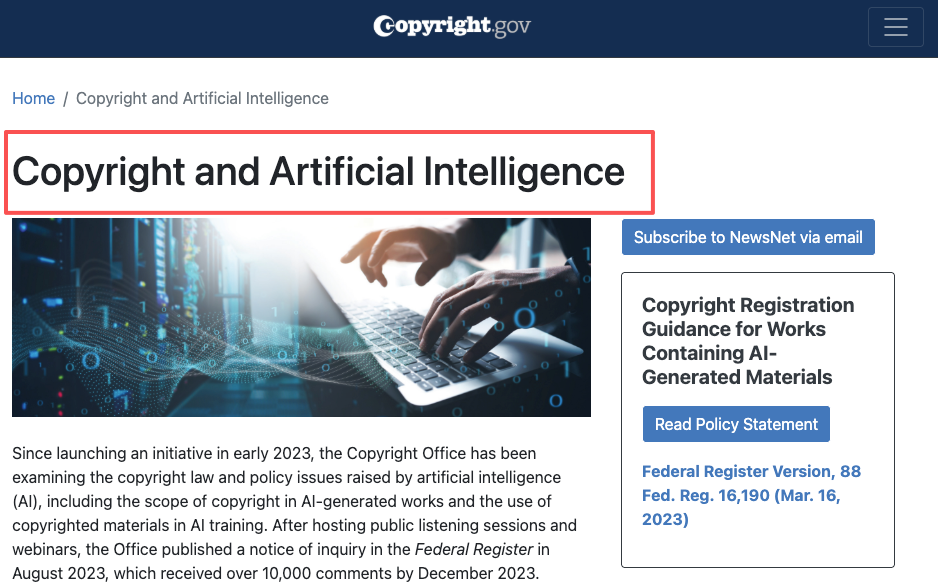
Before export, every source asset should have a clear origin. That includes uploaded images, reference videos, screenshots, client files, logos, fonts, stock clips, and AI-generated material. The U.S. Copyright Office’s AI resources are worth reviewing because AI-assisted work can raise authorship and registration questions, especially when human contribution and machine-generated material are mixed. For practical review, I want to know whether the source material was created by the team, licensed, supplied by the client, or generated with a tool whose terms allow the intended use. If nobody can answer that, the video is not ready to export.
Music and voice
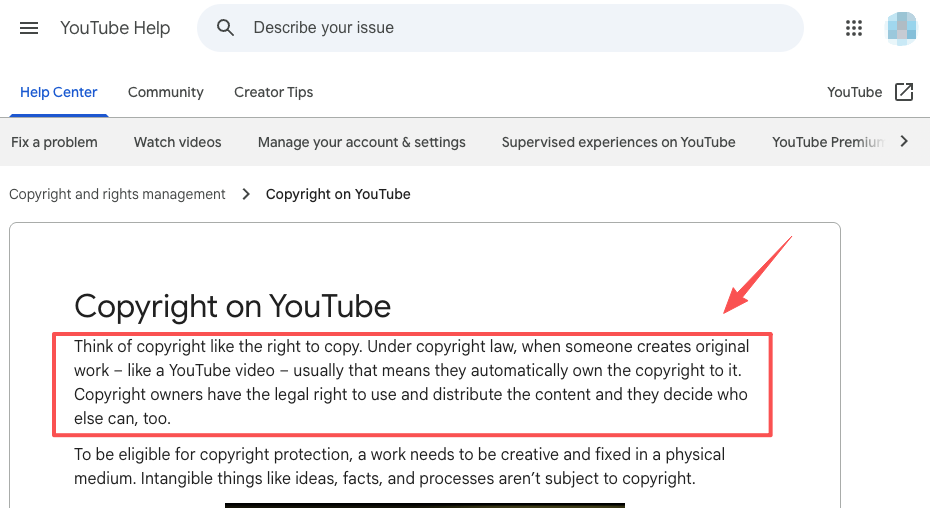
Music and voice rights are easy to overlook because they feel like finishing touches. They are not. A video can pass visual review and still fail because the music license does not cover paid ads, the voice clone lacks permission, or the platform detects copyrighted audio. YouTube’s copyright help page is a useful baseline for creators because it explains that original works are protected by copyright and that uploaders need permission when using someone else’s protected work. For AI video, I apply that same caution to samples, generated vocals, soundalike voices, and background tracks.
Brand usage
Brand review is about consistency and permission. Logos should not be warped, cropped, recolored, or placed on backgrounds that reduce readability unless the brand owner approves it. If the video includes a partner logo, client product, app interface, testimonial, or sponsored mention, the review should confirm that the usage matches the brief.
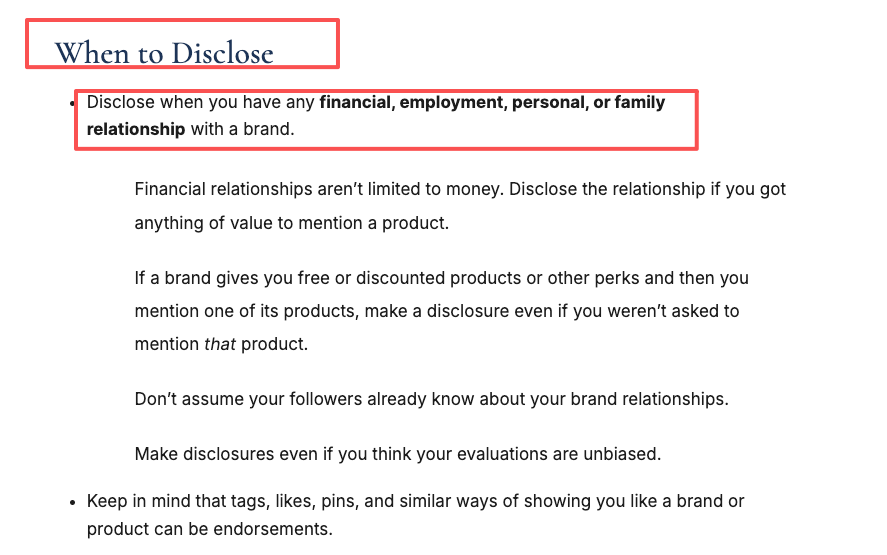
For influencer or sponsored content, the FTC’s Disclosures 101 for Social Media Influencers is a practical source. If there is a material connection, disclosure needs to be clear. The export checklist should catch missing disclosure text before publishing, not after the client asks why it is absent.
Publishing Readiness Fields
The final review should produce a small record, not just a yes or no. This is where an AI video export checklist becomes useful across projects. I prefer a compact export record with the file name, version, reviewer, approval status, known issues, rights notes, platform notes, and final export settings.
| Field | What to record |
| File name | Project, platform, version, date |
| Quality status | Approved, revise, or approved with notes |
| Rights status | Source, music, voice, and brand checks |
| Platform status | Disclosure, caption, format, and policy notes |
| Known issues | Acceptable issues and owner decision |
This also supports a cleaner video revision workflow. If a client asks why a small background artifact was left in the final version, the team can point to the accepted issue note. If a video needs to be updated later, the next editor does not have to reverse-engineer the decision.
FAQ
How should approved exports be named?
Approved exports should use a stable naming pattern that makes version history obvious. A practical name includes the project name, platform, aspect ratio, version number, approval status, and date. For example, a team might use a format like campaignname_platform_ratio_v03_approved_2026-07-07. The key is consistency, because a clean name prevents the wrong file from being uploaded.
Can checklist results be reused across projects?
Yes, but only as a baseline. A checklist result from one project can show recurring risks, such as weak caption timing or frequent music-license confusion. It should not be copied as approval for a new video. Each project still needs its own rights review, platform check, and export confirmation.
What belongs in a post-publish issue log?
A post-publish issue log should record what was missed, where it appeared, how serious it was, who found it, and what changed afterward. The value is not to blame. The value is pattern detection. If three videos in a month had caption timing problems, the checklist needs a stronger caption review step.
Should checklists change by client type?
Yes. A solo creator video, a paid brand campaign, an education video, and a regulated-topic client should not use the same review depth. Higher-risk clients need more rights documentation, stricter brand checks, clearer approval records, and more careful platform review.
How should teams label acceptable issues?
Teams should label acceptable issues by impact. A minor issue does not affect viewer trust or message clarity. A moderate issue is visible but approved for the context. A critical issue blocks export. The label should always include who accepted it, because “acceptable” is a decision, not an accident.
Previous posts:



[…] Examples: What to Show Between Main Shots Manus Studio Video Editor: Brief to Editable Draft AI Video Review Checklist Before Export AI Script Generator Workflow for Video Creators How to Create AI Training Videos: Tools and […]