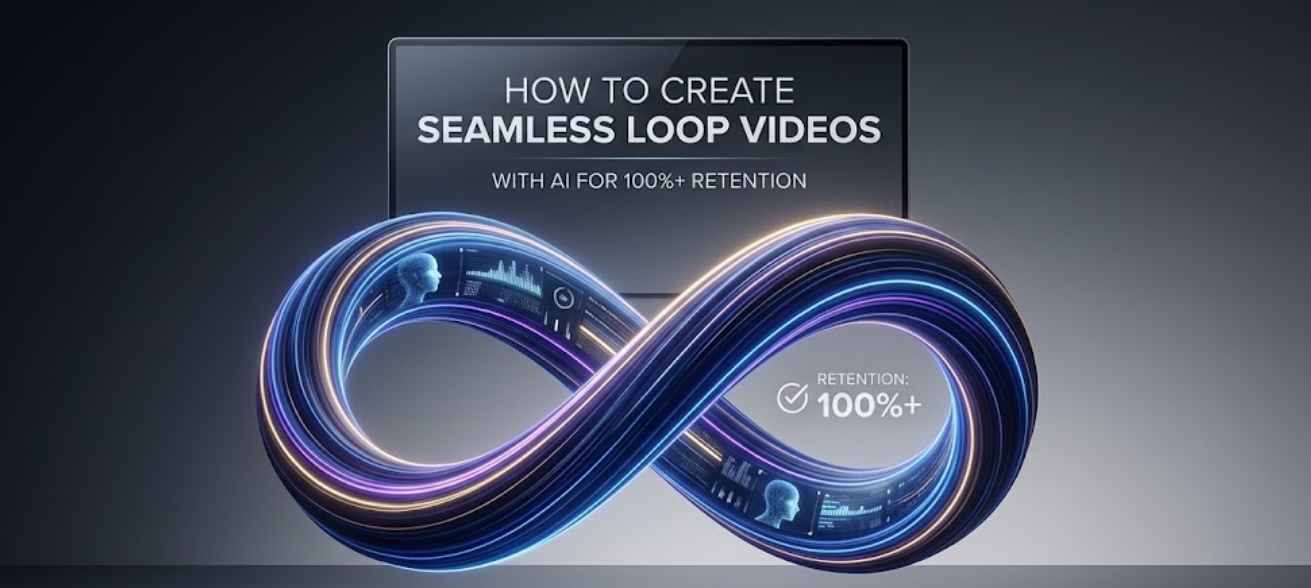
Editor’s Note: Let’s be real—getting a viewer to finish your video once is hard enough, but getting them to watch it twice without even realizing it? That’s the ultimate algorithm cheat code. We monitor a lot of creator data here at CrPal, and videos that consistently hit that magic 100%+ retention mark almost always use seamless loops. It’s not just about a clever edit; it requires a specific script formula and precise audio matching. Here is exactly how to build a video that loops infinitely and traps viewers in the scroll.
If you are trying to grow on YouTube Shorts, Instagram Reels, or TikTok in 2026, the algorithm only cares about one metric above all else: Average View Duration (AVD).
To trigger the viral distribution curve, your video needs to exceed 100% retention. The only reliable way to achieve this is by ensuring the end of your video flows so perfectly into the beginning that the viewer watches the first three seconds of the replay before realizing the video restarted.
Creating this effect manually in traditional editing software is incredibly tedious. But by using a dedicated seamless loop video creator and structuring your script correctly, you can automate this retention hack. Here is the technical blueprint to build the perfect loop.
- The Narrative Hack: Writing a Circular Script
A perfect loop starts before you ever generate a video clip. If your audio doesn’t connect, the visual transition won’t matter. You must write a “circular script.”
The rule is simple: The last sentence of your video must be the grammatical first half of your opening hook.
Example of a Bad Script:
- Start: “Here are three ways to use AI for video editing.”
- End: “Thanks for watching, make sure to follow for more tips.” (The viewer instantly knows it’s over and scrolls).
Example of a Seamless Loop Script:
- End of Video: “And that is exactly why you need to…”
- Start of Video: “…stop editing your videos manually. Here are three AI tools that do it for you.”
When played continuously, the audio sounds like one unbroken sentence: “And that is exactly why you need to stop editing your videos manually.”
- The Visual Transition: Frame-Matching the Cut
Once your script is circular, your visual elements must match. If your video ends on a wide shot of a landscape and starts on a close-up of a face, the cut will be jarring and break the loop.
To build an undetectable transition, the first and last frames of your video must be nearly identical in composition and motion.
- The Match-Cut Method: In classical cinematography, a match cut uses identical visual framing to connect two different scenes. For short-form loops, end your video by covering the camera lens (or having your AI avatar walk directly into the camera until the screen goes black). Start the video by pulling away from that exact same black screen.
- The Subject-Lock Method: If you are using an AI talking head or digital presenter, ensure their resting pose at the end of the script exactly matches their starting pose.
- The Audio-Transient Workflow
The final step is executing the physical cut. Even if your script and visuals match, a one-millisecond gap in the audio will ruin the illusion.
This is where you need a specialized audio reactive video ai tool to snap your cuts to the exact waveform.
The Step-by-Step Execution:
- Record the Audio as One Take: Read (or generate) the final sentence and the first sentence together as a single, flowing audio file.
- Split on the Transient: Import your audio into the CrePal timeline editor. Zoom in entirely on the audio waveform. Find the exact dip (transient) between the words of the connecting sentence.
- Blade and Rearrange: Cut the audio at that exact dip. Take the first half of the clip and move it to the end of your timeline. Take the second half and move it to the beginning.
- Auto-Sync Video to Beat: Use the visual playhead to snap your video clips directly to the newly arranged audio cuts. Because you cut precisely on the waveform dip, the audio will loop flawlessly without any popping or clicking.
By locking the visual frames to these micro-audio cuts, you trick the platform’s player into repeating the video instantly, racking up 120%+ retention rates effortlessly.
FAQ
How do I make a video loop perfectly on Instagram Reels?
To create a seamless loop, you must write a script where the final sentence connects grammatically to the first sentence (e.g., ending with “which is why you should…” and starting with “…always use this trick”). Record the audio in one continuous take, then split the audio file directly between those two words in your editing timeline, placing the first half at the end of the video.
What tool auto-syncs video cuts to the beat?
While many editors have manual snapping, utilizing a dedicated seamless loop video creator like CrePal allows you to zoom in on the micro-transients of your audio waveform. This ensures your visual cuts snap perfectly to the audio beats without any single-frame gaps, preventing the audio “pops” that usually ruin seamless loops.