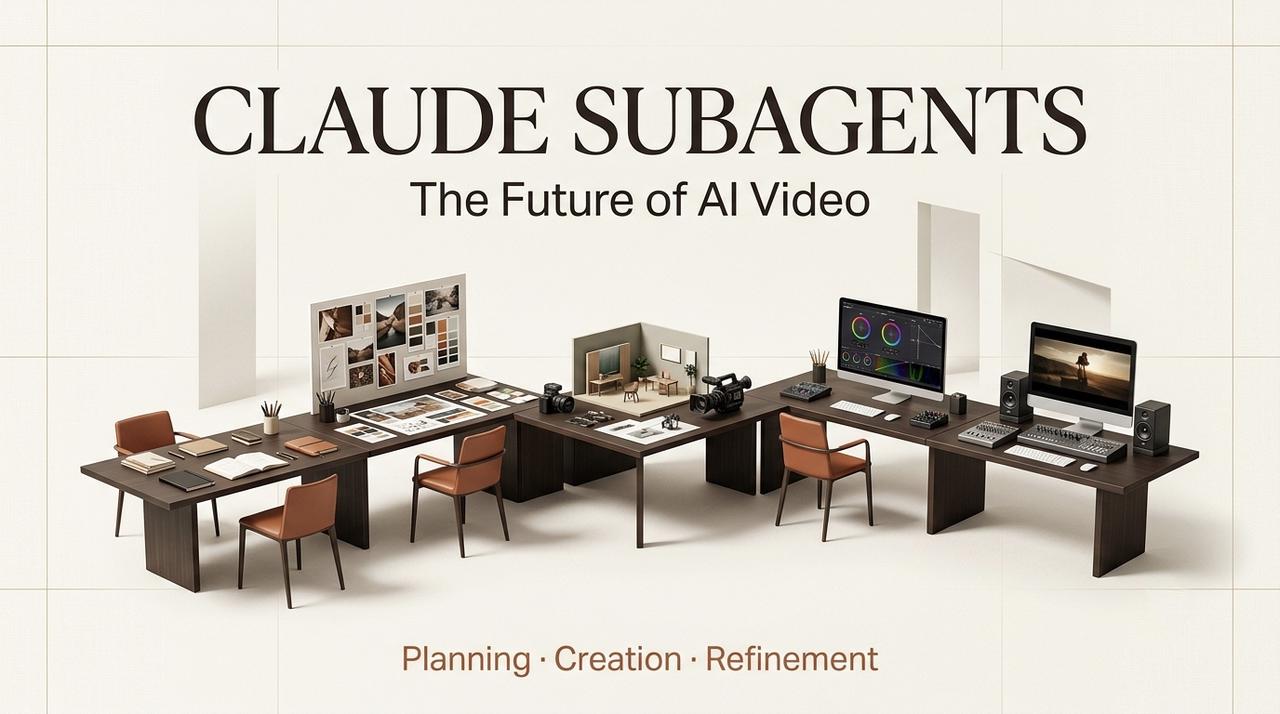
Leo here. I don’t think Claude Subagents matter, only because developers can split coding tasks into smaller workers. The more interesting lesson is bigger: complex creative work breaks when one AI is asked to remember every goal, inspect every detail, and make every approval call at once.
Video is exactly that kind of mess. A creator or small agency may start with one campaign brief, but five minutes later they’re juggling script tone, scene pacing, visual consistency, voiceover, captions, client notes, rights, and export specs. That is not “one prompt to final video.” That is a production line. The question is how to make that line feel less like tool chaos and more like direction.
I once approved an AI-generated ad video too quickly. The visuals were cinematic, but the product placement timing was off by two seconds and the key benefit was never shown clearly. The conversion rate was terrible. That mistake cost us a campaign budget and taught me the value of role separation.
What Subagents Reveal About Complex Creative Workflows
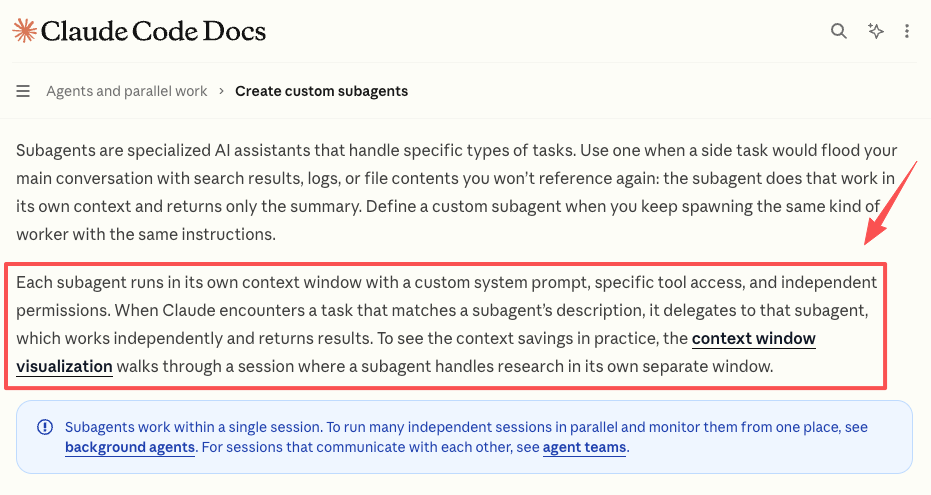
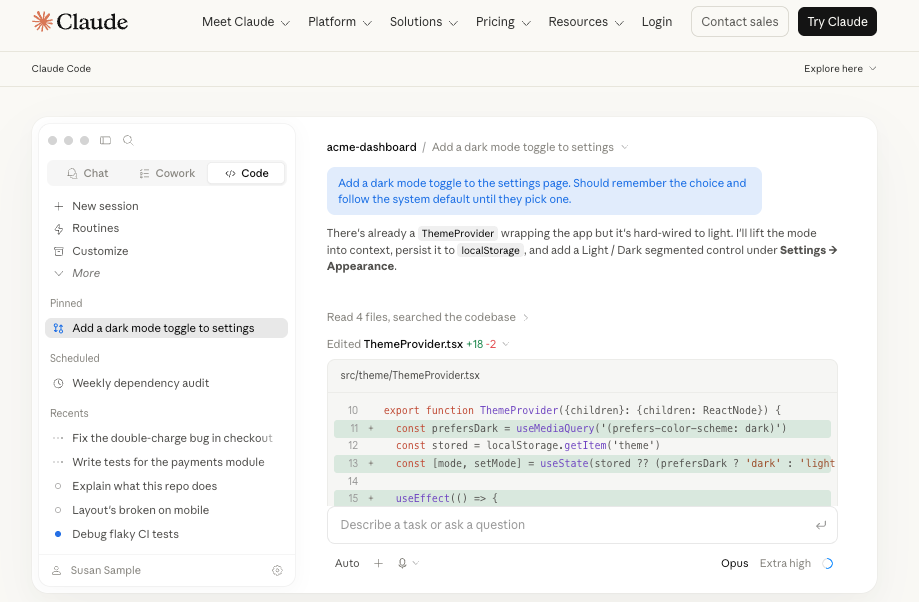
Anthropic’s official docs describe Claude Code subagents as specialized assistants with their own context, prompts, tool access, and permissions. I’m not going to turn this into a Claude Code tutorial. The useful creative idea is simple: when a task becomes too wide, give different parts of the work to different roles.
That maps cleanly to video. In a real AI video workflow, the same “mind” should not be writing hooks, judging composition, checking brand safety, and preparing exports without any role separation. I’ve seen that pattern go sideways too many times. The script sounds fine, but the storyboard ignores the product. The visuals look good, but the final cut misses the CTA. Nobody failed dramatically. The workflow just had no clear owner for each decision.
Subagents reveal a better habit: split the work by responsibility, then pass only the useful context forward.
The AI Video Workflow Needs Specialized Roles
Role-based production is not about making the process look fancy. It is about reducing the number of vague decisions sitting in one overloaded prompt.
Script agent
The script role turns the brief into a message hierarchy: audience, hook, promise, scenes, voiceover, CTA, and claims that need approval. For creators and marketers, this is where the video earns its right to exist. If the script is mushy, prettier visuals only make the mush more expensive.
A good script agent should also flag weak inputs. If the brief says “make it viral,” the right answer is not a script. The right answer is a question: viral for whom, on which platform, with what proof?
Storyboard agent
The storyboard role translates words into shots. It decides what each scene should show, where transitions happen, and which visual details must stay consistent. This is where video planning AI becomes useful.
I like to think of this role as the person who stops the team from generating ten beautiful clips that do not belong in the same video. It should track character, product angle, scene order, pacing, and visual references before any generation credits get burned.
Visual generation agent
The visual generation role handles prompts, model choices, style references, and shot attempts. This is the part most people call “AI video,” but it is only one part.
The trap is letting this role become the boss. Strong visuals can seduce a team into approving a video that no longer serves the campaign. The visual agent should generate options against the storyboard, not wander off because one prompt produced a cool frame.
Revision agent
The revision role compares the current cut against the brief, the storyboard, and human feedback. This is where small teams usually lose time. A client says, “Make it warmer,” a founder says, “the product appears too late,” and suddenly the team is rewriting prompts from memory.
A revision agent should turn feedback into specific change requests: shorten scene two, replace the opening image, adjust the voiceover claim, regenerate the product close-up, or leave the shot alone.
Export agent
The export role is boring until it saves your deadline. It checks aspect ratio, captions, language versions, file format, brand-safe text, and platform needs. It should also keep a record of what was approved. This matters for agencies. The final export is not just a file. It is the version everyone agreed to ship.
Why Role-Based Creation Still Needs an AI Director
Here’s the part people skip: more roles do not automatically create better work. Five confused agents are still confused. They just produce confusion in parallel.
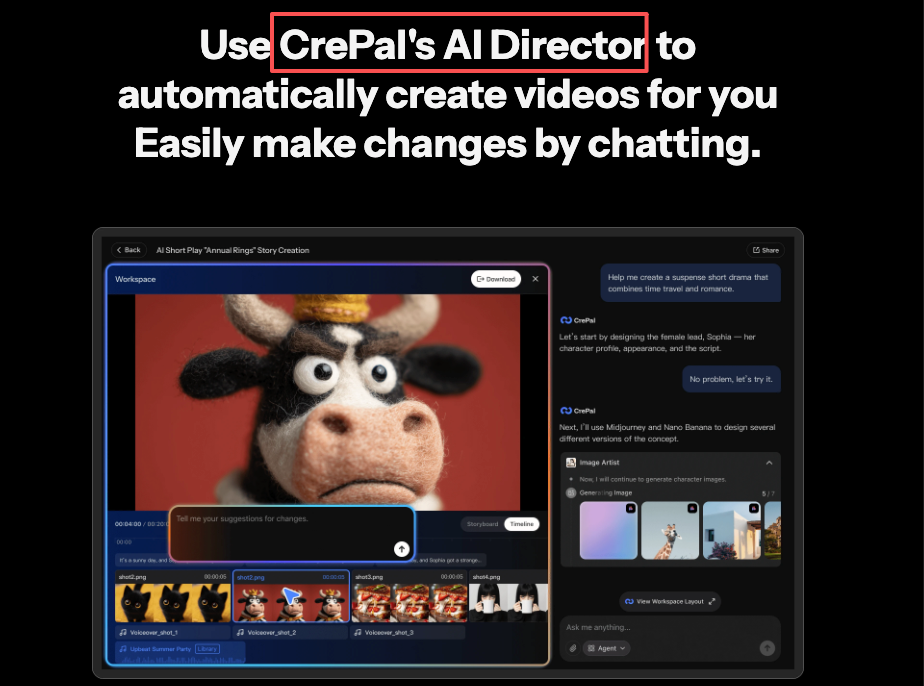
That is why an AI Director matters. For this article, the important point is not that every tool must use the same architecture. It is that video creation needs a central director role to keep the whole production pointed at the same outcome.
Keeping the creative goal consistent
Every role needs a north star. Is this a product explainer, a paid ad, a founder announcement, or a short-form story? The AI Director should keep that answer visible. Without that, the script agent may optimize for clarity while the visual agent optimizes for style. Both can be “right” locally and wrong globally.
Passing context between steps
The handoff is where most AI workflows leak quality. A script becomes a storyboard, but the emotional tone disappears. A storyboard becomes generation prompts, but the product constraint gets lost. A revision request enters the chat, but no one knows which scene it affects. The director’s role should decide what context moves forward: brief, approved script, visual rules, rejected ideas, legal notes, and export requirements.
Deciding what to revise or approve
Not every flaw deserves a regeneration. Sometimes a strange hand in the background matters. Sometimes it doesn’t. Sometimes fixing it costs more attention than the scene is worth. The AI Director should help make that call. For small agencies, this is where the workflow becomes practical: approve what serves the goal, revise what blocks publishing, and stop polishing things the audience will never notice.
Boundary: This Is Not a Claude Code Setup Tutorial
This boundary matters, so I’ll say it plainly.
This article borrows the role-specialization idea from Claude Subagents
This article only borrows the role-specialization concept from Claude Subagents to explain the workflow logic behind complex video creation. It is not a guide to creating .claude/agents files, configuring permissions, calling tools, or operating Claude Code.
Claude Code feature details, availability, naming, and permissions should always be checked against Anthropic’s latest official documentation.
CrePal AI Director coordinates the actual video workflow
In the video workflow described here, CrePal AI Director is the coordination layer. The point is to manage script, storyboard, generation, revision, approval, and export inside an AI video production process.
This does not mean CrePal is integrated with Claude Subagents. It does not mean CrePal automatically calls Claude. Different systems can share a useful workflow idea without sharing the same implementation.
No Claude Code configuration, tool calls, or setup steps
If you came here looking for Claude Code setup steps, this is not that article. No terminal commands. No tool permissions. No config walkthrough. The topic here is creative production: how role-based thinking can help creators, marketers, and small agencies make better videos with less handoff chaos.
Benefits, Limits, and Risks to Explain
The biggest benefit of a multi-agent workflow is clarity. Each role has a job. The script role does not pretend to be the export role. The revision role does not rewrite the whole concept because one caption is too long.
The second benefit is reviewability. When something fails, you can inspect the step that failed. Was the brief unclear? Did the storyboard skip a product shot? Did visual generation drift from the approved style? That is much easier to fix than “the AI made a bad video.”
But there are limits. Specialized creative agents add value only when the project has enough complexity. A five-second meme clip does not need a production department. Neither does a quick internal mockup. Role separation helps when there are real handoffs, approvals, versions, and publishing risk.
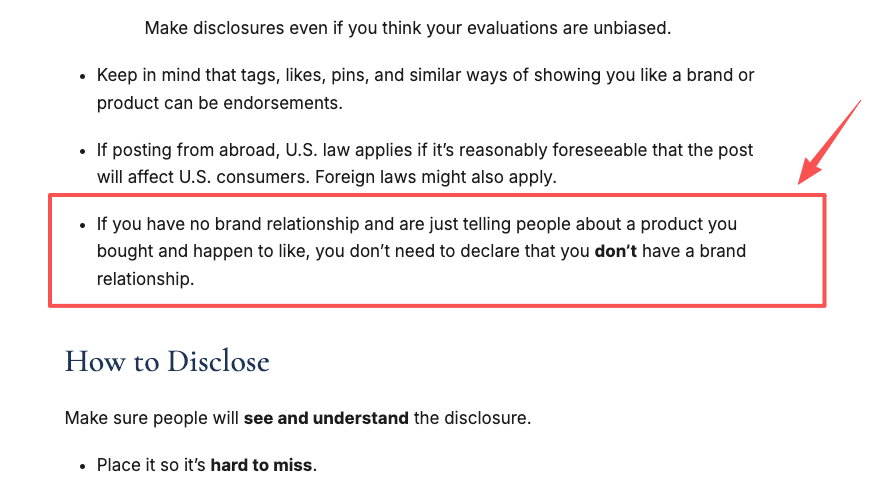
There are also rights and disclosure issues. The U.S. Copyright Office AI initiative is a useful starting point for understanding copyrightability and AI-generated outputs, while the FTC’s disclosure guidance for endorsements is worth checking whenever AI-generated video is used in paid or sponsored content. Provenance standards like C2PA specifications can help with media history, but teams should not treat metadata as a substitute for human approval.
FAQ
Do creators need to configure Claude Code to apply this workflow idea?
No. Creators can apply the role-based thinking without touching Claude Code. The practical move is to separate responsibilities: one pass for script, one for storyboard, one for visuals, one for revision, one for export.
How should teams integrate role-based thinking with their current video tools?
Start by mapping your current bottleneck. If revisions are the pain, add a revision checklist first. If visual consistency is the pain, build stronger storyboard and style rules before generation. Don’t rebuild the whole process on day one.
What rights, approvals, and disclosures matter before publishing AI-generated video?
Check asset rights, likeness rights, music licenses, brand claims, sponsorship disclosure, platform rules, and local AI-labeling requirements. For client work, keep written approval of the final version. Boring paperwork beats a takedown email.
When does adding specialized roles create more friction than value?
When the task is simple, the deadline is tiny, or no one owns final approval. If the team spends more time managing roles than improving the video, collapse the workflow back into fewer steps.
Conclusion
The useful lesson from Claude Subagents is not “every creator should become a developer.” It is that complex work needs defined roles, controlled context, and a clear approval path.
AI video is moving in that direction because the hard part is no longer just generating clips. The hard part is directing a finished piece through script, storyboard, visuals, revisions, and export without losing the original goal. For creators and small teams, that is the future worth paying attention to.
Previous posts: