
I’m Dora. I started taking scripts more seriously after one very annoying edit: the footage looked good, the visuals were clean, and the pacing still felt dead. The problem was not the camera. It was the script. There was no real hook, the middle wandered, and the ending sounded like I had run out of coffee and confidence.
That is where an ai script generator can actually help video creators. Not as a magic “write my whole channel for me” button, but as a pressure test before production. A good AI script writer helps you draft hooks, organize scenes, find weak transitions, and create revision notes before you waste a shoot day.
I’m not making the “best tools” list here. For creator workflow, the smarter question is: what should an AI writing tool do before your video becomes expensive to fix?
What Video Creators Need From an AI Script Generator
Video creators do not need a script that looks impressive in a document. We need a script that survives editing. That means the tool should help with four practical jobs: clarify the idea, shape the hook, map scenes, and make revision easier. A polished paragraph is nice. A shootable structure is better.
When I test an ai script generator, I usually paste a messy brief like this:
“Short video for creators about why AI thumbnails fail. Tone: honest, slightly funny, not too salesy. Need hook, 4 scenes, narration, visual notes, and a CTA.”
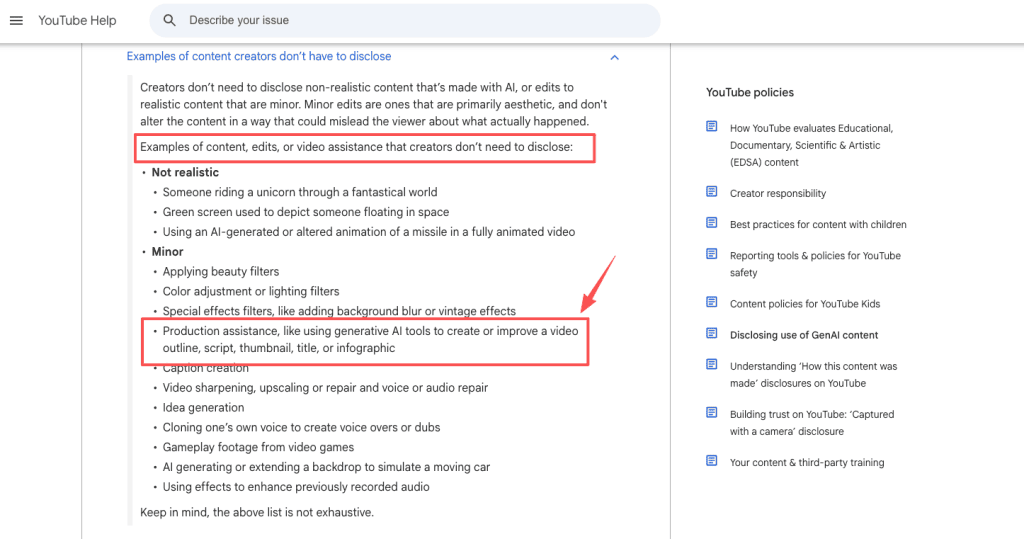
The first draft tells me a lot. If the output gives me generic advice like “AI is changing content creation,” I know I’ll have to babysit it. If it gives me a specific opening shot, a clear emotional beat, and a clean ending, then it might save real time. For YouTube creators, scripts also need platform awareness. YouTube’s guidance on disclosing GenAI content says production assistance like outlines, scripts, thumbnails, titles, or infographics may not require disclosure by itself, while realistic AI-generated or meaningfully altered content can. That distinction matters. Script help is usually lower risk than generating realistic fake footage, but the final video still needs review.
My basic script workflow looks like this:
| Stage | Human job | AI job |
| Idea | Choose the angle | Generate variants |
| Hook | Pick the tension | Draft openings |
| Structure | Decide the story flow | Map scenes |
| Visuals | Approve what can be filmed | Suggest shots |
| Edit | Cut weak parts | Create revision notes |
The best AI writing workflow keeps the creator in charge. The tool should make decisions easier, not quietly replace taste.
Script Elements That Affect Video Output
A script is not just words. It decides what the viewer sees, when the editor cuts, and whether the video has momentum.
Hook clarity
The hook is where most generated scripts fail. A weak hook explains the topic. A strong hook creates tension. “Today we’ll discuss AI scripting tools” is flat. “I used AI to write five video scripts, and only one was actually shootable” gives the viewer a reason to stay.
When I use a video script generator, I ask for at least five hook options in different styles: direct, story-based, contrarian, problem-led, and visual-first. Then I ignore the prettiest one and pick the one with the clearest promise.
A useful hook should answer three questions fast:
- Who is this for?
- What problem are we solving?
- Why should the viewer care now?
For a creator video, I also check whether the first shot matches the first sentence. If the script says, “Most AI scripts sound fine until you try to film them,” I can show a messy timeline, a crossed-out script, or me staring at a bad draft. That is usable. If the script opens with abstract language, the editor has nothing to cut to.
Scene structure
Scenes are where a script becomes production. A lot of AI-generated scripts sound smooth because they are written like blog posts. That is a problem. Video needs beats, not just paragraphs. Each scene should have a job: introduce the problem, show an example, explain the fix, prove the point, or move toward the CTA.
For short-form videos, I like a simple four-scene structure:
| Scene | Purpose | Example |
| 1 | Hook | Show the broken script |
| 2 | Problem | Explain why it fails |
| 3 | Fix | Rewrite with visual beats |
| 4 | Payoff | Show the stronger version |
For longer videos, I ask the AI script tool to split the script into intro, context, main sections, examples, objections, and ending. Then I check for dead zones. If two scenes do the same job, one gets cut.
Visual direction
A script without visual direction can still work for talking-head content, but it becomes harder to edit. For video creators, visual notes should be part of the script from the start. Not cinematic overkill. Just enough direction to help production:
- On-screen action
- B-roll ideas
- Text overlay
- Screenshot moments
- Cutaway examples
- Camera or framing notes
The key is to keep visual direction practical. “Show a futuristic digital landscape” is useless unless that is actually your style. “Screen recording of three script drafts side by side” is much better. For one tutorial draft, I asked an AI tool to add visual notes after the narration. It suggested “creator looking frustrated.” Fine, but vague. I changed it to: “Open editing timeline, zoom into the section where the intro drags for 18 seconds.” That tiny change made the scene filmable.
That is the difference between script decoration and production help.
How to Evaluate Script Tools for Video Workflows
Commercial investigation content should not only ask, “Is this tool good?” Ask, “Where does it fit in the workflow, and what still needs a human?”
Draft quality
Good draft quality does not mean perfect wording. It means the draft gives you a usable starting point. I score AI script drafts on five things:
| Criterion | What I look for |
| Angle | Is there a clear point of view? |
| Hook | Does the first line create tension? |
| Flow | Does each section move forward? |
| Specificity | Are examples concrete? |
| Voice | Does it sound like the creator? |
Generic scripts usually fail on specificity. They say things like “save time and improve productivity.” A creator script should say what changes on screen: “Cut the first 12 seconds, move the mistake example before the tip, and show the final version before explaining it.” That level of detail is what turns AI output into actual production value.
Revision control
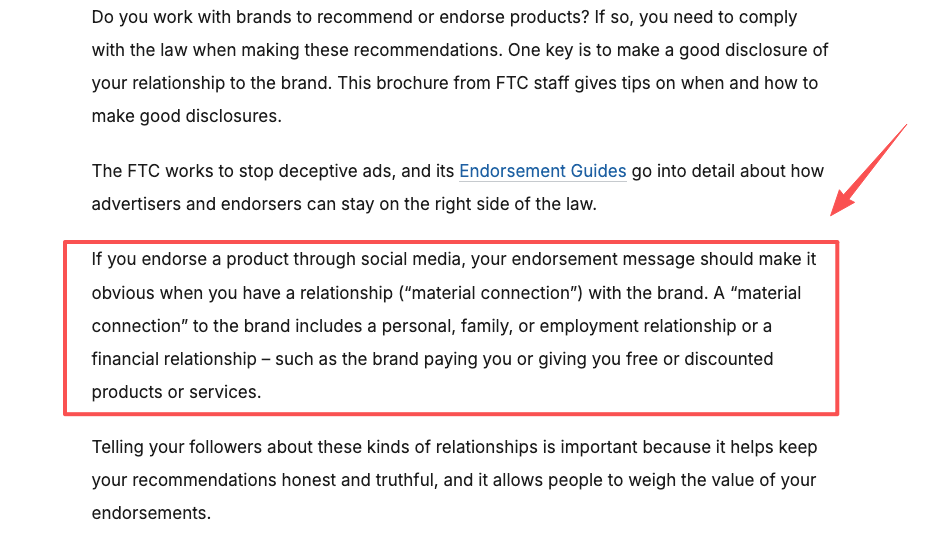
If a tool rewrites everything every time you ask for one change, it will slow you down. I want controlled edits: “keep the hook, shorten scene 2, make the CTA softer, and add one visual example.” If the tool can follow that, it fits a real workflow. This matters even more for teams. A brand manager may approve the hook but reject the tone. An editor may need shorter narration. A client may ask for safer language. Good revision control lets you change one layer without breaking the whole script. For client or sponsored work, I also compare claims against FTC guidance. The FTC’s Disclosures 101 for Social Media Influencers reminds creators that paid relationships and material connections need clear disclosure. If an AI draft writes a glowing product claim, the human team still has to check whether it is true, disclosed, and allowed.
Export usability
A script that only exports as a block of text is not enough for serious video work. The best format separates narration, visuals, on-screen text, timing notes, and revision comments. Here is the structure I prefer:
| Column | Why it helps |
| Time/beat | Keeps pacing visible |
| Narration | Main spoken script |
| Visual | What appears on screen |
| Text overlay | Captions or emphasis |
| Notes | Editor/client comments |
This makes the draft easier to hand off. A solo creator can use it as a shot list. A team can use it for review. An editor can spot missing visuals before the cut starts. If a script generator for videos cannot produce a clean production table, I treat it as an ideation tool, not a workflow tool.
Limits and Review Notes
An AI script is still a draft. Sometimes a useful one. Sometimes a suspiciously confident one. The biggest limit is taste. AI can imitate structure, but it does not know what your audience is tired of hearing. It may over-explain obvious points, flatten your humor, or write a CTA that sounds like it came from a webinar slide.
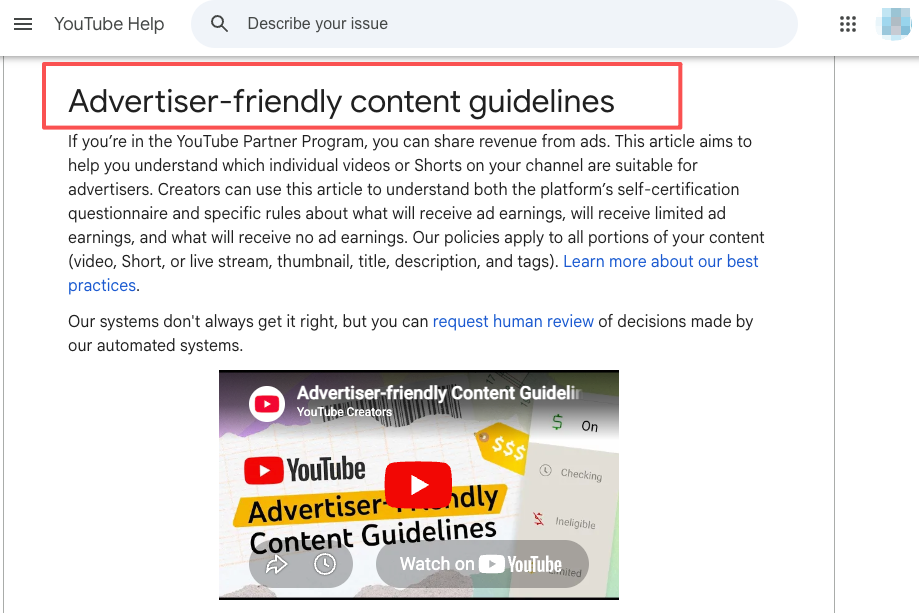
The second limit is accuracy. If the script includes product claims, legal claims, health claims, financial advice, platform rules, or copyright statements, verify them before filming. YouTube’s advertiser-friendly content guidelines also matter if monetization is part of the plan, because titles, thumbnails, descriptions, and the video itself can affect ad suitability.
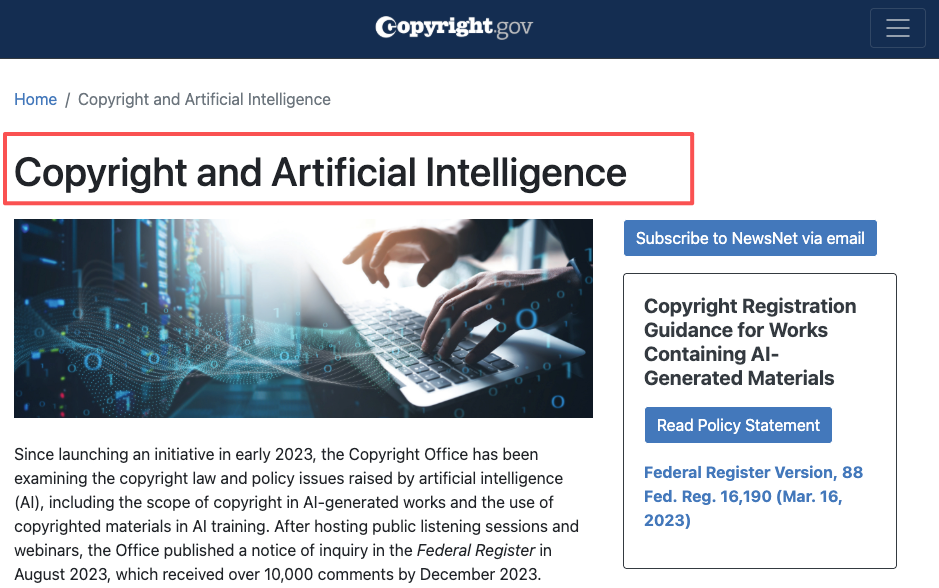
The third limit is rights. The U.S. Copyright Office’s AI guidance is a useful starting point for understanding AI-assisted works, but copyright can get messy fast when scripts include generated text, copied references, client materials, or protected characters.
Quick disclaimer: this article is not legal advice. Copyright, client authorization, sponsorship disclosure, and platform policy should always be checked against the latest official rules and, when needed, a qualified professional.
That last point matters. AI can draft. It should not decide what your audience trusts you for.
FAQ
Should scripts be written before visual planning?
Usually, no. I like script and visual planning to happen together. If you write the whole script first, you may end up with narration that has no visual support. A better workflow is to draft the hook, map the scenes, add rough visuals, then tighten the narration around what can actually be shown.
How should teams compare generated drafts?
Compare drafts by function, not by which one “sounds best.” Use a scorecard: hook strength, scene clarity, visual feasibility, claim risk, brand voice, CTA fit, and edit time. I also like blind review for the first pass. Remove the tool name, show only the draft, and ask the team which version they would actually film.
Can AI scripts be used for client work?
Yes, but only with clear boundaries. Client work should include approval steps, source checks, disclosure rules, and contract alignment. If the client has policies about AI use, follow those first. If the script includes brand claims, testimonials, regulated topics, or competitor comparisons, treat AI output as a draft that needs human review.
What should stay human-written?
The core opinion, personal story, final hook choice, sensitive claims, humor, and emotional ending should stay human-written or at least human-edited. AI can help organize the material, but the creator should decide what the video really means. That is the part viewers feel, even when they cannot explain why.
Previous posts:

[…] AI Script Generator Workflow for Video Creators Drawing Prompt Generator for Video Storyboards Script Visuals for AI Generation Workflow AI Story Continuer: Extend Stories Without Drift AI Video Workflow: From Brief to Final Cut […]
[…] Prompt Generator for Video Scripts AI Script Generator Workflow for Video Creators Script Visuals for AI Generation Workflow How Creators Use Seedance to Make AI Videos AI […]