Editor’s & Field Testing Note :
When OpenAI rolled out self-serve access to the OpenAI Ads Manager Beta, video production teams immediately asked whether their video cuts could run inside ChatGPT.
The Hard Reality: Official documentation in the OpenAI Help Center on ChatGPT Ads and Ads in ChatGPT: The Basics confirms that ChatGPT currently displays static image cards only. It does not accept .mp4, .mov, animated WebP, or interactive video players.
If your team produces AI video ads, you have built a powerful creative engine. You write scripts, generate lifelike video clips, test dynamic hooks, and edit dozens of variations for social media.
| Ad Component | Verified Production Specification | Documented Platform Constraint |
| Media Format | Single static raster image (PNG or JPEG) | No video files (.mp4, .mov), animated GIFs, or HTML5 canvas |
| Asset Canvas | 1:1 Square (1200 x 1200 px) or 1.91:1 Landscape (1200 x 628 px) | Max file size 5 MB; clean photography without heavy embedded text |
| Headline (Title) | Plain text string (Recommended: 30–40 characters) | No emojis, symbols, ALL-CAPS strings, or clickbait punctuation |
| Description Body | Plain text string (Recommended: 60–90 characters) | 2 lines maximum; must directly address user conversational intent |
| Brand Profile | Business Name + 1:1 Favicon Square | Verified automatically via corporate domain DNS authentication |
| Destination Link | Outbound HTTPS URL with static UTM tracking parameters | Direct links only; intermediate redirects or cloaked URLs are rejected |
Campaign, Ad Group, and Ad Creation
Campaign setup follows a disciplined three-stage structure:
- Campaign Level: Advertisers select either Traffic (Clicks) or Conversion objectives and configure a daily budget cap (e.g., $100/day during exploratory testing).
- Ad Group Level: Marketers configure target geographies and maximum Cost-Per-Click bids. Instead of negative keyword lists, targeting relies on Context Hints—short plain-language descriptions of relevant conversation topics (e.g., “Users asking how to extract voiceover stems from recorded audio”).
- Ad Level: Creators input the static image, headline, body text, and destination URL, auditing the asset against the live conversational preview module.
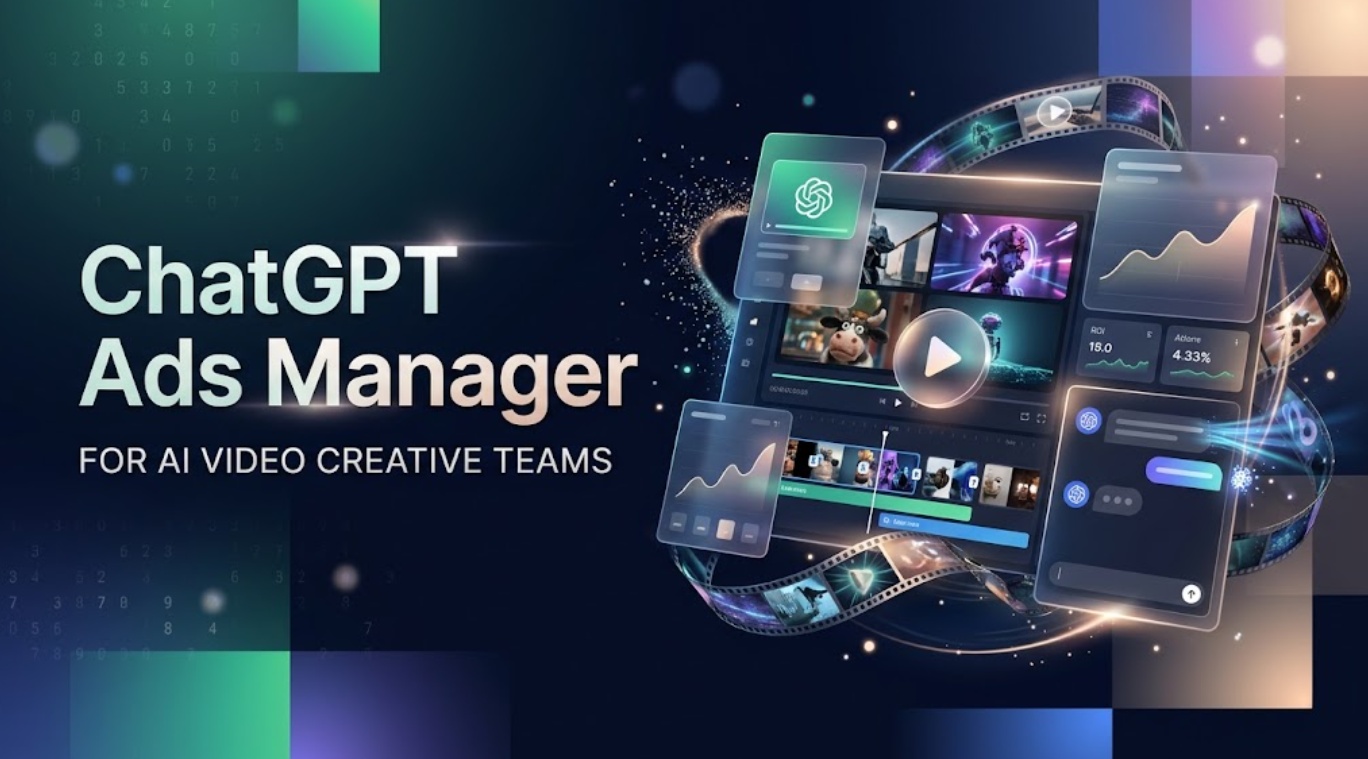
The Current Image-Led Ad Unit
The live card sits unobtrusively below the assistant’s response:
- A “Sponsored” attribution tag and verified brand favicon at the top.
- A clear headline stating the direct value proposition.
- A short text block providing the specific contextual answer.
- A high-contrast visual asset displayed adjacent to the text.
- A direct action button driving traffic to the external landing page.
Why Video Creative Teams Still Matter
Video creators might question the utility of their workflow in an image-only format. In practice, video production teams adapt to conversational search faster than traditional static designers because video pipelines prioritize narrative hooks and rapid clarity.
| Video Pipeline Asset | ChatGPT Ad Translation | Conversational Mechanics |
| Hook Frame (0–2s Mark) | Primary 1:1 Square Hero Image | Anchors user attention visually without needing animation. |
| Spoken Script Hook | Ad Card Headline | Directly matches the user’s explicit question. |
| Core Problem Solution | Description Body Copy | Summarizes the solution concisely within two lines. |
| Closing CTA Beat | Destination Landing Page | Provides a friction-free conversion funnel. |
Turn Campaign Briefs Into Reusable Creative Systems
When your team creates a video ad, you analyze user pain points, write tight scripts, and vet performance claims with brand stakeholders. You do not need to restart that work for ChatGPT Ads. The core message of your 30-second video explainer maps directly into the headline and body text of the ad card.
Adapt Video Concepts Into Approved Static Assets
Instead of designing graphics from scratch, extract your best visuals directly from your video pipeline:
- High-Res Video Stills: Scrub through uncompressed 4K master exports. Capture clean freeze-frames showing product interactions, clean software user interfaces, or human reactions.
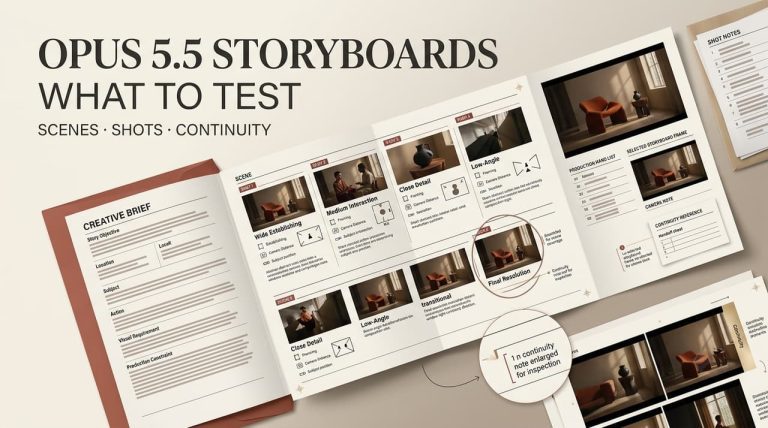
- Storyboard Panels: When planning multi-scene video concepts in workflow platforms like CrePal, your team creates modular storyboard panels, visual prompts, and script variants. These visual cards double as ready-to-test static ad assets.
- Hook Testing: Take your top-performing video voiceover opening lines and run them as competing ad headlines against the same static image.
Build One ChatGPT Ad Creative Handoff
Our testing desk established a standard 5-stage asset handoff pipeline to bridge video editing rooms with media-buying desks:
| Step Number | Production Phase | Operational Actions | Verified Output File |
| Step 1 | Frame Capture | Scrub the 4K video export. Extract the sharpest product close-up. Crop to 1200 x 1200 px. | Hero_Square_1200.png |
| Step 2 | Copy Extraction | Convert the script’s primary hook into a 35-character plain-text headline. | Ad_Copy_Manifest.txt |
| Step 3 | Context Mapping | Define three natural-language Context Hints describing relevant user queries. | Added to Copy Manifest |
| Step 4 | Landing Page Audit | Confirm the landing page hero header mirrors the ad card claim above the fold. | Verified UTM Web Link |
| Step 5 | Review & Upload | Ingest assets into Ads Manager Beta and inspect the live chat preview card. | Published Ad Group |
Preserve Claims, Sources, and Landing-Page Fit
Conversational AI users read with high intent. If an ad card headline claims: “Transcribe 60-minute audio files in 40 seconds,” the destination page must display that exact metric and proof point above the fold. Mismatched landing pages cause immediate bounce-offs, which lowers ad delivery priority in OpenAI’s relevance-weighted auction.
Review Copy, Image, and Destination Together
Before publishing, evaluate the creative package across three practical criteria:
- Does the image display clearly on small mobile screens without visual noise?
- Does the headline provide a direct answer to an authentic user question?
- Does the destination page load instantly and confirm the ad’s core proposition?
Measure Learnings Without Assuming Video Placement
Evaluating performance in Ads Manager Beta requires measuring intent alignment rather than passive video metrics like 3-second hook retention:
| Performance Metric | What It Measures | Concrete Optimization Action |
| Click-Through Rate (CTR) | Visual and copy relevance against the chat thread | If CTR drops below 1.5%, test a more direct product freeze-frame. |
| Cost Per Click (CPC) | Topic competitiveness in the real-time auction | Broaden Context Hints if CPC climbs above target thresholds. |
| Conversion Rate (CVR) | Landing page alignment with the promised solution | Rewrite landing page hero copy to match the ad card’s exact phrasing. |
Field Note on Data Latency: Impressions and clicks refresh every 15 to 30 minutes in the dashboard, but spend reconciliation can take up to 4 hours. Allow ad groups to run for at least 48 hours before altering bids or swapping creatives.
Limits of the Current Beta
To keep production and client teams aligned, maintain realistic boundaries regarding platform capabilities:
| Feature Dimension | Current Platform Reality | Production Workaround |
| Video Playback | Unsupported across all tiers | Use high-contrast freeze-frames from your video master. |
| Dynamic Product Feeds | No automated CSV or merchant feed sync | Manually build static cards for your top 5 best-selling items. |
| Audience Distribution | Displays only to users on the free tier of ChatGPT | Focus on broad consumer and business research topics. |
| Regional Availability | Limited to initial test markets | Audit active market eligibility before budgeting international spends. |
FAQ
Can ChatGPT Ads Manager import existing product feeds?
No. In the current beta release, dynamic catalog syncing and CSV product feeds are not supported. Every ad creative must be configured manually via the campaign builder or through standard bulk-creation templates.
Which account roles can approve ads before launch?
According to official workspace settings, only users with Account Owner or Admin roles can approve and publish campaigns. Team members with Analyst permissions can view reports and metrics, but cannot create ad groups, alter bids, or change creative assets.
Does Ads Manager preserve source asset filenames after upload?
No. Uploaded image files are renamed by OpenAI’s internal media storage system. Keep an organized folder on your local drive with clear naming (such as Campaign_Hook01_1200x1200.png) to keep source files organized.
Can agencies manage several advertiser accounts under one login?
Yes. Agency operators can manage multiple client organizations from a single verified account using the organization switcher in the top navigation bar, provided they have been granted admin access by each client workspace.
Which measurement partners currently integrate with ChatGPTAds?
Attribution relies on direct pixel tracking, server-side conversion events, and standard static UTM parameters appended to landing page URLs. Direct integrations with specialized third-party Mobile Measurement Partners (MMPs) are being added across the beta lifecycle as confirmed in official platform updates.
Conclusion
The ChatGPTAds Manager gives performance brands an effective way to connect with high-intent buyers during active conversations. While the platform does not host native video playback, AI video creative teams have a significant head start.
By taking your tested video hooks, storyboard stills, and approved claims, you can convert existing production assets into clean, high-performing ChatGPT ad cards. This enables you to expand your brand’s reach onto a high-intent advertising surface without rebuilding your creative workflow from scratch.