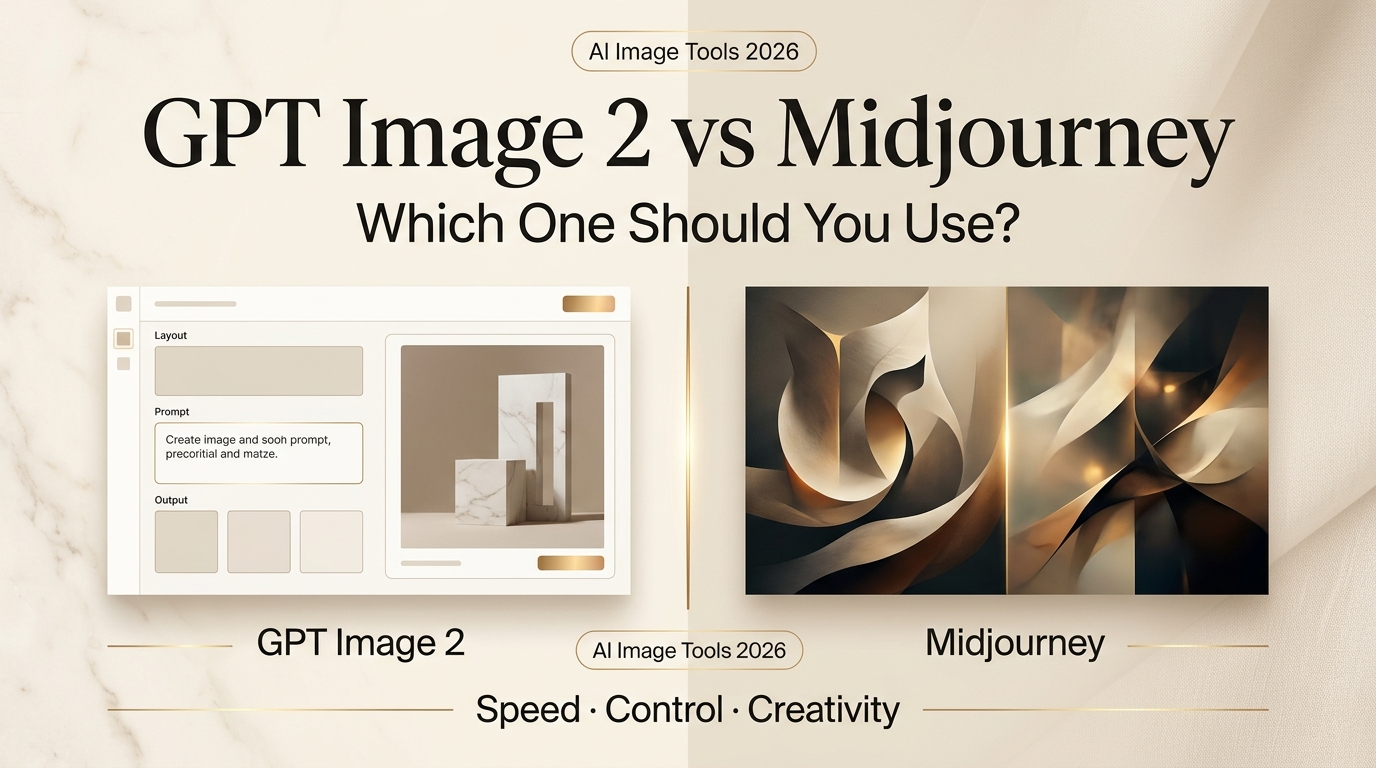
I’m Dora — and I was finishing a client mood board at 11 PM last Tuesday when the OpenAI notification dropped: ChatGPT Images 2.0 was live. I closed my Midjourney tab without a second thought and started testing.
Three hours later — okay, fine, it was 2 AM — I had a clearer picture of where each tool actually wins. Not from spec sheets. From prompts that failed, from text that rendered correctly for the first time in my creative life, from that specific frustration of trying to get Midjourney to put legible words on a poster and watching it confidently produce beautiful gibberish.
So here’s the honest breakdown. Not “GPT Image 2 destroyed Midjourney forever,” not “Midjourney still reigns supreme.” Just: which one makes more sense for your actual work.
What GPT Image 2 and Midjourney Are Best At
These two tools have genuinely different personalities. After spending real time with both, this is the clearest way I’d put it:
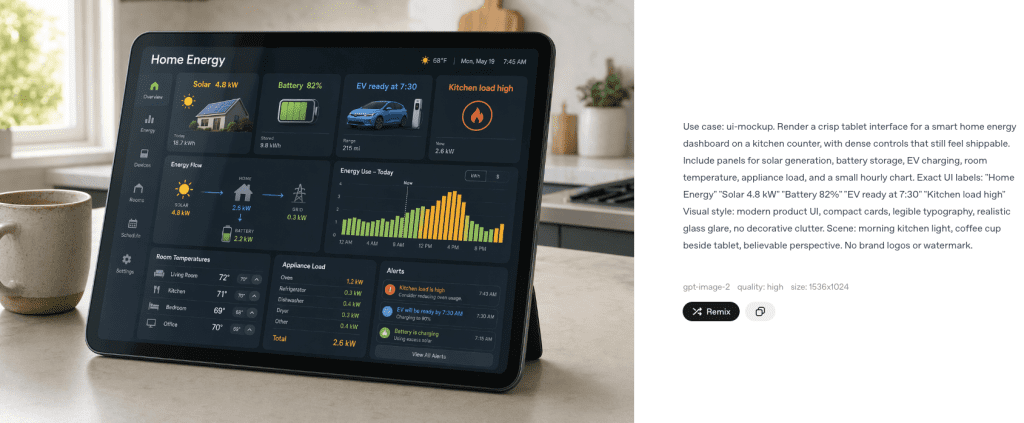
GPTImage 2 is a production assistant. It wants to help you finish something — an ad, a social graphic, a slide deck, an infographic. It follows instructions precisely, renders text reliably (more on that in a second), and integrates into a chat-based editing loop that feels fast and low-friction. According to OpenAI’s own image generation guide, gpt-image-2 is positioned as the recommended default for new builds — specifically for text-heavy images, photorealism, and workflows where fewer retries matter.
Midjourney is an aesthetic collaborator. It has a visual identity that’s hard to fake — that particular quality of light, that cinematic weight, that way of making a simple prompt feel like concept art. If you’re building moodboards, exploring visual directions, or creating images that need to feel striking before they need to be accurate, Midjourney still has an edge.
Neither of these is a flaw. They’re just different jobs.
Key Differences at a Glance
| GPT Image 2 | Midjourney V8 | |
| Text rendering | Near-perfect | Reliable, not guaranteed |
| Prompt precision | Very high | High, more interpretive |
| Editing workflow | Chat-based, iterative | Prompt re-runs, Vary options |
| Style identity | Flexible, neutral | Strong aesthetic signature |
| API access | Official (May 2026) | No official API |
| Access | ChatGPT + API | Web + Discord |
Text Rendering and Prompt Precision
This is where the GPT Image 2 story starts — because honestly, it changes things.
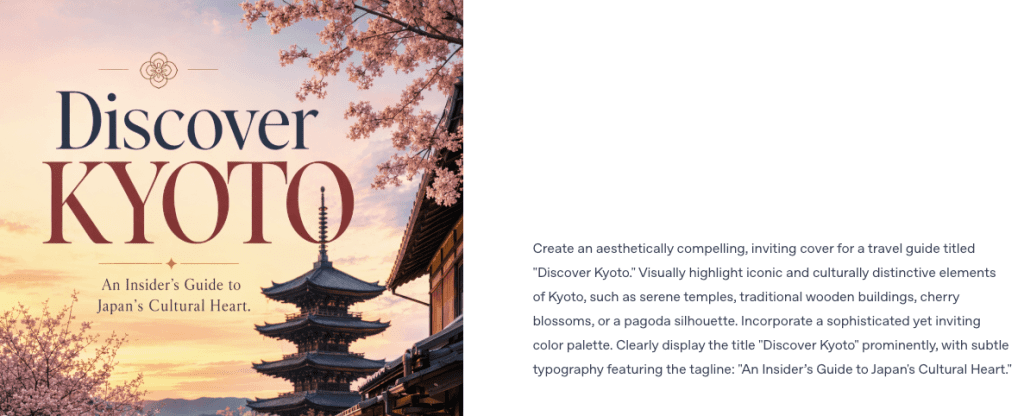
I’ve been testing AI image tools for years and text rendering has always been the thing that separates “usable” from “not quite.” Midjourney V8, which launched in March 2026, made real strides here — multi-word labels and short phrases now come out mostly clean. But GPT Image 2 uses agentic reasoning to plan a composition before it renders anything. The model thinks through layout, text constraints, and element count before a single pixel is placed. In my tests, that architecture difference shows: multi-word headlines, bilingual labels, a poster with three different type sizes — it handled things I’d genuinely stopped expecting from AI image generators.
The difference matters most in practical production work. If you’re making social media graphics with actual copy, or branded assets where text is part of the design, GPT Image 2 is operating in a different category from what existed six months ago.
Midjourney V8 handles text significantly better than V7, but it’s still more “mostly right” than “reliably right.” For stylized single words or short phrases in artistic contexts, it’s fine. For an event flyer with a date, location, and tagline? I’d reach for GPT Image 2 every time.
Prompt precision tracks the same way. GPT Image 2 follows instructions literally — which is exactly what you want when generating for a specific brief. Midjourney interprets more freely. Sometimes that’s a feature (you get back something better than what you described). Sometimes it’s a problem (you get back something completely different from what you asked for and have to start over).
Editing and Iteration Workflow
This is where the two tools feel most different to actually use.
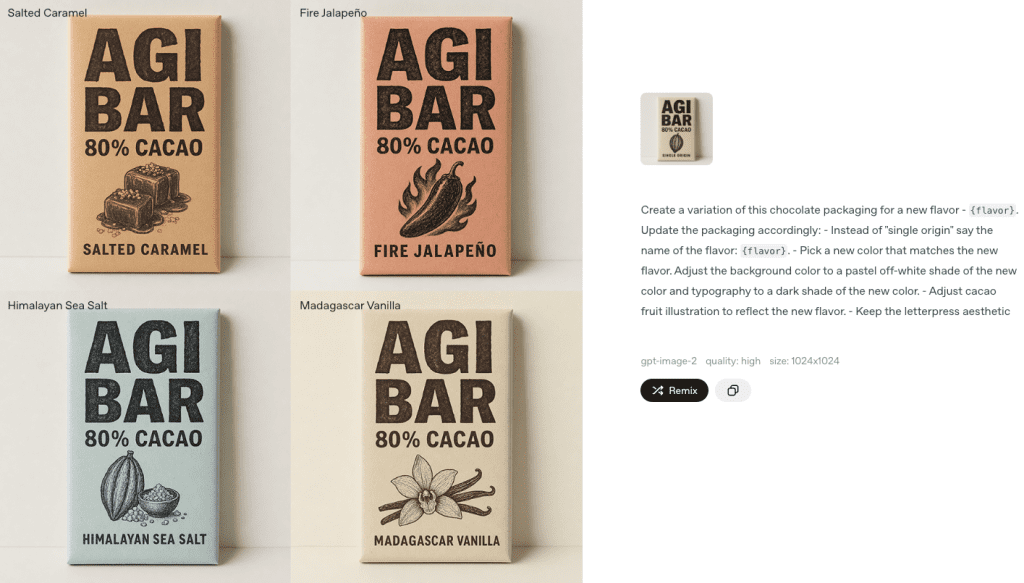
GPT Image 2 lives inside ChatGPT’s conversation interface. You generate, you say “make the background darker,” it updates. You say “add a logo placeholder in the top right,” it adds it. For back-and-forth refinement on a specific image, this loop is fast. GPT Image 2 also supports generating up to ten images from a single prompt — useful for batch concept testing. OpenAI’s image generation prompting guide describes this batch approach as “how a designer iterates and how a product team generates consistent hero images across a page set,” which tracks exactly with how I’ve been using it.
Midjourney’s iteration loop works differently. You get four variations per generation, and you can upscale, vary, or re-roll from there. The web editor now includes inpainting and aspect ratio adjustment, so you’re not stuck in Discord for everything. But it’s still more of a “regenerate until you get something close” workflow than a direct editing experience.
Neither is strictly better. If you know exactly what you want and you’re iterating toward it, GPT Image 2’s chat loop is more efficient. If you’re exploring what you want and you’d welcome unexpected directions, Midjourney’s variation system produces more interesting surprises.
One hard practical note: Midjourney still has no official public API. If you’re building anything that needs programmatic image generation — any automation, any pipeline — that’s not a close call right now.
Style Range and Aesthetic Identity
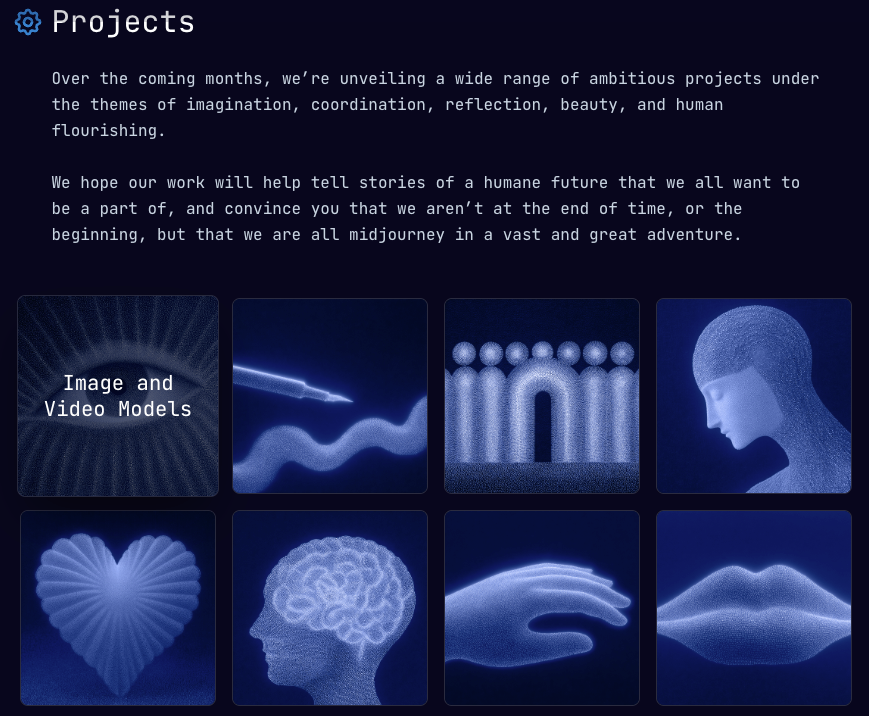
Midjourney has something that’s hard to describe and harder to replicate: a look. Even without specific style prompts, Midjourney images tend to have a particular quality — painterly shadows, cinematic lighting, a sense of weight and atmosphere. The Midjourney V8 changelog notes it’s built on a completely rewritten codebase with native 2K resolution and significantly better prompt understanding — but the visual personality that made Midjourney famous is still there and arguably more refined in V8.
GPT Image 2 is more neutral. It can do photorealism, flat illustration, editorial style, technical diagrams — the range is genuinely wide. But it doesn’t have a signature. When you’re using it for production work (ads, graphics, marketing assets), that neutrality is often exactly what you want. When you want images that feel like art rather than output, Midjourney still has an edge.
I tested both with the same creative brief: “A jazz bar at 2 AM, neon lights reflecting in wet pavement, one musician packing up.” Midjourney’s result felt like a still from a film I’d actually watch. GPT Image 2’s was technically more photorealistic — but it felt clinical by comparison.
That’s not a bug. It’s a genuine tradeoff depending on what you’re making.
Which Tool Fits Which Creator Workflow
Here’s how I’d actually sort this:
Reach for GPT Image 2 when:
- Your image needs text on it — headlines, labels, body copy, any typography
- You’re making ad creative, social graphics, or branded assets with specific requirements
- You need to iterate quickly on a known direction through conversation
- You’re building a workflow that will eventually need API access
- You need infographics, slides, or anything structurally complex
Reach for Midjourney when:
- You’re building moodboards or visual concept decks
- The goal is aesthetic impact over compositional precision
- You want to explore, not execute — finding a direction, not finishing a deliverable
- You work in a creative field where Midjourney’s visual identity is a recognized style
- You value the community dimension (shared prompts, public galleries, active Discord)
Decision Guide: When to Choose Each One
If you’re a solo creator making content for social or YouTube: GPT Image 2 is probably more immediately useful. Text rendering, fast iteration, and the ChatGPT integration mean you can go from idea to usable asset without a lot of prompt wrestling.
If you’re a designer building visual concepts for clients: Midjourney still delivers stronger raw aesthetic impact. Clients who want to see directions — not finished assets — often respond better to Midjourney’s visual weight. Looking at the Midjourney plan comparison, the Standard tier at $30/month is where it becomes genuinely practical for weekly use — you get more Fast GPU time and unlimited Relax mode for slower-priority drafts.
If you’re a marketer making performance ads: GPT Image 2. Prompt precision and text rendering matter more than aesthetic signature in ad creative, and batch generation is useful for testing variants.
If you’re experimenting and don’t want to commit: GPT Image 2 is accessible inside ChatGPT Plus. Midjourney no longer offers a free trial — you’re paying from day one, starting at $10/month.
If you need programmatic access: GPT Image 2 via the official API, opening to developers in May 2026, is the only real option. Midjourney API wrappers exist but they’re unofficial, add cost, and come with real operational risks.
FAQ
Does GPT Image 2 replace Midjourney? For text-heavy production work and ad creative — it genuinely challenges Midjourney’s position. For artistic, mood-driven image work, Midjourney still has a distinct identity that GPT Image 2 doesn’t try to replicate.
Which has better image quality in 2026? Depends on what “better” means. GPT Image 2 is more precise and technically accurate. Midjourney V8 is more atmospherically compelling. They optimize for different outcomes.
Can I use both? Absolutely. My current workflow uses GPT Image 2 for anything with text or specific composition requirements, and Midjourney for early concept exploration. They’re not competing for the same job in my day-to-day.
Is Midjourney still worth it in 2026? Yes, if your work genuinely values its aesthetic direction. Less so if you mainly need practical production assets with text and precision requirements.
What about Midjourney V8 vs GPT Image 2 on text specifically? GPT Image 2 wins here, clearly. V8 improved significantly over V7, but GPT Image 2’s agentic reasoning layer — which plans image structure before rendering — produces more reliable text output in complex layouts.
The Bottom Line
Look, I tested both of these tools extensively this past week, and my honest take is: the “GPT Image 2 vs Midjourney” framing is almost the wrong question.
They’re not fighting for the same use cases anymore. GPT Image 2 is a production tool. Midjourney is a creative exploration tool. The creators who’ll get the most out of 2026 are probably using both — knowing when to reach for which one.
If I had to pick just one? For my work — a mix of content creation, social assets, and the occasional client brief — GPT Image 2’s text rendering and chat-based editing loop would win right now. Midjourney’s aesthetic identity is still unmatched, but I can’t build a reliable production workflow around a tool with no API and unpredictable text on anything more complex than a headline.
But I keep both tabs open. And I’m genuinely not sure that’ll change anytime soon.
Previous Posts: