It was 1 AM on a Tuesday and I was trying to animate a moody oil-painting-style portrait for a short film project. Runway said no. Sora laughed at me (metaphorically). Kling flagged the reference image. I hadn’t even asked for anything remotely edgy — the painting just had a shadowy, ambiguous character and apparently that was enough.
That’s when I started seriously digging into what “uncensored image to video AI” actually means in 2026. Not the marketing spin, not the Reddit hype — the actual day-to-day reality of what these tools will and won’t animate, how fast they are, whether free tiers are real or bait, and if the watermarks are tolerable.
Spoiler: the landscape has changed more in the last six months than in the previous two years. But it’s messier than the headlines suggest.
What to Expect From Uncensored Image-to-Video AI
Quick reality check before we go any further: “uncensored” doesn’t mean “anything goes.” It never did, and in 2026 that gap between the marketing and reality has gotten wider.
What “uncensored” usually means in practice:
- No automatic prompt blocking for dark themes, stylized violence, suggestive art, artistic nudity (on some platforms)
- Fewer false positives — you’re not getting blocked for a shadowy figure or a medieval battle scene
- More flexibility with model selection, meaning you can sometimes route around restrictive default filters
What it almost never means:
- Sexually explicit video generation on mainstream cloud platforms
- No moderation at all — every cloud service runs some form of content review
- Bypassing laws around real people, minors, or non-consensual imagery
The moderation picture in 2026 is also politically complicated. After what researchers called a “mass digital undressing spree” that flooded X in late 2025 — users exploiting Grok’s Spicy Mode to generate deepfakes of real people —the regulatory pressure has intensified globally. The EU’s Digital Services Act, the UK’s Online Safety Act, and numerous national-level investigations have pushed every major platform toward stricter baselines, even ones that were intentionally permissive. Understanding how AI content moderation systems actually work helps set realistic expectations before you commit to any platform.
If you’re a creator dealing with dark aesthetics, fantasy art, suggestive character design, or mature storytelling — there are genuinely good options now. If you need something explicitly beyond that, cloud tools aren’t your answer and this review won’t help you much.
Tools Reviewed (Methodology)
I tested each tool with the same batch of reference images:
- A moody, semi-abstract portrait with dramatic lighting
- A stylized fantasy character with weapon props
- A cinematic street scene with ambiguous tension
- An illustration with partial adult themes (artistic, not explicit)
For each tool I tracked: what got flagged vs. animated, first-run generation quality, free tier reality (not marketing copy — actual credits and what they buy), watermark behavior, and how long each generation actually took.
Review: WaveSpeedAI
Access and Free Tier
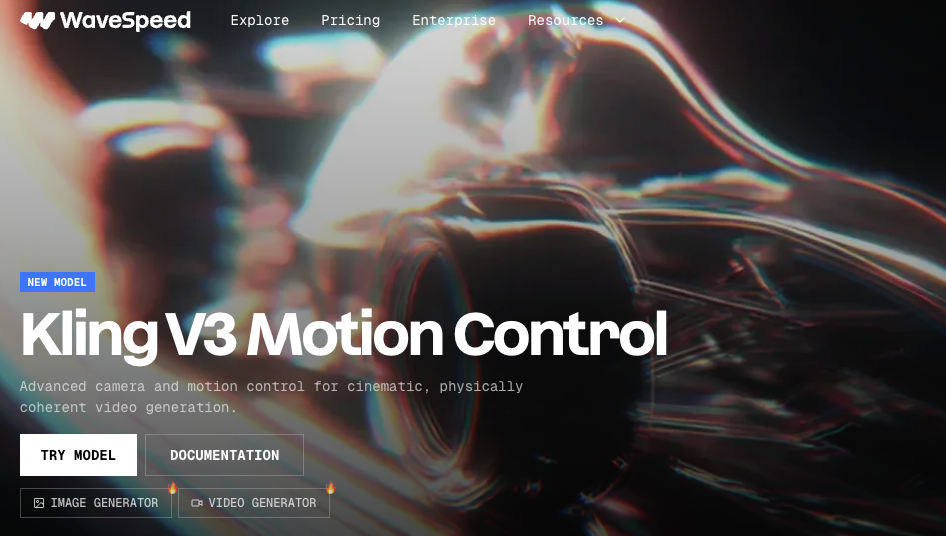
This is the one that surprised me most. WaveSpeedAI gives you $1 in free credits on signup — no credit card required. That sounds small but it’s pay-per-use pricing, and a WAN 2.7 image-to-video generation runs about $0.01 per second of video. For 5 seconds of output? A dime. Compared to the “1 free video then paywall” approach of most competitors, this actually lets you run 8–10 meaningful tests before spending anything.
The platform operates as a model aggregator with over 1,000 models — including WAN 2.7, Kling V3.0 Pro, Veo 3.1, and Hailuo 2.3 — accessible through a single API or their web interface. Credits never expire and there’s no mandatory subscription. You top up when you need it.
Output Quality on Test Images
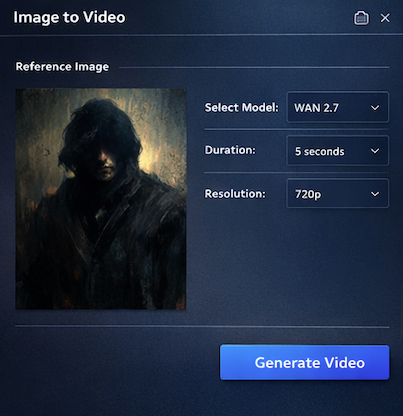
WAN 2.7 (the current backbone for most image-to-video work here) handled all four of my test images without a single flag on images 1–3. Image 4 got a soft rejection on one run and went through on the next — inconsistent moderation at the margins, which is honestly the honest answer for how this stuff works.
The motion quality on the fantasy character was noticeably better than what I’d gotten on Runway with similar prompts. Physics were believable, the sword prop didn’t melt, the cape movement felt intentional rather than random. Generation time for a 5-second 720p clip: under 90 seconds on my tests, though the platform advertises under 2 minutes for most runs.
The trade-off: WaveSpeedAI is infrastructure-first. The web interface is functional but utilitarian. If you need presets, camera motion controls, or a template library, you’re setting everything manually.
Content Range in Practice
Honestly, the range here is the widest of the three tools I tested. The WAN 2.x model family has a lot of community-tuned behavior, and WaveSpeedAI’s pay-per-use model means the platform has less financial incentive to over-moderate compared to subscription platforms protecting a recurring revenue relationship.
Dark aesthetics, atmospheric violence, stylized adult character art — all moved through without issues on my runs. Explicit content hit walls. That tracks with what I’d expect.
Verdict: Use it if…
You’re a developer, a power creator doing batch work, or someone who wants maximum model flexibility without a monthly subscription commitment. The pay-per-use model rewards efficient workflows. If you run 20 tests a month, you’ll spend maybe $3–5. If you’re building an app on top of it, the WaveSpeedAI REST API with no cold starts and 99.9% uptime SLA is legitimately compelling.
Not for creators who need hand-holding, presets, or a polished UI.
Review: Higgsfield AI
Access and Free Tier
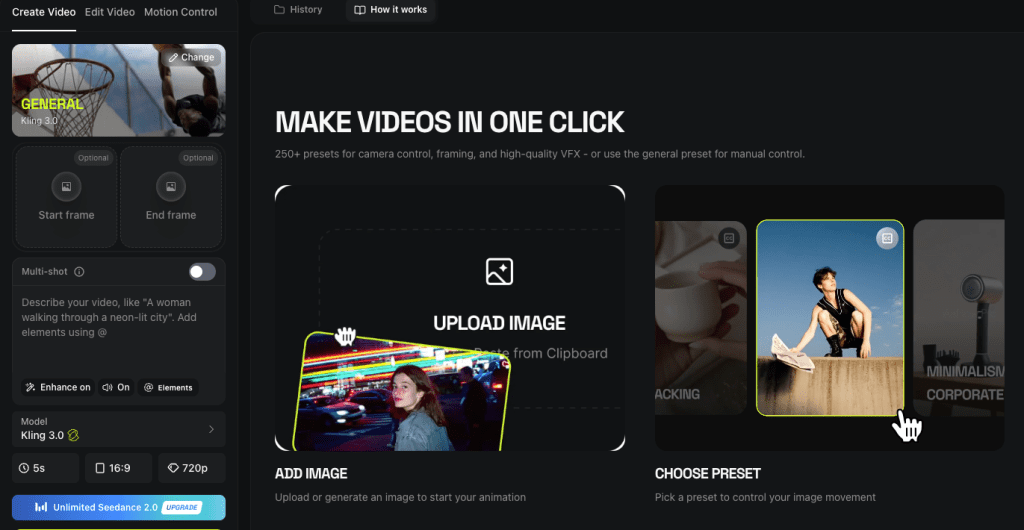
Higgsfield’s free tier is where the asterisks start. Technically free. In practice? You get enough credits for about 2–3 video generations on basic models, one image. The free plan includes a watermark. If you want watermark-free output and access to their stronger models (Sora 2, Veo 3.1, WAN 2.5), you’re looking at the Plus plan at $34/month minimum.
What you do get with the free tier is a real sense of the platform’s interface, which is genuinely excellent — better than anything else I tested. Cinema Studio 3.0 is the standout: camera body simulation, anamorphic lens options, depth of field controls, stackable camera movements. I’ve been in this space long enough to get jaded about “cinematic AI” claims. This one earned it.
Output Quality on Test Images
Here’s where things get complicated — and I want to be really specific because the marketing vs. reality gap is wide.
The cinematic portrait test? Beautiful. Higgsfield’s motion handling on static faces is best-in-class. The subtle skin texture, the way light moved across the character — it didn’t feel like AI video in the uncanny valley sense. The fantasy character with weapon props also did well on initial generation, though I hit Higgsfield’s generation limit mid-sequence (frustrating when you still have credits showing).
The moody street scene with “ambiguous tension”? One flag, which resolved after I reworded the prompt slightly. The illustrated character test got stopped. Their moderation has tightened in the last few months — early adopters who praised uncensored WAN 2.5 outputs have noted the shift as reported by several creator community reviews. Policy drift is real here.
Generation speed: Higgsfield’s marketing claims 5–10 seconds for some models. My WAN 2.5 runs averaged 35–45 seconds. Sora 2 was longer and ate credits fast — a single Sora 2 video can cost 40–70 credits, and on the Plus plan that’s a meaningful chunk of your monthly allowance.
Content Range in Practice
For mainstream creative content — dark fantasy, cinematic violence, atmospheric horror, adult character aesthetics without explicit content — Higgsfield works. The platform was an early leader in accessible uncensored image-to-video via WAN 2.5, and that reputation still has some foundation, but it’s softer now than six months ago.
User sentiment on Trustpilot is a 3.2/5 with the most common complaint centering on plans advertised as “unlimited” that turned out not to be. That tracks with my experience — the credit consumption is aggressive and the billing feels opaque until you’re already in.
Verdict: Use it if…
You’re a solo creator or small team doing cinematic social content, and the camera controls matter to you. Cinema Studio 3.0 is genuinely the best creative control interface in this space. The Plus plan makes sense if you’re doing professional work and the $34/month fits your budget.
Not for: high-volume testing, budget-constrained workflows, or anyone who needs predictable uncensored flexibility. The moderation is real and the credit system requires attention.
Review: Viyou.ai
Access and Free Tier
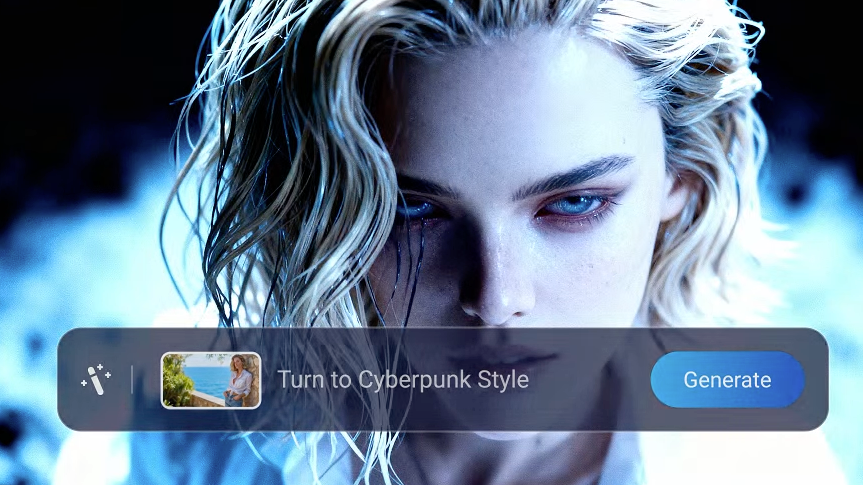
Viyou positions itself as the platform with the widest model selection for image-to-video — and honestly, the model list is impressive: Veo 3.1, WAN 2.7, Seedance 2.0, Kling, and their proprietary Viyou 4.0 model (which they specifically label “no restrictions, audio supported”).
The free tier gets you into the platform — I found it generous enough to complete all four test runs before hitting a limit, though output quality on free runs felt slightly tuned down. No watermark on my test outputs, which genuinely surprised me.
Output Quality on Test Images
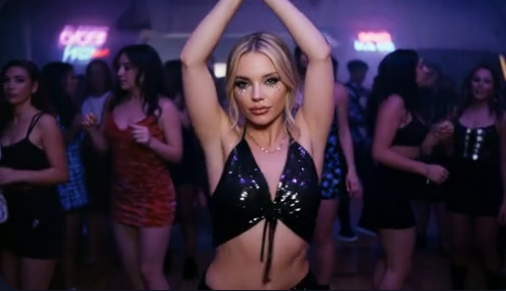
Viyou 4.0 was the most permissive model I tested on image 4. It handled the illustrated adult character content that flagged on both Higgsfield and several WaveSpeedAI model runs. I want to be careful here — I’m not talking about explicit content, just a stylized adult character illustration. The fact that this tripped other platforms and not Viyou 4.0 is worth noting.
Motion quality on the cinematic portrait was good, not exceptional. The Seedance 2.0 model produced noticeably better facial motion than Viyou 4.0, at slightly higher credit cost. The fantasy character animation had one weird limb issue that I couldn’t fully resolve in three attempts — this is the ongoing “biomechanical errors” problem that every platform still struggles with on complex poses.
Multi-image generation (blending start and end frames) is a real feature here and it worked better than I expected. Two images of different scenes transitioned with surprisingly coherent in-between motion.
Content Range in Practice
The broadest of the three platforms I tested. The Viyou 4.0 model’s “no restrictions” label reflects something real in practice. Combined with the multi-model flexibility, this is the most flexible platform for creators working with darker or more mature aesthetic territory.
The trade-off is platform maturity — Viyou’s interface has less of the polish of Higgsfield and less of the API robustness of WaveSpeedAI.
Verdict: Use it if…
You’re a creator focused on anime, stylized art, illustrated characters, or mature creative themes that keep hitting walls elsewhere. The model selection is strong and Viyou 4.0’s permissiveness is meaningful. Start with the free tier and run your specific test images — that’s the only honest way to know if your use case fits.
Not for: cinematic realism work (Higgsfield is better) or high-volume developer workflows (WaveSpeedAI is better).
Quick Comparison Table
| WaveSpeedAI | Higgsfield AI | Viyou.ai | |
| Free tier reality | $1 credits, ~8–10 tests | 2–3 videos, watermarked | Several free runs, no watermark |
| Best model | WAN 2.7, Kling V3.0 | Sora 2, Cinema Studio | Viyou 4.0, Seedance 2.0 |
| Content flexibility | High | Medium (tightening) | Highest |
| UI quality | Functional | Excellent | Good |
| Generation speed | Under 90 seconds | 35–45s (WAN 2.5) | Varies by model |
| Best for | Developers, power users | Cinematic social content | Stylized/illustrated art |
| Watermark-free? | Yes (all tiers) | Paid tiers only | Yes on tests |
Best Pick by Use Case
Dark cinematic shorts / social content → Higgsfield. The camera controls are worth the subscription if this is your actual workflow.
Stylized character art / illustrated content / anime → Viyou.ai. Start with the free tier and test your images first.
Developer workflow/ APIintegration / batch testing → WaveSpeedAI. No subscription, no cold starts, 1,000+ models accessible via single API, credits that never expire.
Budget-constrained, just exploring → WaveSpeedAI. The $1 free credit entry point is real and gives you actual useful tests.
You need cinematic quality and don’t care about the cost → Higgsfield Plus with Sora 2. Expensive per video, but the quality on portrait and cinematic scenes is genuinely exceptional.
Hard Limits That Apply to All
I want to be straight with you because some guides aren’t: there are floors all three of these platforms enforce, regardless of how they market themselves.
Absolute prohibitions (no exceptions on any cloud platform):
- Content sexualizing minors — illegal everywhere, enforced by every platform
- Non-consensual intimate imagery of real people — now regulated under laws like the US Take It Down Act and UK Online Safety Act
- Content designed to deceive, defame, or harm specific real individuals
Practical limits that vary by platform:
- Explicit adult video content — blocked on all three platforms reviewed here, though the degree of “mature” content that passes varies
- Real person likeness without consent — enforced inconsistently but increasingly scrutinized
- Content violating regional laws — platforms assess differently depending on where servers are hosted
The legal landscape for AI-generated content in 2026 is genuinely in flux. What’s permissible varies by jurisdiction, and platforms face increasing liability risk — which is driving the moderation tightening I observed with Higgsfield.
If you’re working at the edge of any of these limits, the honest advice is: know your local law, read each platform’s TOS carefully, and recognize that policy drift is a real risk — what works today may be blocked after the next update.
Conclusion
After three weeks and way too many late-night generations, here’s where I actually landed:
WaveSpeedAI is the best default recommendation if you don’t know which of these to try first. The pay-per-use pricing removes risk, the model selection is comprehensive, and it’s the most developer-friendly option if your work involves any kind of automation or batch generation. Start with the $1 free credits and test your actual reference images — that’s worth more than anything I can tell you here.
Higgsfield is the right choice if you care about cinematic quality and can live with the credit economics. Cinema Studio 3.0’s camera controls are still the most impressive I’ve seen. Just go in clear-eyed about the moderation tightening and the credit consumption rate.
Viyou earned its place in this review because it actually delivered where the others didn’t on stylized and illustrated content. It’s the least mature platform of the three, but for certain creative niches it’s the only one that works without constant friction.
One thing none of the marketing tells you: none of these platforms are stable in the long run. Moderation policies change, credit pricing changes, model availability changes. The right move is to test your specific images, find what works for your specific content type, and don’t commit to an annual plan before you’ve done at least a week of real usage.
FAQ
Q: Are there any truly free uncensored image-to-video AI tools? Most tools offer limited free tiers rather than fully free access. Platforms like WaveSpeedAI provide small credit-based trials that allow multiple test generations, while others may restrict usage to just a few videos or include watermarks. Completely free, unrestricted tools are extremely rare in 2026.
Q: Which AI video generator has the least content restrictions? Based on testing, tools like Viyou.ai (especially its proprietary models) tend to allow more flexibility with stylized, mature, or artistic content. However, no cloud-based platform allows explicit or illegal content, and moderation policies can change over time.
Q: Why do AI video tools still block non-explicit content? AI moderation systems often rely on pattern detection rather than full context, which can lead to false positives. Combined with increasing global regulations and platform liability concerns, this results in stricter filtering—even for content that isn’t actually problematic.
Previous Posts: