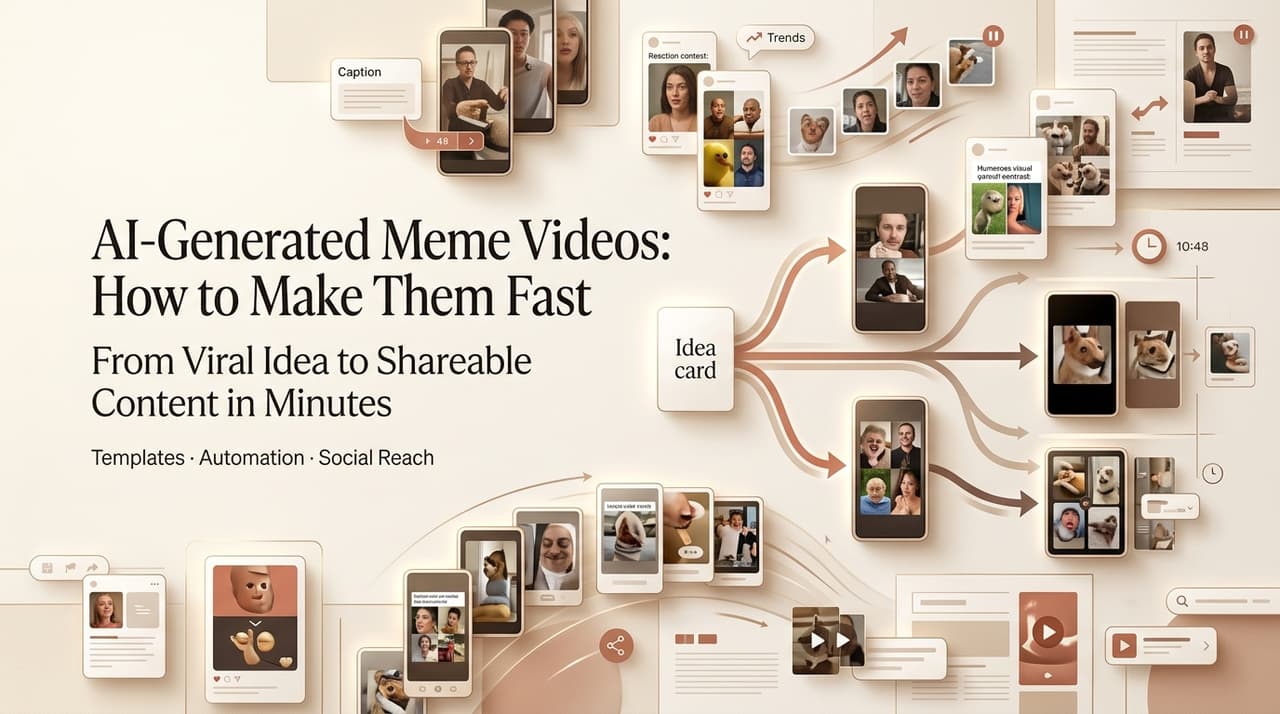
Last Friday a client pinged me at 5pm: “Can we get three meme clips for the weekend drop?” Old me would’ve groaned and cleared the evening. This time I made an ai generated meme video in about eight minutes — joke, captions, sound, export — and went back to my coffee. That’s the shift worth talking about.
Leo here. I’m not here to sell you magic. I’ve shipped plenty of AI memes that flopped hard. But the speed is real now, and the loop is simple enough that you don’t need an editor’s brain to run it. Here’s everything I actually do.
What AI-Generated Meme Videos Are
An ai generated meme video is a short, joke-first clip where AI handles most of the heavy lifting — the visuals, the timing, sometimes the voice — while you supply the punchline and the format. Reaction faces, exaggerated scenarios, captioned bits. The point isn’t cinematic quality. It’s the joke landing in the first two seconds.
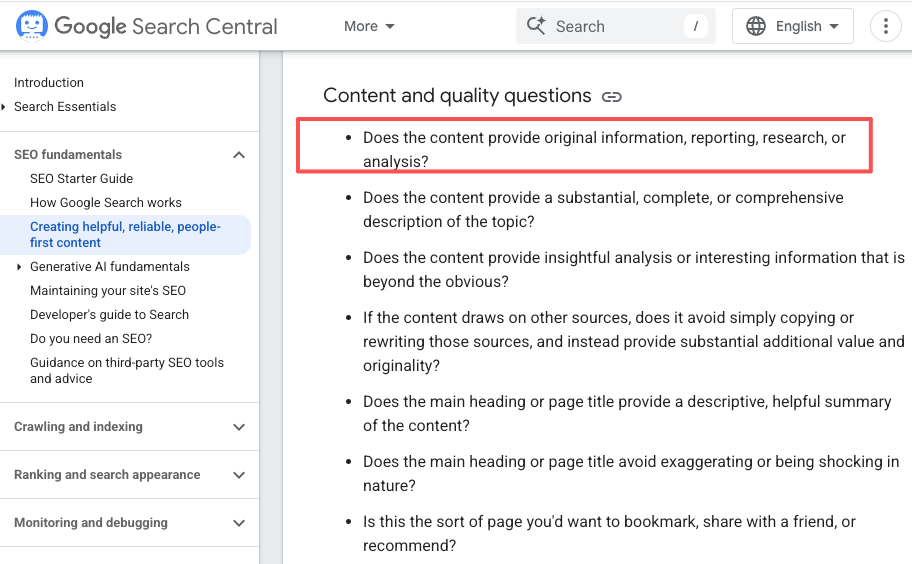
What changed is the assembly. Tools like CrePal’s video creation agent now stitch scripting, image generation, and editing into one pass, so you’re directing instead of juggling five browser tabs. And it pays off on discovery too — Google’s helpful-content guidance keeps rewarding original, people-first work, so a fresh format beats a recycled template every time.
Meme Formats That Work With AI
Not every joke survives AI. The ones that do share a trait: simple staging, one clear gag. Here’s where I keep coming back.
Seasonal memes
Holidays are basically free engagement. A funny AI Easter meme AI video — say, a bunny rage-quitting an egg hunt — rides a trend everyone already gets, so you skip the setup and go straight to the punchline. I keep a calendar of these and batch them a week early. Low-risk, high-share, and honestly the easiest on-ramp if you’re new to funny ai videos.
Reaction clips
The bread and butter. Exaggerated faces, a deadpan stare, a slow zoom on a confused character. AI nails short, punchy reactions because the clip is brief and the emotion is obvious — less room to look melted. Drop a caption on it and you’ve got a post.
Product jokes
This is where a funny video maker earns its keep for marketers. Take a real product pain — “when the free trial ends” — and stage it as a tiny absurd scene. Self-aware beats salesy. I’ve watched these outperform polished ads because they read like a friend’s post, not a billboard.
Fast Workflow for Meme Videos
My actual loop, start to finish:
- Steal the format, not the asset. Pick a structure that already works (reaction, before/after, “nobody: / me:”) and write your own joke into it.
- Prompt the scene, not the whole video. One clear visual: “confused cat staring into an empty fridge, dramatic lighting.” Specific beats clever.
- Add caption plus sound. The text does about 70% of the comedy. Keep it under eight words.
- Export and gut-check. If it doesn’t make me smirk in two seconds, it dies. No second-guessing.
Real talk — I run the generation two or three times. AI meme output is streaky: some takes are gold, some look like a fever dream. Budget for the misses. Even with the reruns, this still beats my old four-tool routine by a mile, and that’s the whole reason I switched.
Copyright and Brand Safety Risks
Here’s where I get serious, because this is the part that can actually cost you money.
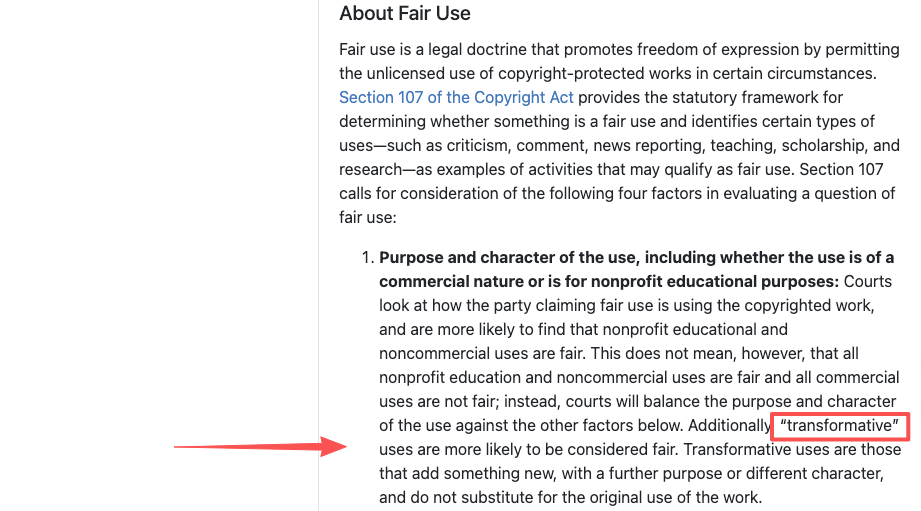
Do not drop copyrighted characters, logos, trademarks, or film and TV clips into your memes — especially for anything commercial. “But it’s a meme” is not a legal defense. The U.S. Copyright Office fair use index shows parody can sometimes count as transformative, but that’s a court-by-court judgment call, not a green light — and brand use rarely clears the bar.
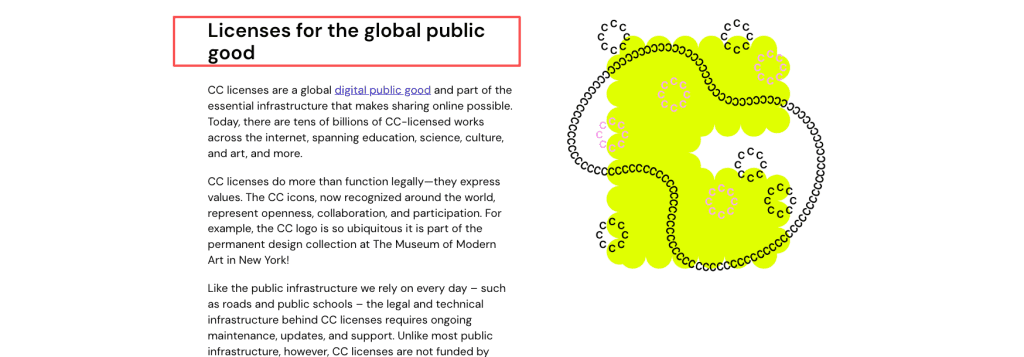
What’s safe is building an inspired-by format. Capture the vibe of a trend with your own original characters and audio. For music and templates, stick to licensed or Creative Commons sources and read the terms before you reuse anything. When in doubt, make it yours from scratch.
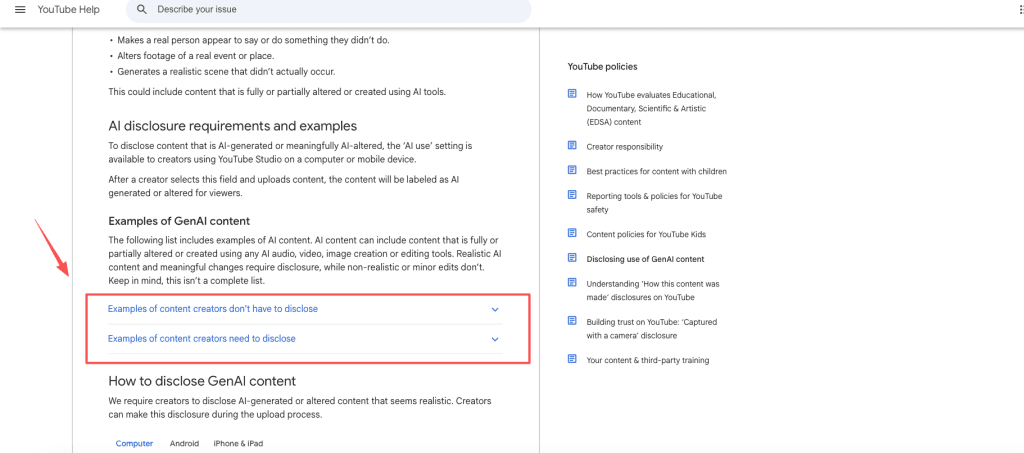
One more thing creators forget: per YouTube’s policy on disclosing altered or synthetic content, realistic synthetic media needs a label — though obviously stylized, clearly-not-real meme stuff and AI used for scripts or outlines generally don’t. Know where the line sits before you post.
FAQ
Can AI make meme videos?
Yes, easily. Modern tools generate the visuals, captions, and audio from a text prompt in minutes. The human job is the joke and the format — AI won’t know what’s funny to your audience.
What makes an AI meme video funny?
Speed and specificity. The gag has to land in two seconds, the caption has to be short, and the situation has to feel relatable. Generic equals ignored.
Can I use brand characters or copyrighted memes in AI videos?
No — I don’t recommend it, especially commercially. Copyrighted characters, trademarks, film and TV clips, and brand assets are protected, and running them through AI doesn’t change that. The safe move is an original, inspired-by format that echoes a trend without copying the protected work itself. If a lawyer would wince at it, don’t post it.
Which AI video tools work for quick meme clips?
Look for an ai video generator that bundles prompting, captions, and export in one flow rather than a single-clip model. An agent-style tool that handles script-to-edit saves the most time when you’re producing fast, repeatable meme output instead of one hero video.
Conclusion
The reason I bother making an ai generated meme video myself instead of outsourcing it is simple math: one less tool open, one less revision round, more posts out the door. Keep the joke sharp, keep the assets original, disclose when the platform asks you to. Try one seasonal clip this week — and if it lands, batch three and watch how fast your output ramps.
Previous posts: