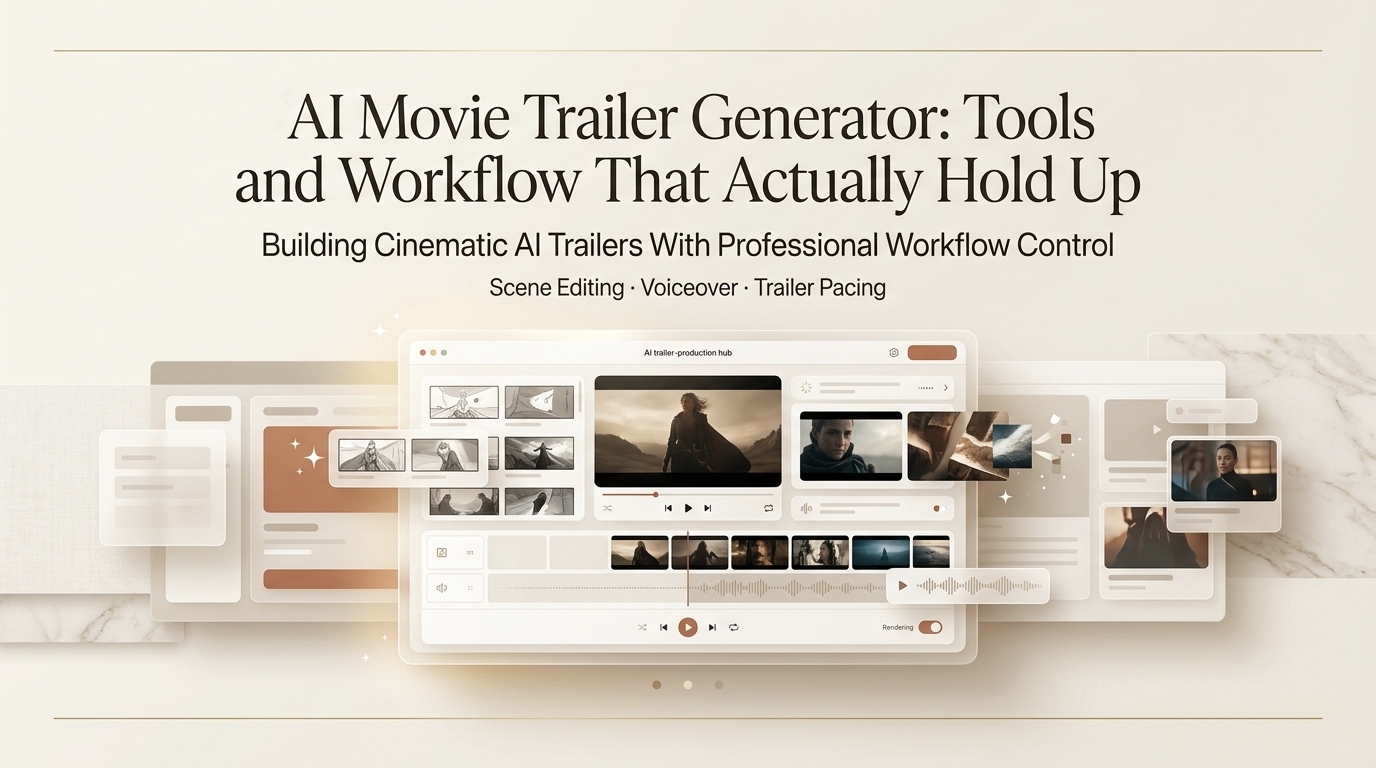
I’m Leo, a content engineer. I had 48 hours to put together a trailer cut for a short film pitch. No editor on call, no motion designer, just me, a script, and a folder of reference frames. I ran it through an ai movie trailer generator workflow from scratch — prompts, scene order, pacing cuts, the works.
It didn’t come out looking like A24. But it got the pitch across, and the director didn’t cringe. That’s the bar I’m working with here.
This post isn’t a tool ranking. I wrote a broader AI filmmaking tools roundup back in March — this one’s specifically about trailer-making: the structure, the prompt logic, and where the workflow breaks down. If you’re here to build something that feels cinematic and sellable (not just “cool AI clip”), keep reading.
Quick answer if you’re in a hurry: The best results come from treating trailer generation as a three-layer job — screenplay structure first, scene prompts second, model selection third. Skipping layer one is where most people get clips that look good individually but feel like a random reel when cut together.
What AI Trailer Generators Do
Let’s be clear about what an ai filmmaking tool actually handles right now — and what it doesn’t.
Current AI trailer generators can produce: short cinematic clips (usually 4–10 seconds per generation), voiceover-style narration, text-on-screen overlays, and rough scene transitions. String enough of those together with a coherent structure and you’ve got something trailer-shaped.

What they can’t do reliably: maintain consistent character faces across scenes, hold camera continuity between cuts, or guarantee the “tension arc” a real trailer editor builds intuitively. I ran six sessions across different tools. Three gave me clips that felt connected. Three gave me what I’d call “a vibe reel with ambition.”
The gap between those two outcomes isn’t usually the model — it’s whether you gave it a structure to work from.
Trailer Structure
Before you touch a single prompt, you need a beat sheet. Trailer editors have used roughly the same structure for decades, and it works for AI generation too:
| Beat | Duration (approx.) | What it does |
| Cold open | 5–10 sec | Drop into a scene mid-action, no context |
| World establishment | 10–15 sec | Show the setting, the stakes |
| Character/conflict intro | 15–20 sec | Who wants what, what’s in the way |
| Rising tension | 20–30 sec | Clips getting faster, music building |
| Blackout + title card | 3–5 sec | The pause before the final hit |
| Kicker | 5–8 sec | One last moment — funny, shocking, or haunting |
If your video screenplay doesn’t map to something like this before you generate, you’ll end up with six beautiful clips that don’t build toward anything. I’ve made that mistake more than once — generated scene by scene without a beat map, then spent two hours in the edit trying to force a structure that wasn’t there.
Write the beat sheet first. It takes 15 minutes and saves hours.
Prompt and Scene Workflow
This is where the actual work happens. A cinematic prompt for a trailer scene isn’t just “dramatic shot of a man running.” Here’s the structure I use:
[Shot type] + [Subject + action] + [Lighting/atmosphere] + [Camera movement] + [Emotional tone]
Example:
Low-angle tracking shot — figure running through a flooded corridor, emergency lighting flickering red, camera pulling back as water rises, tone: desperate and claustrophobic
That one prompt gave me a usable 6-second clip on the second try. The first try had motion blur issues I didn’t ask for — but the composition was close enough that I kept the framing note for the next scene.
A few things I learned the hard way about ai trailer maker prompting:
- Specify camera movement every time. “Drone shot” and “static wide” produce wildly different results even with identical subject descriptions.
- Name the lighting. “Golden hour,” “practical lighting only,” “overcast flat light” — these matter more than most style words.
- Don’t describe the emotion, describe the visual cause of it. “A worried character” is weak. “Character’s hands gripping a phone, screen reflecting in her eyes, shallow depth of field” is workable.
- Batch similar shots together. If three scenes share the same location, prompt them in the same session. Consistency drops when you context-switch between locations mid-generation.
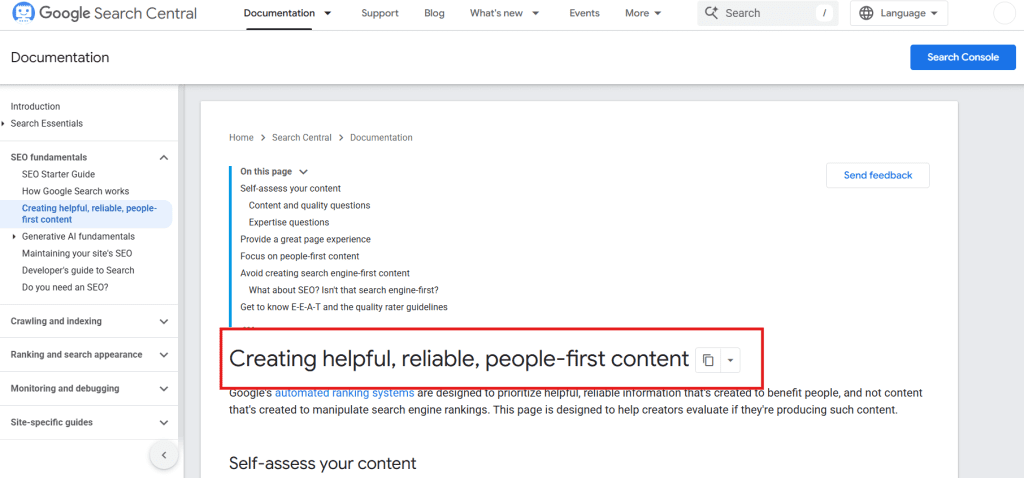
For the video screenplay layer specifically: I write mine as a simple two-column doc — left column is the beat description, right column is the exact prompt I’ll paste in. Keeps me from improvising and ending up with tonal whiplash between scenes. According to Google’s guidance on helpful content, showing your actual process rather than abstract tips is what makes content worth reading — I’d apply that same logic to prompting: show the model exactly what you mean, don’t expect it to interpret mood words.
Tools Compared
I’m not going to rank these 1-2-3. Different tools have different strengths, and what matters is matching the tool to the scene type.
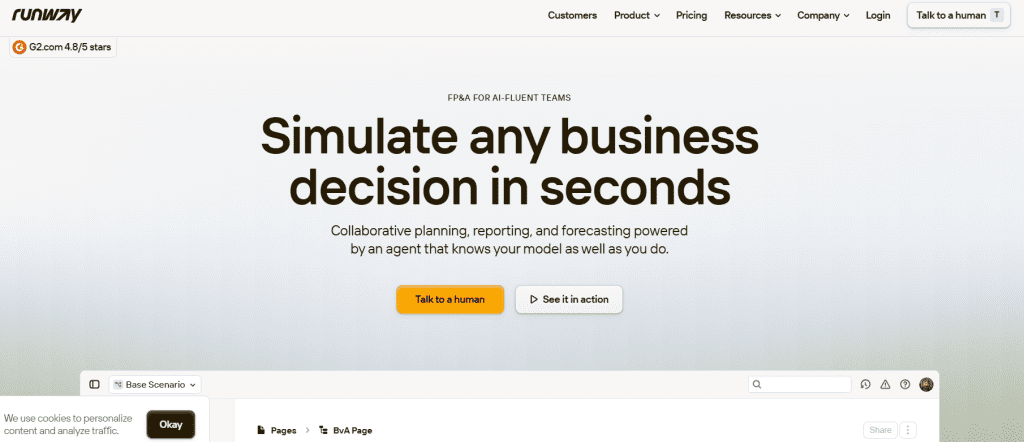
For wide cinematic shots and environment scenes:Runway Gen-3 Alpha handles large-scale atmospheric shots better than anything else I’ve tested — landscapes, establishing shots, wide action. The motion feels intentional rather than random. Downside: 10-second clip limit, and it burns through credits fast if you’re iterating.
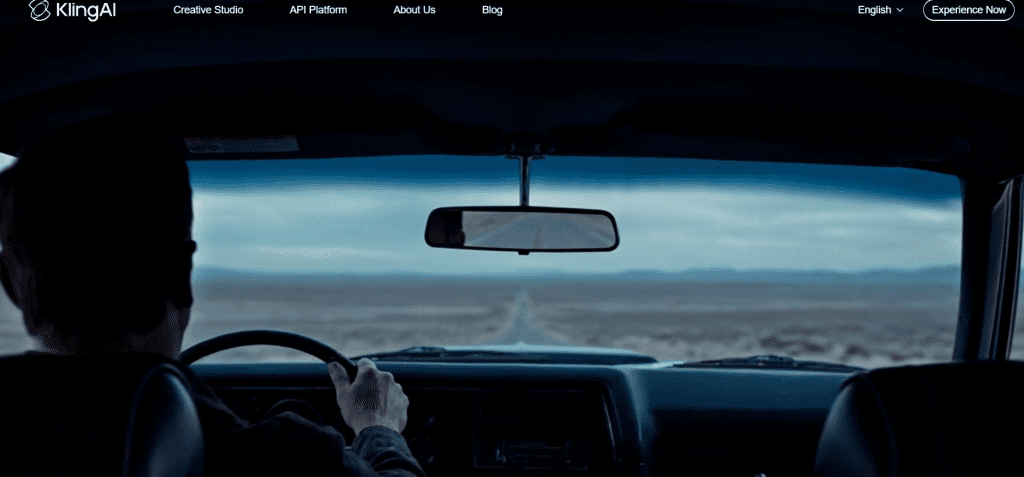
For character-close and dialogue-adjacent scenes:Kling 1.6 surprised me here. Face consistency within a single clip is noticeably more stable than earlier versions. Still falls apart across multiple clips if you’re trying to hold the same character — but for single-scene closeups, it’s where I’d go first as a cinematic ai video generator.
For speed and iteration:Pika 2.0 is what I use when I need to test five prompt variations quickly. Output quality is a step below Runway on cinematic material, but the generation speed means I can figure out if a shot concept works before committing to a slower, more expensive model. Think of it as the sketch tool.
For audio and narration: This is where most movie trailer ai workflows have a gap. None of the video generators handle trailer-style voiceover natively in a way that feels film-adjacent. I’ve been using ElevenLabs separately for VO, then laying it under the cut in post. Not elegant, but it works.
One thing worth knowing: Sora’s technical overview explains how it approaches temporal consistency — the reason why some models hold motion better than others comes down to how they model time across frames, not just individual image quality. Useful context if you’re trying to understand why a “better” model sometimes produces worse motion.
| Tool | Best for | Weak spot |
| Runway Gen-3 | Wide/atmospheric shots | Credit cost, 10s limit |
| Kling 1.6 | Character closeups | Cross-clip consistency |
| Pika 2.0 | Fast iteration/testing | Cinematic quality ceiling |
FAQ
How do I make a movie trailer with AI?
Start with a beat sheet (cold open → world → conflict → tension → title card → kicker), write one prompt per beat, generate clips in batches by location or tone, then cut in a basic editor. The structure has to exist before generation — the model won’t invent narrative logic for you.
What prompts work best for cinematic trailer scenes?
The format that works consistently: [shot type] + [subject + action] + [lighting] + [camera movement] + [one sensory detail]. Avoid emotional words such as descriptors (“sad,” “tense”) — . Describe the visual that creates the emotion instead. A character gripping a steering wheel in the rain is more useful to the model than “a tense driving scene.”
Can AI generate trailer scripts and shots together?
Not reliably in one step — at least not with current tools. The better workflow is to use a language model (ChatGPT, Claude) to draft the beat sheet and scene descriptions, then feed those into a movie trailer ai generator one scene at a time. Trying to do both in one prompt usually produces generic output that fits no beat in particular.
What are the limits of AI movie trailer generators?
The hard limits right now: character consistency across clips, camera continuity between cuts, and anything requiring synchronized dialogue with visible mouth movement. You can work around the first two with careful prompting and color-grading in post. The third one — don’t try. It’s not there yet, and faking it reads worse than cutting away. According to MIT Technology Review’s coverage of generative video, temporal coherence across longer sequences remains one of the core unsolved problems in the field — so this limit isn’t going away in the next few months.
This workflow won’t get you a festival submission. But it will get you a pitch-ready cut, a concept trailer, or a demo reel — and it’ll do it without needing a full production crew or a six-figure budget.
Next time I run a full client project through this stack I’ll update with actual credit counts and time logs. If you’ve got a prompt structure that’s working better than what I described above, drop it in the comments — I’m genuinely curious whether the shot-type-first approach holds up for other people or if it’s just my workflow bias showing.
Previous Posts