Hi, Dora is here. I finally caved and tried exporting a Kling video for a client reel last month. Spent a solid afternoon getting the prompt just right — honestly, the output was gorgeous — then hit download and immediately saw it: that little “Kling AI” logo stamped right in the corner. Classic.
If you’ve been poking around Kling and wondering exactly when that watermark shows up, how people search for ways to Kling AI remove watermark, and whether the paid plans are actually worth it — I’ve been through all of it. Here’s what I found.
Why Kling Adds Watermarks
Short answer: it’s how they monetize the free tier.
Kling AI (built by Kuaishou Technology) launched in June 2024 and now has over 22 million users worldwide. To keep the free version sustainable, they stamp all free exports with a visible logo watermark. It’s a pretty standard move in the AI video space — Pika does it, RunwayML used to do it — so I can’t be mad at the logic. What catches people off guard is where exactly the line is.
Here’s the thing worth knowing: Kling also embeds an invisible watermark using Google’s SynthID technology, baked at the pixel level during generation. That one survives screenshots, re-compression, and cropping. There’s no tool that removes it. For most creators, this doesn’t matter — it’s for content authentication, not branding. But if you’re wondering whether “removing the watermark” truly gets you a clean slate, the answer is only partially yes.
The visible logo? Totally removable — by upgrading. The invisible layer? That stays regardless of plan.
Free Export Rules
A lot of new users start with the same question: is Kling AI free to use seriously, or just free enough to test? Let me save you the trial-and-error I went through.
The free tier gives you 66 credits per day, refreshing every 24 hours. A typical Kling AI free export is enough for experimenting with prompts and short Standard-mode generations, but the watermark and quality limitations become noticeable pretty quickly. Credits don’t roll over either — if you forget to use them, they disappear at midnight. In practice, that usually means about 1–2 short clips per day before the constraints start to feel restrictive.
- Resolution capped at 360p–540p (not 720p — I double-checked this after seeing conflicting info)
- Maximum video length: 5–10 seconds
- Mandatory watermark on all exports
- No commercial use rights
- Professional Mode limited to 3 trials, then it locks you out until you upgrade
- Single task queue — you can’t run multiple generations at once
That last one is annoying when you’re testing a prompt batch. I kept trying to queue a second clip while the first was rendering and just… couldn’t.
The free tier is genuinely useful for one thing: seeing whether Kling’s output style fits your creative direction before you spend anything. As a quality test, it works. As a production tool, it really doesn’t — the watermark alone makes the output unpublishable on any serious platform.
One thing I want to flag: YouTube, Instagram, and TikTok’s monetization programs specifically flag watermarked third-party content. I’ve heard from other creators that it can affect eligibility for brand partnerships. So if that’s your income stream, don’t try to push watermarked clips through.
Paid Export Options
Here’s where I need you to verify current pricing at app.klingai.com/global/membership/membership-plan before pulling out your card, because Kling has updated their tiers multiple times and rates have shifted. After comparing the current Kling AI pricing plans, here’s what the lineup looks like as of May 2026:
Standard — ~$6.99/month (intro) / ~$8.80 renewal
- 660 credits per month
- Watermark removed ✅
- Commercial use rights ✅
- 1080p output ✅
- Professional Mode access ✅
Pro — ~$25.99/month
- 3,000 monthly credits
- Everything Standard includes, more volume
Premier — ~$64.99/month
- 8,000 credits
- Better queue priority
Ultra — ~$127.99–$180/month
- 26,000 credits, earliest access to Kling 3.0
All paid plans remove the visible watermark. The difference between tiers is purely credits and queue position. There’s no hidden “watermark add-on” — once you’re on any paid plan, your downloads come clean.
The sneaky bit? Kling defaults to watermarked downloads even for paid users. There’s a checkbox you have to toggle at export. This is apparently the most common complaint from new subscribers who assume they’re getting clean output and then don’t see the option. If you subscribe and still see the logo, look for the toggle — it’s there.
Subscription credits expire at the end of each billing cycle and do not roll over. Top-up credit packs (bought separately, starting at $5 for 330 credits) are different — those stay valid for two years. Keep that in mind if you’re a sporadic user.
Legitimate Ways to Get Clean Exports
So what are your actual options if you don’t want to commit to a full subscription?
1. Upgrade to Standard ($6.99/mo) This is the cleanest path. At that price point — especially compared to Runway starting at $15/month — it’s genuinely cheap for commercial-use watermark-free AI video. If you’re generating more than a few clips a month, the math works.
2. Watch for Kling’s promo events Kling runs seasonal campaigns and referral programs that occasionally give access to watermark-free exports without a subscription. Their Activity Center sometimes has task-based rewards. I’ve personally gotten a couple of clean exports through referral bonuses. Not reliable enough to build a workflow around, but worth checking if you’re low on budget.
3. Use an alternative platform for the same Kling models Some third-party platforms integrate Kling’s API and offer watermark-free output on their own free tiers or at different price points. Quality is the same since they’re hitting the same underlying model — but read their terms carefully, especially around commercial use.
4. Generate elsewhere, then bring footage into Kling for editing If you only need Kling’s video generation for internal reference or style testing, you can use the free tier for that and do final deliverable generation through a paid workflow. Tedious, but it works.
What I’d skip entirely: any YouTube tutorial or Reddit thread claiming to show you a “free credit exploit” or unofficial watermark removal tool. Kling has patched these methods, and attempting to use modified apps violates their Terms of Service directly. Not worth the account risk.
Alternatives
If Kling’s pricing or watermark situation doesn’t fit your workflow, here’s my honest take on the alternatives as of May 2026:
Runway Gen-4 — Starts at $15/month. Better character consistency across shots, 4K output. No credit-based system for unlimited plan ($95/mo). If you’re making 50+ videos a month, Runway’s unlimited tier beats Kling on cost. If you’re under 30 videos, Kling wins on price.
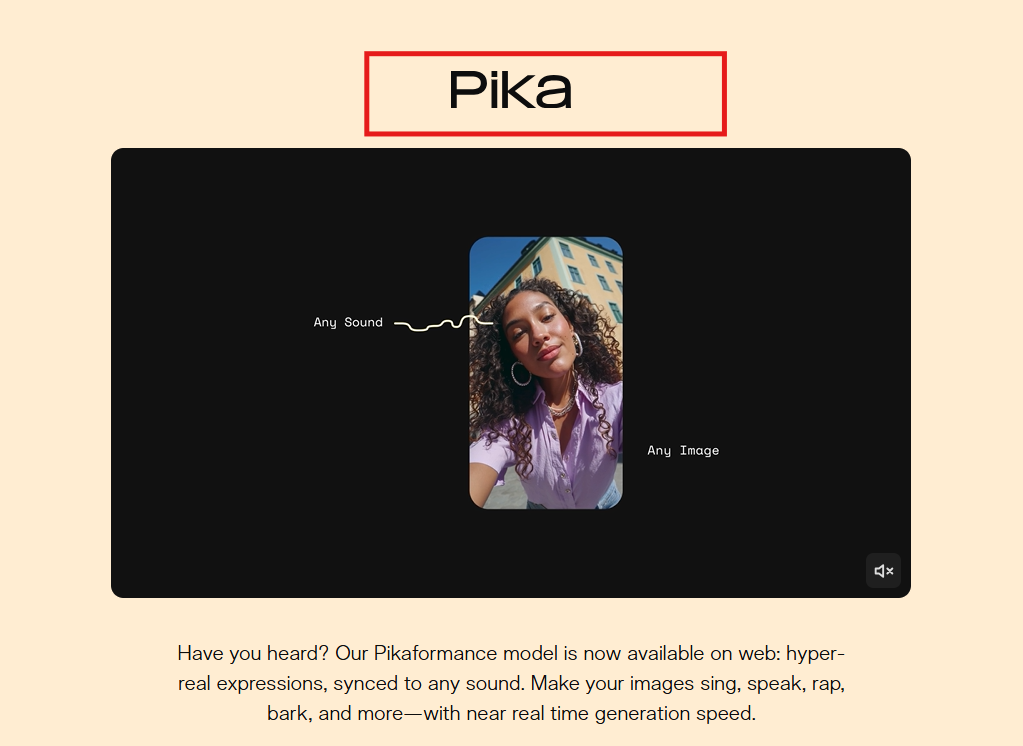
Pika 2.2 — Cheaper entry ($8/month) but you need Pro ($28/month) for commercial use and clean exports. Good for social-forward creative effects.
Luma Dream Machine — Strong for product photography and long chained sequences. Different strength profile from Kling.
Veo 3.1 (Google) — Excellent quality and natural motion, native audio like Kling. Harder to access and less flexible for longer videos. Worth trying if you’re in the Google ecosystem.
The honest comparison: Kling holds the #1 ELO benchmark score among AI video models right now (as of early 2026), particularly for photorealistic human motion. That’s a real advantage if your content involves people. For everything else, it depends on your volume and budget. A solid independent pricing breakdown comparing Kling AI vs Runway and Pika lays out the credit math clearly if you want to run the numbers for your specific use case.
FAQ
Does Kling AI add a watermark on free exports?
Yes, every free-tier export includes a visible Kling AI logo watermark. Additionally, all generated videos — free and paid — contain an invisible SynthID watermark embedded at the pixel level. The visible logo is removed on all paid plans. The invisible layer cannot be removed by any tool.
How do I remove a Kling AI watermark legally?
The only legitimate method is subscribing to a paid plan (Standard or above). Once subscribed, toggle the “no watermark” option at the export screen — Kling defaults to watermarked downloads even for paid accounts, so look for the checkbox. Third-party removal tools violate Kling’s Terms of Service and typically degrade video quality visibly.
Which Kling AI plan gives watermark-free downloads?
Every paid plan — Standard, Pro, Premier, and Ultra — includes watermark-free exports and commercial use rights. The Standard plan (~$6.99/month at intro pricing) is the entry point. The difference between plans is credit volume and queue priority, not watermark access.
What are the best alternatives if I need clean exports?
If you need watermark-free AI video without Kling’s subscription: Runway Gen-4 starts at $15/month with commercial rights and character consistency advantages. Pika 2.2 is cheaper for casual use. If you specifically need human-motion realism and longer video length (up to 3 minutes), Kling is still the strongest option in its class right now — the Standard plan at under $7/month for commercial-grade output is hard to beat.
Watermarks are annoying. I get it — I’ve been there, staring at a beautiful clip with a logo ruining the corner. But the Kling AI watermark situation is at least clear once you know the rules: free tier watermarks everything, $6.99/month removes it, and no workaround is worth the account risk.
I’ll keep testing the Kling AI app as 3.0 rolls out more broadly — especially curious how the credit costs shift for the new Omni architecture. If you want my honest read on whether Standard or Pro makes more sense for your output volume, drop a comment below.
Tested: May 2026 | Kling AI v2.6 / v3.0 beta | Not sponsored.
Previous Posts