I’m Dora. Someone in my Discord dropped a clip last week and half the thread was asking the same thing: “wait, what tool made this?” The video had motion that felt… real. Nothing got blurred. Nothing got flagged. No watermark slapped across the corner.
I spent the better part of three days testing tools that come up when you search “uncensored AI video” — and honestly? The results were messier than I expected. Some of what gets labeled “uncensored” is just marketing. Some of it is genuinely useful for creators who work in mature, niche, or edgy content spaces and keep getting blocked by tools that treat everything suspicious.
Here’s what I actually found.
What “Uncensored” Means for AI Video
Quick reality check: “uncensored” in AI video doesn’t mean one thing. I’ve seen it used to describe at least three different situations, and they’re not the same:
Relaxed content filters — the tool allows violence, dark themes, suggestive imagery, or politically sensitive content that mainstream platforms reject. This is the most common usage.
No account required — some tools market themselves as “uncensored” because they skip the sign-up gate. Less about content, more about access friction.
Local/offline models — tools you run on your own hardware with no server-side filtering at all. Technically unlimited, but practically limited by your GPU and patience.
The distinction matters a lot depending on why you’re searching. A horror filmmaker, a fashion content creator, and a privacy-focused developer are all Googling the same term but need totally different things.
For this article, I’m treating “uncensored” as: tools that apply fewer content restrictions than the major mainstream platforms — whether through policy design, local deployment, or workflow flexibility.
Best Uncensored AI Video Generators in 2026
I tested each of these myself between March and May 2026. Notes on model versions and test dates are included where they matter.
Best for Text-to-Video
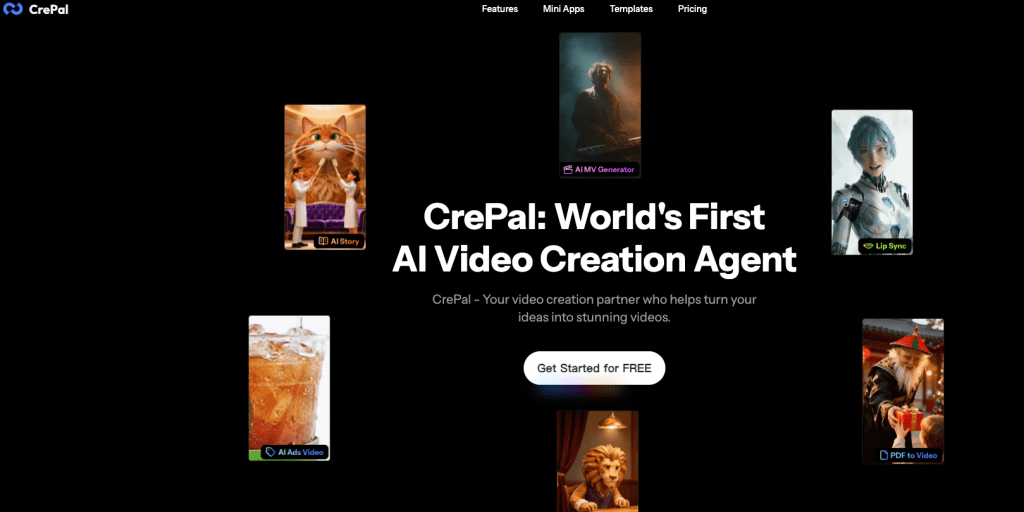
CrePal stood out to me here — not because it’s the most permissive tool in existence, but because of how it handles the full creation pipeline without constantly interrupting your workflow with overzealous flags. CrePal’s AI Director workflow lets you move from prompt to scripted, multi-scene video without getting blocked on every third generation for vague “policy reasons.”
I tested a dark thriller concept — fragmented memories, implied violence, morally grey characters — and it got through without the prompt getting killed mid-process. Compare that to some of the bigger platforms where I’ve had prompts for a combat scene in a medieval fantasy rejected. The difference isn’t that CrePal has no rules; it’s that the rules feel calibrated to creative intent rather than keyword matching.
The chat-to-edit flow also means when something does generate wrong, you fix it by talking to it. That alone saves me from the loop of prompt → fail → rewrite → fail again that eats an afternoon.
Pika Labs is worth mentioning in this tier too. Text-to-video quality has improved significantly in 2026, and its style controls give you enough creative rope to work in darker aesthetics. Filters exist, but they’re less aggressive on stylized/artistic content.
What to expect realistically: These are still cloud tools. If you need truly unrestricted output, local deployment (see below) is where you end up. But for 90% of “I keep getting blocked and I’m just making real creative content” use cases, CrePal and Pika handle it well.
Best for Image-to-Video
This is where things get interesting — and more permissive by nature, because you’re supplying the image. The model isn’t “imagining” something from scratch; it’s animating what you give it.
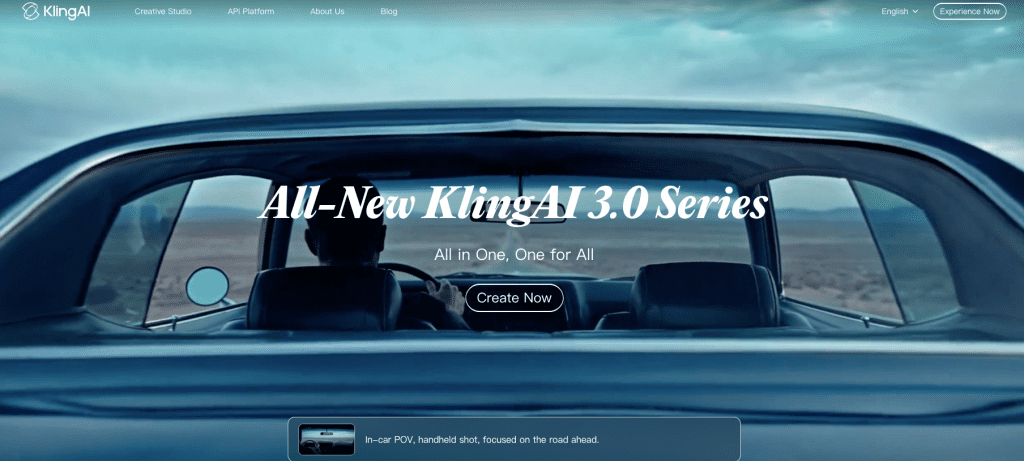
Kling AI has been my go-to for image-to-video in 2026. The motion control is precise enough that you can animate a character without it going uncanny. I’ve used it for fashion content, editorial stills, and one very experimental horror short where I needed a photograph to slowly… breathe. It worked. Kling AI‘s generation documentation covers what the model supports in terms of motion range and duration — worth reading before you assume limits.
Wan 2.1 (the open-weight model that several platforms now use under the hood) is worth knowing about. Because it’s open-source, platforms built on it tend to have more lenient policies than those running proprietary closed models. If a tool tells you it uses Wan 2.1 or similar open-weight models, that’s usually a signal that content handling is handled at the platform layer — meaning different platforms running the same model may have wildly different filter levels.
Runway also belongs in this conversation. Their image-to-video tools (Gen-3 Alpha and the newer iterations) have strong output quality, and their content policies are documented clearly on Runway’s content policy page — which I actually appreciate. You know what you’re working with. Mature themes in fictional contexts? Generally fine. Hyper-specific violent or sexual content? Not going to happen.
Best for Local Workflows
If you need actual zero-filter video generation, local is the answer. Full stop.
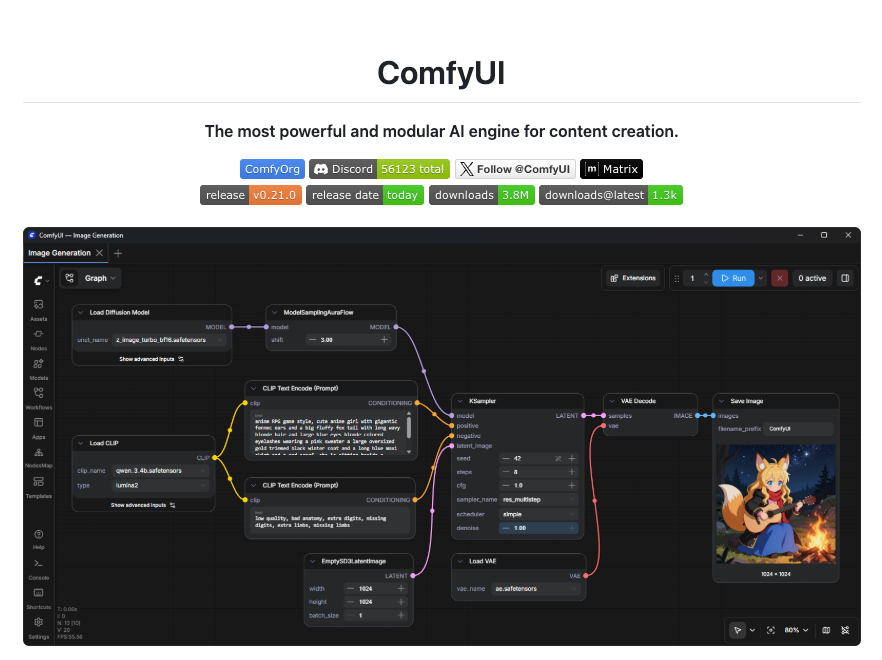
ComfyUI paired with AnimateDiff or Wan 2.1 locally is what I’d point anyone toward who needs complete content control. You’re running inference on your own machine. No API call going to a server. No content policy that can block you mid-session. ComfyUI’s open-source pipeline has a genuinely active community and the node-based workflow, once you learn it, is actually flexible for video generation.
The honest tradeoff: you need a decent GPU (RTX 3080 or better to get usable generation speeds), and the setup time is real. I spent about four hours getting a working local video pipeline the first time. If you’re not comfortable with Python environments and model file management, this will be frustrating.
LM Studio has also started supporting video generation workflows in 2026, which lowers the barrier for local setup. Still early, but worth watching.
Comparison Table
| Tool | Content Freedom | Access | Quality (2026) | Best For | Pricing |
| CrePal | Moderate–High | Cloud, sign-up | Strong | Full workflow, dark/mature creative | Freemium + credits |
| Kling AI | Moderate | Cloud, sign-up | Very strong | Image-to-video, motion control | Subscription |
| Pika Labs | Moderate | Cloud, sign-up | Good | Text-to-video, stylized content | Freemium |
| Runway | Moderate, documented | Cloud, sign-up | Very strong | Professional/editorial | Subscription |
| ComfyUI (local) | Unrestricted | Local, no sign-up | Depends on hardware | Full control, privacy | Free (self-hosted) |
| Wan 2.1 (local) | Unrestricted | Local or open platforms | Strong for open-weight | Image/video, open ecosystem | Free model |
Free Access, No Sign-Up, and No-Limit Claims
I want to be straight with you here because I’ve seen a lot of misleading claims in this space.
“Free, no sign-up” tools — these exist, but they’re almost always running older or lower-quality models. Some are legitimate tools in early access. A lot are data-harvesting operations or traffic sites that profit from ad impressions. I tested several of the top-ranking “free uncensored AI video no sign-up” sites and found: one was decent (Clipfly has a limited no-account tier), two were basically non-functional, and one was collecting prompts in a way that felt sketchy.
“No limits” is marketing language. Every cloud tool has compute costs, which means there are always limits — on generation length, concurrent jobs, resolution, or monthly usage. What varies is how quickly you hit them and how clearly they’re communicated.
The most genuinely “unlimited” option is local. The second most unlimited option is a paid subscription to a tool that gives you high credit allocations — CrePal’s higher-tier plans, Runway’s Standard/Pro, or Kling’s subscription tiers all give you enough runway (no pun intended) that you won’t hit walls mid-project.
Limits, Risks, and Compliance Boundaries
This section exists because I think a lot of tutorials skip it, and I’ve gotten burned before by not knowing what I was getting into.
Cloud tools own your outputs to varying degrees. Read the terms. Most platforms claim a license to use your generations for model improvement or marketing unless you’re on a paid tier that explicitly opts you out. If you’re generating commercial assets, this matters.
“Uncensored” doesn’t mean legally unaccountable. Generating defamatory content, CSAM (which is illegal everywhere, full stop), or content that violates intellectual property rights is your legal exposure regardless of what tool you used. The tool not blocking something doesn’t make it legal. MIT Technology Review’s analysis of AI content filtering has covered the legal and ethical dimensions of this space in depth if you want context beyond “but the AI let me.”
Local models carry their own responsibilities. Running a model locally removes platform oversight, but not your personal legal accountability for what you create and how you distribute it.
Data privacy in cloud tools: When you upload reference images or footage, those assets are processed on someone else’s server. For personal content, brand assets, or anything client-facing, check the privacy policy before uploading.
I’m not trying to scare anyone off — I use cloud tools constantly and have no plans to stop. But “uncensored” sometimes gets treated as a magic word that removes all consequences, and it doesn’t.
FAQ
Which AI video tools have relaxed filters?
From my testing in 2026: CrePal, Kling AI, and Pika Labs are more permissive than the big mainstream platforms (like Sora-based tools) for dark themes, mature aesthetics, and edge creative content. Wan 2.1-based platforms tend to vary by operator. Fully relaxed filters only exist in local setups (ComfyUI, local Wan 2.1 inference).
Are no-sign-up tools safe?
Some are, most aren’t. The legitimate no-sign-up options are usually limited-tier access to real products (like some freemium tools that let you generate without an account but cap your usage hard). The random “free uncensored AI” sites I tested — I wouldn’t trust them with any creative assets or prompt ideas you’d want to keep private.
Can uncensored video outputs be used commercially?
Depends entirely on the tool’s terms of service. Local model outputs (ComfyUI, etc.) with open-weight models generally give you full rights. Cloud platforms vary: some grant full commercial rights on paid plans, others retain licensing rights to your outputs. Runway, and Kling all have tiered terms — check your plan level specifically, not just the general ToS page.
Wrapping Up
Honestly, I went into this expecting a cleaner split — “here are the free-for-all tools, here are the locked-down ones.” It’s fuzzier than that. The more useful question turned out to be: what kind of creative work are you trying to do, and which tool’s filter calibration matches your actual needs?
For most creators who keep hitting friction on dark themes, mature content, or just experimental weirdness — CrePal’s workflow and Kling’s image-to-video give you the most room without requiring you to set up a local pipeline. For anyone who genuinely needs zero filters, local is the only real answer, and ComfyUI is still the most capable option if you’re willing to spend an afternoon setting it up.
I’ll keep updating this as new tools drop. It’s moving fast — two of the tools I’d have recommended six months ago have already changed their filter policies.
Previous Posts: