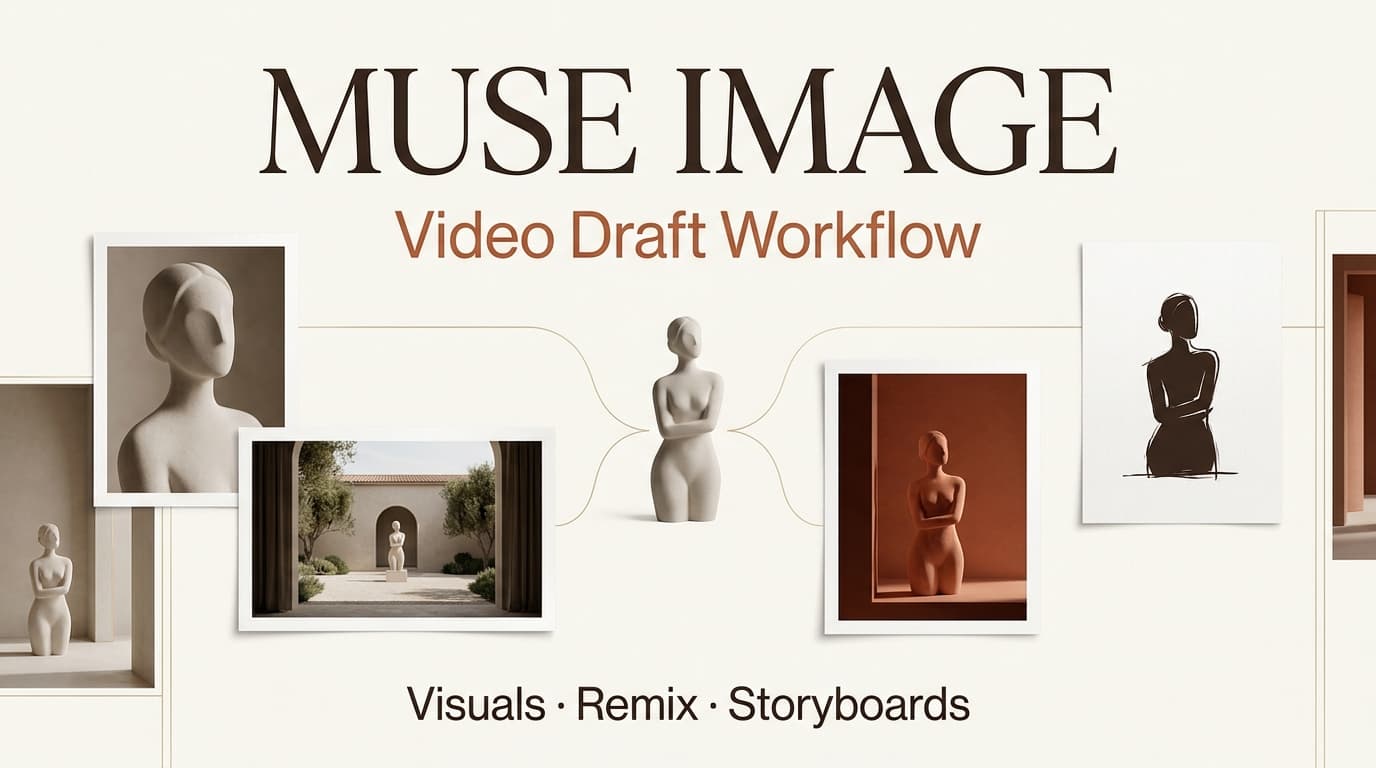
Leo here. Last week, a marketing team sent me a folder called “Muse selects.” It had 28 polished visuals: creator portraits, product scenes, social-style frames, and two images that almost looked like finished ad stills. The team was excited. The editor was not. His first question was simple: “Which ones are actually scenes?”
That is the point of a Muse Image workflow. Better AI images can speed up visual exploration, but they do not automatically become a video plan. Creators still need script context, shot order, motion notes, revision checkpoints, and a clean handoff into image to video tools.
Before publishing, verify Muse Image, Muse Video, Meta AI availability, privacy rules, reuse controls, access levels, and official naming through current Meta sources. As of this writing, public reporting from The Verge on Meta’s Muse Image launch describes Muse Image as a Meta image generation model used across Meta AI experiences, with Muse Video discussed as a related upcoming video capability. Do not treat that as a production contract. Check the latest official product docs before making workflow decisions.
What Muse Image Adds to Visual Drafting
A Muse Image workflow is most useful at the visual exploration stage. This is where creators try to answer, “What should this video look like before we spend time making it move?”
Muse Image should be treated as a reference asset layer, not a finished production system. It can help teams explore character direction, social visuals, product framing, and storyboard-style frames. The risk is that polished images make people skip planning. I have seen teams approve the prettiest image and then discover it did not fit the script, the brand, or the format.
Character references
Character references help define who appears in the video. For a creator-facing campaign, that might mean a practical founder, a tired content manager, a casual product user, or a confident host. The reference should describe the role, not accidentally create a real-person likeness problem.
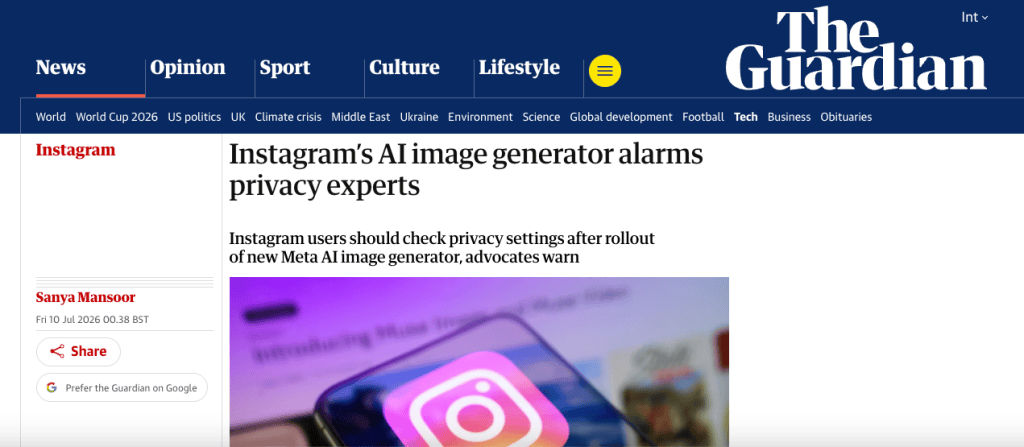
With Meta AI image tools, privacy and reuse questions deserve extra care. Reporting from The Guardian on Muse Image privacy concerns highlights debate around public Instagram content and AI image generation. For teams, the practical rule is boring but important: do not use unapproved public profiles, creator likenesses, or client-adjacent faces as casual references.
A useful character reference note says, “Friendly creator, early 30s, home studio, relaxed posture, not based on a real person.” That is much safer than, “Make it look like this influencer.”
Social visuals
Social visuals are the quickest win. A team can test thumbnail energy, caption space, color contrast, creator posture, prop ideas, and mobile-first framing before making video drafts.
For short-form content, the visual needs to work at a glance. A beautiful wide composition may fail on a phone. A cluttered desk may feel authentic, but only if the product still reads clearly. I usually ask one question: if this frame appeared for one second, would the viewer understand the point?
Product and storyboard frames
Product and storyboard frames need stricter review. If a product screen, package, or dashboard appears, label whether it is accurate, concept-only, or needs replacement before final production.
Storyboard frames should also map to script beats. A frame can be a hook, a problem shot, a product moment, proof, or CTA support. If the team cannot name the job of the frame, it probably is not ready for video.
Why Better Images Still Need Video Planning
The better the image, the more dangerous the shortcut. A strong still can make everyone feel like the video is halfway done. It is not.
Video adds sequence, timing, motion, audio, captions, and export rules. An AI video workflow has to connect all of those parts. NIST’s AI Risk Management Framework is useful here because it treats AI risk as something teams should map and manage, not something they check after output appears.
Script context
Every image should connect to the script. If the script beat is about a creator moving from messy planning to a clear storyboard, the visual should show that change. A generic polished workspace does not carry the beat.
In one project review, the best-looking frame showed a creator in dramatic studio lighting. Nice image. Wrong story. The script was about a scrappy team making campaign assets under a deadline. We replaced the frame with a more realistic desk scene, and the whole video suddenly made sense.
Shot sequence
Shot sequence decides what the viewer learns first, second, and third. Without sequence, image assets become a moodboard slideshow. Before routing assets to video tools, place them in order: hook, setup, product moment, proof, CTA. If two visuals do the same job, pick one. If a key script beat has no visual, generate or source another reference.
This is the unglamorous part that saves editing.
Model handoff
Model handoff is where the Muse Image asset moves into another tool, editor, or production system. The handoff should include the selected image, script beat, motion intent, continuity notes, rights notes, and approval status.
Do not just send the image. Send the reason it exists.
If Muse Video becomes part of a team’s stack, verify its current capabilities, availability, privacy rules, input support, and commercial terms before using it. Do not assume Muse Image and Muse Video share the same rules or production limits.
From Muse Image Assets to Video Drafts
The move from image assets to video drafts is mostly about selection. More images do not create a better video. Better decisions do.
Asset selection
Select assets by function. One image might define the character. Another might define lighting. A third might show product framing. Another might be rejected because it is too polished, too generic, or too far from the brief.
I like three labels: use, hold, reject. “Hold” should not become a storage swamp. If an image does not serve a scene after review, remove it from the active workflow.
Motion notes
Motion notes explain what should happen over time. A still frame of a creator at a desk does not tell the video tool whether the camera pushes in, the creator opens a product screen, the captions appear line by line, or the scene cuts to a phone close-up.
A good motion note is plain: “Slow push toward laptop as messy notes become organized into a storyboard.” Or, “Creator lifts phone, sees the campaign preview, then nods.” This is enough to guide the next step without pretending to be a technical tutorial.
Revision checkpoints
Revision checkpoints prevent the team from polishing the wrong idea. Review the visual before video generation, review the first motion draft before editing, and review the edited cut before export.
For synthetic and AI-assisted visuals, record what changed. The C2PA specification is one important standard around content credentials and media history. Even without formal provenance tools, teams can still keep practical records: source, prompt owner, edit notes, approval status, and final usage.
Limits and Facts to Verify
Do not write hard claims about Muse Image performance, pricing, access, privacy, watermarking, storage, or commercial rights without checking current Meta sources.
Also verify the relationship between Muse Image and Muse Video before building production pages or client workflows around it. Public reporting can help track announcements, but official availability and terms can change.
Teams should also review platform rules before publishing AI-assisted visuals. Instagram, Facebook, WhatsApp, and third-party ad platforms may treat synthetic media, likeness reuse, sponsored content, and product claims differently.
FAQ
Who owns final approval when visual references change after handoff?
The project owner should name one final approval owner before handoff. If a visual reference changes after handoff, the editor should not silently accept it. The change should return to the creative lead or brand owner for approval, especially if it affects product accuracy, character identity, or campaign tone.
How should teams handle disputes over AI-assisted reference images?
Pause the disputed asset first. Then review the brief, source notes, approval trail, and usage context. If the dispute involves likeness, privacy, client-owned assets, or commercial rights, escalate before generating video from that image.
Do not solve rights disputes inside the edit timeline. That is how messy projects become expensive.
When should archived drafts be separated from reusable brand assets?
Separate them when a draft is exploratory, rejected, client-specific, or based on temporary campaign direction. Reusable brand assets should be approved, labeled, rights-cleared, and easy to find.
A rejected Muse Image draft should not sit beside approved product references unless the archive clearly marks its status.
What records help trace visual decisions after campaign delivery?
Keep the brief, selected images, rejected images worth learning from, script beat mapping, motion notes, approval comments, rights notes, and export version names. The goal is not bureaucracy. The goal is to understand why a final video looks the way it does three months later.
Conclusion
A Muse Image workflow helps creators turn AI visuals into usable planning material. It is valuable for character references, social visuals, product concepts, moodboards, and storyboard frames. But image quality is not the same as video readiness. The teams that get the most from Muse Image will not be the ones saving the prettiest frames. They will be the ones connecting those frames to script context, shot sequence, model handoff, revision notes, and a disciplined AI Director mindset before moving into video drafts.
Previous posts: