Leo here. A content team sent me eight polished image concepts for a launch video last week. The product looked sharp. The character reference was strong. One moodboard frame had exactly the warm, desk-lit look the brand wanted. Then the editor asked, “Which image is the opening shot, and what is supposed to move?”
Nobody had written that down.
That is the gap a Seedream 5.0 workflow should solve. Seedream can help create strong visual references, but better images do not automatically become a finished video. A video concept still needs script context, shot order, motion notes, revision checkpoints, and a clean handoff into video tools.
What Seedream 5.0 Should Be Used For
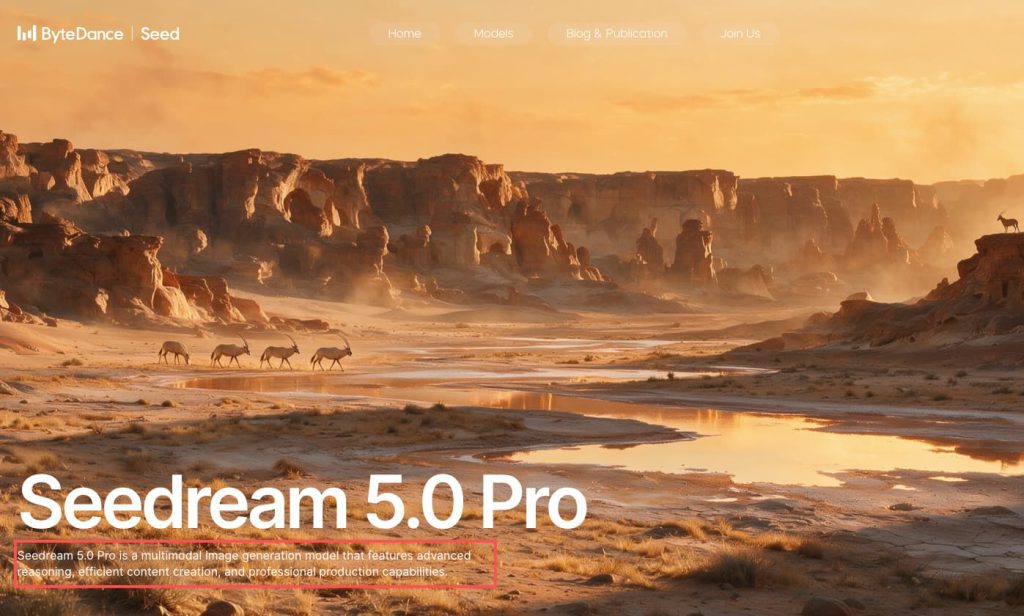
ByteDance Seed’s official Seedream 5.0 Pro page describes it as a multimodal image creation model with image-text alignment, structural coherence, text rendering, visual aesthetics, interactive precision editing, realistic imagery, and multilingual input and generation. That makes it useful for visual planning, not for replacing the full video workflow.
In practice, Seedream AI is strongest at helping teams see options before video production gets expensive. It can support characters, products, moodboards, ad visuals, and storyboard frames. The output should be treated as planning material until it is approved, labeled, and connected to a scene.
character references
Character references help define who appears in the story. For a creator ad, that might be a tired founder, a practical marketer, or a buyer comparing options. For a product explainer, it might be a simple human presence that makes the scene feel less sterile. The mistake is approving a character because the image looks good. A useful reference should match the audience, tone, and scene function. If the video is for small business owners, a glossy fashion-model look may pull the story in the wrong direction. Write down what is approved: age range, wardrobe, posture, expression, lighting, and what should not be copied.
product visuals
Product visuals need stricter review than mood images. A product screen, package, dashboard, or device mockup can mislead viewers if it looks too different from the real thing. I like to mark product images as “concept only,” “UI accurate,” or “needs replacement before final.” That small label prevents a common failure: a beautiful synthetic product shot reaching the edit stage when the team actually needed a real screenshot or approved packshot.
moodboards and storyboard frames
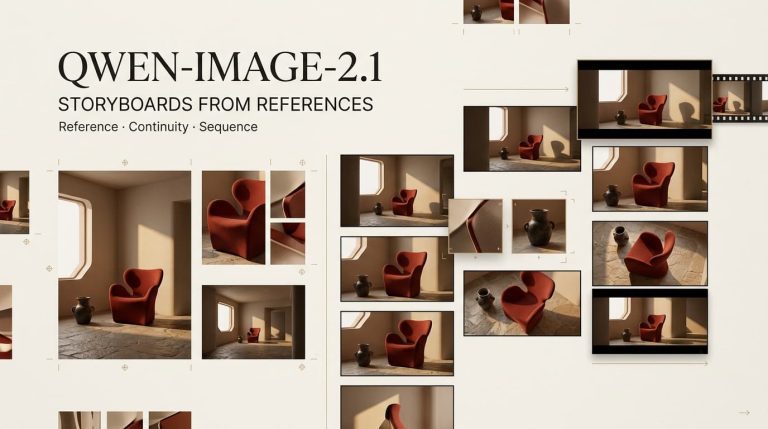
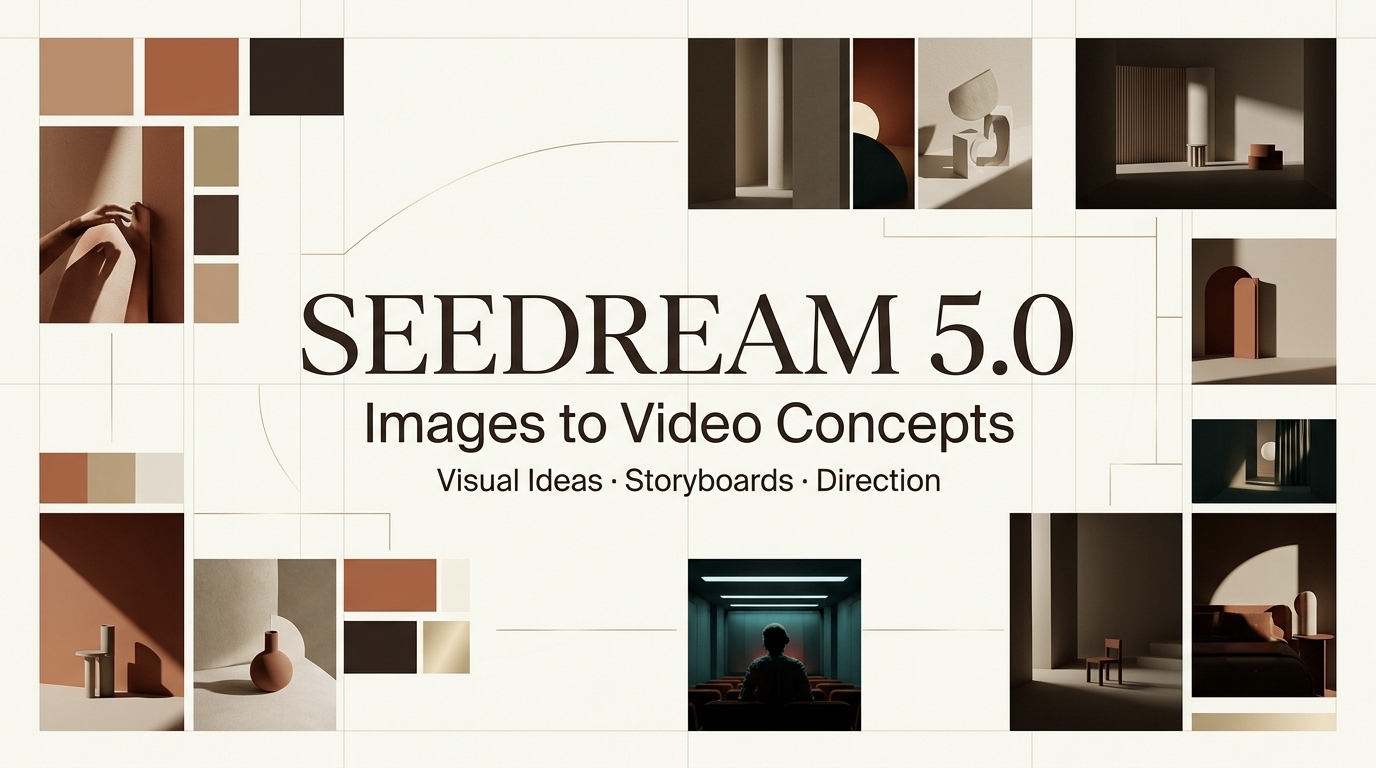
Moodboards help choose the world of the video. Storyboard frames help choose the order of the video. Do not mix them up. A moodboard can explore color, lighting, texture, wardrobe, environment, and camera feeling. An AI storyboard should answer a stronger question: what does this frame do for the viewer? A frame that only looks cinematic is not enough. It should support a beat in the script.
Why Better Images Still Need Video Planning
Stronger images can make planning feel optional. That is the trap. The more polished the image, the easier it is to mistake it for a plan.
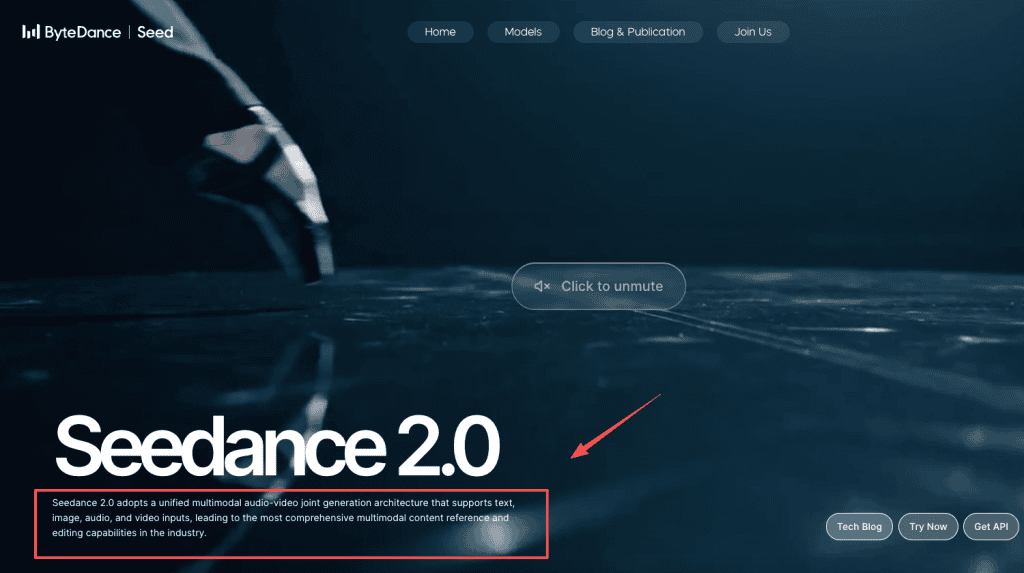
ByteDance’s official Seedance 2.0 page describes Seedance as a multimodal audio-video generation model supporting text, image, audio, and video inputs. That is a different role from Seedream. Seedream can prepare visuals. A video model or video editing system may turn selected references into motion. The bridge between them is planning.
script context
Every selected Seedream image should be attached to a script beat. If the script says, “The team finally sees what was blocking growth,” the image should show discovery, relief, or a product moment that explains the shift. A clean office shot is not enough.
In one project review, the strongest image showed a founder looking out a window at sunset. Nice frame. Wrong beat. The script was about a product saving time during a messy launch week. We replaced it with a desk scene showing scattered notes becoming organized around the product.
shot sequence
Shot sequence decides what the viewer learns first, second, and third. Without sequence, image assets turn into a slideshow. Before moving to image to video, arrange the frames as hook, problem, product moment, proof, and CTA. If two images serve the same purpose, choose one. If a script beat has no image, create or source another reference. This is where an AI video workflow becomes a production system instead of a folder of nice visuals.
model handoff
Model handoff is the moment when visual references move into another tool, editor, or video generation system. The handoff should include the script beat, selected image, motion intent, continuity cues, and risk notes.
Do not just send the image. Send the reason the image exists.
If the team later uses Seedance 2.5, verify its official availability, capabilities, input support, pricing, and relationship to Seedream before making production decisions. I could verify official Seedance 2.0 documentation, but not a stable official Seedance 2.5 source from the same primary channel during this review.
From Seedream Visuals to Video Concepts
The shift from image concepts to video concepts is mostly about selection and constraint. You are not asking, “Which image is best?” You are asking, “Which image can become a scene that serves the story?”
asset selection
Select assets by function. One image may be the character reference. Another may define lighting. Another may be a product framing idea. Another may be rejected but saved as a warning: too glossy, too abstract, wrong audience, incorrect product, weak continuity.
I usually create three labels: use, maybe, reject. “Maybe” is the dangerous folder. If an asset sits there too long, it creates confusion. Either assign it to a scene or remove it from the active workflow.
motion notes
Motion notes tell the next tool what should happen over time. A still image cannot explain whether the camera pushes in, the character reaches for the product, the UI changes, or the scene cuts away.
A good motion note is plain: “Slow push toward the dashboard as the messy notes disappear from the desk.” Or, “Creator lifts the phone, sees the campaign result, then looks relieved.” No need for a technical essay. Just enough to guide movement.
revision checkpoints
Revision checkpoints keep the team from polishing in the wrong direction. Check the visuals before video generation, check the first motion draft before editing, and check the edited cut before export.
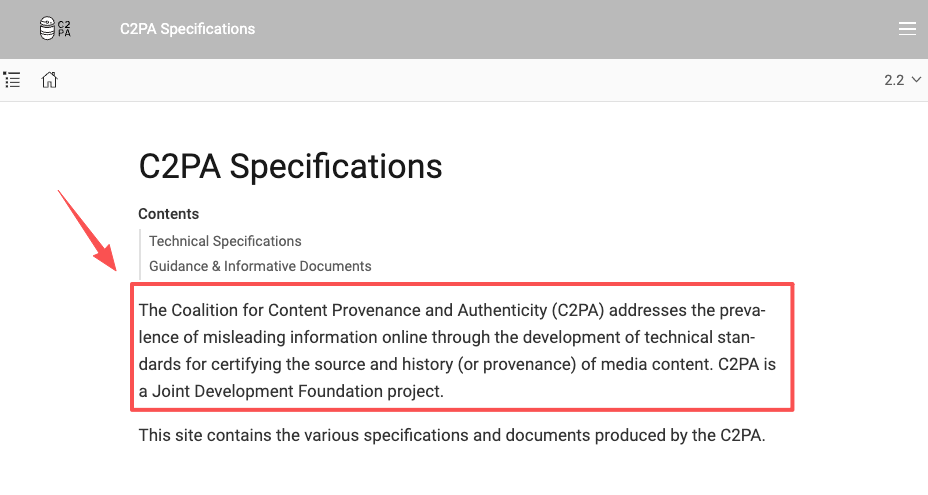
The C2PA specification is a useful context for why media history and content credentials matter in synthetic workflows. Even without formal provenance tools, teams should record what was generated, what was edited, and what was approved.
Limits and Facts to Verify
Do not publish hard claims about Seedream 5.0 without checking the latest official source. Verify whether the exact public name is Seedream 5.0, Seedream 5.0 Pro, or another product label. Confirm access tier, commercial terms, API availability, resolution, editing behavior, supported inputs, data handling, and pricing.
Also verify the relationship between Seedream and Seedance. Based on official pages, Seedream is positioned as image generation and editing, while Seedance 2.0 is positioned as audio-video generation. Do not call Seedream a video model unless official documentation clearly says so.
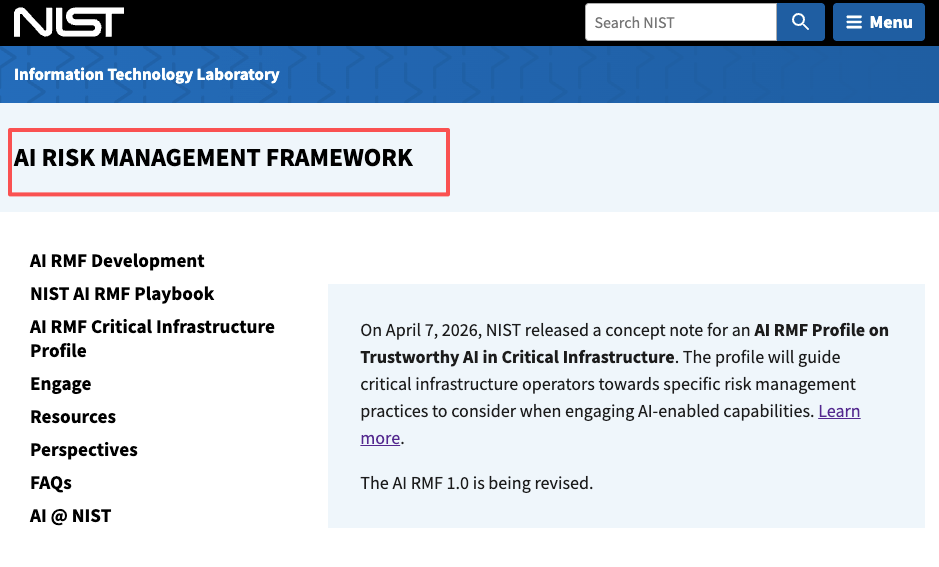
For safety and workflow review, NIST’s AI Risk Management Framework is not a video-production guide, but its broader risk-management framing is useful here because it encourages teams to govern, map, measure, and manage AI risk.
FAQ
What if visual references conflict with the brief?
The brief wins. If a Seedream output looks beautiful but changes the audience, product claim, tone, or scene purpose, reject it or relabel it as mood-only. Never let one strong image rewrite the campaign by accident.
How should Seedream outputs be labeled in archives?
Label outputs by project, scene, role, approval status, and usage rights. A useful label might say “scene-02-product-mood-approved-for-reference-only.” Avoid vague names like “best-image-final.” The label should tell a future editor what the asset is allowed to do.
When should image assets be rejected before video work?
Reject assets when they misrepresent the product, conflict with brand rules, create continuity problems, resemble an unapproved person, introduce rights concerns, or fail to support a script beat. Rejection before video generation is cheaper than fixing motion later.
Who owns approval for synthetic references?
The creative lead should approve story fit. The brand owner should approve tone and product accuracy. Legal or compliance should review risky claims, likeness concerns, or regulated categories. One person can manage the workflow, but approval should match the risk.
Conclusion
A Seedream 5.0 workflow is most useful when it treats strong images as concept material, not finished video. Seedream can help creators explore characters, product visuals, moodboards, and storyboard frames. The full video still needs script context, shot sequence, model handoff, motion notes, revision checkpoints, and export planning.
Better images raise the ceiling. A better workflow keeps the video from drifting away from the story.
Before publishing, teams should verify official naming, access, pricing, model limits, and the relationship between Seedream and Seedance through ByteDance’s latest documentation. This article treats Seedream as an image model, not a video model.
Previous posts: