Leo here. The first AI product shot I rejected looked beautiful. The bottle cap had the wrong texture, the label spacing was slightly off, and the “glass” jar looked like plastic. That is the trap with product images: pretty is not the same as sellable.
For ecommerce, images for products have one job before everything else: reduce doubt. A strong product image shows what the buyer is getting, why it matters, and whether the details match the listing. AI can help with hero shots, lifestyle scenes, and ad variations. But the image product workflow still needs human checks, because buyers notice when visuals feel fake.
What Product Images Need to Do
Product images are not decoration. They are evidence. A shopper uses them to answer quiet questions: What is included? What color is it really? How big does it feel? Does the material look cheap? Can I imagine this in my room, bag, bathroom, studio, or kitchen?
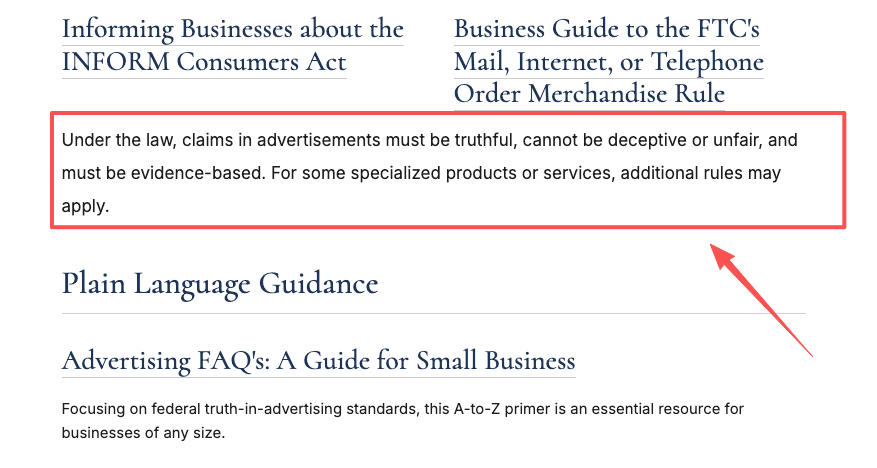
That is why I separate product visuals into three jobs. Identification shows the exact item clearly. Context shows where and how it is used. Persuasion makes the product feel desirable without inventing details. The FTC says advertising claims should be truthful, not deceptive, and evidence-based, which is a useful north star for AI visuals too. If the image implies a feature, material, bundle, certification, or result, you need proof, not vibes. See the FTC’s guidance on advertising and marketing basics.
My practical rule is simple: the closer an image is to the buy button, the less imaginative it should be. Your main gallery image should be plain, accurate, and easy to inspect. Lifestyle images can carry more mood. Social ads can push harder on style, but they still cannot misrepresent the product. A good image set answers buyer questions fast: what the product looks like, what comes in the box, what material or finish to expect, how scale feels in a real scene, and which variant the customer is buying.
AI Product Image Workflow
A product image generator is useful when you treat it like a production assistant, not a final authority. I usually build the set in layers: verified reference, clean hero image, controlled lifestyle scene, then ad variations. If the hero image is wrong, every creative variation inherits the wrong product.
Start with a reference pack before prompting. Include original product photos, label files, packaging notes, brand colors, material notes, forbidden claims, and platform destinations. If you have a CAD render, manufacturer photo, or approved packshot, use it as the anchor. OpenAI’s image generation guide is worth reading because image outputs depend heavily on prompt detail and reference inputs.
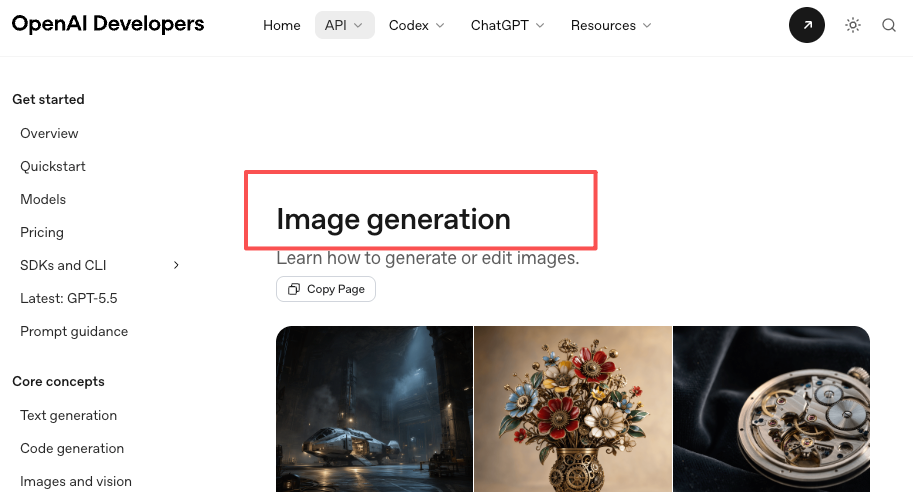
The workflow I trust is boring: start with the real product reference, generate the simplest commercial image first, check identity and accessories, then move into lifestyle scenes only after the product passes inspection. Save prompt notes for approved images so the team can repeat the look later.
Hero image
The hero image is the trust image. It should show the product clearly, with no visual tricks that hide the thing being sold.
For an AI-assisted hero shot, lock the product first and the mood second:
“Use the provided product reference exactly. Create a clean ecommerce hero image on a neutral background. Keep the label, cap shape, proportions, color, and packaging unchanged. Use soft commercial lighting. Do not add extra accessories, claims, badges, watermarks, or decorative text.”
Then inspect it like a suspicious buyer. Is the shape identical? Did the model change the word on the label? Did it add a second item that is not included? If yes, reject it.
Lifestyle scene
A lifestyle scene gives the buyer context. This is where AI saves real time, because you can test kitchens, desks, bathrooms, gym bags, studios, and seasonal scenes without rebuilding a physical set every time.
But lifestyle does not mean fantasy. The scene should clarify use, scale, and audience. A ceramic mug on a breakfast table makes sense. The same mug floating beside a waterfall might be eye-catching, but it teaches the buyer nothing. A reliable prompt structure is: product lock, setting, usage moment, lighting, camera angle, exclusions. For example:
“Keep the product exactly as shown in the reference. Place it on a small apartment kitchen counter beside a neutral linen towel and a glass of water. Morning light, natural shadows, realistic scale. No hands covering the label. No added text. No extra product variants.”
This is also a good place to build an internal link to a more creative angle, such as [creative product images](/blog/creative-product-images), because not every ecommerce image needs the same level of restraint. The product page needs clarity first. A campaign page can afford more art direction.
Social ad
Social ads are the playground, but I still keep a fence around it. The image can use stronger color, motion, props, and composition. The product cannot mutate.
For ads, generate around a concept, not just a background. “Messy desk before morning coffee” is better than “nice office scene.” Keep copy and offers out of the generated image unless your platform and brand review process allows it. I prefer adding text later, where the team can control spelling, legal claims, translation, and layout.
Platform Requirements to Check
Platform rules are where AI images can quietly get expensive. A file can look great and still fail because the product is cropped, the wrong variant appears, the background is not allowed, or metadata was removed. Do the compliance check before you publish, not after a feed rejection.
Shopify
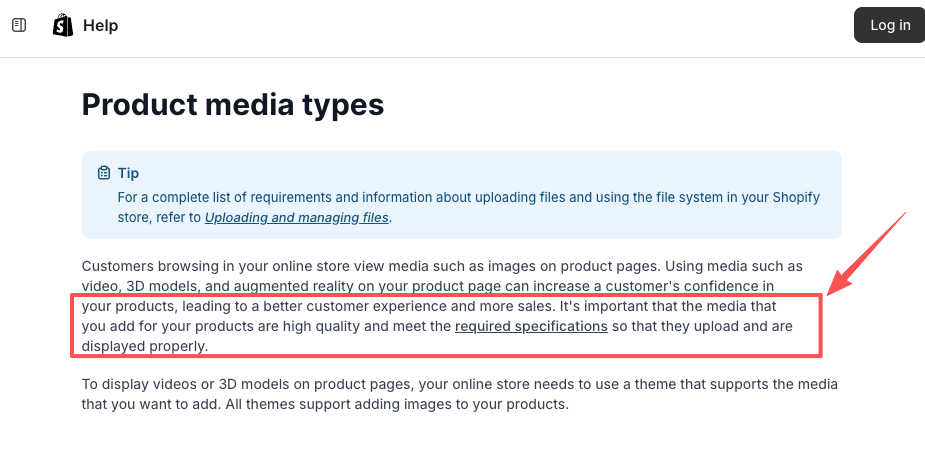
Shopify is flexible compared with marketplaces, but flexible does not mean careless. Shopify’s help center says product media should be high quality and meet required specifications so it uploads and displays properly, and it also notes that consistent aspect ratios help product and collection images display evenly. Check Shopify’s current product media types before building a full batch.
For Shopify, check the product page, collection grid, mobile crop, file names, alt text, and variant accuracy. The common mistake is making a gorgeous lifestyle set, then discovering the collection grid looks chaotic because every image has a different crop, angle, and scale.
Amazon
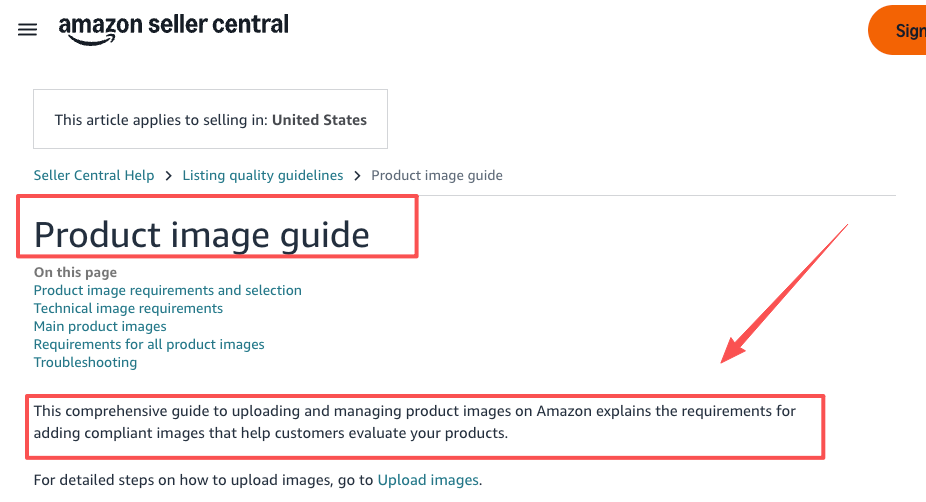
Amazon is stricter, especially for main images. Main product visuals generally need to show the product clearly, avoid promotional overlays, and follow marketplace-specific background and content rules. Check Amazon’s current product image requirements before upload, because category rules can be more specific than general advice.
For Amazon, be careful with the main image background, product-only presentation, text or badge overlays, variant accuracy, bundles, and cropping. AI can help with secondary images, infographics, and lifestyle ideas, but do not let it invent use cases, scale cues, compatibility, or included accessories.
Quality Checklist
This is the checklist I use before approving ecommerce product visuals. It catches most mistakes that make AI-generated assets feel off.
Product accuracy:
- Shape, proportions, logo, label, texture, and finish match the real product.
- No extra accessories, bundle items, colors, sizes, or packaging elements appear unless they are included.
- The product does not look more premium, larger, thinner, brighter, softer, or more durable than it is.
Scene accuracy:
- The setting matches the buyer’s likely use case.
- Props support the story without implying false claims.
- Reflections, shadows, and contact points make physical sense.
Platform readiness:
- The main image follows the destination platform’s current rules.
- The visual works on mobile.
- Variants are separated and not mixed in confusing ways.
Trust signals:
- No fake badges, awards, certifications, star ratings, or medical-style claims.
- No visible spelling errors in labels or packaging.
- No AI artifacts around edges, transparent materials, hands, cords, closures, or small hardware.
- AI metadata is preserved where required.
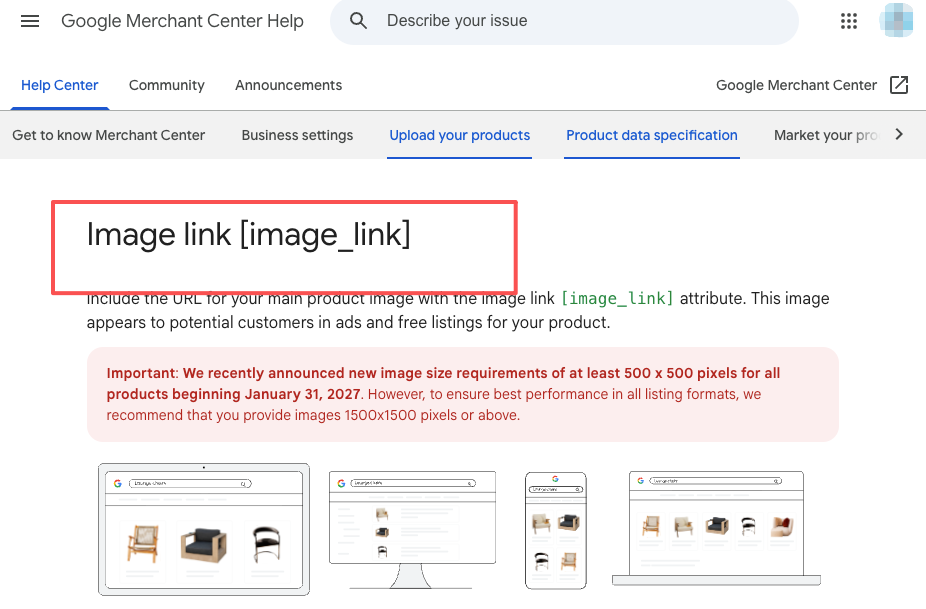
Google Merchant Center’s image link requirements are a useful broader check because they call out issues like unsupported images, placeholders, promotional overlays, wrong variants, and AI-generated image metadata.
When AI Images Are Not Enough
AI is not enough when the buyer needs proof. If your product depends on exact material behavior, regulatory claims, fit, finish, safety, installation, food texture, skin tone results, medical use, or before-and-after outcomes, get real photography or expert review involved.
I would also bring in a photographer when texture is the selling point. Leather grain, fabric drape, jewelry reflections, transparent packaging, cosmetics swatches, and food surfaces can expose AI fast. It might make them look cleaner, but cleaner is not always truer.
If the image suggests “waterproof,” “non-toxic,” “child-safe,” “clinical,” “compatible with,” or “made in USA,” that is not an art direction choice. That is a claim, and the image has to match your documentation.
A good hybrid workflow is often strongest: shoot the product once, then use AI to create controlled environments, seasonal variants, background changes, and ad concepts.
FAQ
What product details must not be guessed?
Never let AI guess label text, ingredients, materials, certifications, size, compatibility, included accessories, safety features, country of origin, warranty language, or performance results. These details affect buyer expectations and sometimes legal claims. If you do not have source documentation, keep the image neutral instead of letting the model “complete” the product.
What image mistakes hurt buyer trust?
The fastest trust killers are wrong variants, misspelled packaging, fake badges, impossible shadows, warped logos, inconsistent product shape, and lifestyle scenes that imply something the product cannot do. Buyers may not say “this looks AI-generated.” They just feel something is off, and that feeling is enough to slow the purchase.
When should ecommerce teams use a photographer?
Use a photographer when the real product surface, scale, fit, or usage result is the reason people buy. AI can help extend the shoot, but it should not replace the source of truth. For high-return categories, premium goods, regulated products, and tactile materials, real photography still pays for itself because it gives every later AI variation a reliable anchor.
Conclusion
Product images work when they make the buyer feel oriented, not dazzled. Start with accurate references, create the hero image first, then build lifestyle scenes and social ads around a product that has already passed inspection.
AI can absolutely speed up e-commerce visuals. I use it for scene exploration, ad concepts, background systems, and fast variations. But the standard stays the same: the image must show the real product, support the right buying decision, and survive platform review. Pretty is nice. Trust sells.
Previous posts: