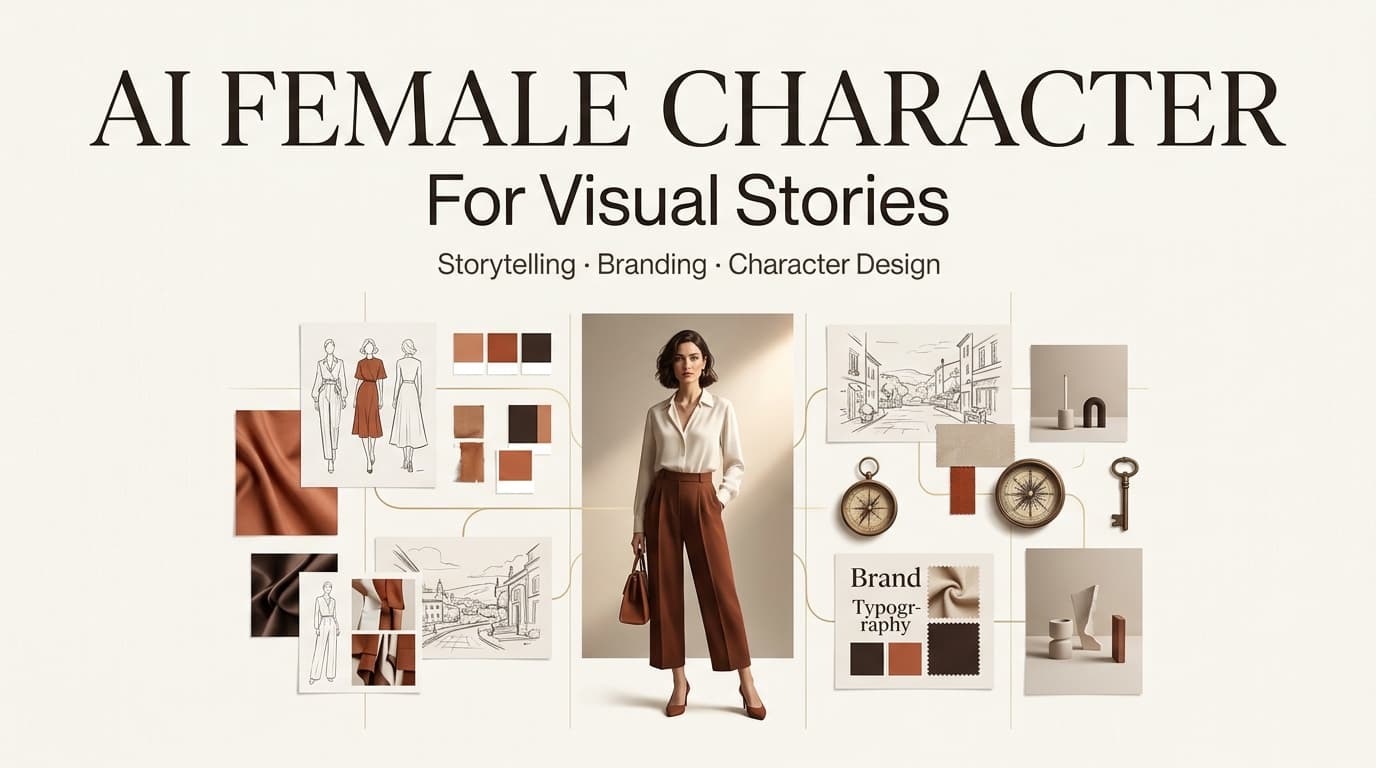
Last month a client briefed me for a skincare short. They wanted a recurring on-screen host — friendly, consistent across six scenes, and emphatically not a real actor they’d have to pay, schedule, and re-shoot. So I typed the kind of phrase people actually type into these tools: a beautiful ai woman, warm lighting, talking to camera. First frame looked great. Second pass, her face had quietly shifted — different jaw, different eyes. Close, but not the same person.
That gap is the whole point of this post. A pretty single image is easy. A character you can build a story around — one that survives across shots, holds up to scrutiny, and doesn’t land you in a consent or likeness mess — is a different job entirely.
I run AI tools until they break, then write up what broke. I’m Leo. Here’s what I’ve learned about using AI female characters for real video work: what the search term actually means, the risks I’d front-load before you generate a frame, where these characters earn their place in a workflow, and how to keep them visually consistent.
What This Keyword Really Means
If you searched beautiful ai woman, an ai beautiful woman, or beautiful woman ai, you typed three different phrases that mean roughly the same thing: you want a synthetic female figure for visuals, not a photo of a real person.
Here’s the distinction nobody mentions. There are two jobs hiding inside a search for a beautiful ai woman. Job one is a single striking image — a thumbnail, a mood board, a hero shot. Job two is a character: a face and identity you reuse across a storyboard, an ad series, or a multi-scene video. Most tools nail job one on the first try. Job two — keeping her the same human across twelve shots — is where the difficulty lives, and where most people get frustrated.
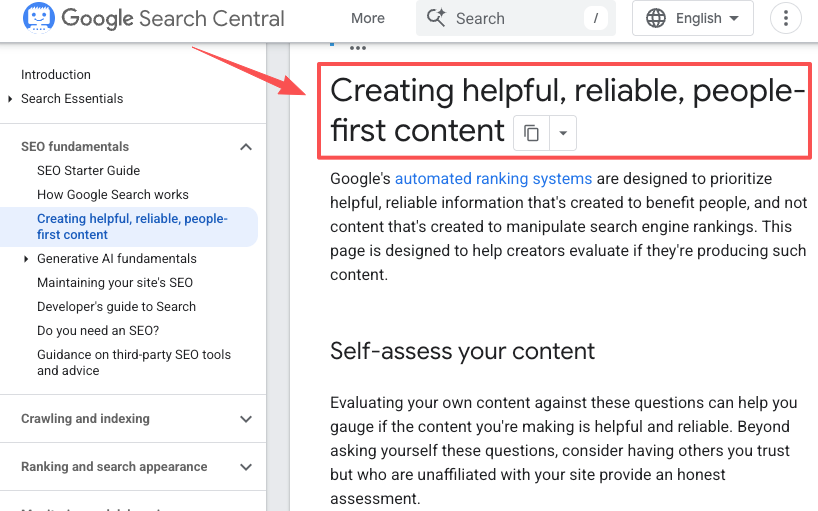
Google has gotten blunt about rewarding content from people who’ve actually done the work, as laid out in its guidance on creating helpful, people-first content. Same logic applies to your visuals: a deliberate character built for your story is what makes a video feel intentional instead of stock.
Ethics, Consent, and Stereotype Risks
I’m putting this section first on purpose. Generate carelessly here and the cleanup costs more than the time you saved.
Realistic AI-generated people
The better these models get, the closer outputs drift toward looking like a specific real human — sometimes one you didn’t intend. A face that reads as “a real person” invites a different set of problems than an obviously stylized one: viewers assume it’s a documentary subject, a real endorser, or someone being impersonated. My rule on client work is simple. If a generated face could be mistaken for a real, identifiable individual, I regenerate until it clearly reads as fictional. Photorealism is fine. Photorealism that impersonates is not.
Consent and likeness concerns
Never feed in photos of a real person — an influencer, an ex-colleague, a celebrity — to “recreate” their look without explicit permission. Likeness and publicity rights are real, and they don’t evaporate because a model generated the pixels. The Partnership on AI’s Responsible Practices for Synthetic Media — a framework backed by Adobe, the BBC, OpenAI and others — puts consent and disclosure at the center of responsible synthetic content. Treat any resemblance to a real, named person as a stop sign, not a feature.
Sexualized or stereotyped imagery
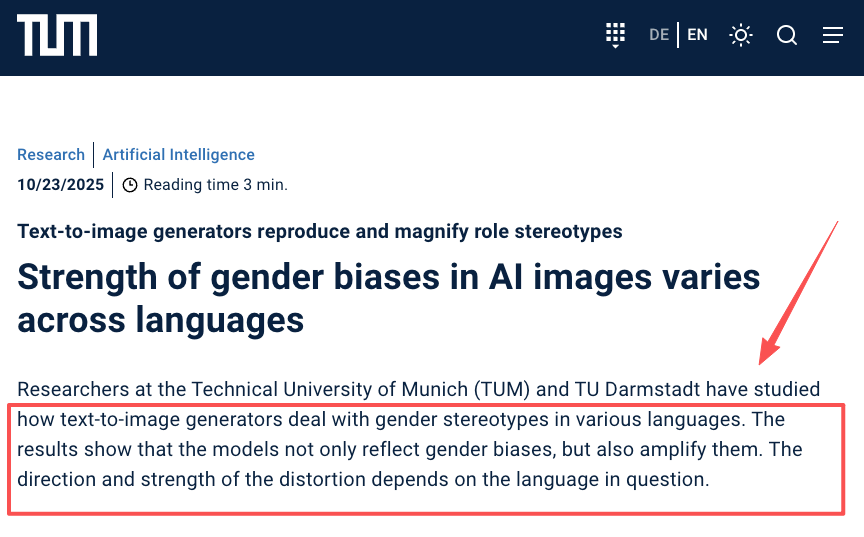
This is the ugly part of the ai generated beautiful woman search. Left to their defaults, image models tend to converge on a narrow, often sexualized, often Westernized template — and they don’t just reflect bias, they amplify it. Researchers at TU Munich and TU Darmstadt found that text-to-image generators magnify gender stereotypes rather than mirror them, with the effect shifting depending on the language you prompt in. So when you type “beautiful,” you’re not getting a neutral result — you’re getting the model’s most clichéd guess. Counter it deliberately: specify age range, profession, body language, and context. A character defined by what she does in your story beats one defined only by how she looks.
AI Female Characters in Creator Workflows
Enough caution. Here’s where these characters actually pull their weight.
Storyboards
This is my favorite use, and the lowest-risk one. Before a shoot or a full generation run, I’ll spin up rough frames of a character moving through scenes — entering a room, reacting, walking out. It’s a visual script. Nobody publishes these; they exist to align the team and catch pacing problems early. The face doesn’t even need to be perfect at this stage, which takes the pressure off.
Brand mascots
A consistent fictional spokesperson can anchor a brand without the cost and contract overhead of a human face. The catch: she has to be unmistakably fictional and stay on-model across months of content. Lock the design early — and save the prompt and reference that produce her, because future-you will need them.
Video concepts
This is where single images stop being enough and you need a character that holds across a full sequence. Tools built as orchestration agents rather than one-shot generators handle this better; CrePal’s AI Director workflow, for instance, is aimed squarely at keeping a face, outfit, and style stable across a multi-scene video instead of regenerating a stranger every clip. That continuity is the difference between a montage of pretty frames and something that reads as one story.

Visual Quality and Style Control
Consistency is the real boss fight, not resolution. Three things move the needle most in my tests.
First, lock identity with a reference image or a fixed seed instead of re-rolling the prompt and praying. Second, define style as explicitly as you define the character — color palette, lighting, lens feel — so shots match. Third, control the frame: specify shot type, angle, and expression rather than leaving the model to improvise. Platforms that let you pause, preview, and adjust mid-process save the most time, because the failure mode of AI video is “scene four is wrong and now everything after it is wrong too.” Catching drift on shot two is cheap. Catching it after export is not.
And honestly? Sometimes it just won’t lock. I’ve had a character go sideways six times in a row over nothing I could pin down. When that happens I stop fighting the prompt and swap the reference image. Brute force beats stubbornness here.
FAQ
How do I keep an AI-generated female character consistent across multiple video scenes?
Use a strong reference image or fixed seed value as the base for every generation. Tools that support multi-reference (feeding several angles of the same character) work better than single front-facing shots. Many creators also save the exact prompt + parameters that produced the best version and reuse them as a template for future scenes.
What are the main ethical risks when generating realistic AI female characters?
The biggest risks are unintended resemblance to real people (which can trigger likeness or publicity rights issues) and amplification of stereotypes (models often default to narrow beauty standards). Always treat outputs as fictional characters, run batch tests to check for bias, and add clear disclosure when the character appears realistic.
Can AI create fictional female characters for videos?
Yes, and the fictional route is the safe one. The technical key is identity locking — a seed value or a reference image the model reuses every scene — so you’re directing one invented character rather than rolling new strangers. Multi-reference setups, where you feed several angles of the same generated face, hold consistency better than a single front-on shot, especially once the character turns her head or changes lighting.
How do creators use AI characters responsibly?
Tell your audience when a presenter is synthetic, don’t imply a fictional character is endorsing anything in a way that misleads, and keep written records of your prompts and references in case of disputes. If you ever license a character to a client, spell out usage rights in the contract — synthetic doesn’t mean ownership is automatically clear.
Conclusion
A beautiful ai woman is easy to generate and hard to use well. The split between a one-off image and a character that survives a full video — consistent, clearly fictional, free of consent and stereotype landmines — is where the real craft lives. Start with storyboards where the stakes are low, lock identity before you scale, and decide your ethics before you generate.
Next time you’re tempted to chase a perfect single frame, ask the better question: can I keep this person the same across six shots? If the answer’s no, you don’t have a character yet — you have a thumbnail. Go fix that first.
This article discusses creative workflows only. AI-generated human figures should be used as fictional characters. For questions involving a real person’s likeness, consent, publicity rights, or advertising compliance, consult a qualified attorney. Avoid sexualized imagery, stereotyping, and any use that substitutes for a real, identifiable person without permission.
Previous posts: