Leo. A UGC team once sent me twelve AI-generated ad frames for a skincare campaign. The images looked sharp. One had a creator holding the product near a bathroom mirror. Another showed a clean flat-lay with soft morning light. A third looked like a perfect Instagram Story opener. Then the brand lead asked, “Which of these is actually allowed to become an ad?”
That is the real role of Muse Image in ad creative work. It can help teams explore social visuals quickly, but a strong image is not the same as a campaign-ready concept. For Instagram ads, paid UGC, and short-form campaign videos, the workflow still needs message control, product accuracy, claim review, platform fit, and a clean handoff into video production.
This article is not legal or advertising compliance advice. Meta, Instagram, ad disclosures, asset licensing, synthetic media rules, and platform policies should always be checked against the latest official documentation before publishing or running paid media.
Where Muse Image Fits Ad Creative Work
Public reporting from The Verge on Muse Image describes it as a Meta image generation model used across Meta AI experiences, with related video capabilities discussed separately. That matters for workflow planning: treat Muse Image as a visual exploration layer, not as the final ad system.
For marketing teams, the best use is early creative direction. Use it to test how an angle might look, how a creator scene might feel, or how a product moment might appear in a mobile-first frame. Do not let it decide the campaign promise.
Social visual directions
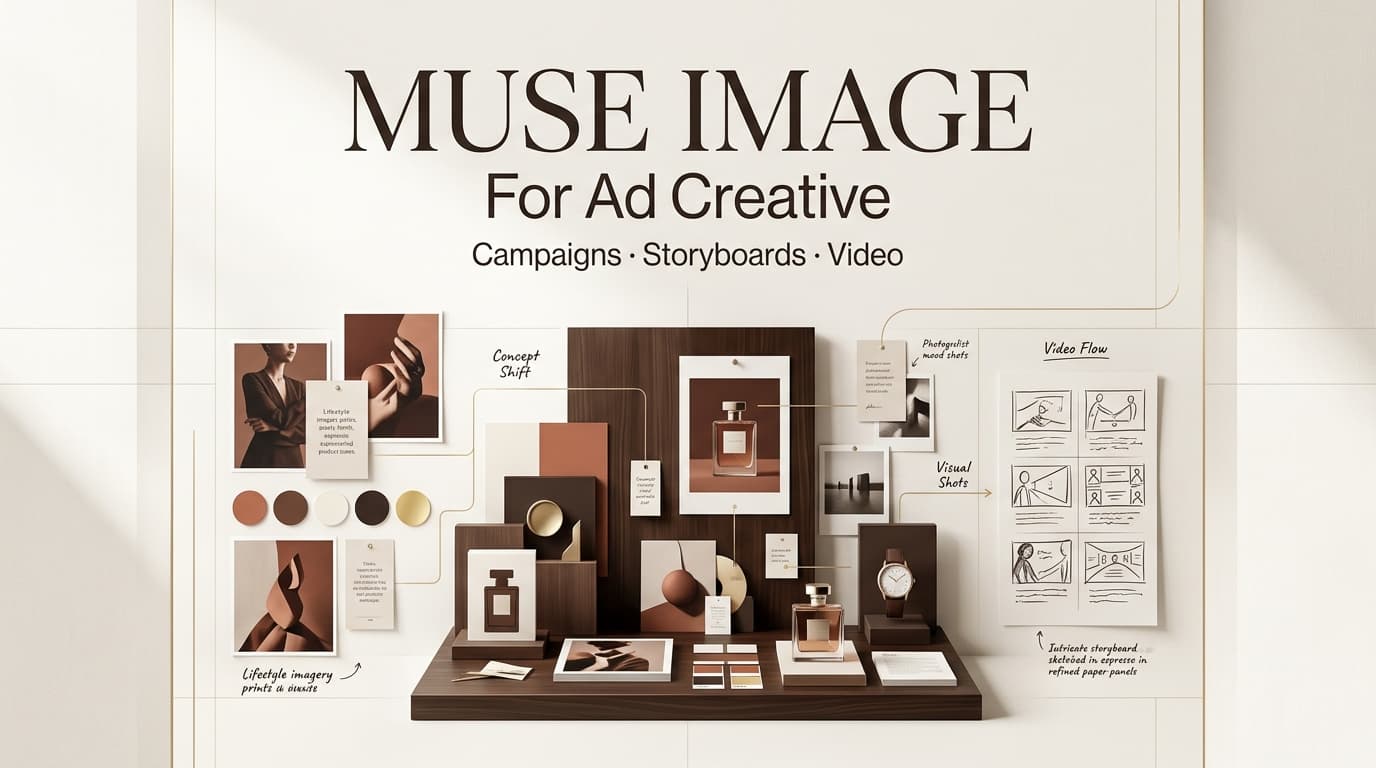
Social visual directions are quick visual tests for tone. A team might explore a messy creator desk, a bathroom mirror demo, a phone-in-hand reaction, or a clean product close-up. These images help the team decide whether the ad should feel casual, polished, funny, instructional, or testimonial-like.
The useful question is not, “Which image looks best?” It is, “Which image matches the buyer and the message?” A Gen Z beauty ad and a B2B productivity ad can both use creator-style visuals, but they should not look like the same campaign wearing different captions.
Product image concepts
Product image concepts need extra discipline. A synthetic product shot can make packaging too clean, UI too perfect, or results too dramatic. I have seen a generated product frame look better than the real product page, which sounds like a win until the ad sends people to a landing page that feels less trustworthy.
For every product visual, label it as “concept only,” “product accurate,” or “replace with approved asset.” That small note prevents a draft visual from slipping into final review as if it were a cleared packshot.
Storyboard frames
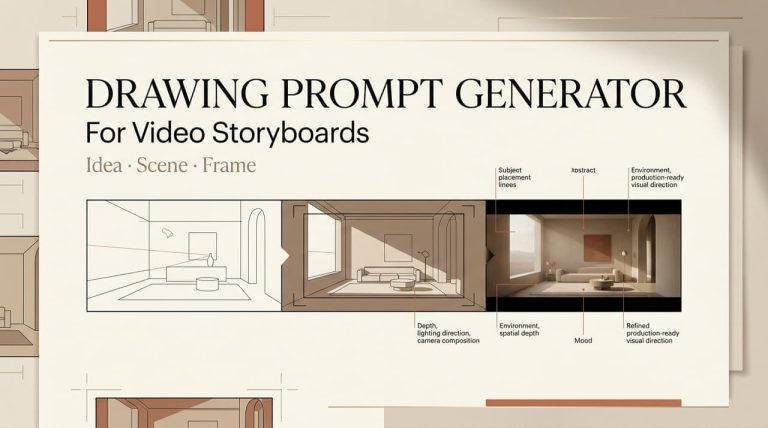
Muse Image can also help build a video storyboard. One frame can show the hook. Another can show the product reveal. Another can show the before-and-after feeling without making an unsupported claim.
Storyboard frames should map to campaign beats. If a frame has no job, cut it. In paid creative, decoration becomes expensive very quickly.
From Social Visuals to Campaign Video Concepts
The shift from social visuals to campaign video concepts is where teams usually lose control. A folder of strong images becomes five different ad ideas, each with a different promise. That is not variety. That is drift.
Message angle
The message angle should be approved before visuals move forward. Is the ad about speed, confidence, convenience, routine, price, comparison, or social proof? Once the angle is chosen, every image should support it.
This is where AI ad creatives can be useful, but only if the team reviews them against the brief. A frame that makes the product feel luxurious may be wrong for a campaign about affordability. A funny creator reaction may be wrong for a sensitive category. Good creative is not just eye-catching. It is accurate to the offer.
Scene flow
Scene flow turns frames into a story. A short ad might move from problem, to product, to proof, to CTA. Another might start with the result, then show the process. Either way, the sequence should be written before video generation.
I like to place every chosen frame under a script beat. If the beat says, “I stopped wasting time editing captions manually,” the visual should show that pain or the relief from it. A pretty lifestyle frame does not earn its place unless it moves the viewer forward.
Product reveal
The product reveal is where many AI-assisted ads fail. The image may be beautiful, but the product appears too late, too small, or too abstract. In paid creative, the viewer should understand what is being sold quickly enough to stay oriented.
For UGC-style ads, the reveal does not need to be stiff. It can be a hand holding the item, a creator opening the app, a screen capture, or a natural demo moment. But it should be intentional.
Brand and Platform Review
Brand and platform review should happen before assets become video drafts. If a concept has a weak claim, an inaccurate product visual, or a wrong disclosure context, motion will not save it.
Claim boundaries
Claim boundaries belong in the brief. Write what the team can say, what needs proof, and what is banned. This matters for wellness, finance, education, beauty, productivity, and any product where the ad could imply a measurable result.
For sponsored creator content, the FTC’s social media disclosure guidance is a useful reference. Clear disclosure does not fix a false claim, but hidden sponsorship creates its own problem.
Visual accuracy
Visual accuracy means the image should not misrepresent the product, user experience, packaging, results, or setting. If a generated screen shows features that do not exist, reject it. If a model makes a product look larger, cleaner, or more effective than reality, mark it as concept-only or remove it.
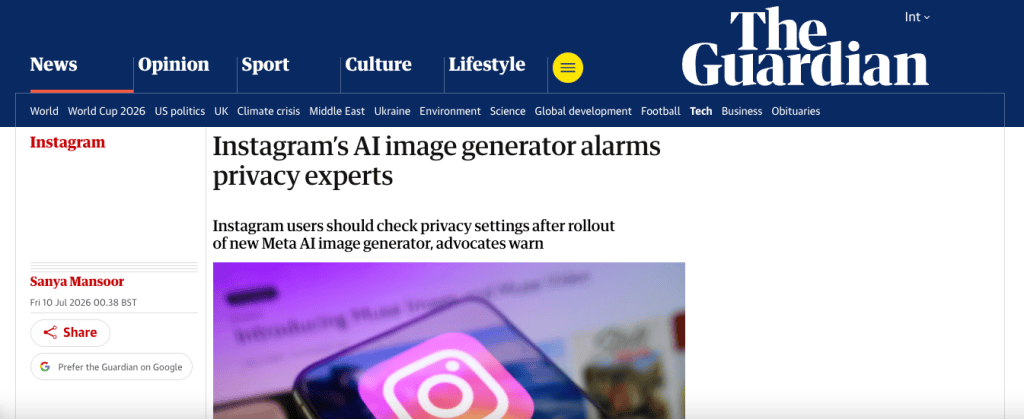
This is also where privacy and likeness review matter. Reporting from The Guardian on Muse Image privacy concerns highlights why teams should be careful with public profiles, likeness reuse, and social images. Do not use unapproved people as references for ad visuals.
Instagram and ad platform fit
Instagram-style visuals are not automatically fit for Instagram advertising. Paid placements need review against ad standards, disclosure rules, landing page consistency, and category restrictions. Meta’s Advertising Standards should be checked before launch, especially for sensitive categories, personal attributes, prohibited content, and misleading claims.
Platform fit also includes layout. Is there space for captions? Does the product read on mobile? Will text be covered by interface elements? Does the first frame work without sound? Those questions belong before export, not after rejection.
Preparing Assets for AI Director Workflow
Once visuals pass review, prepare them for an AI campaign workflow. This does not require a specific integration. It means the team should organize assets so an AI Director layer, producer, or editor can understand the campaign logic.
Each selected visual should carry a short production note: campaign angle, scene role, product status, motion intent, claim status, approval owner, and platform target. For example: “Scene 2, product reveal, approved packshot required, motion should push from creator reaction to product close-up, no performance claim.”
That note is more valuable than a beautiful unnamed image. It tells the next person what the asset is allowed to do. If the campaign later becomes three versions for Reels, Stories, and paid feed, those notes keep the variations from drifting.
For traceability, teams may also want to track synthetic media decisions. The C2PA specification is a useful reference point for content credentials and media history, even if a small team only keeps lightweight internal records.
FAQ
What should teams archive after rejected concepts?
Archive only the rejected concepts that teach a future rule. If a visual was rejected because it exaggerated a product result, used the wrong audience cue, created a likeness concern, or confused the campaign angle, keep a labeled record. Delete clutter that adds no learning value.
Who resolves disputes about AI-generated ad visuals?
The decision owner should match the dispute. Brand disputes go to the brand lead. Claim disputes go to legal, compliance, or the approved claim owner. Platform disputes go to the media buyer or channel owner. Likeness or asset-rights disputes should be escalated before the visual enters production.
When should visuals be withheld from campaign review?
Withhold visuals when source rights are unclear, product accuracy is uncertain, the image resembles an unapproved real person, the claim implied by the image is not approved, or the frame could mislead viewers. Do not ask stakeholders to approve visuals that are not safe enough to evaluate.
How should platform feedback update the asset library?
Platform feedback should become metadata, not a forgotten message. Add the rejection reason, affected platform, revised claim, edited visual, and final status to the asset record. Over time, the library should show which visual patterns pass review, which need edits, and which should not be reused.
Conclusion
Muse Image can be useful for ad creative teams when it stays in the right role: visual exploration. It can help shape social directions, product concepts, and storyboard frames for future video drafts.
But campaign-ready video needs more than attractive images. It needs message discipline, product accuracy, claim boundaries, platform review, and production notes that survive the handoff. That is how AI-assisted visuals become usable ad concepts instead of just another folder of pretty frames.
Previous posts: