
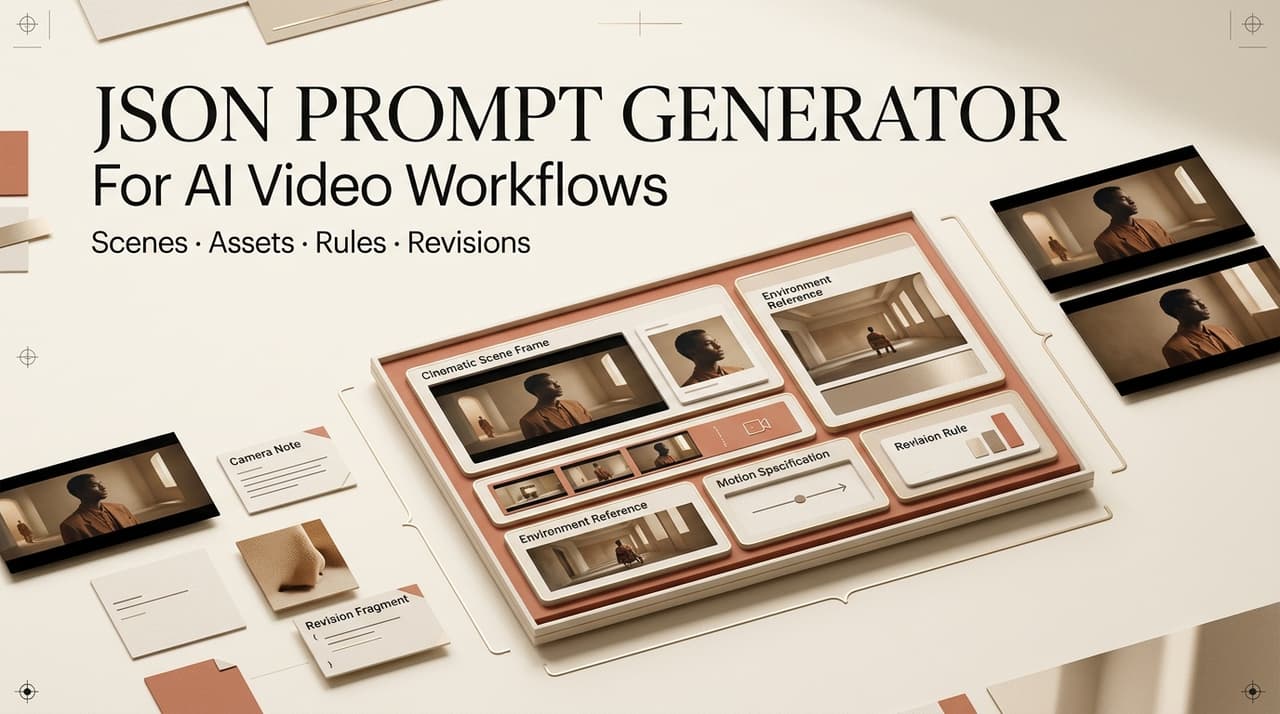
A json prompt generator is useful when an AI video team keeps losing context between the brief, image prompts, video generation, revisions, and export notes. JSON does not make a model more creative by itself. Its value is structure. It gives creators a shared way to describe scenes, assets, camera notes, motion intent, review rules, and version history before those details disappear into a long chat thread.
In multi-model work, I often see the same break: the script writer describes a mood, the visual lead turns it into images, the video tool interprets motion differently, and the editor has to guess which detail mattered. Structured prompts reduce that gap.
Why Creators Use JSON Prompts
Structured scene details
JSON prompts turn a loose creative request into named fields. Instead of writing one long paragraph like “make a clean product video with a slow camera move,” the team can separate scene goal, subject, setting, mood, camera, motion, audio, aspect ratio, constraints, and review notes. That separation helps a creator see what is missing before generation starts.
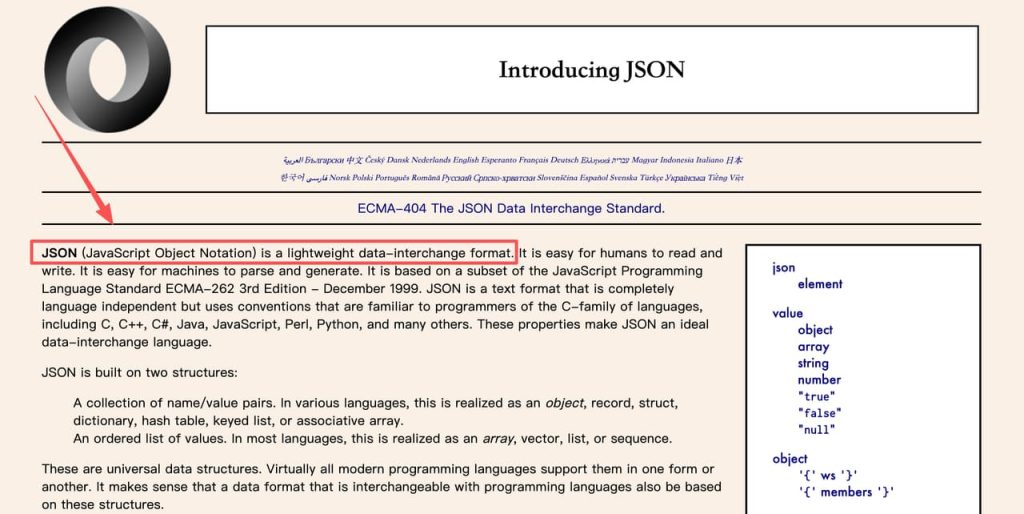
The reason JSON works well here is simple: JSON is a lightweight data-interchange format built around name-value pairs and ordered lists. For video teams, those pairs become practical labels such as scene_goal, camera_move, or caption_space. Even if a tool reads the prompt as plain text, the structure still helps planning.
Repeatable fields
Repeatable fields are the main advantage of JSON prompts. A prompt template generator can give every shot the same set of questions, which makes comparison easier. If scene 1 has a character_wardrobe field and scene 4 does not, the gap is visible. If one ad variant has claim_boundary and another skips it, the reviewer can stop the project early.
Cleaner handoff
Handoff is where AI video projects often get messy. A director approves a moodboard, a prompt writer changes the lighting, a video generator shifts the setting, and the editor receives a clip with no explanation. JSON prompts make the chain easier to follow because the original intention stays attached to the output.
A clean handoff does not need complex code. It can be a shared document where each scene keeps the same headings, approvals, changes, and review notes.
JSON Prompt Structure for Video Workflows
Scene goal
Every JSON prompt should begin with the scene goal. This field explains why the shot exists: introduce the problem, show the product, create atmosphere, demonstrate a feature, handle an objection, or close with a memorable visual. Without that goal, the model may generate something attractive but useless.
Visual fields
Visual fields describe what the viewer should see. Common fields include subject, character, product, setting, color palette, lighting, props, wardrobe, frame composition, reference image, style boundary, and text on screen. These fields should be specific but not overloaded.
The best visual fields are reviewable. “Warm premium look” is subjective. “Soft daylight, clean bathroom shelf, product label facing camera, no competing brand objects” gives the reviewer something to check. If the project uses brand assets, keep source rights and approved reference status near the visual fields.
Motion and camera fields
Video prompt structure needs motion fields because a still-image prompt is not enough. Add subject movement, camera movement, speed, duration, transition, and end frame. A simple field such as camera_move can prevent confusion between a moving subject and a moving camera.
Motion should stay realistic for the shot length. A five-second clip should not ask for a crane move, product rotation, actor expression change, background transformation, and text reveal all at once. JSON can make that overload visible before credits are wasted.
Review notes
Review notes make JSON prompts production-friendly. Add fields for pass criteria, fail criteria, brand risk, claim risk, continuity risk, and next revision. A prompt is not finished when it is generated. It is finished when the team knows how to judge the result.
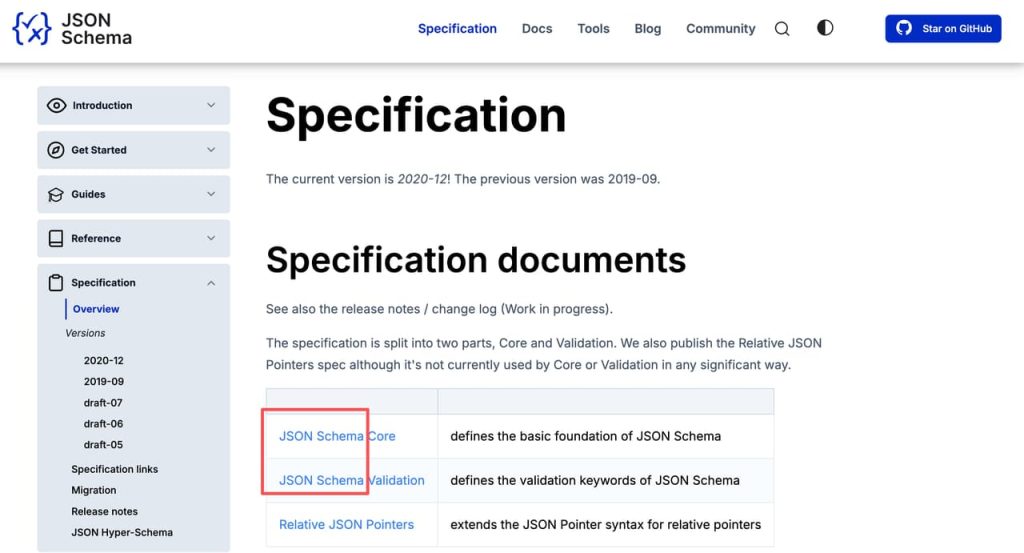
For formal schemas, JSON Schema defines validation and annotation rules that help standardize fields and data types. A creator team does not need developer-grade schema work, but the principle is useful: define expectations before people interpret outputs differently.
Where JSON Prompts Help Multi-Model Workflows
Model comparison
JSON prompts make model comparison less chaotic. If the same scene is tested in two image tools and two video tools, the team can compare outputs against the same scene goal, visual fields, motion notes, and review criteria. That is more useful than asking which model “looks better.”
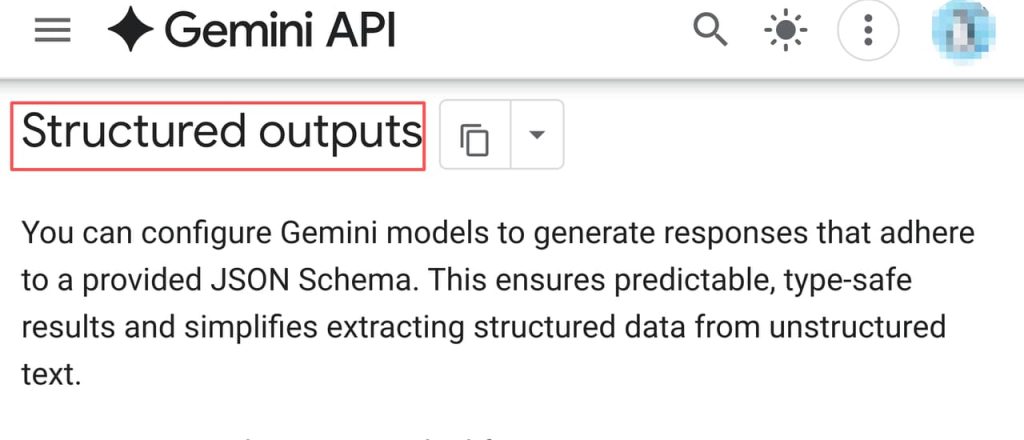
Different platforms handle structure differently. OpenAI’s JSON schema response format supports model outputs shaped by a supplied schema, while Gemini’s structured output mode supports a subset of JSON Schema. Those are API features, not proof that every creative video tool will obey JSON prompts. Creators should test structure inside the actual tool before making it a team standard.
Shot consistency
Consistency is the quiet benefit. JSON prompts help keep the same character, product, location, lighting, and caption area across shots. They also reveal when a scene is drifting from the approved storyboard.
In an AI Director workflow such as CrePal, the practical value is not JSON for its own sake. Structured scene information can support brief intake, storyboard planning, multi-model coordination, conversational revision, and export readiness as assets move from planning to generation.
Version tracking
JSON prompts are easier to version than loose paragraphs. A team can record that version 1 changed the camera move, version 2 changed the product angle, and version 3 added a stricter claim boundary. When a client asks why a clip changed, the answer is visible in the prompt record.
Limits and Common Mistakes
The first mistake is assuming JSON prompts are automatically understood. Some tools preserve field logic. Some flatten the text. Some ignore keys and respond only to the most vivid words. Teams should run small tests before building a shared AI prompt schema around any platform.
The second mistake is over-structuring. A prompt with thirty fields can be harder to use than a concise paragraph. Start with fields that affect the video: goal, subject, setting, visual constraints, motion, camera, continuity, and review notes. Add more only when a repeated production problem proves the need.
The third mistake is treating structured prompts as safe by default. JSON can organize risky instructions just as easily as safe ones. Do not include private client data, unlicensed references, celebrity likenesses, hidden claims, or prompt text meant to bypass platform rules.
FAQ
Who maintains shared JSON prompt schemas?
One person should own the schema even if many people use it. For a small creator team, that may be the producer. For an agency, it may be the workflow lead or creative operations owner.
What fields should be locked for client work?
Lock fields that affect approval: brand name, product name, claim boundary, aspect ratio, required text, forbidden references, source asset status, and final review owner. Creative fields can stay flexible, but approval fields should not change casually after signoff.
How should teams handle schema changes mid-project?
Do not overwrite the old schema silently. Create a new version, note what changed, and mark which scenes use the old format. If the change affects review, ask whether generated clips need a second pass.
When should structured prompts stay private?
Keep them private when they include client strategy, unreleased products, paid campaign angles, personal data, source asset links, internal model testing, or rejected creative directions. Share a cleaned version when the client needs context.
Conclusion
A json prompt generator helps AI video teams turn creative intention into a structure that can survive handoff. The real benefit is not that JSON looks technical. It is that structured prompts make scene goals, visual rules, motion notes, review criteria, and revisions easier to compare.
For multi-model video workflows, JSON prompts work best as a planning layer. Use them to reduce context loss, test models more fairly, protect continuity, and keep approval logic attached to every scene. Then verify how each tool actually interprets the structure before making it part of production.





[…] JSON Prompt Generator for AI Video Workflows Script Visuals for AI Generation Workflow How Creators Use Seedance to Make AI Videos AI Video Workflow: From Brief to Final Cut AI Video Review Checklist Before Export […]