
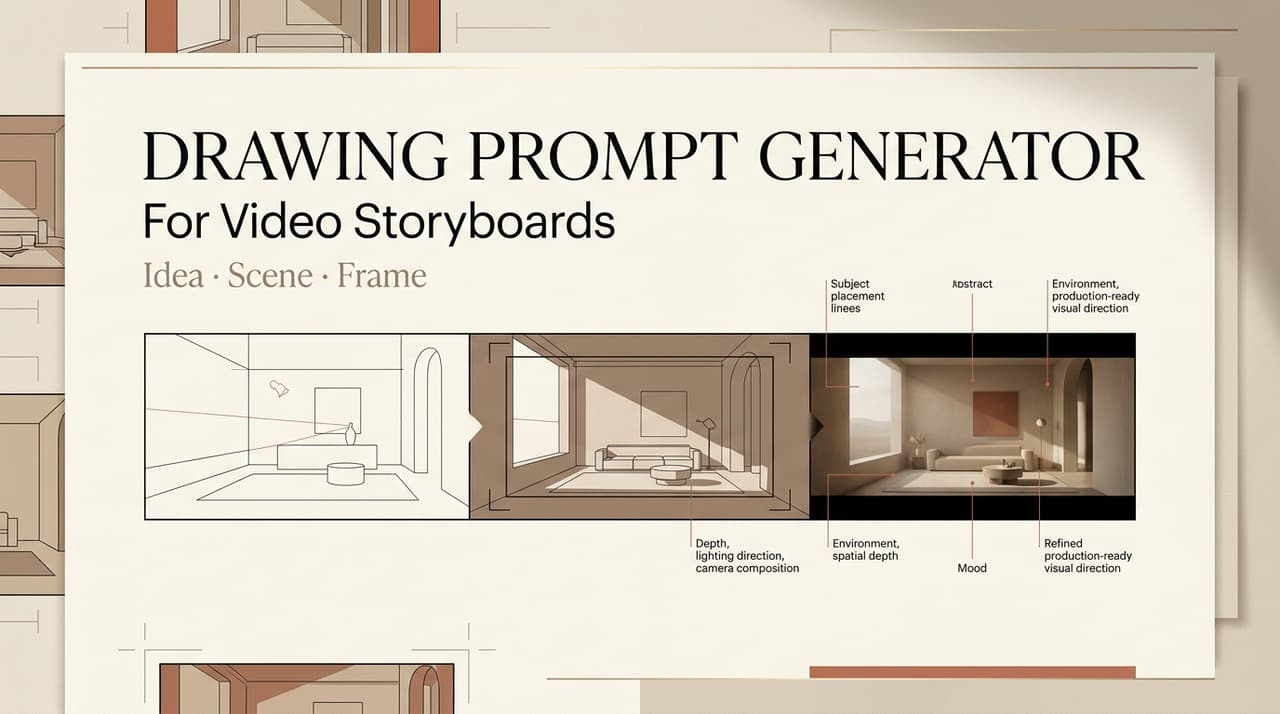
Hi, I’m Dora. A drawing prompt generator is most useful before video generation begins. It helps creators turn loose visual ideas into clearer frames, stronger storyboard prompts, and scene notes that an editor or AI video tool can understand. For short-video teams, the value is not “instant finished video.” The value is better preproduction: clearer subjects, consistent settings, planned framing, and fewer confusing revisions once motion drafts start.
What a Drawing Prompt Generator Helps With
A drawing prompt generator helps when a team knows the story but cannot yet see the frame. Instead of asking everyone to imagine “a cinematic product reveal” differently, the team can create structured AI drawing prompts that describe the subject, mood, composition, and scene purpose. That makes early creative review less abstract.
Visual subject ideas
The first use case is subject development. A creator may begin with a rough idea like “a creator opening a package at night” or “a fitness app shown during a morning routine.” A visual prompt generator can turn that into a more specific frame: who is present, what object matters, what emotion should land, and what visual detail proves the scene. In a typical campaign review, the strongest prompt is not the longest one. It is the one that makes the main subject impossible to miss.
Style and composition cues
Style cues shape the look, while composition cues shape the viewer’s attention. A storyboard frame should describe camera distance, background depth, lighting mood, color direction, and where the product or character sits in the frame. This is where drawing prompt ideas become production language. A soft lifestyle frame, a bold poster-like frame, and a handheld UGC-style frame can all describe the same product, but they will lead to very different video expectations.
Scene exploration
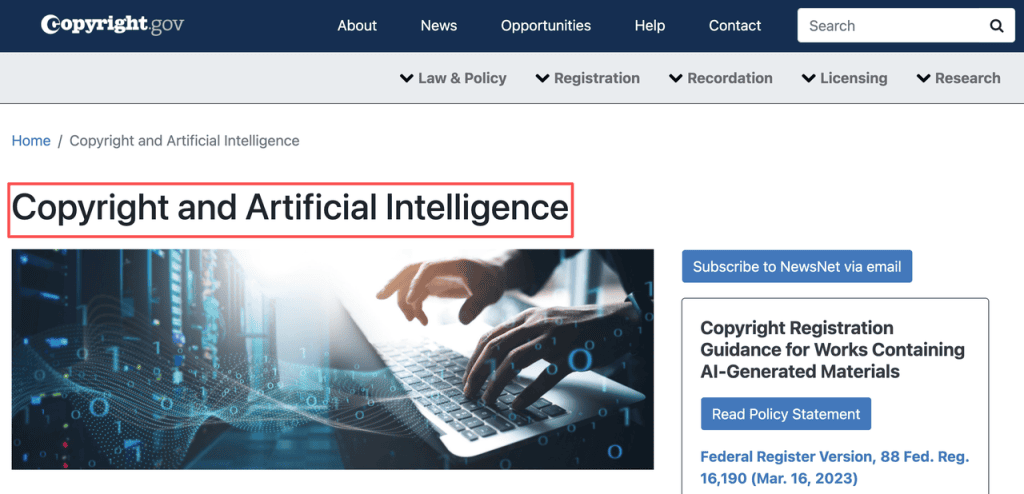
Scene exploration is useful when the team has not chosen the final creative angle. A scene prompt generator can help test different locations, character positions, time of day, and prop choices before video costs begin. For rights-sensitive visuals, AI-generated material and copyrightability should stay in the team’s review process, especially when prompts rely on protected characters, brand assets, or human creative contribution.
From Drawing Prompts to Video Storyboards
A drawing prompt becomes more valuable when it leads into a storyboard. The team should not stop at a nice still image. Each frame needs a role in the sequence, a motion note, and a reason to exist in the final cut.
Character and setting notes
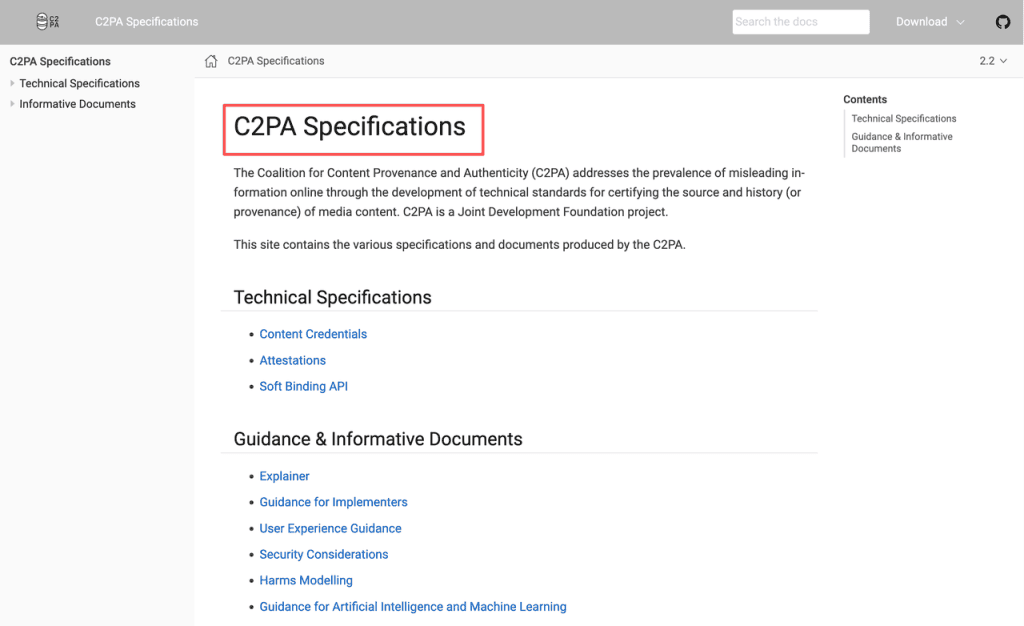
Character and setting notes keep a storyboard from drifting. If the first frame shows a young founder in a small kitchen, the next frame should not suddenly look like a luxury studio unless that change is intentional. Keep notes about wardrobe, prop placement, environment, lighting, and emotional tone. For teams using realistic people or brand references, C2PA content provenance specifications are useful for thinking about asset history, credentials, and traceability across production files.
Shot framing
Shot framing turns a drawing prompt into a video instruction. A close-up can show product texture. A medium shot can show use. A wide shot can show lifestyle context. In one composite storyboard review, a product video kept failing because every AI frame was a beautiful close-up. Once the team added wide setup shots and over-the-shoulder use shots, the sequence finally had rhythm. The prompt quality improved because the storyboard had a job for each frame.
Scene continuity
Scene continuity checks whether the viewer can follow the story from one frame to the next. Look for repeated characters, matching product details, consistent lighting, and believable object placement. AI tools may generate strong single images while quietly changing packaging, background layout, or clothing. Those changes become expensive later when the same frame turns into video.
Workflow Tips for Creator Teams
A good product video workflow treats prompts as production assets. They should be organized, reviewed, revised, and archived like scripts or shot lists.
Prompt library structure
A prompt library should group reusable language by project purpose rather than by random aesthetics. Useful groups include product close-ups, creator reactions, problem scenes, proof moments, lifestyle context, transition frames, and end-card concepts. This does not mean copying the same wording into every campaign. It means giving the team a shared vocabulary so a storyboard prompt can be adapted without losing its purpose.
Reference image handoff
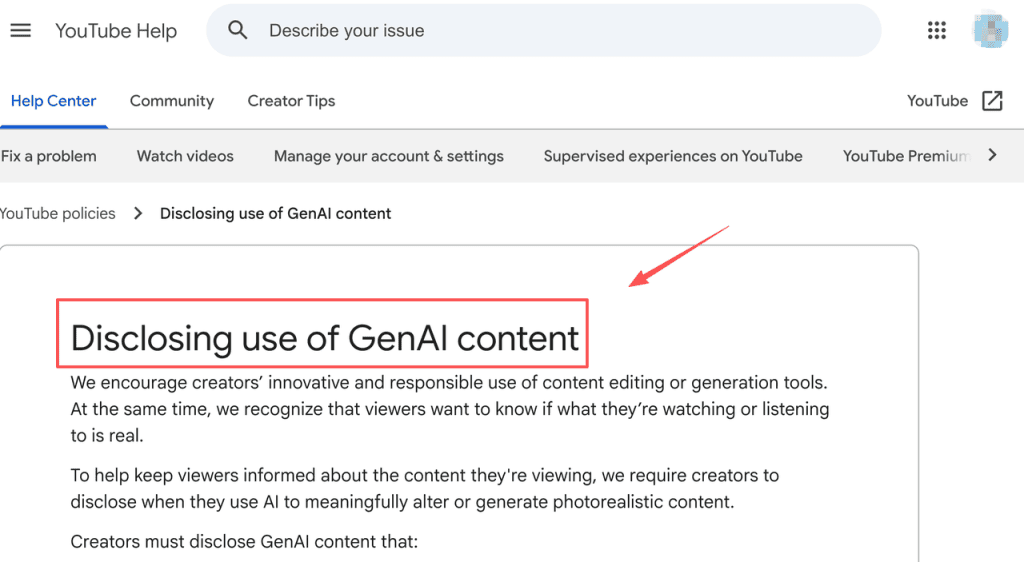
Reference image handoff needs clear boundaries. The team should note which images are approved brand assets, which are only mood references, and which cannot be uploaded into generation tools. This matters for client work because reference images can contain copyrighted design, private material, unpublished products, or talent likenesses. If AI-generated or edited visuals appear in a platform upload, YouTube altered or synthetic content disclosure requirements may affect publishing review when realistic changes could influence viewer understanding.
Revision notes
Revision notes should explain why a prompt changed. “Make it better” is not useful. A stronger note identifies the problem: the product is too small, the character blocks the label, the scene looks too premium for UGC, the lighting hides the texture, or the setting no longer matches the target buyer. This keeps creative feedback tied to the storyboard, not personal taste.
Limits Before Video Generation
A drawing prompt generator cannot guarantee video quality. It can create clearer visual planning, but motion still needs a separate review. Hands, faces, product labels, physics, camera movement, and scene transitions can break after a strong still frame. Teams should expect another pass for motion drafts, captions, audio timing, claim review, export settings, and platform requirements.
This article is not legal, copyright, or platform compliance advice. Usage rights, commercial permissions, model terms, brand assets, likeness releases, and publishing rules should be checked against current official policies and actual client authorization. For promotional content, FTC guidance on AI and marketing claims is relevant when teams describe generated visuals, product benefits, endorsements, or AI-assisted creative work.
FAQ
Who owns prompt assets after client delivery?
Ownership should be defined in the service agreement. Some clients expect all prompts, storyboard frames, and revision notes to transfer with the final deliverables. Other agencies keep internal prompt language as process material while delivering approved outputs and project records.
How should access change after a campaign ends?
Access should narrow after delivery. Freelancers, temporary reviewers, and external editors should lose shared-folder access unless they are still responsible for support or revisions. Final assets can remain available to the approved owner, while early drafts and unused references move into restricted archive storage.
When can storyboard prompts be reused across teams?
Storyboard prompts can be reused when they describe general structure, not protected client material. A prompt pattern for “problem, product use, result” can travel across teams. A prompt containing a client slogan, unpublished product detail, talent likeness, or campaign-specific claim should stay with that project.
What should be removed before archiving early drafts?
Early drafts should be cleaned of private references, rejected client assets, unapproved talent images, unused product claims, and confusing file names. Keep the decision history, but remove material that creates unnecessary rights, privacy, or brand risk.
Conclusion
A drawing prompt generator is strongest as a preproduction tool. It helps creators turn vague ideas into visual subjects, style direction, storyboard prompts, shot framing, and revision-ready scene notes. The finished video still needs motion review, editing, rights checks, and platform readiness. Used carefully, AI drawing prompts make the path from concept to storyboard cleaner, and that makes video generation less random when production begins.

[…] Drawing Prompt Generator for Video Storyboards Luna-Lisa-Alpha for Video Creators: What We Know What Is Qwen Image 3? Alibaba’s New AI Image Model Explained Script Visuals for AI Generation Workflow How Creators Use Seedance to Make AI Videos […]
[…] Script Generator Workflow for Video Creators Drawing Prompt Generator for Video Storyboards Script Visuals for AI Generation Workflow AI Story Continuer: Extend Stories Without Drift AI […]