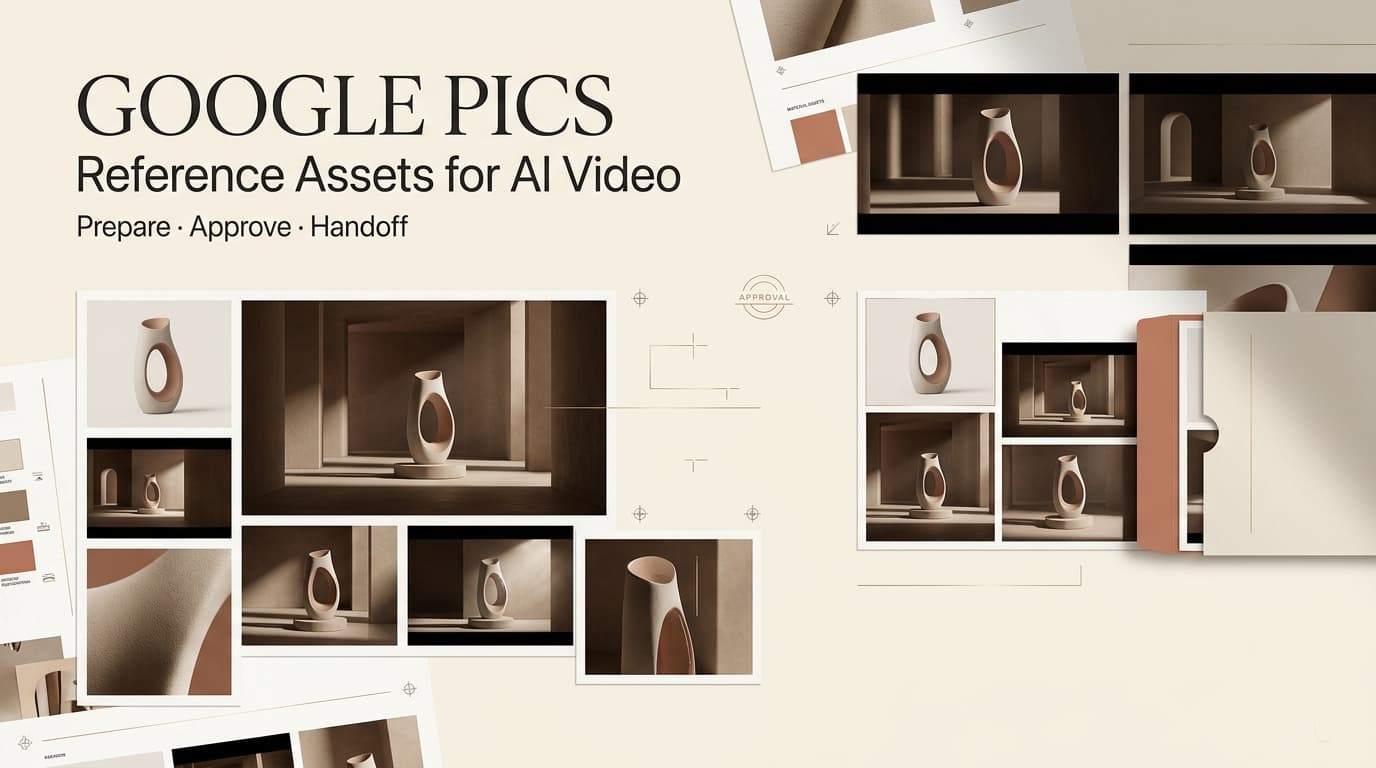
Dora here. A Google Pics AI video workflow starts before motion generation. Google Pics is an image creation and editing tool powered by Gemini’s Nano Banana model, designed for generating visuals, refining objects, editing text, and using reference images. It is not a finished video generator. For creators, its practical value is preparing consistent visual directions that can later support independent AI video and editing tools.
The useful question is not whether Pics can make a complete video. It is whether a team can turn its images into an approved, traceable reference pack. That pack can reduce ambiguity around characters, products, layouts, colors, and shot intent before motion production begins.
What Google Pics Adds Before Video Generation
Generate and Refine Reference Images in Workspace
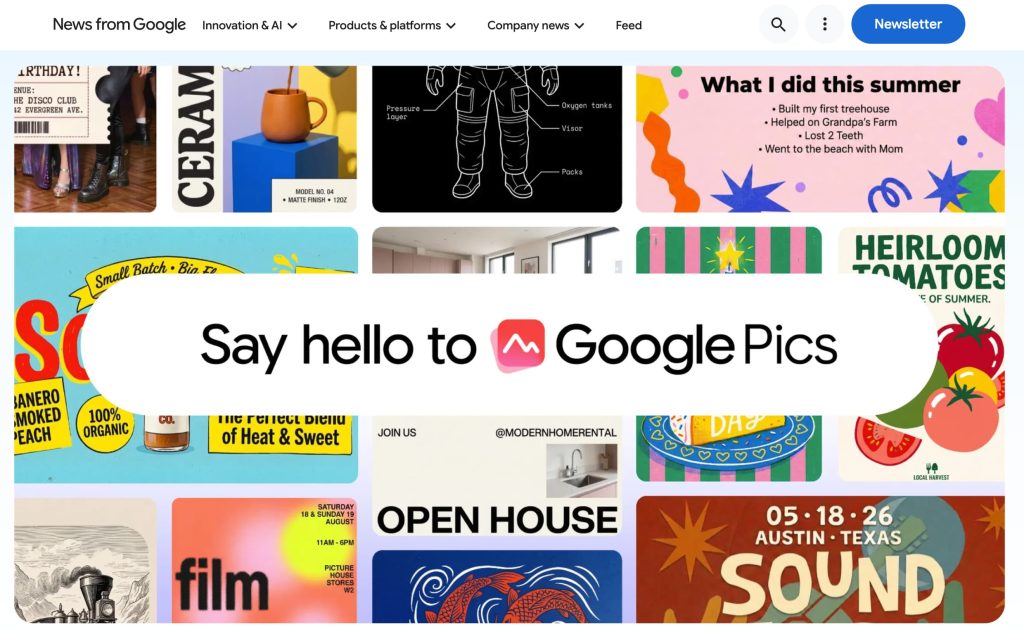
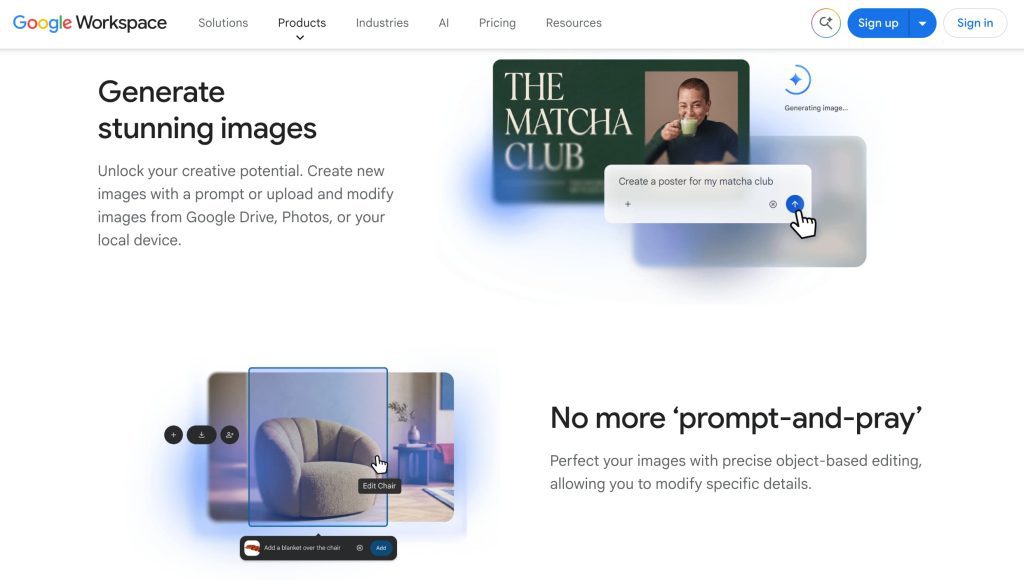
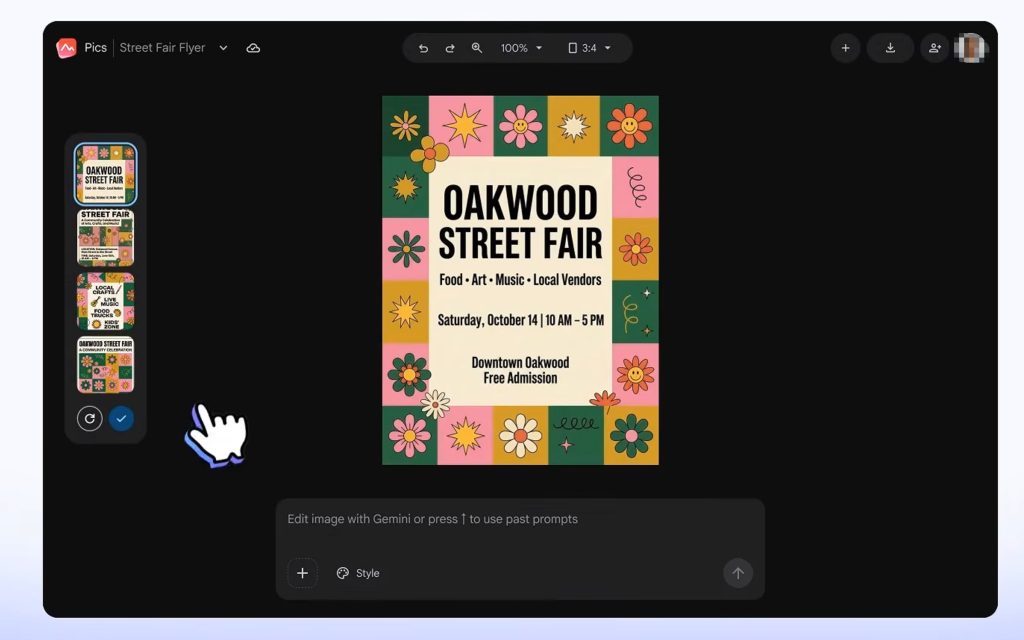
The official Google Pics image creation and editing announcement describes a workspace-oriented tool for generating and refining images. It supports object-level editing, in-image text changes and translation, reference images, and multiple visual generations from one direction.
This makes Google Workspace AI images useful during early creative development. A marketer can explore a product hero frame, a social opening image, or several background treatments while the brief is still changing. A small agency can also keep the discussion close to Docs or Slides, where the client already reviews campaign concepts.
The current help guidance describes Pics as a desktop image tool that can use uploaded files, Google Drive material, and reference images. That makes it closer to a Nano Banana image editor than to a full video production environment.
Review Visual Options Before Motion Production
Static review is valuable because visual problems are cheaper to fix before animation. A product team can compare whether the package shape, label, color, and setting match the approved brief. A creative lead can reject a character design before it becomes the visual anchor for several generated clips.
In practice, the review should focus on decisions that survive into motion: which product angle is correct, which background belongs to the campaign, which typography is safe to use, and which visual direction is only exploratory. The generated image itself is not automatically a production asset. It becomes one only after ownership, accuracy, and approval have been recorded.
Build a Video-Ready Reference Pack
Lock Characters, Products, Layouts, and Text
A useful Google Pics workflow separates approved elements from experiments. For each selected image, record the project name, source references, generation date, prompt version, approval status, and intended use. Keep the original reference materials with the image so a later reviewer can understand what was generated, edited, or supplied by the client.
For product content, inspect small details that often fail during motion generation. Check logos, packaging text, interface labels, human features, and product proportions. A visually attractive frame can still be unusable if it changes a product claim or introduces an unapproved design.
The result should be a compact reference pack containing approved images, rejected directions, notes on permitted changes, and a clear owner for final approval. These become Google Pics video assets only after that review boundary is explicit.
Prepare Shot-Specific Images and Aspect Ratios
One reference image rarely explains an entire scene. Prepare images for the shots that need them, such as a product close-up, a wide environment, a hand interaction, or a final end card. Add the intended aspect ratio and framing note to each asset, but do not assume the image tool preserves an editable video composition across platforms.
A practical naming pattern can connect the static asset to later production: scene-03-product-closeup-approved-v2. This keeps a vertical social frame from being confused with a landscape master or an earlier concept.
Move Approved Images Into an AI Video Workflow
Pair Each Image With a Shot and Motion Goal
Every approved image should have a job. One may establish the opening composition, another may define the product reveal, and another may guide a transition into a creator-led scene. Add a short motion goal describing what should move, what should remain stable, and where the camera should end.
This handoff is a workflow recommendation, not a native Google Pics feature. The independent video generator or editor still needs to interpret the image, generate motion, and handle continuity. The clearer the shot intent, the easier it is to compare drafts.
Track Source Assets Through Clip Review
When a clip is generated, keep its source image, prompt or instruction, model name, version, and review result together. If a label changes or a face drifts, reviewers should be able to identify whether the problem came from the reference, the video model, or a later edit.
For a short product campaign, this record can be as simple as a shared review document linked to an organized Drive folder. It becomes especially important when several aspect ratios, languages, or client revisions are being produced at once.
Limits Creators Should Verify
Google Pics Produces Images, Not Finished Video
Current official materials describe image creation and editing, including reference-image use and Workspace integration. They do not establish that Google Pics directly generates video, calls Veo or Flow, preserves cross-tool editable layers, or synchronizes automatically with a video project.
That boundary matters. Teams should plan a separate motion-generation, editing, caption, audio, and export stage. Treating a polished still as a finished video brief can hide missing camera movement, timing, continuity, and platform requirements.
Access, Export, Rights, and Model Details Can Change
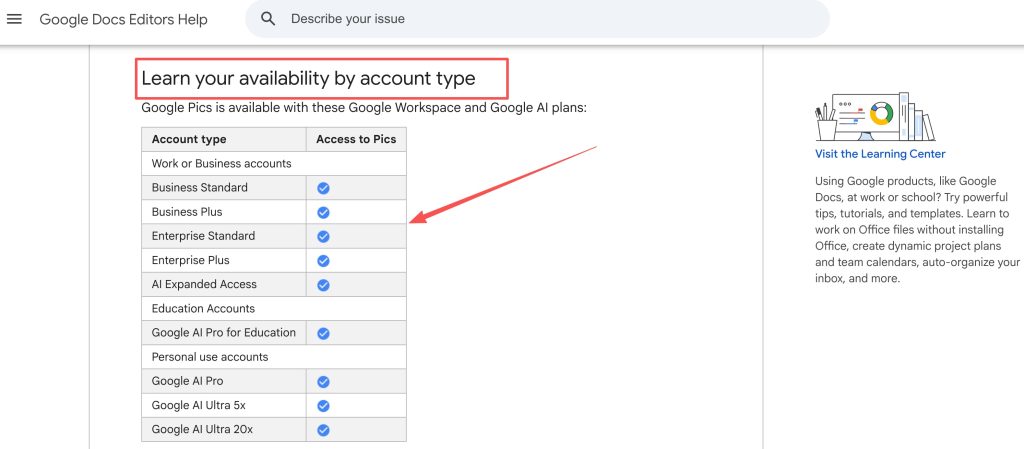
The Google Pics availability guidance identifies eligible account types, desktop access, regional conditions, and usage limits. The current getting-started guidance also describes supported image inputs and reference-image behavior. Rollout, plans, resolution, export behavior, collaboration permissions, data handling, content labels, and commercial-use rules should be checked again before publication or client delivery.
The separate Workspace update should be treated as launch communication, not independent quality testing. Upload only images, likenesses, trademarks, fonts, and other references that the team is authorized to use. This article is not legal or licensing advice. Rights, AI disclosures, client approvals, and platform policies must be confirmed from current official terms.
Who This Workflow Fits
Workspace Teams Producing Ads and Social Video
Google Pics for creators is most useful when image approval already happens in Workspace. Marketing teams can explore product layouts, social concepts, and storyboard references without starting motion generation for every visual possibility.
It fits best when the goal is faster visual alignment, not automatic final production. A team producing several short ads may save review time by agreeing on the visual language before generating multiple clips.
Teams Without Image Approval May Need a Simpler Handoff
If nobody owns product accuracy, brand review, or reference rights, adding another image stage may create confusion. Small teams should appoint one person to mark assets as approved, exploratory, or rejected. Without that boundary, unapproved Google Pics video assets can enter editing and become expensive to replace.
FAQ
Does Google Pics retain prompts for repeated visual generation?
Public materials do not establish a complete prompt-retention policy for every account type or workflow. Teams should check current privacy and Workspace terms, then record approved prompt versions in their own project archive when repeatability matters.
Does Google Pics provide element-level change history for reviewers?
Object-level editing is described, but that does not automatically mean reviewers receive a complete element-by-element audit trail. Confirm what version history and collaboration records are available in the active account before relying on them for approvals.
Can Google Pics apply one saved brand style across projects?
Reference images can guide style and elements, but a reusable brand-style system across projects should not be assumed. Teams should test whether colors, typography, product rules, and layout preferences remain consistent under their actual permissions and plan.
Does Google Pics detect duplicate assets within shared Drive folders?
No automatic duplicate-detection behavior should be assumed from the published feature description. Use naming rules, folder ownership, and a lightweight asset register to identify repeated or superseded files.
How does Google Pics identify outputs created from reference images?
The public guidance explains how reference images can influence generation, but it does not establish a universal provenance report for every output. Preserve the source image, prompt version, date, and approval record alongside the exported asset.
Conclusion
Google Pics AI video workflows work best as a controlled bridge between visual exploration and motion production. Use Pics to develop and refine static directions, document approved references, and prepare shot-specific assets. Then move those assets into an independent video workflow with clear motion goals and review records. The strongest result is not a one-click video. It is a cleaner handoff from approved image direction to accountable production.