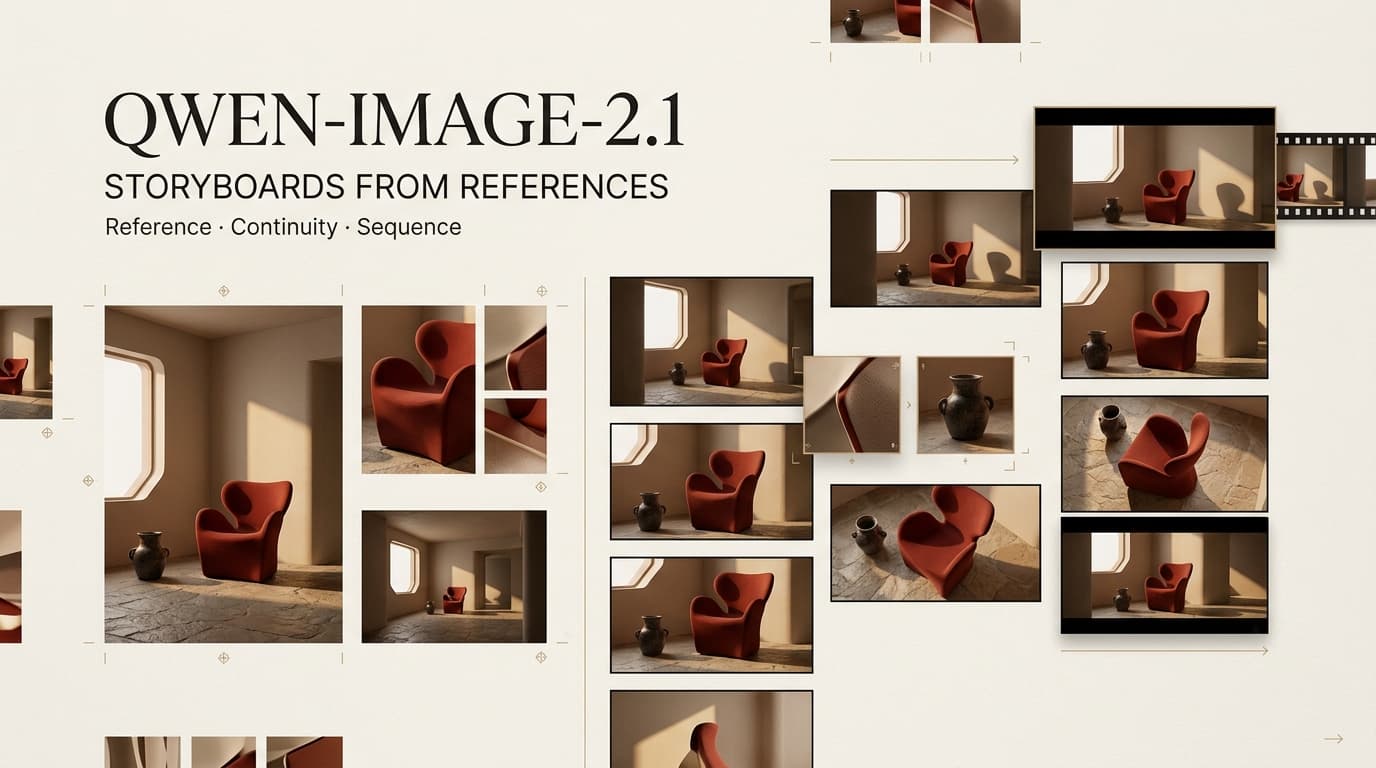
A storyboard can fail while every frame still looks good. Panel two has the right character. Panel four has the right product. By panel six, the logo has changed and the room has flipped. A Qwen Image 2.1 storyboard workflow helps expose those breaks before video production. Qwen-Image-2.1 combines generation and editing, but continuity still needs a human pair of eyes.
Define One Storyboard Sequence
Give the model one scene with a clear visual turn. For a six-panel skincare reveal, that might mean an empty counter, the character entering, a product pickup, a packaging close-up, the application moment, and the final packshot.
Stop there. Extra locations and wardrobe changes create more places for the sequence to wander. Lock the aspect ratio, character, product version, room, and ending before building the first frame.
Prepare the Approved Reference Set
Assign Character, Product, and Style Roles
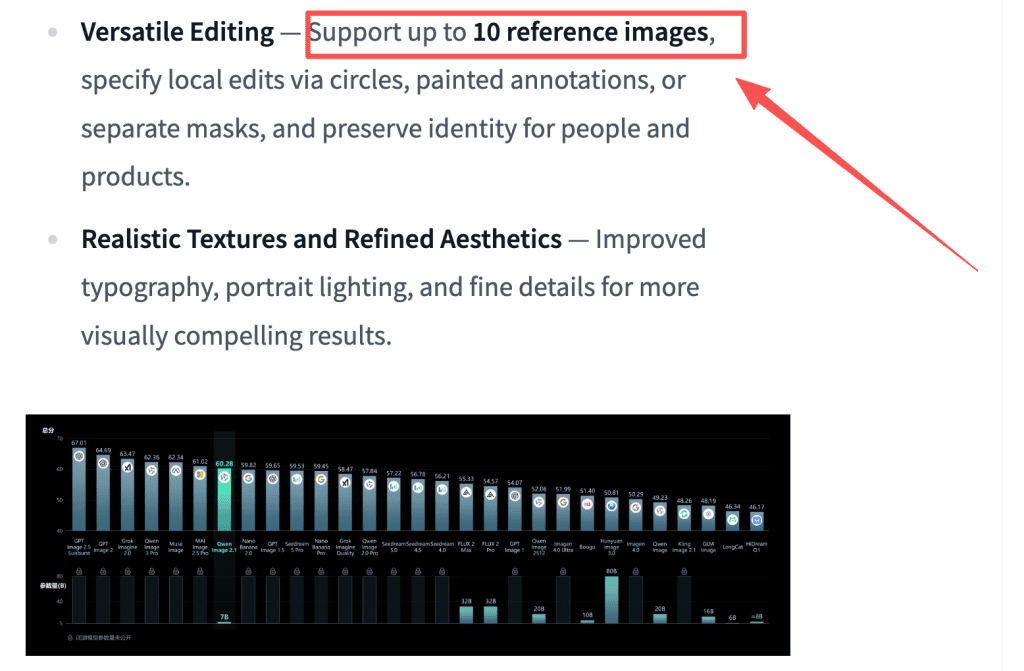
With support for up to 10 reference images and native RGBA output, uploading every available angle can feel sensible. It usually creates more contradictions to sort out.
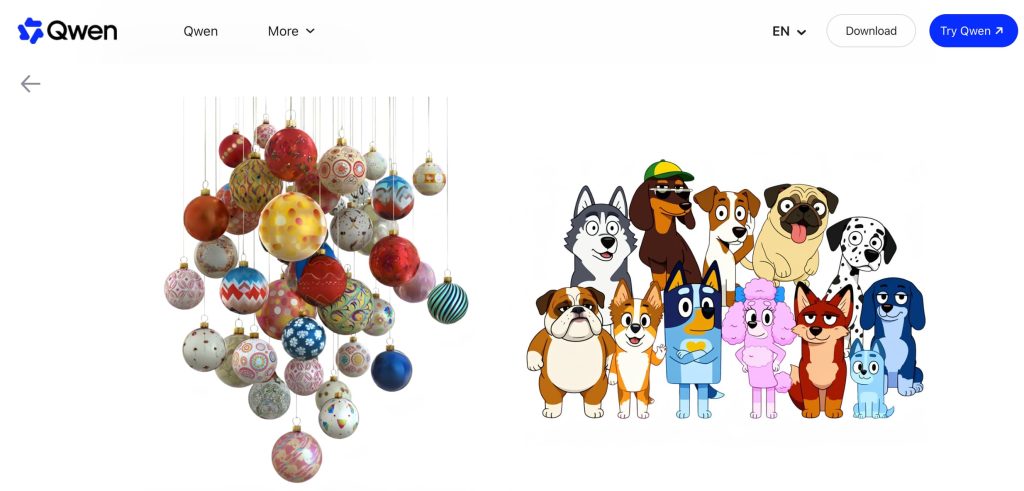
I would keep the cleanest character sheet, the current packshot, one approved room image, and perhaps a lighting reference. Write one job beside each file. In a character reference storyboard, Qwen Image 2.1 reference images should settle visual questions, not start an argument inside the model.
Remove Conflicting or Unlicensed Inputs
Old assets look harmless until the retired logo appears in the best panel. Remove duplicate faces, outdated packaging, contradictory clothing, and style images borrowed from another campaign.
Every person, brand, product, and artwork needs a known source and usable permission. Keep rejected inputs in a separate folder with a reason. “Old package design” will help the next editor. “Do not use” will not.
Build the Storyboard Frames
Set the Panel Order and Camera Intent
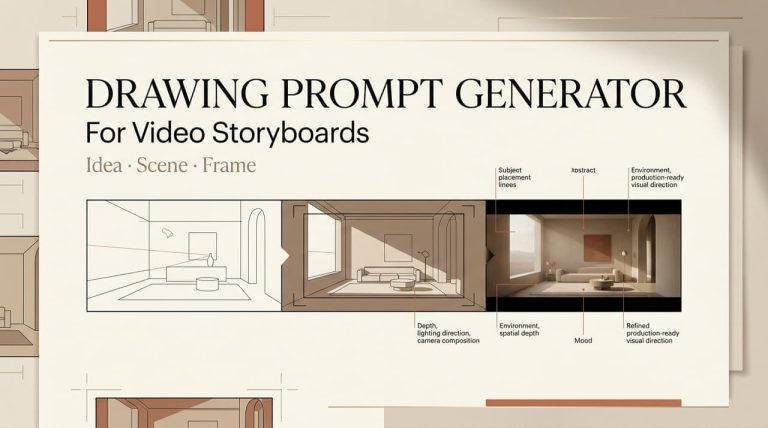
Write panels as shots. The first establishes the room. The next introduces the character. Then attention moves to the product. The release includes a storyboard generated from a three-view character reference, so the use case comes directly from the release material. It still offers no promise that every face or prop will hold across a sequence.
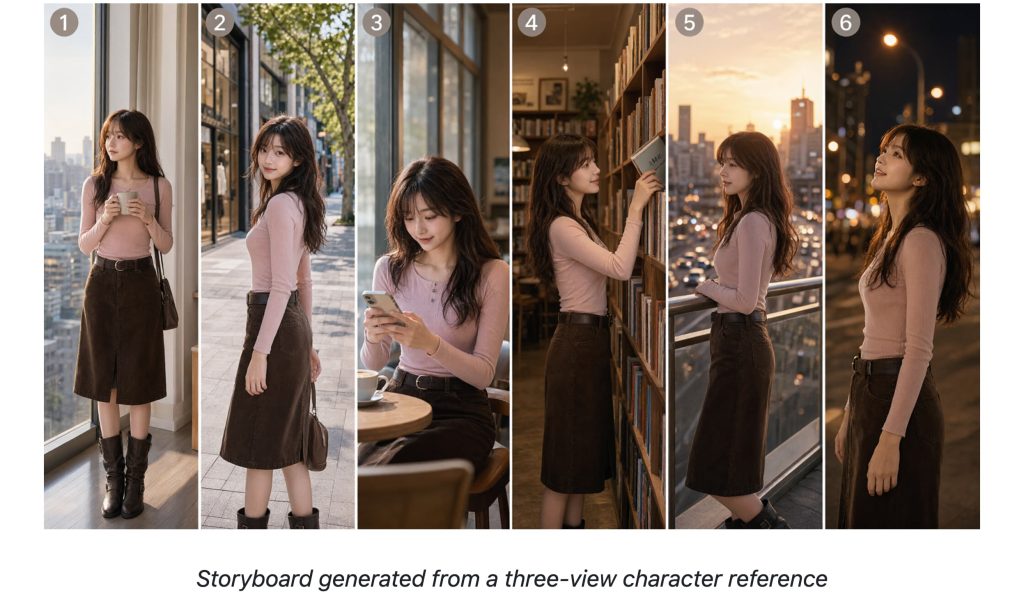
Create AI storyboard frames in order, then place them in one row. A continuity error hides easily when each image gets reviewed alone.
Give Each Reference One Visual Job
Let the portrait control the person. Let the packshot control bottle shape, label placement, and color. The room image handles the space, not the character’s clothes.
This makes revision less vague. When the bottle changes shape, return to the product reference. When the face drifts, inspect the character source. Multi-reference image editing gets messy when every input tries to control everything.
Review Continuity Across the Sequence
Check Identity, Props, Space, and Text
Scan the panels from left to right. Look for changes in face shape, hair, sleeves, hands, product geometry, logo text, mirror position, light direction, and screen position.
The prettiest close-up may still be the wrong frame if the product cap changes color. That is the annoying truth of storyboards: a slightly weaker image can serve the sequence better than the isolated winner.
Record Acceptable Drift Before Handoff
Not every difference is an error. Fabric folds. Reflections shift. Hair moves during a turn. Those changes can stay.
Draw a harder line around identity, logos, product shape, and room geometry. Record approved variation beside the panel ID. Otherwise, an editor may preserve a mistake or “correct” something the shot actually needs.
Hand Approved Frames Into Video Production
Give each frame a shot number, scene purpose, camera note, planned motion, reference IDs, and continuity warning. Plain file names help. “03-product-pickup-approved” beats “final_v7_reallyfinal.”
That package creates a storyboard to video workflow another person can understand without reopening the image session. CrePal can organize approved frames, shot notes, and revision decisions as a downstream AI Director layer. This does not imply a native Qwen integration.
Limits of Image-Based Storyboarding
Still frames hide problems that motion exposes. Hands can fail during interaction, text can warp, and a stable face can drift inside one animated shot. Test one representative scene before approving the full sequence.
The license needs equal attention. The current Qwen Research License limits the supplied materials to non-commercial use unless the user obtains a separate commercial license. Running locally does not remove that condition. Hosted services may add their own privacy, retention, and output terms. This article does not provide legal or licensing advice.
FAQ
Can Qwen Image 2.1 export each storyboard panel separately?
The current materials do not describe automatic per-panel export. If an implementation returns a composite, separate and name the approved panels in an image editor.
Does Qwen Image 2.1 preserve source-image metadata?
No preservation commitment was published in the materials reviewed on September 23, 2026. Keep original files, metadata, and rights records outside the generation session.
Can transparent and regular reference images be mixed in one request?
Transparent output and multi-reference editing are documented separately. Their use together in one mixed request remains unspecified, so test the chosen implementation before relying on it.
Can a seed be reused across multi-reference edits?
A recorded seed helps reproduce a setup, but it cannot freeze results after inputs, software, settings, or hardware change. Save the whole job record.
What license applies when Qwen Image 2.1 runs locally?
The Qwen Research License applies. It restricts the supplied materials to non-commercial use and requires a separate commercial license. Local hardware does not change those terms.
Conclusion
A useful storyboard leaves fewer questions for the next person. Keep the reference set small, make every panel earn its place, and reject the beautiful frame that breaks the sequence. That is how Qwen-Image-2.1 output becomes production material instead of another folder of disconnected images.