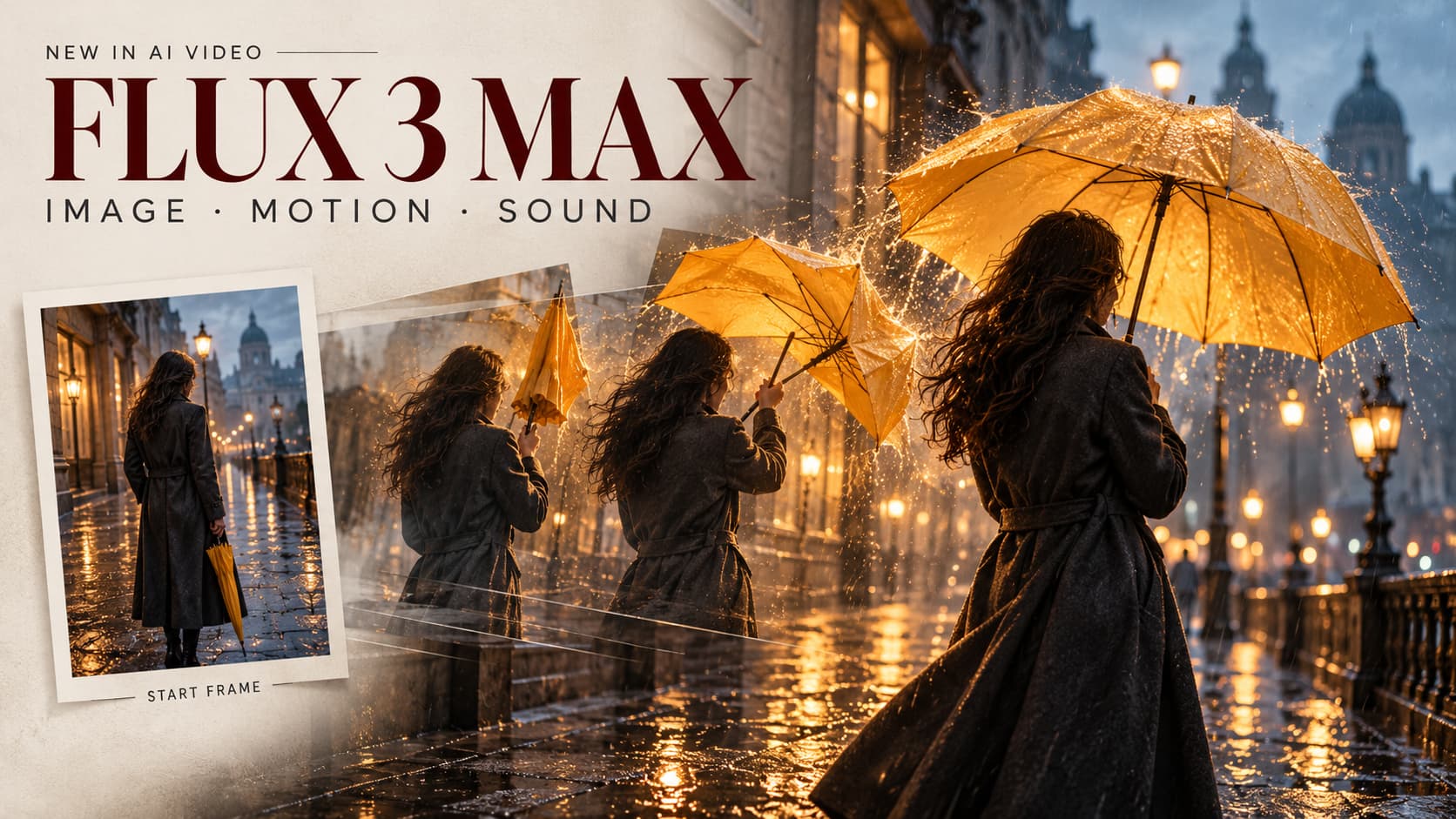
FLUX 3 Max arrives with a clear pitch: turn a still into a short moving shot, then iterate while the idea is fresh. The practical question for creators is simple: can it move an approved image the way the brief needs, without adding cleanup?
What Changed With FLUX 3 Max?
A Post-Trained FLUX 3 Video Model
FLUX 3 supplies the base for the FLUX 3 Max video model; fal Research and Black Forest Labs worked on its post-training and inference optimization. Black Forest Labs lists Max separately from FLUX 3 Video, FLUX 3 Image, and FLUX 3 Image Klein in its model catalog. Klein is an image model, not this video endpoint.
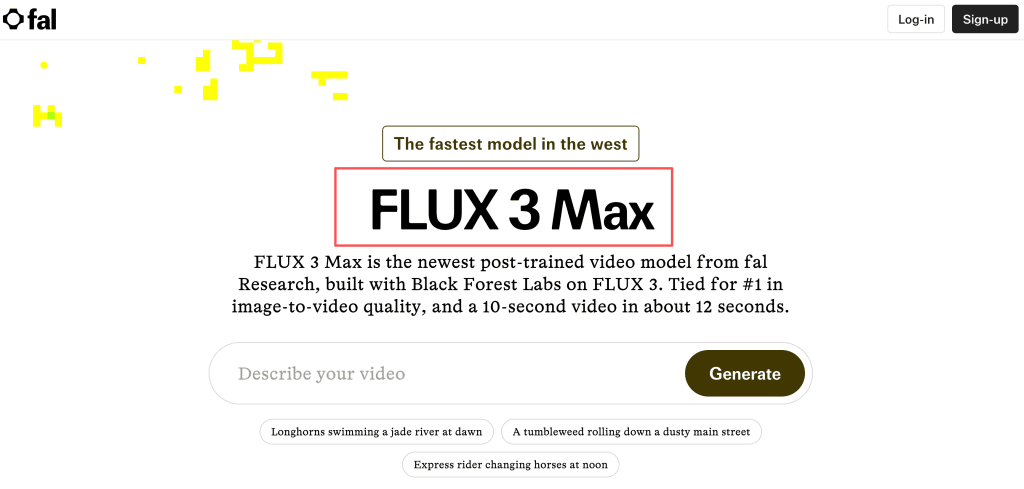
The FLUX 3 Max launch comparison reports 12.45 seconds on average for a 10-second, 16:9, 720p clip. It cited a preliminary 1,139 Elo image-to-video result as a tie for first. The live Artificial Analysis image-to-video board, which ranks clips with audio through pairwise human-preference votes, showed 1,138 +/- 15 on October 21, with a possible rank range of first through fifth. Read these as benchmark signals. Each shot still has to prove it can hold the product label, face, or motion your client cares about.
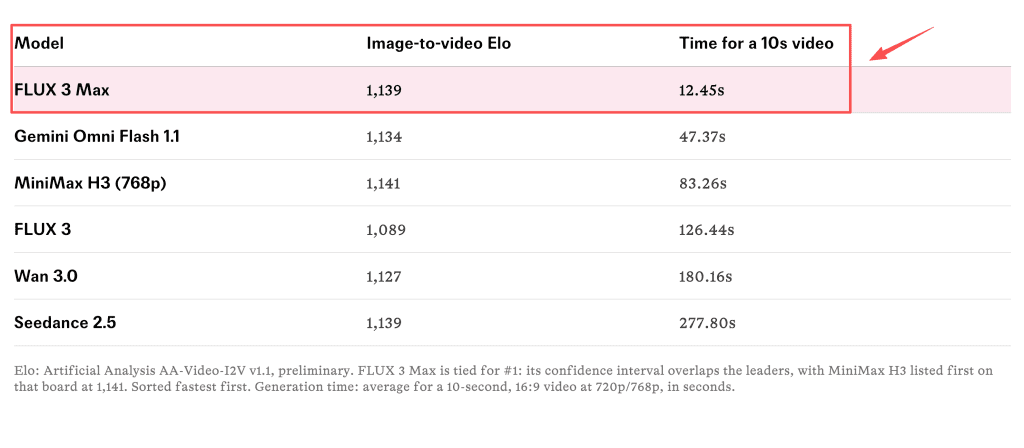
Image-to-Video Claims and Their Evidence Limits
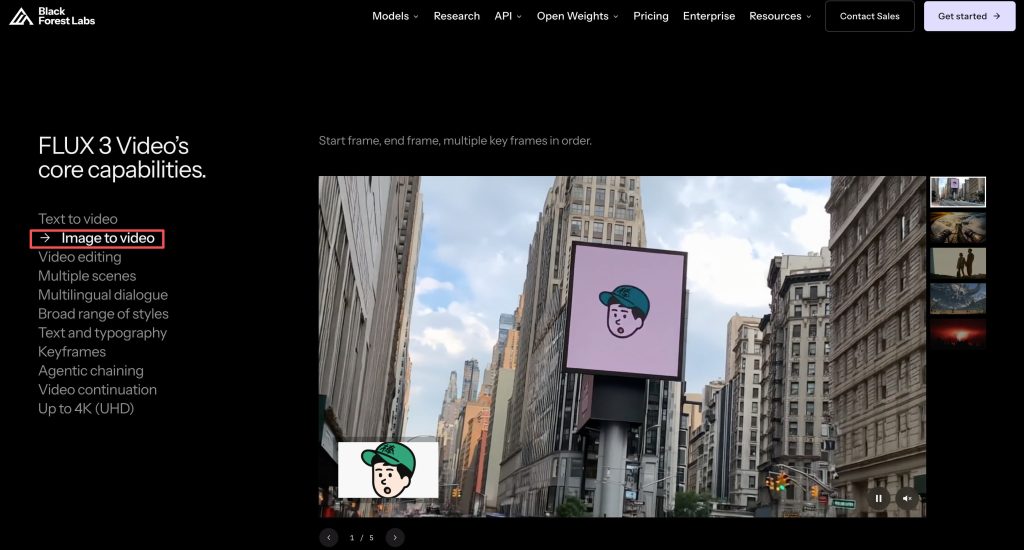
The FLUX 3 Max image to video endpoint starts with a still; text describes the motion, and an optional second image guides the ending. Judge it on one plain question: does the scene stay recognizable as the subject or camera moves? Published claims about adherence and coherence still need a full-size review.
Where Does It Fit a Short Video Draft?
Start From an Approved Reference Frame
It fits a short insert when the team already has a cleared frame: a product turning toward light, a person glancing up, or steam lifting from a cup. The still sets the opening composition; describe one action and one camera move. A bottle rotating gently is a cleaner brief than a hand opening a box while the camera arcs and the package copy stays exact. Add claims, logos, and packaging text in the edit, where someone can check them.
The image-to-video endpoint schema documents the starting image, optional end frame, duration, resolution, and aspect ratio. Those controls help define a test, not guarantee identity or continuity. Use only references you have permission to submit.
Review Motion and Sound Before the Edit
Watch the whole clip, not just its opening frame. Check whether hands, labels, reflections, and background objects change in ways the brief cannot tolerate. A result can look polished and still misstate a product feature. For an ad, that is a rejection, not a minor artifact.
Listen to the sound separately. generate_audio defaults to true, but the output schema describes a video file, not a separate stem. Mute or replace audio that misses the edit, and check speech, timing, and rights before delivery.
What Are the Workflow Trade-Offs?
When One Generated Shot Is Enough
One shot can establish mood, animate a campaign still, or bridge two scenes. With one clear purpose, a short clip is easy to judge against the brief. Treat it as a draft: trim, color-correct, caption, and mix it in the edit.
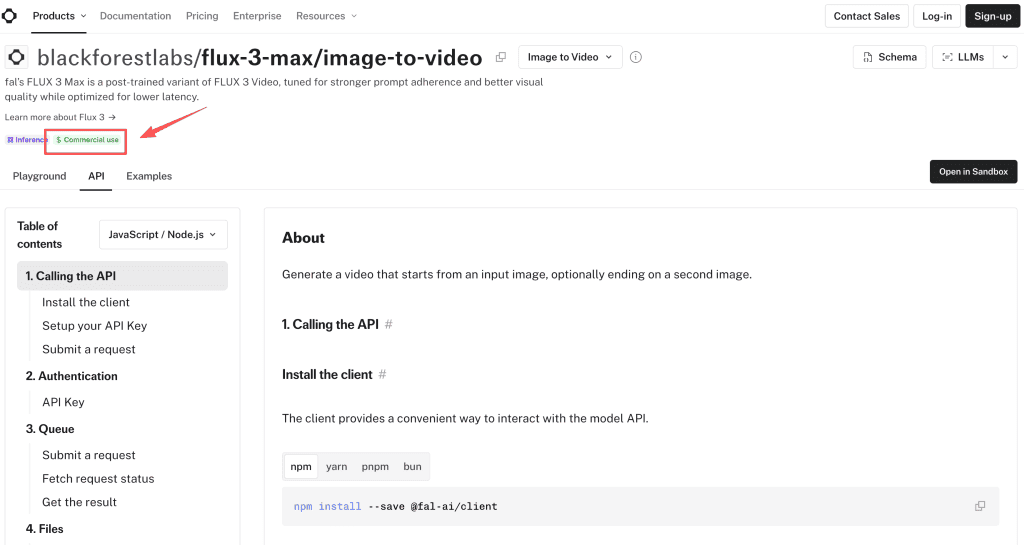
Fal lists the FLUX 3 Max API for commercial use, but that does not clear every input or result. Its API terms put lawful use and third-party rights checks on the customer; outputs may be non-unique or imperfect. Confirm source permissions and client requirements before paid use. This is not legal advice.
When Timeline Editing or Explicit Keyframes Matter
Use a timeline when a shot must hit a voiceover cue, hold for an exact beat, or match approved cuts. The endpoint accepts an optional last image, but does not document timed intermediate keyframes. Start and end frames set boundaries, not edit points.
Iteration has a cost. As checked on October 21, fal’s launch page and general pricing table show different rates. Its general terms make purchased credits non-refundable except where the terms or fal provide otherwise, but do not spell out a Max-specific failure rule. Check the live billing screen before a batch. Keep the approved still, prompt, selected render, and review note together so the editor knows what each shot should preserve.
FAQ
Can FLUX 3 Max use both a first and last frame?
Yes. The API accepts a required starting image and optional ending image. The second frame guides the final state, not every frame in between.
Which aspect ratios does its current image-to-video endpoint accept?
The schema lists auto, 21:9, 2:1, 16:9, 4:3, 1:1, 3:4, and 9:16. Auto follows the first image for image-to-video.
Does a FLUX 3 Max export include a separate audio stem?
Audio generation is available, but the documented result is a video file with no separate stem. Plan separate sound handling if your edit needs isolated audio.
How is a failed or regenerated FLUX 3 Max clip billed?
fal bills by output duration, so reruns can add usage. The public materials do not specify a Max-specific failed-job refund; check your usage ledger or ask support before repeated tests.
What rights apply to FLUX 3 Max clips used in client ads?
Commercial use is supported under Fal’s terms. You still need rights to the input, likeness, brand assets, and music, plus client approval for the finished claims.
Conclusion
FLUX 3 Max looks most useful as a quick draft stage: start with an approved still, ask for one clear movement, then decide whether the result earns a place in the edit. Launch speed and early preference results invite a test, not a promise. In a FLUX 3 Max creator workflow, continuity, sound, rights, and polish still belong to the production team.