
I’m Leo. I don’t write polished reviews. I run real projects through tools and tell you whether they’re worth your money. Someone in a Discord I’m in put it well last week: “I don’t care which model wins benchmarks. I care which one I can actually ship content with.”
That’s the frame I’m using here. This sulphur 2 vs wan comparison isn’t about who has the better paper — it’s about which model fits a creator’s actual working conditions. I’ve run both. Here’s what I found.
What Each Model Is
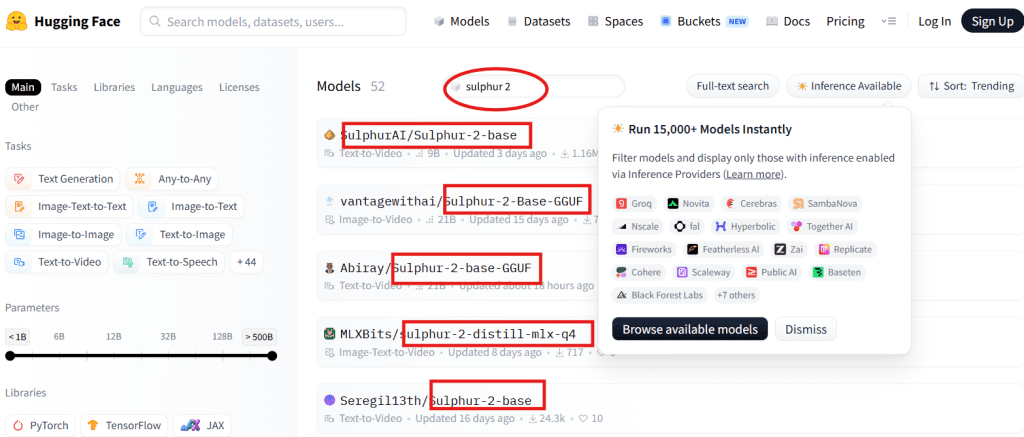
Sulphur 2 is a community finetune built on top of LTX Video 2.3, Lightricks’ open-weight video diffusion architecture. It’s available as a .safetensors checkpoint on the Sulphur 2 Hugging Face page. The main focus of the finetune — based on what the community has observed — is improved visual quality on human subjects: skin tones, facial movement, that zone where most AI video still looks slightly wrong.
It is not a from-scratch trained model, and the training methodology hasn’t been formally documented yet. Worth keeping in mind when you see people calling it a “base model.”
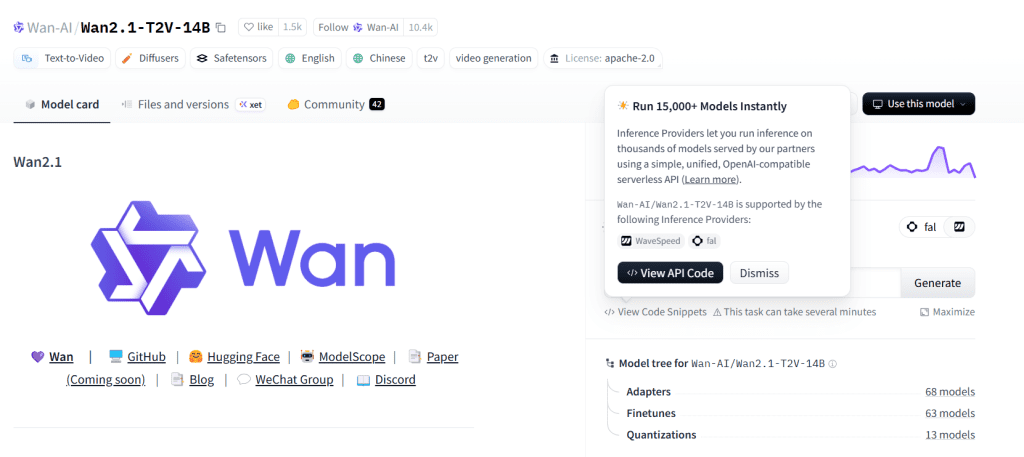
Wan — specifically Wan 2.1 — is a video generation model from Alibaba’s research team, released with open weights on Hugging Face. It’s a heavier architecture than LTX-based models, with a 14B parameter variant that’s become the default reference point in community comparisons. It has stronger motion quality on complex scenes and a more complete public release with documented training details.
Both run locally. Both are free to use. The differences are in how they perform and what hardware they need to do it.
Key Differences
| Sulphur 2 | Wan 2.1 | |
| Base architecture | LTX Video 2.3 (Lightricks) | Wan 2.1 (Alibaba) |
| Release type | Community finetune | Official open-weight release |
| VRAM minimum | ~12 GB | ~16 GB (14B), ~8 GB (1.3B) |
| Inference speed | Faster | Slower on 14B |
| Human subject quality | Strong | Moderate |
| Complex motion | Limited | Stronger |
| Documentation | Thin | More complete |
| Image-to-video | Supported | Supported |
This table is based on my own runs and community comparisons as of early 2026. Treat it as directional, not final — both models are actively being updated.
Quality
This is where it gets nuanced, because “quality” means different things depending on what you’re shooting.
On human subjects — faces, skin, subtle movement — Sulphur 2 has a real edge. I ran matched prompts on both: a close-up of a person in conversation, natural light, minimal camera movement. The output had noticeably better skin texture and less of the waxy, over-smoothed look that still plagues a lot of AI video. Wan 2.1 at the same settings produced faces that looked competent but slightly off in ways that are hard to describe but easy to spot.
On complex motion — crowds, dynamic camera work, fast action — Wan 2.1 is stronger. This is where the heavier architecture earns its VRAM cost. Per research on video diffusion temporal consistency, maintaining coherence across frames during fast or complex motion is still one of the harder problems in this generation of models. Wan handles it better than LTX-derived checkpoints, and this model inherits that ceiling from its base.
On non-human content — objects, environments, abstract scenes — I didn’t find a clear winner. Both produced usable results. Wan had slightly more “cinematic” motion on landscape shots; the finetune landed sharper on static or near-static scenes.
If your content is primarily talking-head video, product demos with people, or lifestyle content: Sulphur 2. If you’re doing anything with significant motion complexity or you need variety across scene types: Wan 2.1.
Setup
This is an area where the sulphur 2 vs ltx and sulphur 2 vs wan comparisons diverge in a way that matters practically.
Sulphur 2 runs on ComfyUI using LTX-compatible nodes. If you’re already set up for LTX Video, the adjustment is minimal — download the checkpoint, confirm your VAE is the LTX version, install ComfyUI-VideoHelperSuite, and you’re running. The workflow is ComfyUI-native.

Wan 2.1 has more setup paths: it runs on ComfyUI via community nodes, but also has dedicated inference scripts and growing support in tools like Fooocus and dedicated Wan UIs. The 1.3B variant is significantly easier to run than the 14B — if you’re on 8–10 GB VRAM, that’s your entry point. The 14B is the version worth comparing on quality, but it’s a heavier lift to get running.
Setup complexity, roughly: it’s the simpler path if you’re already in a ComfyUI workflow. Wan 2.1 (14B) is harder upfront but has more community documentation to fall back on.
⚠️ Both model pages may update — verify current file names and node requirements before downloading.
Speed
Numbers from my setup: RTX 4080 16 GB, ComfyUI, 512×768 resolution, 33 frames, 30 steps.
| Sulphur 2 | Wan 2.1 (14B) | |
| Generation time | ~4 min | ~11 min |
| VRAM usage (peak) | ~13 GB | ~15.5 GB |
| Usable at 12 GB? | Yes (fp8 + lowvram) | Tight, often crashes |
It runs roughly 2–3× faster than Wan 2.1 at comparable quality settings. That gap compounds when you’re iterating — running six prompt variations in an afternoon is very different at 4 minutes per clip versus 11.
The Wan 1.3B model closes that speed gap but at a significant quality cost. For creator use, the 1.3B is better treated as a drafting tool than a delivery tool.
One note: these numbers are from a single setup on specific hardware. Community reports vary, especially on AMD cards and lower-VRAM configurations. Take them as relative comparisons rather than absolutes.
When to Choose Each
Choose Sulphur 2 if:
- Your content is primarily human-centric — faces, talking heads, lifestyle
- You’re already running LTX Video in ComfyUI and want a quality upgrade
- Inference speed matters because you’re iterating through lots of variations
- You’re working on a 12–14 GB VRAM card
- You want to test quickly without heavy documentation overhead
Choose Wan 2.1 if:
- Your content has complex motion — action, dynamic camera, crowds
- You need more complete documentation and a formally released model
- You’re doing open source ai video comparison work and need a documented baseline
- You have 16 GB+ VRAM and can absorb slower inference
- You want broader ecosystem support across different UIs
Neither is the right answer if you need cloud-scale throughput, fine-grained timeline control, or enterprise-grade reliability. Both are local, community-oriented tools with the stability characteristics that implies.
On the sulphur 2 vs kling and sulphur 2 vs hailuo questions: those are cloud-based, closed-weight models with different trade-offs entirely — faster to access, easier to use, no hardware requirements, but you’re paying per generation and operating inside a black box. That comparison deserves its own post.
FAQ
Is Sulphur 2 better than Wan for AI video?
Depends on the content. It outperforms Wan 2.1 on human subjects and is significantly faster. Wan 2.1 handles complex motion better and has more complete documentation. For creators doing talking-head or lifestyle content, the community finetune is the better fit. For varied or motion-heavy content, Wan holds up more consistently across scene types.
Which model is easier to run locally?
The LTX-based checkpoint is faster to set up if you’re already in a ComfyUI workflow — the infrastructure overlaps heavily with LTX Video. Wan 2.1 (14B) has a steeper hardware requirement and longer inference time, though it has more publicly available setup guides. The wan video model’s 1.3B variant is the easier on-ramp for lower-VRAM setups.
Which one has better image-to-video quality?
Both support image-to-video conditioning. Based on my tests, the LTX-based finetune produces more natural-looking movement from a reference image when the subject is a person. Wan 2.1 handles more complex reference scenes with better overall motion coherence. Neither is dominant across all image types — test both on your specific reference images before committing.
Should creators use Sulphur 2, Wan, or a cloud tool?
If you’re comfortable with local inference and have a 12 GB+ GPU, either open-weight model gives you free, unlimited generation. Either fits if iteration speed and control matter more than convenience. Cloud tools make sense if you don’t want to manage hardware, need faster turnaround with no setup, or are working at a volume where local generation becomes a bottleneck. The right answer depends on your workflow, not the model’s benchmark score.
Next step for me: running a structured side-by-side with matched seeds and prompts, then publishing the actual output clips alongside the settings. That’s the comparison that matters — not specs in a table, but “here’s what came out.” I’ll link it from here when it’s up.
If you’ve run both and have different results on specific content types, drop them in the comments. Sample size of one setup on one GPU is not a conclusion.
Tested on RTX 4080 16 GB, ComfyUI early 2026 build, Windows 11. All model links were accessible at time of writing — community release pages can change, verify before downloading.
Previous Posts: