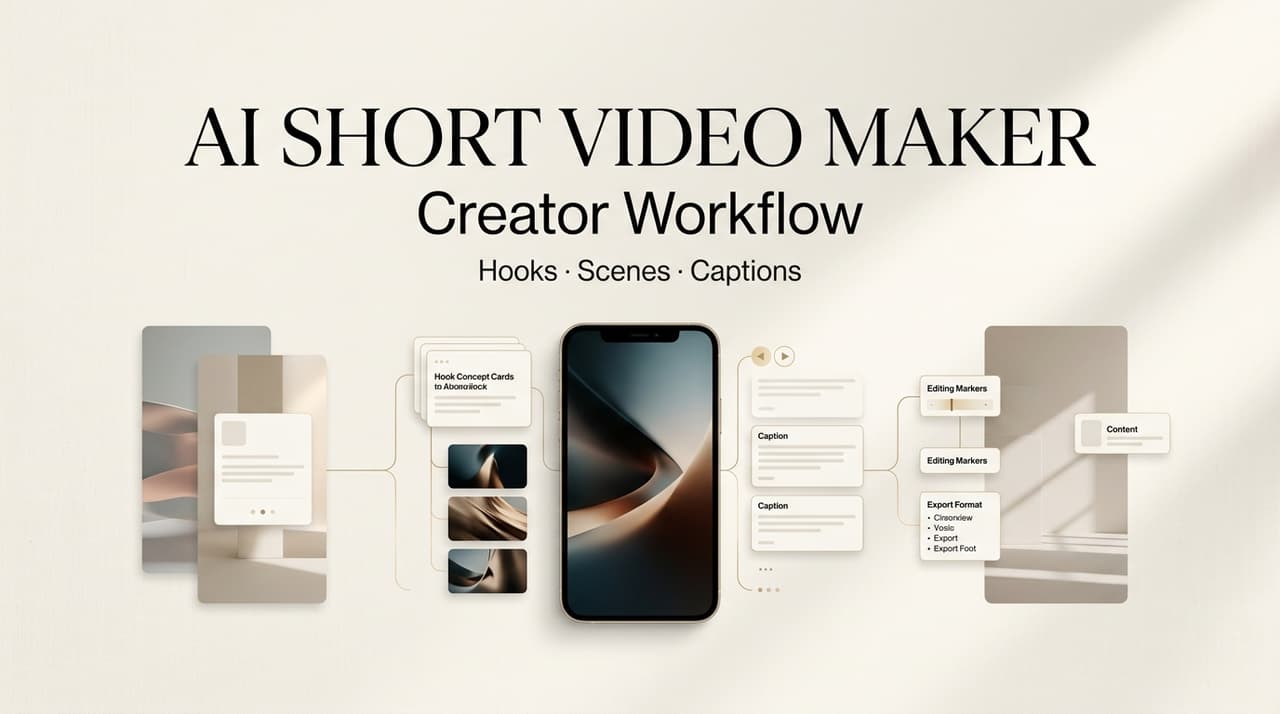
It’s Leo. An AI short video maker is useful when it helps a creator move from a loose idea to a reviewable draft without losing the point of the video. For solo creators, MCNs, and social media teams, the gain is not “make a video in one click.” It is a cleaner workflow: hook, script, scene list, captions, voiceover, format adaptation, and human review before anything goes live.
The best setup treats AI as a production assistant. It can generate options quickly, but a person still needs to decide what is true, what fits the channel, and what should be reshot.
What Creators Need From an AI Short Video Maker
Hook speed
Creators need hook speed because short-form decisions happen early. A weak opening makes the rest of the edit work harder, even when the visuals are polished. A useful AI short video maker should help you test several hook angles before you commit to a script.
Start with the viewer’s situation, not with the tool. For a skincare creator, the hook might be “I used too much product for years” instead of “Here are three skincare tips.” For a SaaS demo, it might be “This spreadsheet problem looks small until Friday reporting starts.” AI can draft ten versions, but the creator should keep only the one that sounds specific, visual, and honest.
Scene clarity
Scene clarity is where many short video drafts improve fastest. A good hook still needs a visible sequence: what the viewer sees first, what changes on screen, where the proof appears, and how the video exits. Without that, short video automation produces text with motion pasted on top.
A practical scene list can be simple: opening frame, problem shot, action shot, proof shot, caption emphasis, and final prompt. For a food creator, that might mean burnt toast, temperature adjustment, clean second attempt, close-up texture, and a short takeaway. Every scene should carry a job.
Platform format
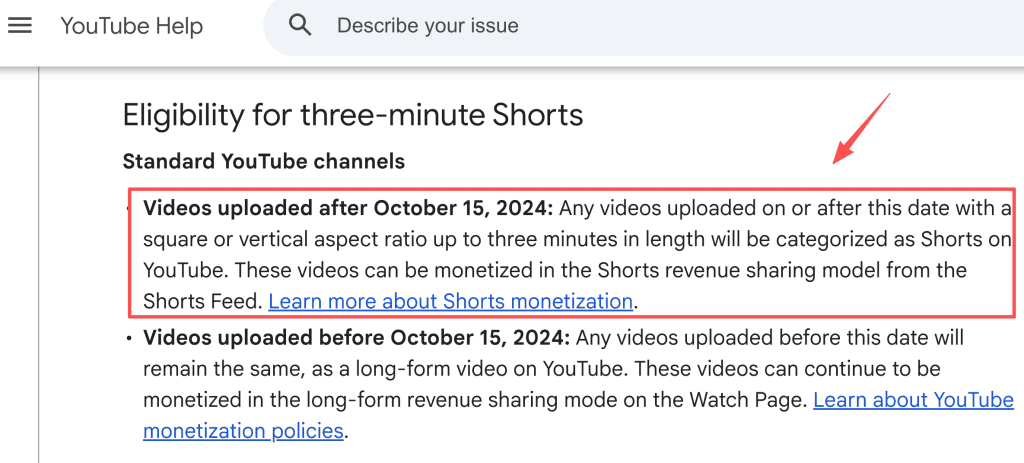
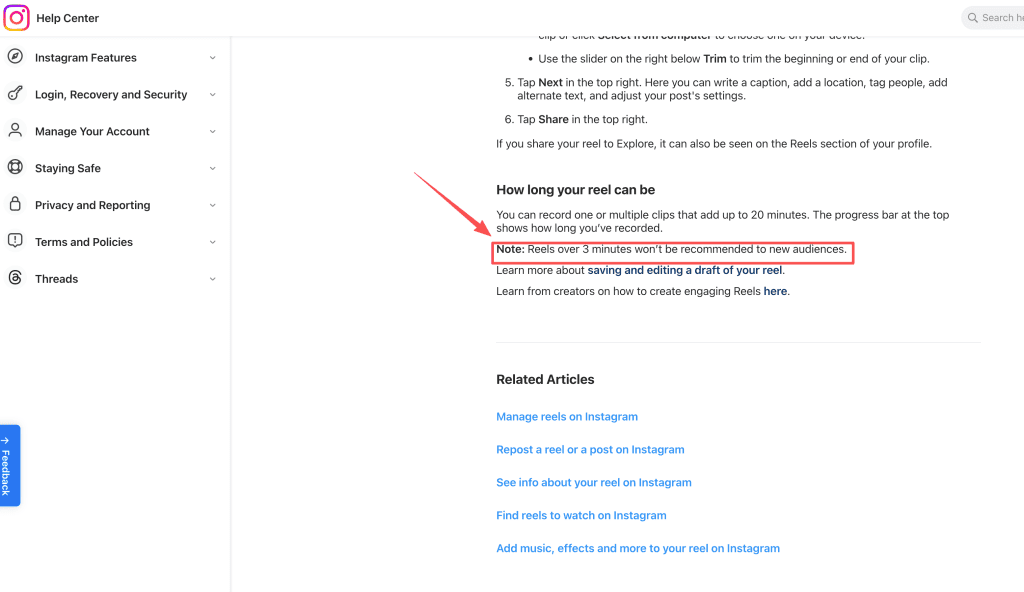
Platform format should be decided before editing, not after export. For YouTube, square or vertical uploads up to three minutes can be categorized as Shorts, while TikTok creative guidance for performance ads emphasizes vertical 9:16 video, sound, at least 720p resolution, and UI safe-zone awareness. Instagram states that some longer Reels may have recommendation limitations depending on current eligibility rules.
That does not mean every creator should chase the same length. A social video maker should help build platform-ready versions, but the editor still needs to check crop, subtitles, logo placement, and text that may sit under buttons or captions in the app.
Short Video Workflow With AI
Idea to hook
The first step is turning a loose idea into a usable promise. Feed the AI the audience, platform, topic, proof available, and what must not be claimed. A strong prompt is usually more like a creative brief than a command.
Instead of asking for “a viral video about meal prep,” ask for five hooks for busy office workers who cook twice a week, with no weight-loss claims and no guarantee about money saved. This gives the model a smaller, safer space to work in. Judge the output by fit: Can the hook be filmed? Is it honest? Does it create a clear visual opening?
Hook to scene list
Once the hook is chosen, turn it into scenes before writing the full script. This keeps the workflow visual. Many AI short video workflow problems start when teams write a dense voiceover first and then hunt for footage later.
A usable scene list should include the visual, on-screen text, voiceover idea, asset source, and risk note. For an MCN handling several creators, that last column matters. It can flag whether a clip needs product permission, whether a face or voice appears, or whether a health, finance, or performance claim needs approval. The scene list becomes the bridge between creative speed and brand safety.
Draft to captions
Captions are not just a transcription layer. They control pacing, emphasis, and silent viewing. AI can turn a script into subtitle blocks, shorten lines, suggest emphasis words, and adapt tone for different creator tools. Human review still matters because automatic captions can miss names, technical terms, slang, and brand language.
A good caption pass checks three things. Each line should be readable before it disappears. The caption should not cover the main action. The wording should match the spoken line closely enough that viewers are not pulled out of the video. If the video uses AI voiceover, review pronunciation, pauses, and emotional fit before export.
Review and export
Review is where the workflow stops being “fast” and starts being publishable. Before scheduling, check the claim, the caption, the music, the disclosure, and the rights status of every borrowed asset. For sponsored content, use clear disclosure practices; the FTC endorsement guidance for influencers and reviews is a useful baseline for U.S.-facing campaigns. AI-generated or heavily altered realistic media needs a separate check.
Where Automation Helps Most
Repurposing
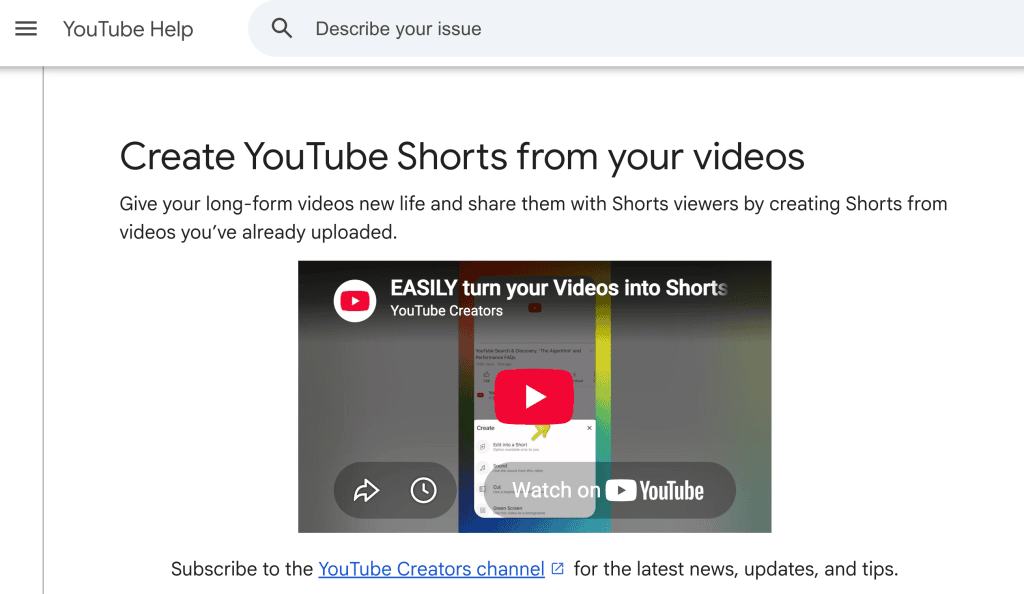
Repurposing is one of the safest uses of short video automation when the original material is yours. Long tutorials, livestreams, webinars, interviews, and product walkthroughs already contain ideas that can become short-form clips. YouTube also gives creators a native path to edit their own long-form videos into Shorts, which is a good reminder that repurposing works best when rights and ownership are clear.
The AI role is to find candidate moments, summarize the point, suggest a hook, and create a shorter structure. The creator’s role is to reject clips that lose context. A 20-second answer can become misleading if the question, condition, or warning is cut away.
Variant testing
Variant testing is useful when it compares creative choices, not when it chases guesses about an algorithm. A team can create three openings for the same footage: a mistake hook, a result-first hook, and a direct question. The video stays honest, but the framing changes.
For social teams, this is where an AI short video maker can save planning time. It can generate caption variants, alternate first frames, different voiceover pacing, and platform-specific intros. Keep the test clean. If every version changes the hook, music, CTA, and edit rhythm at once, you will not know what actually helped.
Caption and format adaptation
Caption and format adaptation are repetitive enough to automate, but visible enough to require review. A short-form video AI workflow can create a TikTok caption, a Reels caption, a YouTube Shorts title, and a LinkedIn-friendly version from the same source idea. It can also prepare SRT files, translate drafts, and reshape on-screen text for a safer crop.
The useful habit is to keep a master script and then branch by platform. The master protects the idea. The platform versions handle length, caption style, disclosure fields, hashtags, and export settings. This is cleaner than rewriting from scratch every time a post moves from one channel to another.
Limits Creators Should Expect
AI can speed up short video production, but it cannot remove creative responsibility. It does not know whether your product claim is approved, whether a song is licensed for commercial use, whether a stock clip has the right release, or whether a joke will land badly with your audience.
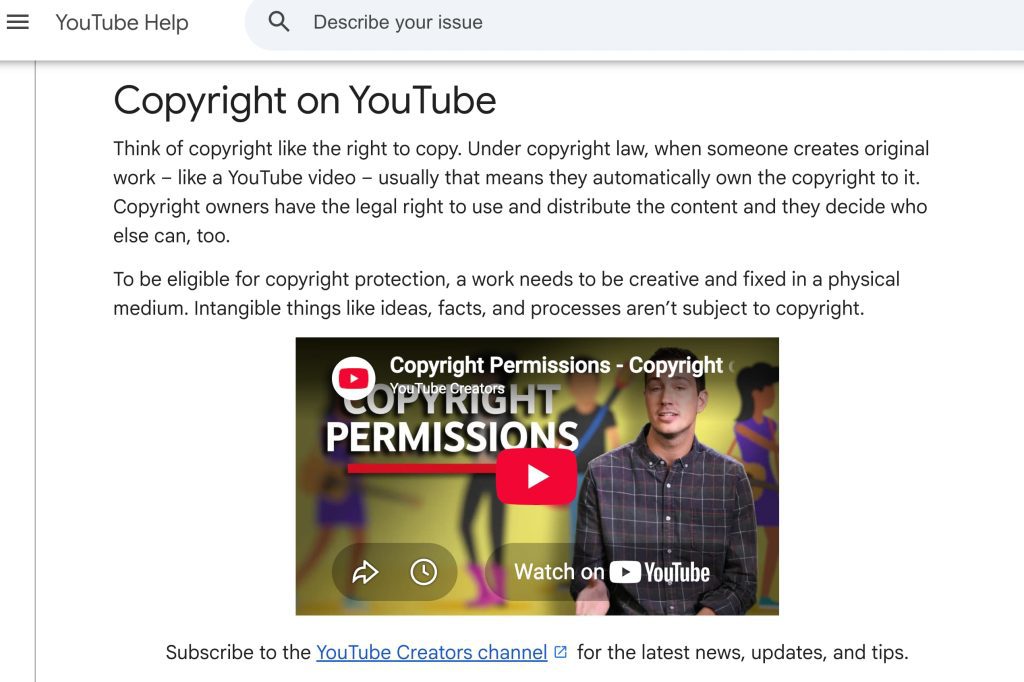
Music and asset rights deserve special caution. YouTube’s copyright guidance points creators toward options such as permission, public domain, Creative Commons terms, and platform music libraries through copyright-safe ways to use protected material. For AI output, the U.S. Copyright Office treats copyright and artificial intelligence as an active policy area, so teams should keep human authorship, licenses, and asset origin in the review checklist.
The practical rule is simple: use AI for drafts, variations, captions, and format adaptation; use humans for truth, taste, consent, rights, and final approval. If the video depends on body language, product handling, safety demonstration, testimonial trust, or a real person’s likeness, a manual shoot is often the stronger choice.
FAQ
Who reviews short video drafts before scheduling?
A small review loop works better than a vague “team approval.” The creator or producer should review the hook and tone. An editor should check pacing, captions, audio levels, crop, and export settings. A brand, legal, or account lead should review claims, sponsorship disclosure, likeness use, music rights, and regulated topics. For MCNs, assign one final scheduler who checks the exact platform version, not just the master video.
What should creators save after a trend ends?
Save the reusable thinking, not only the finished video. Keep the original hook, scene list, script, caption set, music source, asset licenses, export settings, performance notes, and reason the trend worked for your audience. Also save what failed. A trend archive becomes useful when it explains the pattern: pacing, format, viewer question, recurring objection, or visual setup.
When should an AI-generated short be reshot manually?
Reshoot manually when trust depends on physical proof. Product texture, fit, assembly, cooking results, exercise form, medical-adjacent claims, repair steps, and before-and-after footage usually need real camera evidence. A reshoot is also safer when AI changes a real person’s face, voice, location, or action in a way viewers could mistake for reality.
How should teams organize reusable short-form ideas?
Use a simple idea library with fields for audience, hook type, topic, source footage, proof asset, platform, rights status, caption angle, and review notes. Tag ideas by job, such as tutorial, objection handling, product proof, founder commentary, trend response, or customer question. Good organization makes creator tools more valuable because the AI can pull from approved patterns instead of inventing a new direction every time.
Conclusion
An AI short video maker works best when it supports a disciplined creator workflow: sharp hook, clear scene list, reviewed captions, careful rights checks, and platform-specific export. The strongest teams do not use AI to skip judgment. They use it to get to a better first draft faster, then spend their human attention on the parts viewers actually trust.
Previous Posts: