
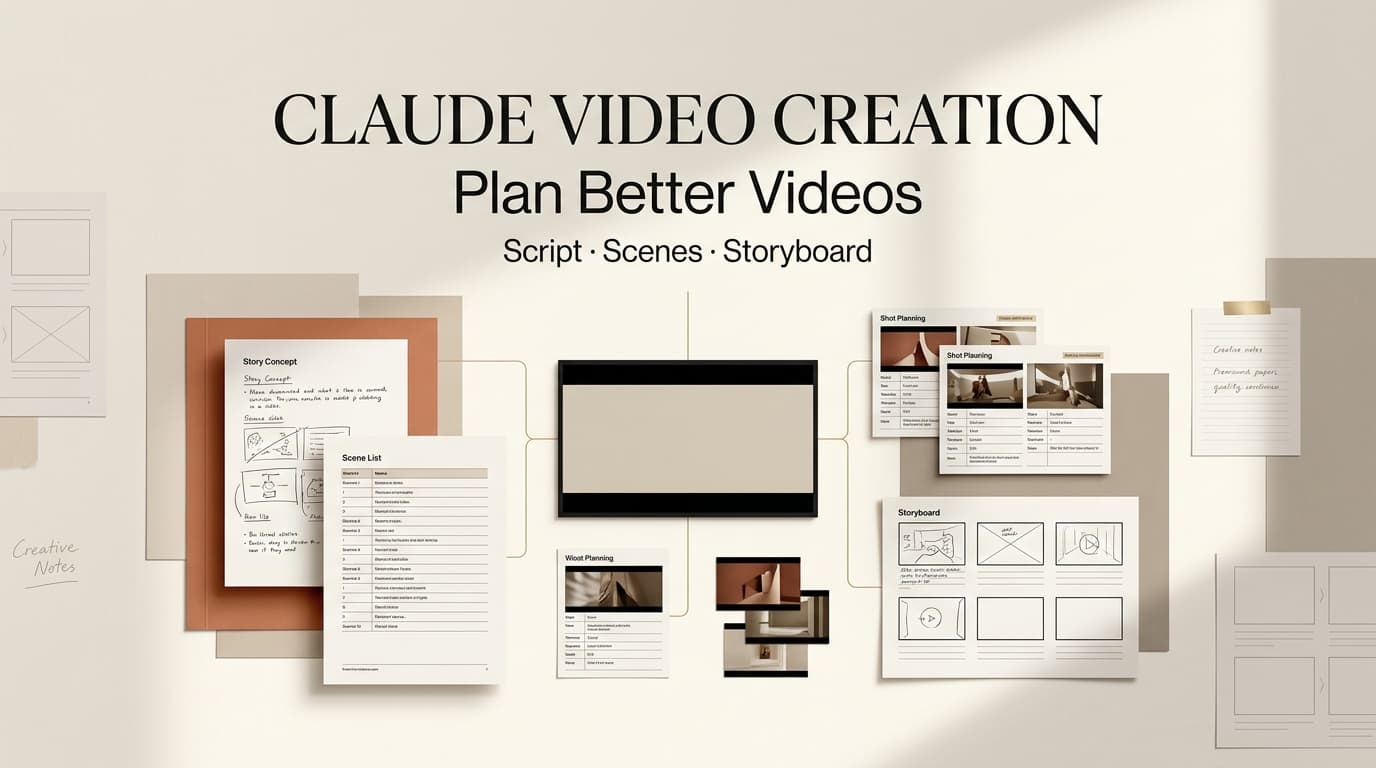
Dora here. Claude video creation works best when Claude is treated as a planning partner, not as the tool that renders the final video. For short-video creators, MCNs, content teams, and brand marketers, the value is upstream: turning a loose topic into an AI video brief, script, scene list, shot requirements, continuity notes, and review criteria.
AI content creation projects fail before export: the idea is too broad, shots do not match the script, or feedback arrives after assets are generated. Claude can make that thinking visible before production starts.
What Claude Can and Cannot Do in Video Creation
Planning content versus rendering video
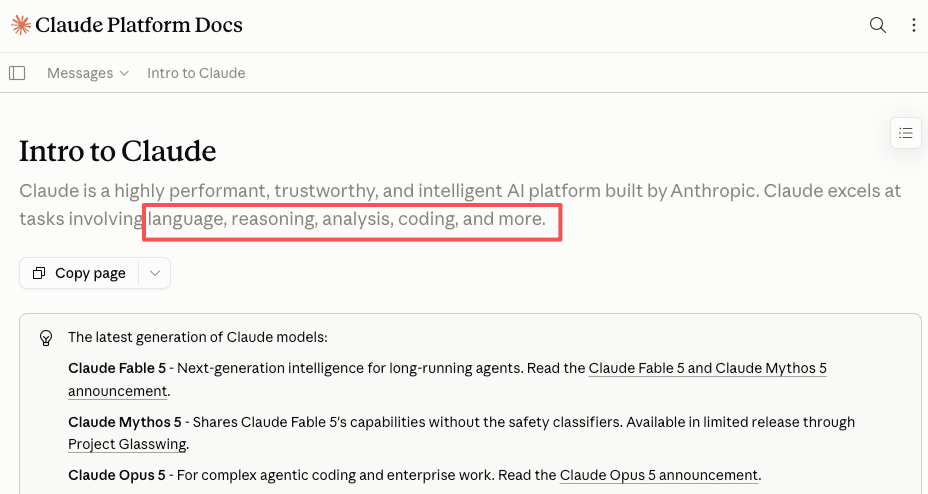
Claude is useful for planning video, but it is not a video renderer or timeline editor by itself. Anthropic describes Claude around language, reasoning, analysis, coding, and image-understanding capabilities, which makes it a fit for pre-production text work: briefs, scripts, review notes, decision logs, and structured handoffs.
That distinction should stay clear in the workflow and the client conversation. A video scripting AI can help decide what a 30-second product demo should say, where the hook lands, and which shots need close-ups. It does not shoot footage, generate every frame, edit a timeline, mix audio, or publish the asset.
In a common creator workflow, Claude video planning is where a messy idea becomes production language. “Make a launch video about our new skincare kit” becomes a sharper brief: target viewer, promise, format, hook, product angles, usage scene, captions, and review checkpoints. The output is not the video; it is the map.
Capabilities that require publication-time verification
Any claim about Claude access, model names, plan limits, connectors, data handling, commercial use, or copyright should be checked again immediately before publication. These areas change faster than evergreen production advice. Teams using consumer accounts should review the current Claude model-training data settings, while business or API teams should check the current commercial data and output terms.
The position is simple: use Claude for text planning, verify current Anthropic details, and make the final video in approved production tools.
Turn a Video Idea Into a Production Brief
Audience, goal, and format
A production brief should make the creative trade-off obvious before anyone writes a script. Start with the viewer, the business or channel goal, and the format. A 15-second Shorts hook needs different pacing than a 60-second paid social explainer.
For example, “healthy lunches for busy office workers” becomes stronger as: working parents who pack lunch at night, 30-second vertical tutorial, goal of saves and clicks, less morning stress, three lunch boxes, ingredient prep, and final fridge layout. That gives the script and storyboard a spine.
Narrative structure and scene list
Once the brief is clear, the scene list should translate the viewer journey into production units. A practical short-video structure often moves from interruption to proof, demonstration, action, and close.
Claude can turn those beats into a scene list editors can read quickly. Scene 1 defines the problem. Scene 2 shows the product, person, or process. Scene 3 demonstrates value. Scene 4 handles proof or objection. Scene 5 closes with the next action. The point is to stop the script from becoming narration with no visual plan.
Shot requirements and asset notes
Shot requirements make AI-assisted plans usable. The scene list defines what happens; shot requirements explain what the production system, editor, or generator needs.
For each scene, define framing, subject, motion, environment, on-screen text, source assets, references, and restrictions. Separate “must show” from “nice to have.” Must show might include the product, verified logo file, founder photo, or licensed footage. This makes the AI video brief easier to revise.
Build a Script-to-Storyboard Handoff
Script beats and scene intent
A script-to-storyboard workflow should connect every spoken or captioned beat to a visual reason. If the script reads, “You can plan a week of lunches in 20 minutes,” the storyboard needs a shot that proves speed, organization, or reduced effort.
Ask Claude to turn script beats into scene intent, not just pretty descriptions. The intent might be “show time pressure,” “establish the product,” “make the transformation visible,” or “prove the result.” The team can then debate intent before arguing about a specific shot.
Visual continuity notes
Continuity notes keep the video from feeling assembled from unrelated clips. They describe recurring subjects, color, wardrobe, background, prop placement, lighting direction, caption style, and pacing. Continuity reduces wasted generations and confusing edits.
A useful continuity note is concrete: same kitchen counter across cooking shots, daylight from camera left, blue lunch box in scenes 2 and 5, no switch from realistic footage to cartoon illustration, captions under two lines.
Review criteria for each shot
Review criteria turn subjective feedback into production decisions. Instead of “make this stronger,” a reviewer can check whether the hook is readable, the product is visible long enough, the claim is supported, and any required disclosure or rights note is handled.
Claude can also convert scattered stakeholder comments into shot-level criteria: keep, revise, replace, or remove. The team still decides, but the decision is easier to track.
Move the Plan Into a Video Production Workflow
Selecting generation and editing tools
The planning output should tell you which production tool is needed next. Real footage goes to a shooter or editor. Synthetic b-roll needs scene prompts and constraints. Voiceover, captions, and pacing notes go to editing software or an AI Director-style workflow.
Match the tool to the job: text planning for Claude, asset generation for video models, timeline control for editing software, and human approval for brand, rights, and accuracy.
Tracking versions and decisions
Version tracking saves teams from rework. Name each brief, script, storyboard, and production pass with a date or version number. Keep a short decision log.
This helps MCNs manage multiple creators and brand teams handling approvals across legal, product, and social. If version 3 changes the opening claim, the shot list and captions should change with it.
Passing feedback into revisions
Good feedback travels back into the planning layer before it becomes another production pass. If client feedback reads “off-brand,” translate it into reviewable terms: wrong audience, too playful voice, product shown too late, weak proof, or visual mismatch.
Claude can restate that feedback into revised brief notes, script edits, scene changes, and new shot requirements. A human should approve the interpretation before another generation or edit cycle.
Limits, Rights, and Human Review
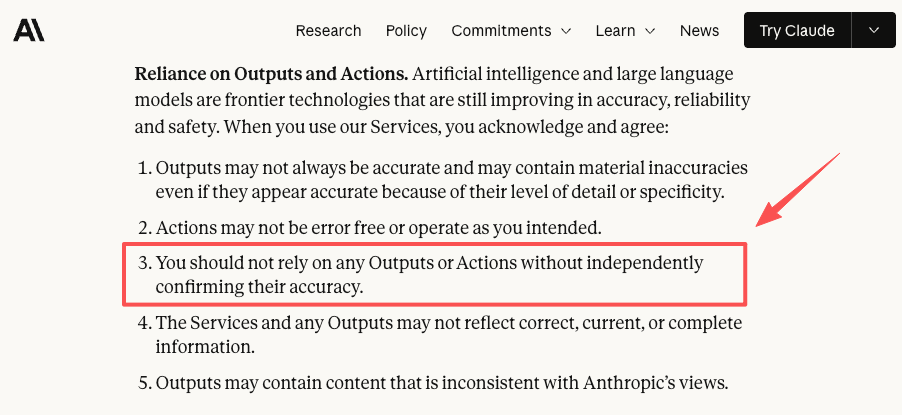
Claude-assisted planning still needs human review because outputs can be incomplete, outdated, or wrong. Anthropic’s consumer terms warn that AI outputs may contain inaccuracies and should be independently confirmed. That applies to brand claims, product details, public figures, and anything tied to real people or real events.
Rights also need a separate check. Source material should be logged as owned, licensed, client-provided, public-domain candidate, or not approved. If a video uses realistic synthetic or meaningfully altered content, YouTube’s current AI disclosure requirements for realistic generated content may apply. For copyright, the U.S. Copyright Office publishes AI copyright reports and registration guidance, so teams should verify the latest position before relying on AI-generated material.
Finally, keep a policy review lane. Anthropic’s Usage Policy restrictions on deceptive, misleading, harmful, and rights-sensitive content matter when scripts involve real people, impersonation, synthetic testimonials, health claims, politics, minors, or public-interest topics.
FAQ
Should teams disclose Claude assistance to their clients?
If Claude materially shaped the brief, script, storyboard, or review notes, disclosure is usually cleaner in agency, MCN, and regulated-brand work. Client contracts, platform rules, and local law control the wording.
Can planning templates be reused across different campaigns?
Yes, but reuse the structure, not the assumptions. Audience, offer, platform, rights, disclosure needs, and review criteria should be refreshed for each campaign. A stale template can carry last month’s audience logic into a different brief.
What happens when a client withdraws source material?
Mark the affected scenes, remove the asset from the approved-source list, and revise any script beat or shot requirement that depended on it. Keep the withdrawal note in the version log.
How often should reusable planning templates be reviewed?
Review templates after platform policy changes, product positioning changes, legal feedback, or repeated production mistakes. Quarterly review is practical, but policy-sensitive templates may need faster checks.
Conclusion
Claude video creation is strongest when it makes pre-production thinking clearer. Use it to shape the brief, script, scene list, shot requirements, continuity notes, and review criteria before generation or editing. That keeps creative work grounded and revisions less chaotic.
Previous Posts:





[…] Claude Video Creation: How to Plan Better Videos Claude Subagents and the Future of AI Video JSON Prompt Generator for AI Video Workflows Writing Prompt Generator for Video Scripts Script Visuals for AI Generation Workflow […]