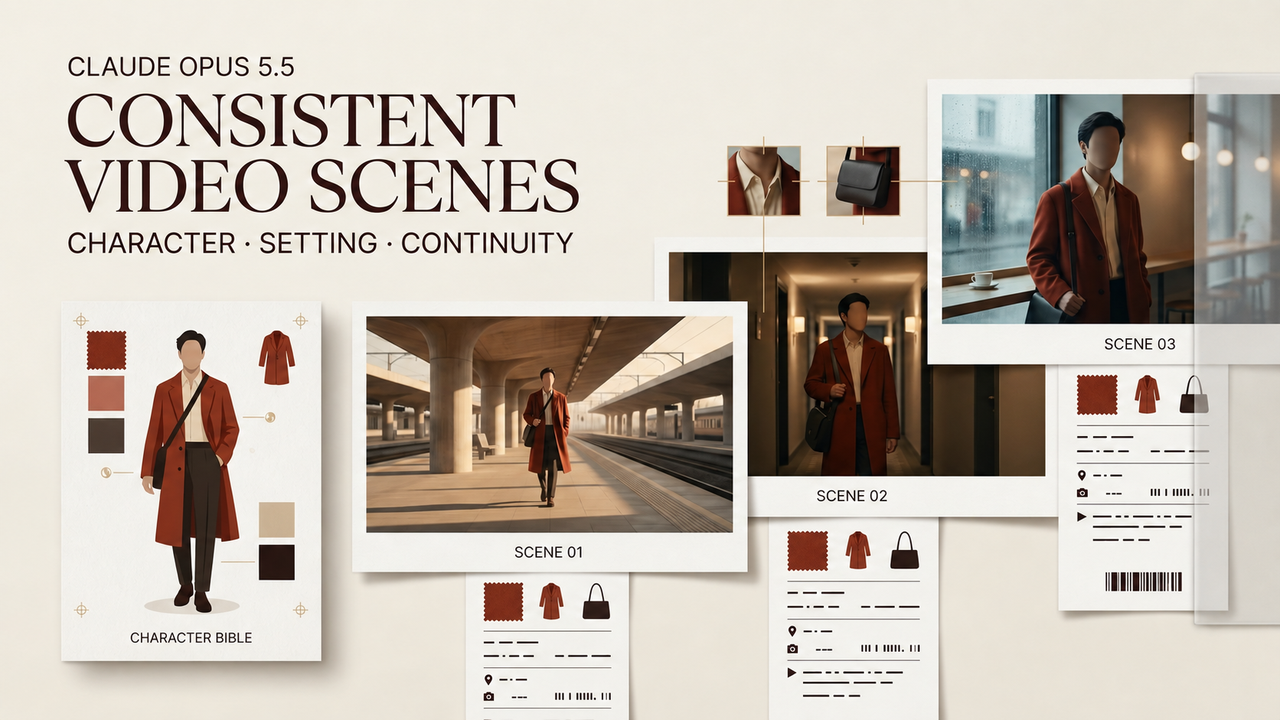
Prompt drift starts before a video model renders a frame. If one packet describes a charcoal wool jacket and the next calls it black leather, the model receives two characters. Claude Opus 5.5 video prompts can reduce this variation by turning one approved source into controlled scene packets. Anthropic released Claude Opus 5.5 on September 22, 2026, but has not presented it as a video generator or proved better visual continuity. Its role here is textual: organize and audit instructions before generation.
Build a Continuity Brief Before Writing Prompts
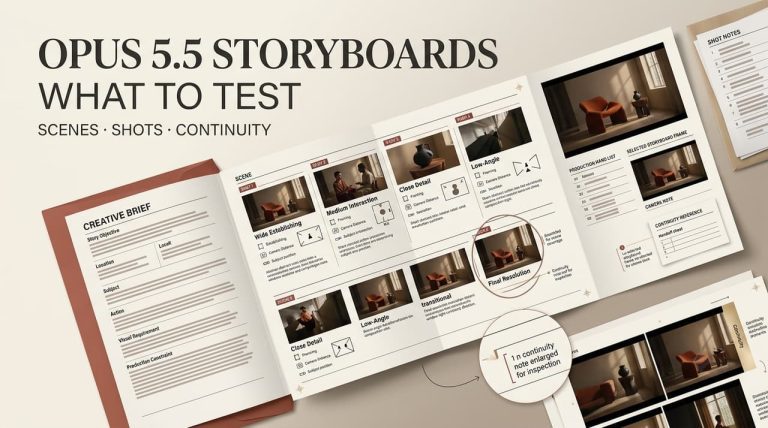
An AI video continuity brief defines what remains true across the sequence. Approve it before producing Claude video scene prompts, or Claude may consistently repeat an unapproved decision.
Lock Character, Location, Wardrobe, and Prop Details
Record observable facts, not biography. For fictional courier Mara, useful fields include cropped auburn hair, a navy canvas jacket, a silver bicycle, overcast daylight, and a phone in her left hand. Consistent character prompts need these phrases verbatim, with filenames for approved references.
Separate Fixed Facts From Shot-Level Changes
Mark each field as production-wide, scene-locked, or shot-variable. Identity can span the production; wet clothing begins after a story event; camera position changes per shot. This separates intended changes from drift.
Create a Reusable Scene Prompt Template
A scene prompt template should behave like a form. Use fields for shot ID, fixed character block, location state, wardrobe, props, action, camera, duration, audio intent, exclusions, and reference IDs.
Keep Constraints in a Stable Order
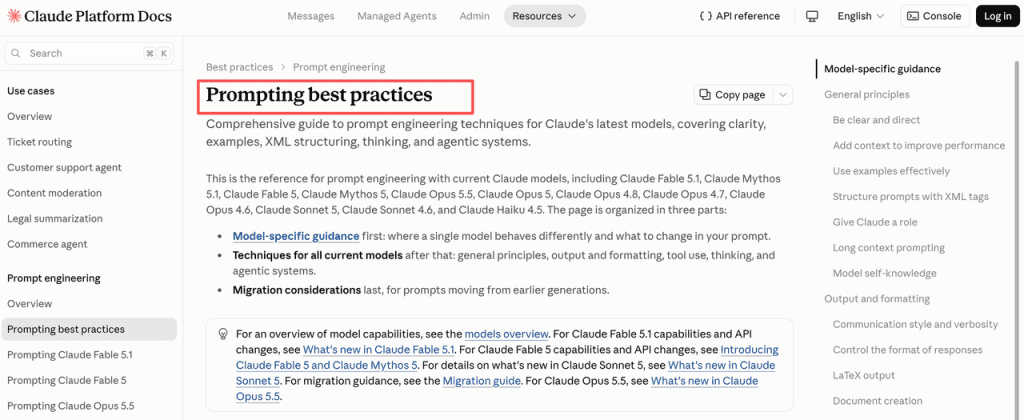
Place the continuity source before the variable request, using the same field order every time. Anthropic’s prompting practices for explicit instructions and tagged context support separating instructions, context, and input. Stable order also keeps wardrobe details out of camera language.
Add Only the Camera and Action for Each Shot
Duplicate locked text without paraphrasing. For Shot C04, add only a medium tracking view: Mara enters, stops beside the bicycle, and checks her phone for four seconds. Asking for more vivid prose can introduce new fabric, weather, or emotion.
For API workflows, schema-constrained structured outputs can keep fields present and machine-readable. Schema compliance does not make their values creatively correct.
Ask Opus 5.5 to Check Prompt Drift
Run a separate audit after drafting. Provide the approved brief and every packet, then request the shot ID, conflicting field, brief value, packet value, and proposed correction.
Compare Every Prompt With the Continuity Brief
Compare names, colors, hands, prop ownership, weather, and scene state. Separate omissions from contradictions: a missing scarf needs review, while red replacing approved gray is a conflict.
Flag Contradictions Before Generation
Do not let the audit rewrite choices silently. Mark each packet pass, missing evidence, intended change awaiting approval, or contradiction. A human accepts the correction or updates the master brief.
Hand Prompts to the Video Model
The handoff connects text control to generation. Claude cannot read an external model’s hidden settings or guarantee compliance.
Preserve Shot IDs, References, and Model Settings
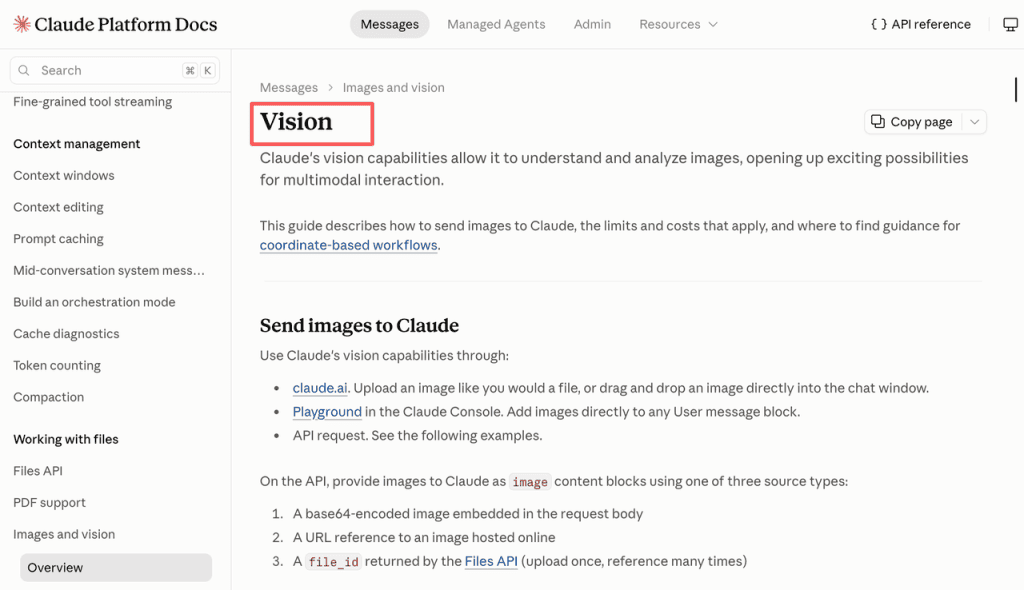
Keep each packet beside its reference filenames, prompt version, video model, aspect ratio, exposed seed, and date. Claude supports documented vision inputs, formats, and limitations, but compatible files do not ensure perfect identity or spatial interpretation.
Log Output Changes Against the Prompt Version
When a take fails, tag the cause as packet, reference, model behavior, or intentional revision. If C04-v2 fixes jacket color but breaks hand placement, retain both results. This makes the video prompt workflow auditable.
Revise the Prompt System After Review
Change the smallest responsible layer. Repeated wording errors belong in the template, an approved costume in the brief, and a difficult camera move in one shot. Re-run the audit after source changes and retire outdated packets.
What Prompt Consistency Cannot Guarantee
Text consistency cannot lock a face, obey physics, preserve typography, or control motion across independent generations. References, model capabilities, editing, and selection still matter. Prompt packets remove avoidable contradictions; they do not make generation deterministic.
FAQ
Can Opus 5.5 return scene prompts as structured JSON?
Yes, through API structured outputs when the schema fits current limits. In Claude’s interface, validate requested JSON before automation because formatting instructions alone do not enforce a schema.
How should a long continuity brief be split across sessions?
Keep a versioned master brief outside chat. Start each session with relevant locked sections, current scene state, and the approved change log. Never make conversation history the sole record.
Can one continuity template be reused across different video models?
Reuse neutral fields, then add a model-specific adapter for references, duration syntax, camera controls, and unsupported instructions. Keep platform wording out of the master source.
Can Claude analyze character reference images with the text brief?
Yes, where image input is available. It can compare visible details with written constraints, but reviewers must verify subtle identity, color, handedness, and spatial judgments.
Should AI-assisted prompt planning be disclosed to a client?
Follow the contract, confidentiality terms, and client approval process. Describe Claude’s prompt-planning role without implying it generated, licensed, or verified the footage.
Conclusion
Claude Opus 5.5 video prompts work best as production records, not magic consistency commands. Lock the brief, build uniform packets, audit contradictions, and tie each take to its source version. The result remains reviewable even when the video model produces an imperfect shot.