
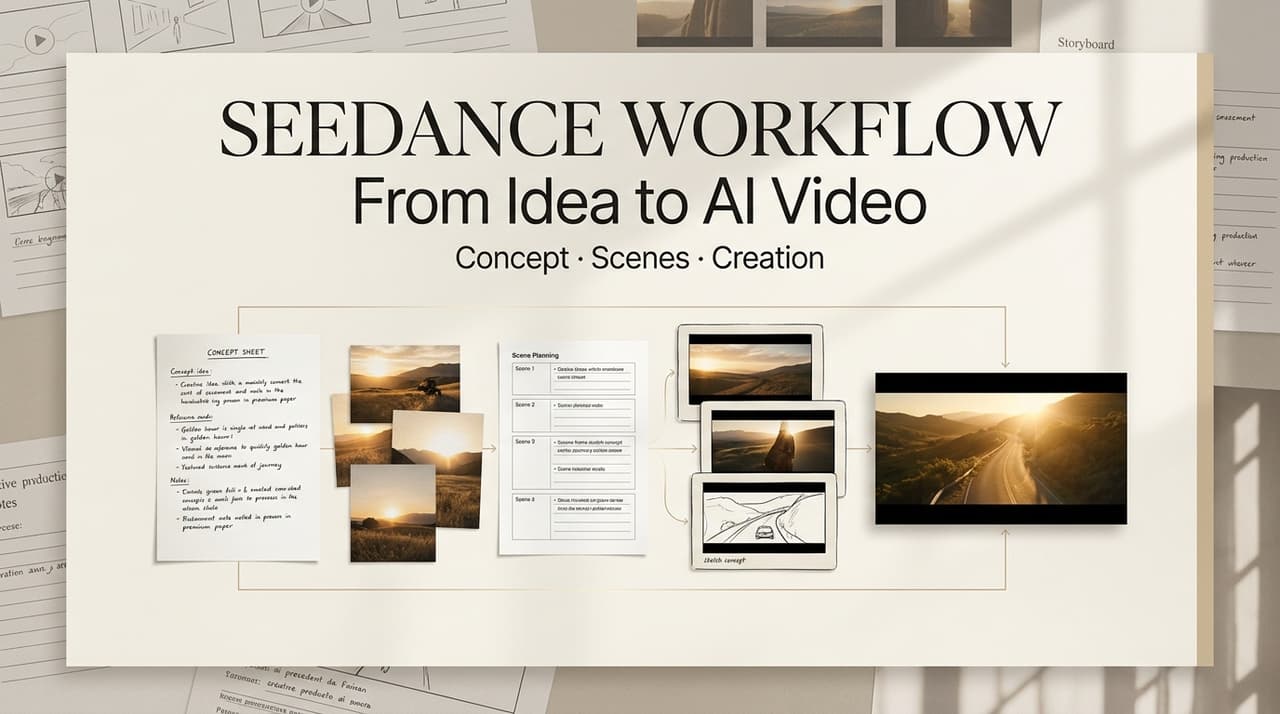
A useful Seedance creative workflow is not just “write a prompt, get a clip, post it.” For short-video creators and small content teams, the real work happens between the first idea and the final export: deciding what the video should say, breaking that idea into shots, generating usable motion, editing for rhythm, and checking whether the result is safe to publish.
I treat Seedance as part of an idea to video workflow, not the whole workflow. The model can help create motion, but the creator still has to direct the piece. Without that director layer, AI videos often look polished for two seconds and then lose the point.
What a Seedance Creative Workflow Looks Like
A Seedance creative workflow works best when you build the video as a sequence, not as one overloaded prompt. The creator starts with the message, turns it into visual beats, generates shot options, rejects weak takes, and edits the strongest material into a clip that works on the feed.
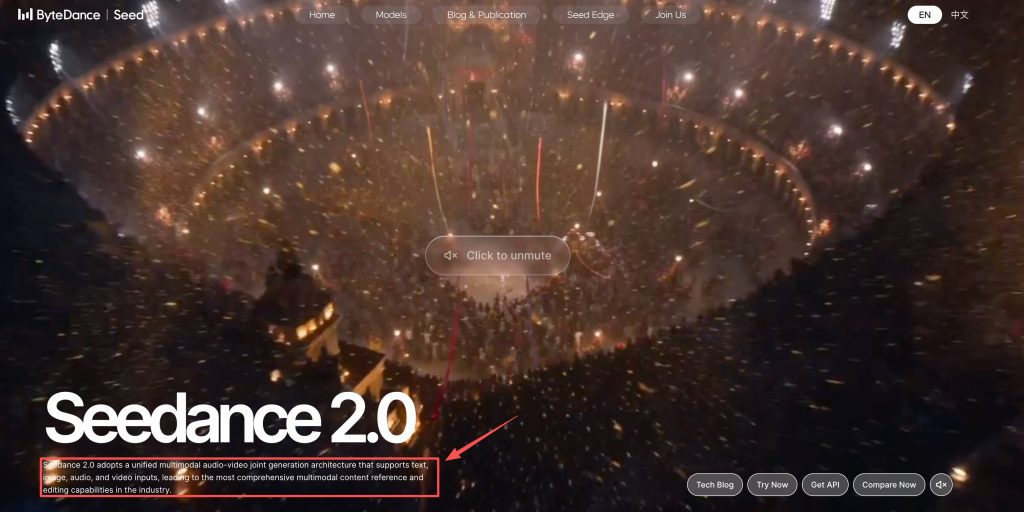
ByteDance’s Seed materials describe Seedance 1.0 as a video generation model that supports text and image inputs for multi-shot generation. Later Seed materials present Seedance 2.0 with text, image, audio, and video inputs. That does not mean every creator will see the same controls on every platform. Access, input formats, and product features can vary by service, region, and account type.
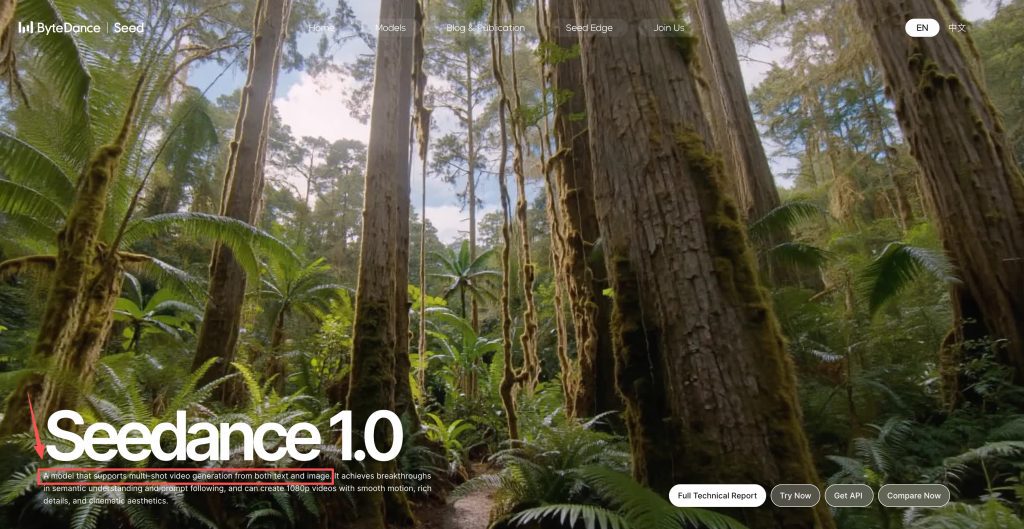
For AI content creation, this distinction matters. Seedance AI video may help turn visual instructions into moving shots, but the production quality still depends on the brief, the shot list, the edit, and the rights check.
Before You Start: Inputs, Prompts, and Setup
Before opening any video creator tools, write down what the video needs to do. A product teaser might need texture and one clear benefit. A creator intro might need personality and visual consistency. A tutorial clip might need readable steps. Those are different jobs, so they need different prompts.
A compact setup brief is enough:
| Setup item | What to decide |
| Goal | Teaser, tutorial, ad variation, demo, or social post |
| Audience | Who must understand the clip quickly |
| Format | Vertical short, square post, or horizontal cut |
| Visual style | Realistic, animated, product-led, avatar-led, or UGC-style |
| Source assets | Product images, reference frames, script, audio, or logos |
| Review rule | What makes a shot unusable |
Prompt style should be visual and specific. “Cinematic drink video” is too loose. A better direction would describe a cold citrus drink on a cafe table, condensation on the glass, a hand turning it slowly, natural daylight, a clean background, and no visible text. Now the model has a job, and you have a standard for judging the result.
I also like writing a rejection rule before generating. For example: no warped hands, no changing product shape, no unreadable text, no sudden camera move that distracts from the product. This keeps the review from becoming pure vibes.
Step-by-Step: From Idea to Finished Video
Draft the concept and shot list
Start with the smallest version of the video that can still work. A short clip does not need five messages. It needs one clean movement from attention to payoff.
Say the idea is a desk setup video. The weak version is “show a nice creator desk.” The stronger version is “show a messy desk transforming into a clean filming setup, ending with the laptop, lamp, and notebook ready for work.” That gives the video a shape.
A simple shot list might use an opening shot for the messy desk, a middle shot for the transformation, and a final shot for the finished setup. This is where the Seedance creative workflow starts to feel like directing. You are not asking the model to guess the video. You are giving it scenes to solve.
Generate and select shots
When you generate, do not choose the first pretty result. Choose the result that serves the edit.
A usable shot should match its role in the sequence, keep the subject stable enough to understand, and cut cleanly into the next moment. A still frame can look strong while the motion falls apart halfway through. Watch the whole clip. Then watch it without sound. If the shot only works because music hides the problem, it is not ready.
This is also where a multi-model workflow can help. A creator might use one tool to prepare a product reference image, Seedance to generate motion, a regular editor to assemble the cut, and a caption tool to finish the social version. The point is not to collect tools. The point is to put each tool where it reduces friction.
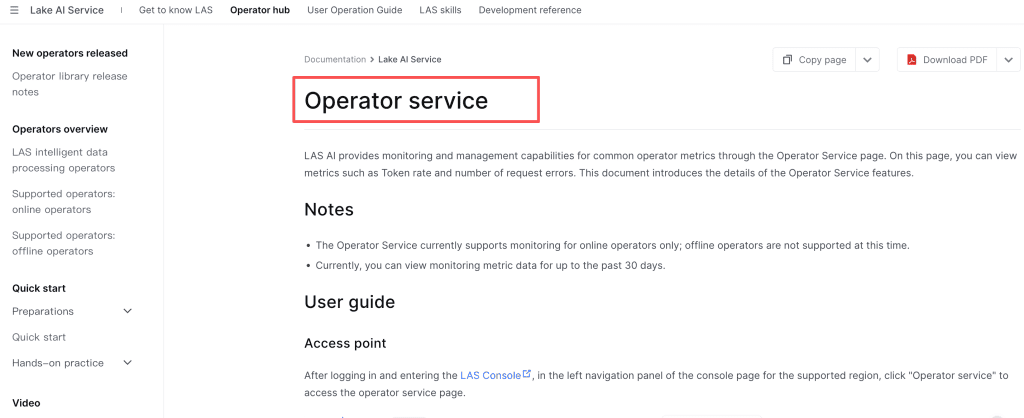
For teams building repeatable workflows, API access may matter. Volcano Engine has published material for Seedance 2.0 API access, and its documentation includes a Seedance video generation operator. For an individual creator, this may not be necessary. For a content team producing recurring formats, repeatability can be a real advantage.
Assemble, add audio, and export
The edit is where AI video becomes content. A generated clip is raw material. The finished video still needs rhythm, pacing, sound, captions, and export discipline.
Build a rough cut before polishing. Put the best shots into a timeline, trim hard, and watch the sequence at platform speed. For TikTok, Reels, or Shorts, the opening seconds carry too much weight to be treated casually. If the first shot needs explanation, it may be the wrong first shot.
Audio changes the meaning quickly. A slow product move with harsh music can feel strange. A fast camera move under a sleepy voiceover can feel flat. Captions should add comprehension, not rescue unclear visuals. If the video is product-led, keep text short. If it is tutorial-led, let captions mark the steps.
Before export, check crop safety, visual consistency, permissions, and platform fit. Faces, products, and captions need to survive mobile cropping. Source assets, music, logos, and likenesses need permission. A video can look fine in the editor and still feel crowded once it hits the feed.
Where a Multi-Model Workflow Helps (and Where It Doesn’t)
A multi-model workflow helps when different parts of the job need different strengths. It does not help when the concept is unclear.
For a launch teaser, one model might create a clean product reference, Seedance might generate motion, another tool might handle voice, and a normal editor might finish pacing. That can work because each tool has a clear role. It also makes revision easier. If one shot fails, you can replace that shot instead of rebuilding the whole video.
This approach is useful for product teasers, creator intros, educational shorts, ad variations, and mood reels. It is less useful when the brief is vague. “Make it cinematic and viral” is not direction. Adding more tools to that kind of prompt only creates more drift.
My practical rule: add a model only when it removes a bottleneck. If it adds novelty but not control, skip it.
Common Mistakes and Limits to Watch
The biggest mistake is treating Seedance as the whole workflow. It is one generation layer inside a larger creative process.
The second mistake is over-prompting. Long prompts can help when they are specific, but they can also bury the real direction. A prompt with too many style references, camera moves, and emotional tones gives the model too many priorities. Write the shot like a director, not like a keyword dump.
Continuity is another limit to watch. AI video can change faces, products, room layouts, or object details between shots. If continuity matters, use fewer shots, stronger references, and a stricter review pass. If continuity does not matter, do not waste the whole afternoon forcing it. A fast mood reel can tolerate more variation than a product demo.
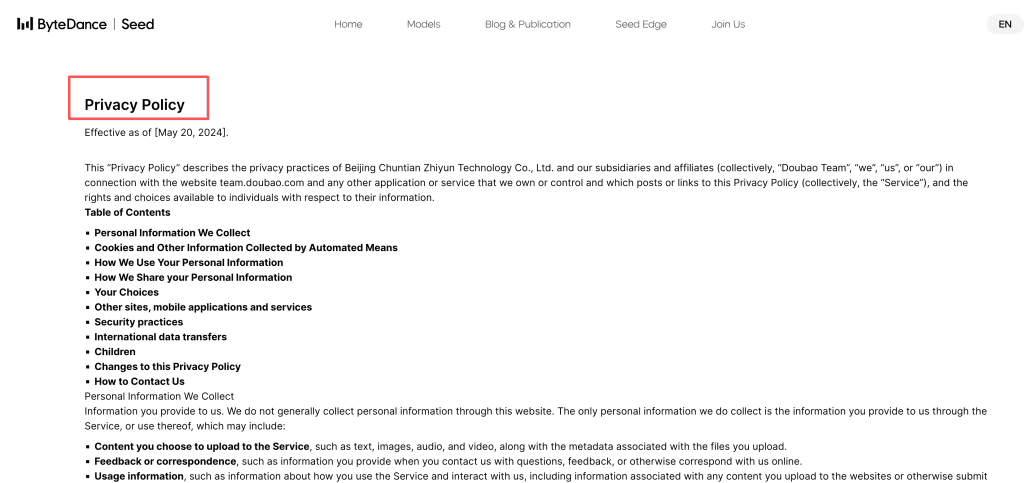
Creators should also be careful with uploaded assets. Seed’s privacy materials describe processing of uploaded text, images, audio, video, and related files. That does not settle every commercial-use question. It does mean creators should treat source material as production assets, not disposable scraps.
For commercial projects, check the current terms of the actual platform you use. A model may appear through different products, APIs, or regional services, and the rules can differ.
FAQ
Is Seedance available directly, or only through video platforms?
Availability can vary by product surface, region, account type, and API route. Seedance appears in ByteDance’s model materials, while Volcano Engine provides developer-facing access information. Some creators may meet Seedance through integrated video platforms rather than a standalone creator app. Check the current access path before building a production workflow around it.
How long does producing a short clip end to end usually take?
There is no reliable universal number. Total time depends on clip length, queue speed, prompt quality, number of retries, edit complexity, and review standards. In planning, separate generation time from production time. The slower part is often choosing shots, fixing continuity, adding audio, checking captions, and deciding whether the clip is actually publishable.
What input formats and prompt styles work best with Seedance?
Use the input formats supported by the exact Seedance access point you are using. Public Seed materials describe text and image inputs for Seedance 1.0, while Public Seedance 2.0 materials describe broader multimodal inputs. For prompts, focus on subject, action, camera movement, scene, lighting, visual constraints, and what should not appear.
Can a team collaborate on the same Seedance video project?
That depends on the platform around Seedance, not only the model. A team workflow usually needs shared assets, prompt history, version notes, review comments, export control, and rights tracking. If the tool does not support collaboration directly, teams can still work with shared briefs, naming rules, review folders, and edit logs.
What should creators check about commercial and licensing use?
Check the platform terms, uploaded asset rights, music and voice rights, likeness permissions, brand permissions, and client-specific usage limits. Do not assume that “AI-generated” means unrestricted. Also do not assume every Seedance access route uses the same commercial rules. For sponsored or client work, keep source files, prompts, generated clips, edits, and approval notes.
Conclusion
A strong Seedance creative workflow is really a directing workflow. Seedance can help generate AI video shots, but creators still need to define the concept, control the inputs, select usable motion, edit for rhythm, and check rights before publishing.
That is the practical value for short-video teams. Seedance does not guarantee a finished piece. Used carefully, it can become one part of a repeatable idea to video workflow that helps creators move from concept to publishable video with less manual friction.
Previous Posts:





[…] Studio Review: Is It a Complete AI Workspace? How Creators Use Seedance to Make AI Videos LTX-2.5 Review 2026: Is Native Multi-Shot Useful? AI Video Review Checklist Before Export […]
[…] Review 2026: Is Native Multi-Shot Useful? How Creators Use Seedance to Make AI Videos Seedance Studio Review: Is It a Complete AI Workspace? AI Video Workflow: From Brief to Final […]
[…] Studio vs Higgsfield Cinema Studio Seedance Studio Review: Is It a Complete AI Workspace? How Creators Use Seedance to Make AI Videos LTX-2.5 Review 2026: Is Native Multi-Shot Useful? What Is Qwen Image 3? Alibaba’s New AI […]