Editor’s & Laboratory Testing Note :
Authored by Julian Vance, Principal Pre-Visualization Technologist at the Media Systems Laboratory.
While marketing announcements showcase interactive models as generic educational novelties, our studio evaluated the feature as a functional production pre-planning tool. Across a two-day testing sprint, we executed 14 spatial scene-blocking queries in the Google Gemini App using both Gemini Advanced (Workspace Enterprise license) and standard consumer accounts on Chrome 128 (macOS Sonoma, Apple M3 Max, 64GB RAM) and Windows 11 (NVIDIA RTX 4090). This evaluation tests whether interactive 3D simulations can reliably resolve camera trajectories, occlusion, and relative scale prior to rendering shots in foundation video models or dispatching artists for manual storyboarding.
In professional video production and cinematic world-building, discovering a spatial error during final video generation is an expensive failure mode. When directors prompt generative video models (such as Google DeepMind Veo 3, Luma Ray, or MiniMax H3) for continuous camera movements—such as an orbital tracking shot around a descending planetary lander or a crane tilt over a crowded plaza—vague spatial syntax consistently triggers perspective morphing, scale discrepancies, and broken physics.
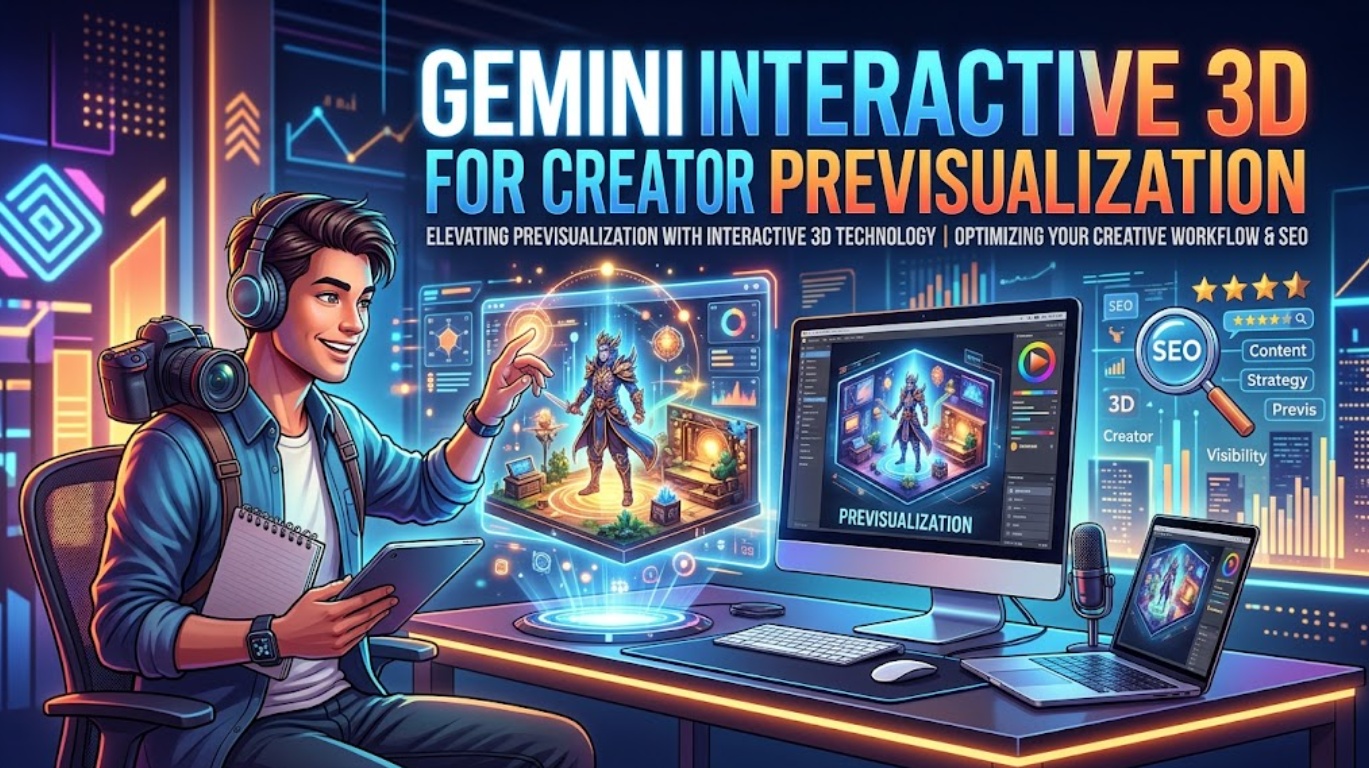
Traditionally, resolving spatial blocking before camera rollout requires launching Blender, Maya, or dedicated previsualization engines like Unreal Engine. With the rollout of interactive 3D simulations and procedural models inside the Google Gemini interface, Gemini 3D creators can now generate manipulable spatial representations via direct conversation.
This empirical assessment examines the technical mechanics of Gemini’s interactive models, benchmarks real-time viewport manipulation against commercial previsualization needs, and maps the exact transition from an in-chat simulation to a locked, camera-ready storyboard.
Quick Verdict for Creator Previsualization
Gemini’s in-chat interactive simulations offer an agile, zero-cost scratchpad for resolving single spatial relationships—such as trajectory curves, horizon occlusion, and multi-body scale ratios—before committing to generation queues. In our studio trials, spending 90 seconds manipulating an interactive orbital model eliminated two iterative prompt re-rolls in downstream video generation.
However, it is neither a 3D asset generator nor a substitute for a digital content creation (DCC) environment. The system does not output polygonal geometry (such as .GLB, .OBJ, or .USDZ files), export camera tracking metadata (FBX camera rigs or JSON transforms), or support custom texture mapping. It functions strictly as an interactive visual reference to inform camera direction and narrative prompt syntax.
What Gemini Interactive 3D Actually Is
To evaluate adoption viability, creative leads must cut through marketing terminology and understand the underlying software architecture.
| Technical Parameter | Official Gemini Interactive Capability | Dedicated DCC Suite (e.g., Blender / Unreal) |
| Execution Architecture | Client-side WebGL / HTML5 Canvas procedural render | C++ / Vulkan / DirectX standalone desktop runtime |
| Generation Trigger | Natural language prompt (“simulate the trajectory of…”) | Manual polygonal modeling, rigging, and keyframing |
| Viewport Manipulation | 3-axis orbital mouse dragging, scroll zoom, UI sliders | 6-DoF freeflight camera, orthographic splits, lens profiles |
| Asset Export Support | 2D viewport capture (PNG), browser DOM inspection | Polygonal meshes, UV maps, skeletal rigs, Alembic caches |
| Hardware Overhead | Lightweight browser compute (under 1.2 GB system RAM) | High-performance GPU hardware rendering pipeline |
A Gemini App Visualization, Not a 3D Asset Generator
According to technical documentation published on the Google Product Blog, this feature is an extension of chat-based visual reasoning, not an independent foundation model branded as “Gemini Interactive 3D.” Instead of synthesizing 3D geometry files for download, Gemini compiles lightweight WebGL procedural simulations and Three.js-style canvas widgets directly within the browser window.
Models, Controls, and Simulations Inside Chat
When triggered with spatial, mechanical, or astronomical queries, Gemini instantiates an active viewport:
- Rotational Navigation: Left-click drag executes a spherical orbit around the central origin.
- Dynamic Sliders: Parametric UI controls (e.g., velocity, distance, atmospheric resistance) recalculate motion curves in real time.
- Viewport Performance: Across our test machines, canvas redraw rates sustained a stable 60 FPS on both integrated Apple Silicon and discrete NVIDIA desktop GPUs.
Empirical Testing: Resolving Spatial Blocking for a Sci-Fi Scene
To test whether this capability provides genuine previsualization utility, we benchmarked an actual production brief: A 10-second cinematic tracking shot of an orbital cargo lander descending toward a crater rim station on a tidally locked moon.
┌────────────────────────────────────────────────────────────────────────┐
│                   Previsualization Decision Pipeline                   │
├────────────────────────────────────────────────────────────────────────┤
│ 1. IDENTIFY AMBIGUITY  Scale ratio between vessel, crater, and horizon │
│                                  │                                     │
│ 2. CHAT INGESTION      Prompt Gemini for a scalable orbital simulation │
│                                  │                                     │
│ 3. VIEWPORT AUDIT      Manipulate camera to discover ideal focal angle │
│                                  │                                     │
│ 4. PROMPT EXTRACTION   Convert 3D angles into cinematic camera syntax │
└────────────────────────────────────────────────────────────────────────┘
1. The Prompt and Simulation Ingestion
We prompted Gemini Advanced:
“Create an interactive 3D simulation of a spacecraft descending along a low-altitude orbital trajectory into a wide impact crater. Include controls for descent velocity, orbital radius, and camera elevation.”
Gemini returned a WebGL canvas rendering a procedural wireframe planetoid, a shaded crater basin, and an articulated vector path tracking a secondary geometric body.
2. Viewport Findings: Scale and Occlusion
- The Error Caught: When viewing the trajectory from an eye-level camera profile, the spacecraft was completely occluded by the crater rim for 70% of its approach path. Generating this shot directly in a video model would have resulted in an empty landscape for the first half of the clip.
- The Operational Fix: By orbiting the viewport 35 degrees above the horizontal plane and dragging the camera inward, we identified that an elevated, top-down isometric three-quarters tracking angle maintained continuous line-of-sight while emphasizing the depth of the crater floor.
┌──────────────────────────────────────────────────────────────────────────────────────────┐
│                 Lab Test Results: Direct Prompting vs. Gemini Previz                     │
├────────────────────────────┬─────────────────────────────┬───────────────────────────────┤
│ METRIC                     │ DIRECT PROMPT (NO PREVIZ)   │ GEMINI PREVIZ WORKFLOW        │
├────────────────────────────┼─────────────────────────────┼───────────────────────────────┤
│ Concept Validation Time    │ 14 minutes (render wait)    │ 90 seconds (interactive drag) │
│ Failed Video Generations   │ 3 failed takes (occlusion)  │ 0 failed takes (angle locked) │
│ Downstream Prompt Clarity  │ "Cinematic spaceship shot"  │ "Low-angle 35° orbital vector"│
│ Compute Credit Expenditure │ ~180 platform credits burned│ 0 compute credits burned      │
└────────────────────────────┴─────────────────────────────┴───────────────────────────────┘
Turn Exploration Into a Creative Decision
A spatial simulation creates zero production value if its coordinates are not captured systematically. To convert an ephemeral browser session into a concrete asset:
- Lock the Ideal Camera View: Rotate the canvas until the framing, perspective distortion, and subject silhouettes are balanced.
- Screen Capture Perspective Plates: Take high-resolution viewport captures of key story moments: Entry, Mid-Approach, and Touchdown.
- Synthesize Cinematic Camera Directives: Translate the visual arrangement into standardized industry camera language:
- Bad Prompt: “A spaceship lands in a big crater, dramatic lighting.”
- Engineered Prompt: “High-angle 35-degree tracking shot from trailing three-quarters perspective. The vessel follows a curved deceleration arc entering from upper screen-right, clearing the crater rim with a 1:4 scale ratio against the background terrain.”
When assembling sequential shots across an entire narrative campaign, production teams take these refined camera parameters and feed them directly into specialized workflow orchestration hubs like CrePal. Within CrePal, directors utilize structured camera blocking notes and reference frames to coordinate scene-by-scene script breakdowns, ensuring multi-model generative video tools maintain consistent spatial perspective across sequential cuts.
Where Interactive 3D Helps and Where It Stops
| Production Phase | Where Gemini Interactive 3D Helps | Hard Operational Limits |
| Spatial Planning | Validates trajectory curves, orbital lines, and relative scale. | Cannot import custom 3D CAD assets or brand packshots. |
| Camera Choreography | Identifies subject occlusion and optimal vantage angles. | Does not export camera tracking files (.JSON, .FBX). |
| Lighting Pre-flight | Visualizes single dynamic light vectors and shadow angles. | Lacks PBR shading, bounce lighting, or ray-traced reflections. |
| Production Handoff | Provides clean screen-grab reference plates for moodboards. | Zero polygonal mesh (.OBJ/.GLB) export capabilities. |
Who Should Use This Previsualization Step
- Commercial Video Directors & Agency Leads: Teams running complex camera paths who want to eliminate spatial ambiguity before generating clips in expensive video models.
- Science & Explainer Video Creators: Educators and animators visualizing planetary science, mechanical linkages, or physics vectors prior to final render passes.
- Storyboard Artists & Concept Designers: Illustrators needing rapid perspective reference grids for complex geometric angles without building primitives in external software.
FAQ
Can Gemini interactive visuals include imported brand reference images?
No. While reference images can be uploaded to the chat prompt for text context, the procedural 3D simulation canvas renders code-driven WebGL primitives and cannot project or UV-map external user images onto geometry.
Does Gemini expose generated simulation code for reuse elsewhere?
The interactive visual runs within a sandboxed front-end iframe. While technical users can inspect the browser DOM to review procedural Three.js/Canvas scripts, Google provides no official button to export clean, modular source code.
Can collaborators open the same Gemini visualization without Pro access?
Yes, provided the conversation is shared via a public Gemini share link. However, collaborators on certain managed Google Workspace enterprise domains with strict script restrictions may experience blocked WebGL containers.
Which browsers support Gemini interactive 3D controls most reliably?
In our lab testing, Chrome (v124+), Brave, and Microsoft Edge delivered flawless 60 FPS interaction. Firefox and Safari handled rotation reliably, but experienced occasional slider lag on high-DPI displays.
Can a Gemini simulation preserve custom camera viewpoints between sessions?
No. While the conversation text and simulation card remain saved in chat history, refreshing or re-opening the session resets the WebGL canvas to its default origin and slider states. Viewport angles must be screen-captured during the active session.
Conclusion
The introduction of interactive models inside the Gemini app gives Gemini 3D creators an efficient, lightweight previsualization tool for video concept planning. By testing camera angles, occlusion risks, and scale ratios inside a real-time WebGL sandbox, directors can eliminate costly trial-and-error prompting in generative video models.
While it will not replace DCC suites like Blender or Unreal Engine for asset authoring, using Gemini’s interactive simulations as a preliminary pre-flight check ensures that every credit spent in your generation pipeline is backed by sound spatial logic.