
Hi everyone, I’m Dora. I keep a desktop folder called “just animate this real quick.” It’s where screenshots pile up — a product shot, a doodle, a photo I want to loop for three seconds in a Reel. And honestly? Most days I don’t want to make an account just to find out whether a tool can even do the thing.
If you searched for ai image to video no sign up, you want the same: drop in a picture, get a video, no forms. So I went through the current crop of no-account tools in June 2026 and pulled out the ones that genuinely let you do that. I’ll also be straight with you about the catches — because “no sign up” almost always means “fewer features and less trust,” and a few tools fib about it.
Quick reality check before we go: “no sign up,” “no login,” “no sign in,” and “no account” all describe the same thing. So when you see an image to video ai without login tool, an ai video generator no sign in page, or a free ai video generator without sign up — they’re aiming at the exact same itch. I’m grouping them all here so you don’t have to search five times.
The 30-second version:
- Want a throwaway test with no watermark? Use a browser tool running open models (Upsampler is my go-to).
- Want to animate one photo with zero friction? Vider.ai is the simplest.
- Stuck on a locked-down device where you can’t log in? Vidnoz Gen gives you one free clip a day, no account.
- Need it to look good, export clean, or save your work? That’s the moment a real account earns its keep.
Why No-Sign-Up Tools Exist
Fast testing vs limited trust and limited features
Here’s the thing nobody explains: these tools aren’t being generous out of the goodness of their hearts. They exist because the engine got cheap.
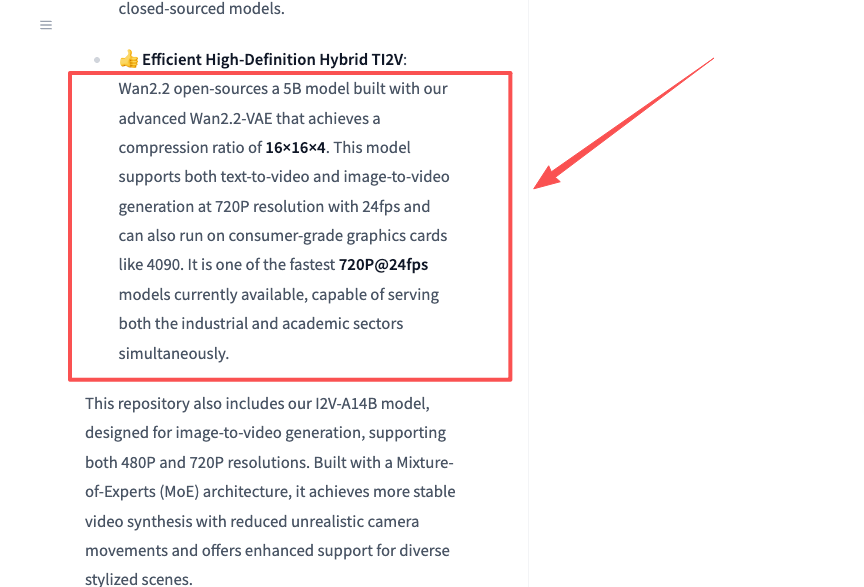
A big chunk of “free, no login” video sites run on open models like Wan 2.2, an image-to-video model that puts out 720p at 24fps and runs on a single consumer GPU. When the model is free to deploy, a site can let you generate a clip without ever asking who you are — they’re betting you’ll come back, watch an ad, or upgrade later.
So a no-account flow is basically a sampling counter. It’s perfect for one job: testing fast. You want to know if a tool can animate your specific photo before you invest anything. No login means you find out in 30 seconds instead of after a verification email.
The trade is trust and features. No account means no saved history, usually no commercial guarantees, and a quiet ceiling on quality. A no-login tool is a tasting spoon, not the meal. Keep that frame and you won’t be disappointed.
Instant Tools Tested
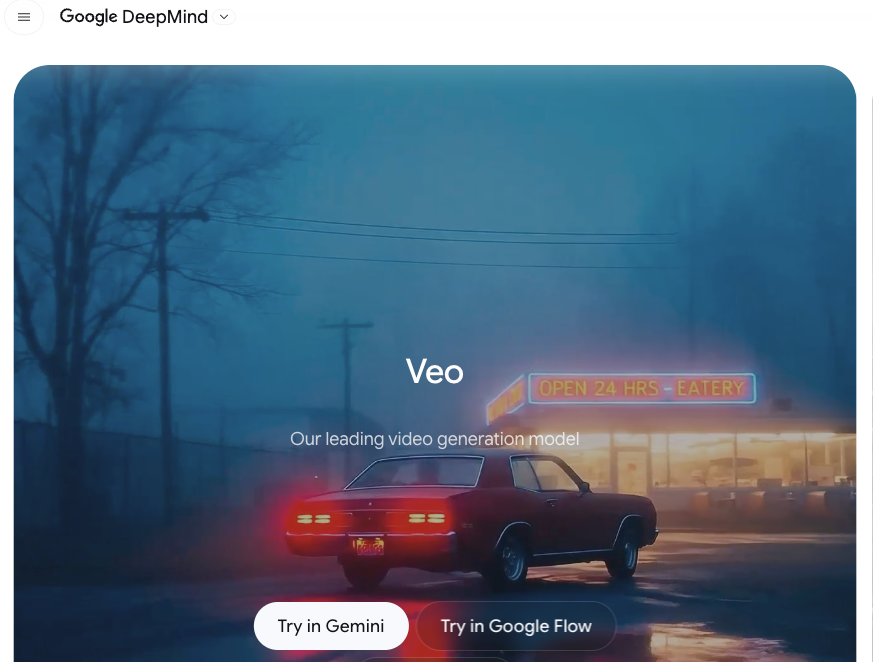
I’ll name names. One caution first: a lot of these pages brag about “Veo 3, Sora, Kling — free, no login.” Treat that with a raised eyebrow. Premium engines like Google’s Veo cost real money to run, so the genuinely free, no-account tier is almost always a cheaper open model underneath, or a tight daily limit. The big logos are marketing. Here’s what actually held up.
| Tool | Sign-up? | Free catch | Best for |
| Upsampler | None | Short clips only | Clean no-watermark tests |
| Vider.ai | None | Watermark on free tier | Dead-simple photo animation |
| Vidnoz Gen | None | 1 video per day | Locked-down devices |
| EaseMate | None to generate | Pushes app/credits for more | Multiple model styles |
Best for quick demos
When I just need to see if motion works on this image, I reach for a browser tool built on open models — Upsampler runs Wan 2.2 and LTX variants with no registration and no watermark. The clips are short and basic, but for “does this concept move okay?” that’s exactly enough. No account, no cleanup, no regret.
Best for simple photo animation
Vider.ai is the one I’d hand to a friend who hates tech. Upload a photo, pick a motion vibe, download. It’s an ai video generator free no login in the truest sense — no email, no card. The honest catch, straight from their own FAQ: free clips carry a small watermark, and you upgrade to drop it. For a quick parallax push-in on a single image, I don’t mind.
Best fallback when login is not possible
Sometimes the problem isn’t preference — it’s that you physically can’t sign in. Work laptop with SSO walls, a shared library machine, a phone where you’ve hit your account limit. For that, Vidnoz Gen is a solid ai video generator no sign in option: one free generation per day, no login, decent stable output. EaseMate also lets you generate before it nudges you toward its app. Neither is a daily driver, but as a no-account escape hatch, they do the job.
What You Give Up
Lower quality, watermarks, shorter queues, and weaker control
Let me be blunt, because the marketing won’t: every no-signup tool I tried makes you pay somewhere. Just not in dollars.
Quality has a ceiling. Open 5B-class models are genuinely impressive for free, but they’re not Veo or Kling. Faces drift on longer motion, fast action smears, and you’ll regenerate more than you’d like.
Watermarks show up on the free tier. Vider.ai stamps free clips. Plenty of others do too. The “no watermark!” promise is often true only for the open-model tools — and even those can change the rule next month.
Queues get long when it’s busy. No account often means you sit in the same public line as everyone else. Vider.ai openly says generation can take 2–4 minutes, longer at peak. That’s the cost of not being a paying user.
Control is thin. You usually can’t set precise duration, lock a camera path, or fine-tune motion. You get a vibe, not a director’s chair.
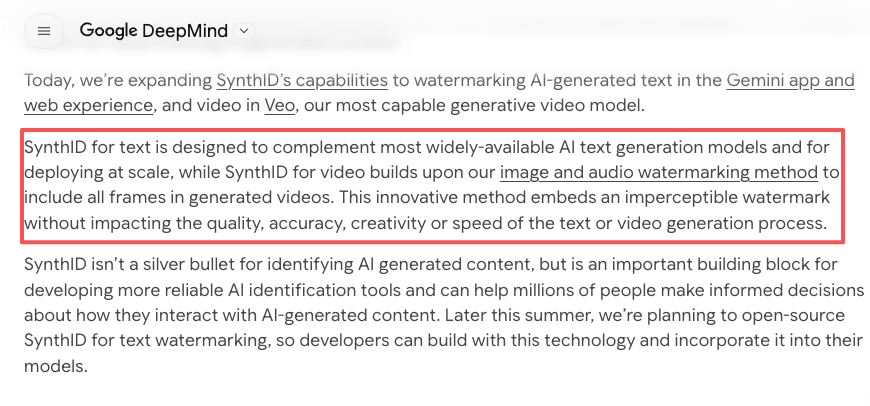
One more nuance creators miss: outputs from premium engines often carry invisible SynthID watermarks for provenance, which you can’t strip even when there’s no visible logo. Free open-model tools usually add nothing — which sounds nice until you remember some platforms now want AI content disclosed. Worth knowing before you post.
Privacy and Upload Considerations
What to avoid uploading to anonymous tools
This is the part I actually feel strongly about. When you use a tool with no account, you also have no relationship with it. No login means no way to delete your data later, no profile to manage, often no clear owner if something goes sideways.
Most “we don’t store your files” claims are exactly that — claims you can’t verify. So I treat any anonymous upload as semi-public. The FTC’s online privacy guidance makes the same basic point: be deliberate about what you hand to services you don’t control.
My personal don’t-upload list for no-signup tools:
- Other people’s faces without their okay — especially anything that could become a deepfake.
- Kids’ photos. Just no.
- IDs, documents, anything with a face plus personal info.
- Client work, NDA assets, unreleased product shots. If it’s not yours to leak, don’t.
For a meme, a landscape, your own selfie, a product you sell — fine, animate away. For anything sensitive, use a tool where you have an account, a privacy policy you’ve read, and a delete button.
When Signing Up Is Worth It
Better exports, saved projects, and support access
I’m not anti-account. I sign up the moment a project stops being a one-off. Here’s my line in the sand.
You want it twice. If you’re going to animate the same kind of clip again next week, a no-login tool makes you start from scratch every time. An account saves projects, presets, and history — that alone pays for itself.
You need the output to ship. Cleaner exports, higher resolution, longer clips, no watermark, commercial rights. That’s account territory, basically always.
You’re building a workflow, not a clip. This is the real upgrade. Once you’re chaining script → image → video → edit → export, juggling separate no-login tools gets exhausting. That’s where an account-based agent tool — CrePal is the one I use for this — earns it, because it keeps the whole flow in one place instead of five anonymous tabs. It’s a real trade: you give up “instant, no account” to get “saved, repeatable, supported.” For real output, I take that trade every time.
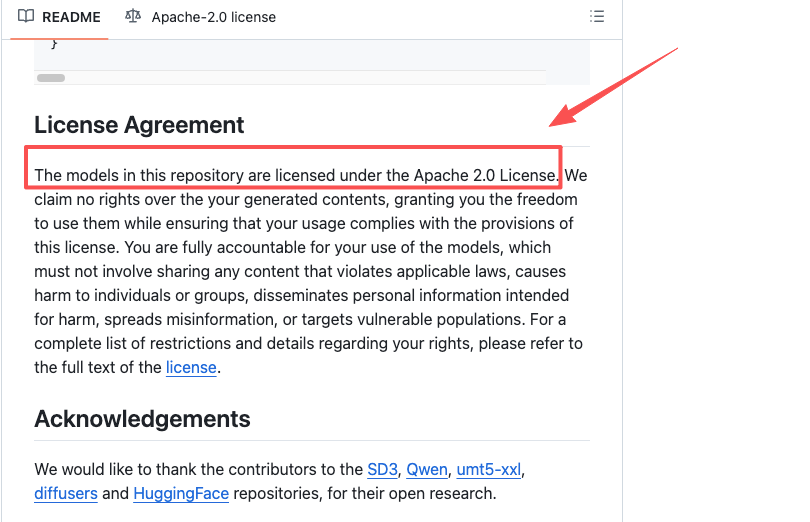
You’re technical and want full control. Different path, same logic — you can run the open-source Wan 2.2 project locally under its Apache 2.0 license. No signup, no limits, total control. You’ll just trade your afternoon and a chunky GPU for it.
FAQ
Can I really make videos without an account?
Yes — but watch one sneaky gotcha. Some tools let you generate with no login, then gate the download behind a signup right when your clip is ready. Always check whether the download is free before you fall in love with the result. The tools I named above let you actually save the file without an account.
Do no-signup tools have stricter limits or lower quality?
As a rule of thumb: assume yes until proven otherwise. The free, no-login tier is the demo, not the product, so limits and quality caps are the norm, not the exception. The faster a page promises “unlimited, no watermark, top models, no signup” all at once, the more I double-check before trusting it.
When is it worth signing up?
My simplest test: the second time you need the same thing. One-offs belong on no-account tools. Anything you’ll repeat, ship publicly, or build into a routine is worth an account — that’s when saved work and clean exports stop being luxuries.
I still keep that “just animate this real quick” folder, and no-signup tools are exactly what it’s for — the fast, low-stakes tests. But the day a clip actually matters? I log in, every time. Try a couple of these on a throwaway image first, see which motion style you like, and upgrade only when the work earns it.
Previous posts: