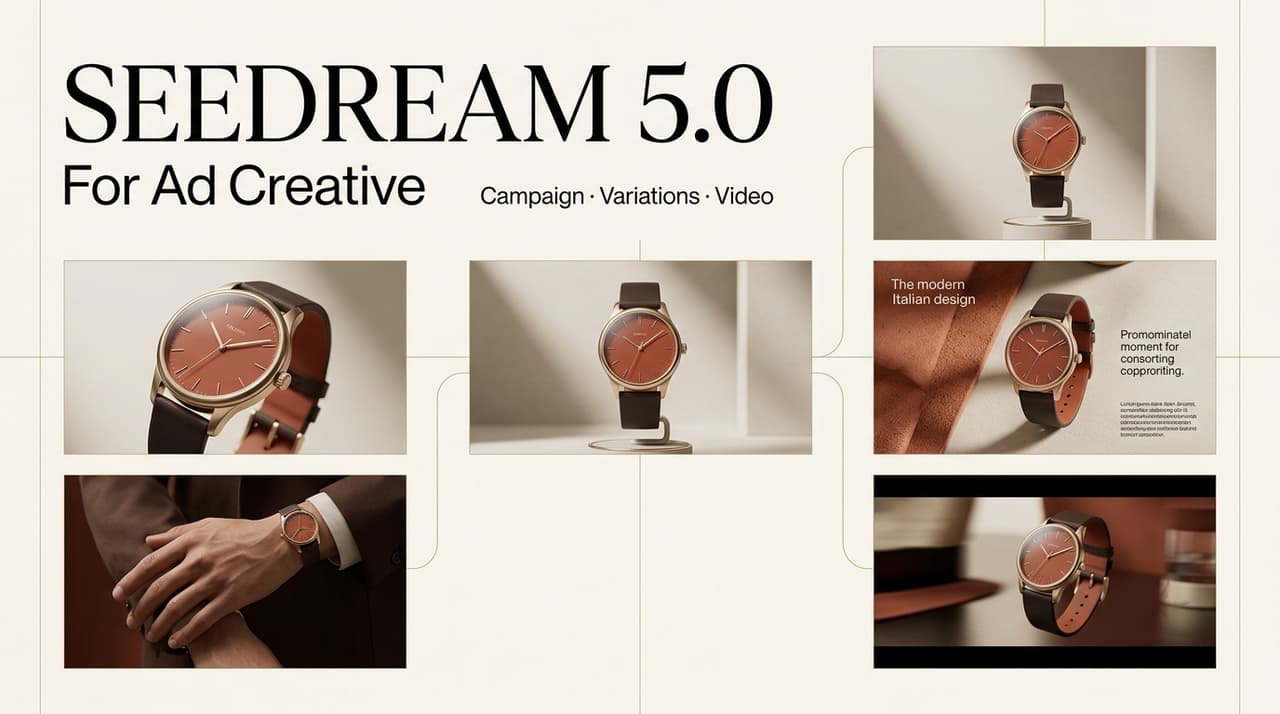
Dora here. I usually trust an ad concept only after it survives two tests: can the image make the team understand the angle in three seconds, and can that image become a real video scene without forcing the editor to invent the whole story later? That is where Seedream 5.0 is useful for marketing teams, but with one important note upfront: this should be treated as a workflow use case, not a confirmed performance review.
As of publication planning, the official ByteDance Seed page lists Seedream 5.0 Pro as a multimodal image generation model with advanced reasoning, professional production capabilities, interactive editing, photographic visual quality, and multilingual generation. If your team is using a product labeled simply as Seedream 5.0, verify the exact official model name, access route, commercial terms, and current capabilities before publishing or building a paid campaign around it.
Where Seedream 5.0 Fits Ad Creative Work
product image directions
For ad teams, the strongest fit is not final product truth. It is a fast visual direction. When I test AI ad creatives, I want to know whether a product can live in a clear consumer moment: unboxing on a kitchen counter, skincare beside a mirror, a supplement bottle in a gym bag, or a gadget beside a messy laptop setup. Seedream 5.0 can help sketch these image directions before the team spends time on polished photography or video production.
The key is to separate direction from evidence. A generated product image can suggest composition, lighting, and scene mood. It should not invent packaging details, product claims, ingredient labels, app screens, or before-and-after results. For a product promo, that line matters. The image can help the team choose the setting, but approved product assets should still carry the final truth.
moodboard variations
Moodboard work often gets stuck because everyone reacts to words differently. “Premium but approachable” means one thing to a designer, another thing to a paid media buyer, and something else to the founder. Image variations make that disagreement visible earlier.
In one ad workflow, I would rather generate five moodboard directions than argue over adjectives for an hour. A clean studio shot may feel too cold. A creator-style bedroom scene may feel more native to UGC. A close-up product texture may be useful for a landing page but weak as a video hook. Seedream 5.0 helps the team see these options quickly, then discard the wrong ones before they become expensive.
storyboard frames
The official Seedream 5.0 Pro page includes examples around dense infographics, interactive editing, and even storyboard-like image outputs, but teams should still verify current access and output behavior before relying on it. For ad work, I would use it to create rough storyboard frames, not final frames. The goal is to answer whether the visual idea can become an AI video storyboard with a beginning, middle, and ending.
From Image Variations to Campaign Drafts
message angle
An image direction becomes useful when it reveals the message angle. A hand holding a product near a suitcase suggests convenience. A cluttered vanity suggests routine cleanup. A split desk scene suggests before-and-after productivity. If the image does not clarify the message, it may be pretty but weak for performance creative.
I usually pair each image option with one sentence: “This ad is about…” If the team cannot finish that sentence cleanly, the direction is not ready for video.
scene flow
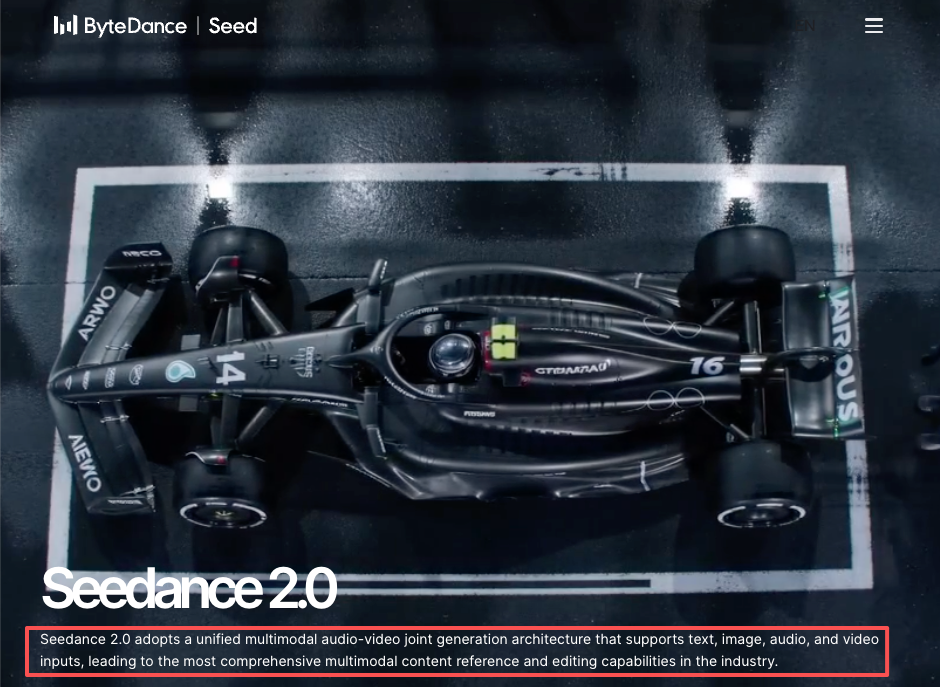
A campaign video needs flow. The image is only the seed. A practical campaign video workflow turns that seed into a hook, context, use moment, proof cue, and CTA. ByteDance’s separate Seedance 2.0 page describes a video model with multimodal content reference and director-level control, which is useful context for understanding how image and video workflows may connect inside the broader ByteDance Seed ecosystem. Still, do not assume any direct production chain unless your actual tool access confirms it.
product reveal
The product reveal is where many generated concepts fail. The image may look stylish, but the product does not draw attention. For UGC and paid social, the reveal should feel motivating: the creator reaches for the item, opens the package, applies it, compares it, or places it in a real routine. If the reveal only says “look at this product,” the video will probably feel like an ad too early.
Brand and Platform Review
claim boundaries
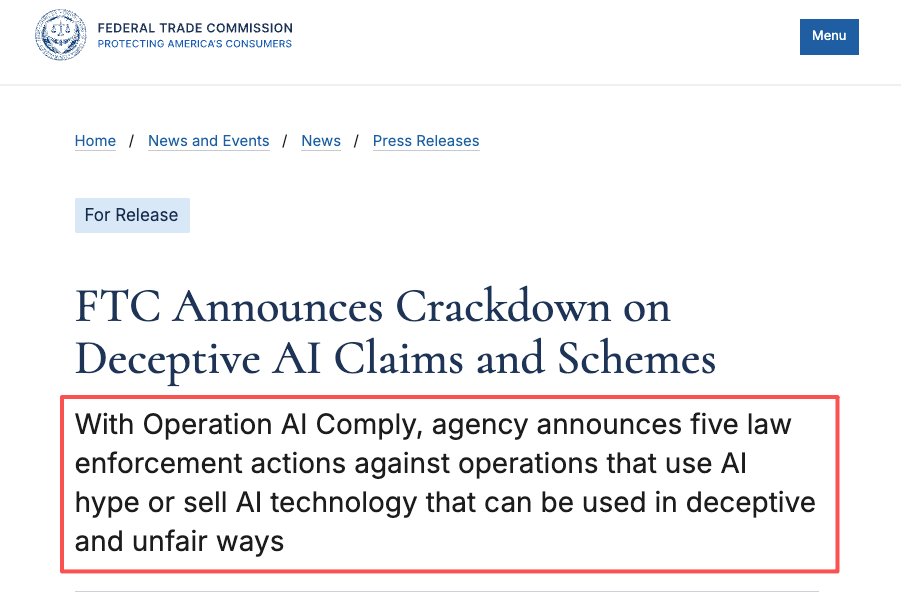
Generated ad concepts should never create claims the brand cannot defend. A smoother skin texture, a cleaner room, a happier expression, or a dramatic transformation can imply a product result even when the copy avoids direct claims. The FTC’s guidance on AI advertising claims is a useful reminder not to exaggerate what an AI tool can do. For product-result claims inside ads, teams should also apply ordinary advertising substantiation rules.
This article is not legal or advertising compliance advice. Advertising disclosures, product claims, asset licensing, and platform policies should always be checked against the latest official or platform rules.
visual accuracy
Visual accuracy means the product, packaging, UI, logo, proportions, and usage context must be truthful enough for the campaign. If Seedream 5.0 generates a bottle with the wrong label hierarchy, a fake app screen, or a usage scene that the product cannot support, withhold it from campaign review. Do not let stakeholders approve a fantasy version of the product by accident.
For high-risk visuals, I would recreate manually with approved photography, 3D files, or brand-controlled design assets.
distribution fit
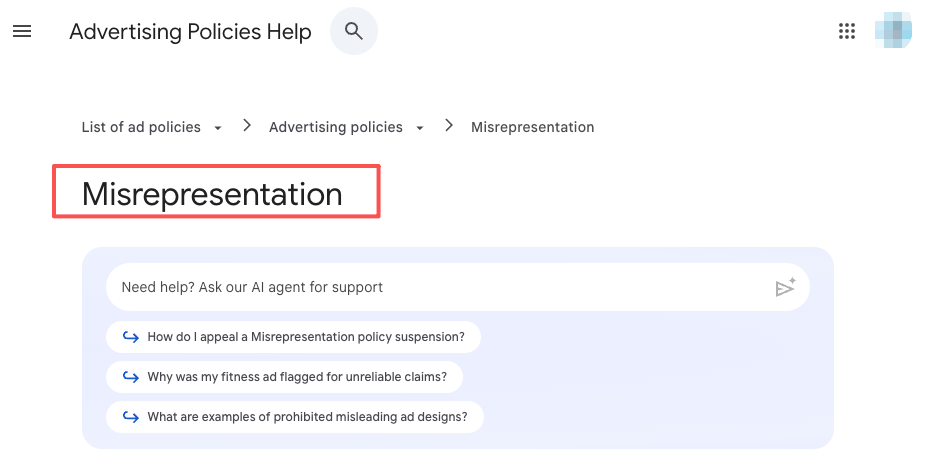
Different platforms punish different mistakes. Google Ads has rules around misrepresentation, and TikTok’s branded content policies should be checked when creator-style ads include sponsorship or paid promotion. A visual that works for internal ideation may still need disclosure, claim edits, or format changes before distribution.
Platform fit should be reviewed before the video draft is built. Otherwise, the team may polish an asset that cannot run.
Preparing Assets for Video Workflow
Before image variations become video drafts, organize them by message angle, product moment, risk level, and decision status. Keep the prompt, generation date, model name, source assets, reviewer notes, and reason for approval or rejection. This is not busy work. It prevents the classic problem where a team loves an image, loses the context, then asks the editor to “make it like that one version from last week.”
For selected concepts, prepare a short handoff note. It should explain the hook, scene order, required product truth, approved assets, claim boundaries, and what must be recreated manually. That gives the video team a clear starting point instead of a folder full of attractive but unstructured images.
FAQ
What should teams archive after rejected concepts?
Archive the rejected image, prompt, review date, reason for rejection, and risk category. If the concept was rejected for legal, claim, likeness, or product accuracy reasons, keep the note factual and minimal. The point is to prevent the same weak direction from returning later under a new file name.
Who resolves disputes about AI product visuals?
The decision should sit with the person accountable for campaign truth, usually the brand lead, product marketer, legal reviewer, or creative director. Designers can judge quality, but product accuracy and claim risk need someone with authority over the campaign promise.
When should visuals be withheld from campaign review?
Withhold visuals when the product is inaccurate, the claim is implied but unapproved, the source asset rights are unclear, the scene misrepresents usage, or the image could create platform review problems. Do not show risky visuals just because they look good. Stakeholders can become attached too quickly.
How should platform feedback update the asset library?
Platform feedback should become metadata. If an ad is rejected for claim language, misleading visuals, disclosure issues, or restricted content, tag the related assets and update the internal guidance. A rejected platform review should improve the next creative batch, not stay trapped in one campaign thread.
Conclusion
Seedream 5.0 can be valuable for ad creative work when teams use it for what it does best: fast visual exploration, moodboard testing, product direction, and early storyboard thinking. It should not be treated as a shortcut around product truth, rights review, or platform policy.
The strongest workflow is conservative and practical. Use image variations to find the idea. Use human review to protect the brand. Use approved assets to rebuild anything that must be exact. Then move the winning direction into a video workflow where the hook, scene flow, product reveal, and campaign review can do their real work.
Previous posts: