
Hey, Dora here. I was three hours into a rabbit hole at midnight — testing video models back to back — when I realized something that should’ve been obvious from the start: most “free NSFW image to video AI” tools either aren’t free, aren’t open-source, or quietly cap you the moment you try something outside their content filters. The marketing doesn’t lie exactly. It just leaves out a lot.
So I dug into what actually works in 2026 — local setups, open-source models, third-party benchmark data, and hosted options with real limits explained upfront. This is what I found, including where the evidence is solid and where you should be skeptical of the numbers.
Why Free NSFW Image-to-Video Is Hard to Find
Short answer: commercial video platforms have everything to lose.
Runway, Pika, Kling — they all operate under platform terms that prohibit explicit content, and their filters are enforced server-side. You don’t get to opt out. Even if a model technically could generate certain outputs, the hosted infrastructure won’t let it.
That changes the moment you go local. Open-source models released under permissive licenses — Apache 2.0 being the most common — put the weights on your machine and the decision-making in your hands. The tradeoff is real: you need GPU hardware, patience for setup, and tolerance for the gaps that independent benchmarks keep exposing.
What those benchmarks consistently show: current open models are genuinely competitive on per-frame quality and basic temporal coherence, but start lagging on physics plausibility and complex motion when clips exceed five seconds. That’s the honest ceiling in 2026 — not a dealbreaker, but worth knowing before you commit to a local setup.
Free and Open-Source Paths
Wan-based workflows
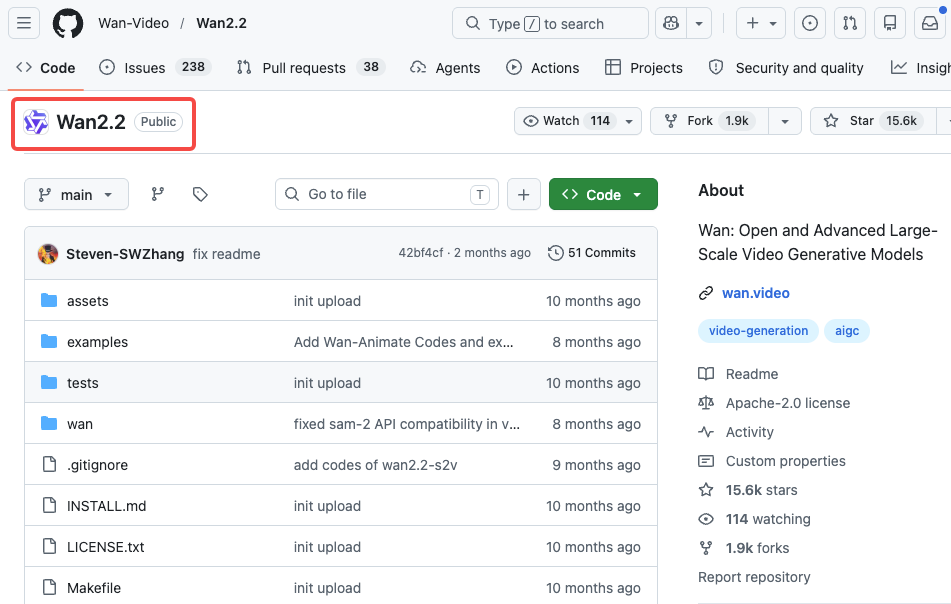
Wan is probably the model family I’d point anyone to first. Released by Alibaba’s Tongyi Lab under Apache 2.0, it runs on consumer GPUs and has some of the best I2V (image-to-video) motion quality among open models right now.
Wan 2.1 is where most people start. The 1.3B variant needs only 8.19GB VRAM — genuinely accessible. The 14B model is what you want for real quality, and on an RTX 4090 you’re looking at roughly 4 minutes per 5-second 480P clip. Not instant, but workable.
Wan 2.2 (released July 2025) is the upgrade worth knowing about. It introduced a Mixture-of-Experts (MoE) architecture — 27B total parameters but only 14B active per generation — which keeps compute costs manageable while improving output quality. Training data grew by 65.6% more images and 83.2% more video compared to 2.1. Motion physics are noticeably better, especially for human-centric content.
For NSFW use specifically, the community has built LoRA adapters that pair with Wan 2.2’s I2V pipeline. The Wan 2.2 Remix variant — detailed in the Next Diffusion ComfyUI tutorial — is built specifically for this workflow, with optional Lightning LoRAs that cut render times at a small quality cost.
The TI2V-5B model (text + image to video) generates 720P at 24fps and runs on a 4090. That’s the one to use if you want both a reference image and a text prompt driving the motion.
HunyuanVideo workflows
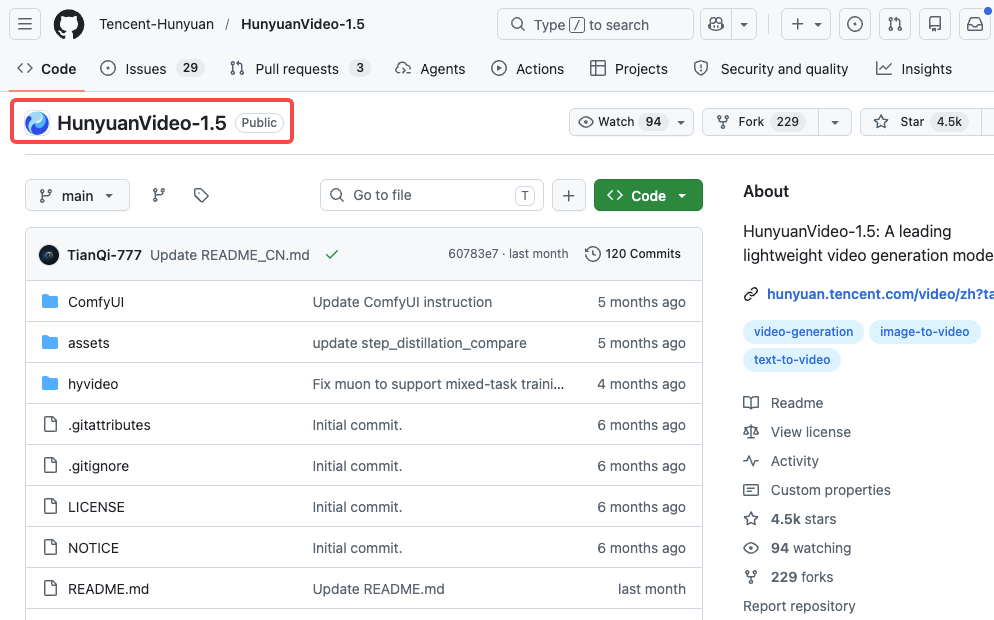
Tencent’s HunyuanVideo 1.5 — released November 2025 — is the other model I’d seriously consider. At 8.3B parameters with 14GB minimum VRAM, it’s lighter than the original HunyuanVideo (which needed 60-80GB) and faster too, thanks to SSTA (Selective Sliding Tile Attention) that delivers roughly 2x inference speedup.
The official model on the HunyuanVideo GitHub repo ships with content filters. The community “cosy” variants remove those — safety classifiers, NSFW filters, prompt blocking — while keeping the underlying model weights unchanged. Worth understanding what that means: the base model isn’t trained on explicit content, but it no longer blocks prompts that lead there.
GGUF quantized builds can squeeze down to 8-12GB VRAM. The 5G variant reportedly runs on as little as 5GB, which is remarkable if true (results vary). For reliable quality, 14-16GB+ is the realistic floor.
One thing I genuinely like about HunyuanVideo 1.5: the I2V model preserves identity well across frames. If you’re animating a character from a still image, it’s less likely to drift or morph mid-clip than some competitors.
ComfyUI custom setups
ComfyUI is the interface gluing all of this together. It uses a node-based workflow — you connect components visually, load model files, configure samplers, set resolution and steps. Both Wan 2.2 and HunyuanVideo 1.5 have ComfyUI integrations, and the community workflow files (.json) are the fastest way to get started without building from scratch.
The practical reality of ComfyUI for I2V: you load your reference image into an image input node, connect it to the model, write a motion prompt, set steps (20-30 is typical), and queue. Generation happens locally. Nothing gets sent to a server.
LoRAs slot in between your model and sampler — they’re small files that nudge outputs in a particular direction. For NSFW applications, this is where most of the customization lives. CivitAI hosts a large library of community-trained LoRAs; quality varies wildly, so preview before downloading.
RTX 4090 users: the –highvram –cuda-malloc –use-pytorch-cross-attention launch flags are worth adding. FP8 or GGUF quantized models cut VRAM requirements significantly if you’re working with tighter margins.

What You Need to Run It Locally
GPU, VRAM, setup time, and storage
Hardware is where most people underestimate what they’re signing up for. The numbers below reflect community-documented ranges — treat them as directional, not specifications.
| GPU | Usable for I2V? | Recommended model | Approx. time per 5s clip |
| RTX 3060 (12GB) | Barely | Wan 2.1 1.3B, 480P | 15–25 min |
| RTX 3080/4070 Ti (16GB) | Yes | HunyuanVideo 1.5, Wan 2.1 14B | 8–15 min |
| RTX 4090 (24GB) | Solid | Wan 2.2 TI2V-5B, HunyuanVideo 1.5 | 5–10 min |
| RTX 5090 (32GB) | Comfortable | Most current models | 3–6 min |
If you’re on 8GB VRAM, I’d honestly focus on image generation for now. Video gen is the reason to upgrade.
Setup time: Plan on 2-4 hours the first time — installing ComfyUI, getting the right Python environment, downloading model weights (Wan 14B is around 30GB), and getting a workflow file running without errors. It’s not plug-and-play. There will be dependency issues. The ComfyUI Discord is the best place to get unstuck.
Storage: Model files add up fast. Wan 2.1 14B is ~30GB, HunyuanVideo 1.5 is another ~17GB. Budget 100GB+ if you plan to experiment with multiple models and LoRAs.
Generation time at baseline (no major optimizations): a 5-second 720P clip on a 4090 takes 5-10 minutes depending on steps and model. TeaCache, TaylorCache, and quantization can shave this down significantly.
Free Hosted Options and Their Limits
Some browser-based platforms serve Wan 2.2 with NSFW LoRAs enabled. A typical free tier: 5 generations per day, no credit card, 30–90 second wait times, content auto-deleted after 24 hours. Tradeoffs: no control over data handling, no transparency about what’s logged, and policies can change without notice.
For cloud GPU rental, platforms like Vast.ai or Runpod let you rent an RTX 4090 by the hour and run ComfyUI remotely — roughly $0.50–$1.00/hr for 4090-class hardware as of early 2026, though rates fluctuate. For occasional use this is often cheaper than buying a 4090.
Free vs Paid Trade-Offs
| Factor | Local / Open-Source | Hosted NSFW platforms | Commercial cloud tools |
| Cost | Hardware only (one-time) | Free tier + paid upgrades | Monthly subscription |
| Content restrictions | None (your hardware) | Varies by platform | Enforced, no NSFW |
| Privacy | Complete | Depends on platform | Logs prompts |
| Quality ceiling | High (hardware-limited) | Mid-range | High |
| Setup effort | High | None | None |
| Reliability | High | Variable | High |
The local path wins on privacy, creative freedom, and the ability to actually read the methodology behind quality claims. It loses on friction.
Limits, Risks, and Compliance Boundaries
A few things worth being clear about, because this area gets fuzzy fast.
The models themselves: Open-source doesn’t mean anything-goes. Apache 2.0 licenses permit modification and commercial use, but they don’t override law. Content laws vary significantly by jurisdiction — what’s legal to generate in one country may not be in another.
Platform terms: Even if you generate locally, distributing content on social platforms, adult sites, or any hosted service subjects you to their terms. Most require age verification systems, content compliance, and explicit model consent documentation. These aren’t optional at scale.
Synthetic media disclosure: An increasing number of jurisdictions require disclosure when content is AI-generated, especially in adult content contexts. The EU AI Act and various US state-level bills are moving in this direction.
Deepfakes and likeness: Using reference images of real people without consent is legally and ethically distinct from generating fictional characters. The former creates real harm. Don’t do it.
The realistic quality ceiling in 2026: Wan 2.2 and HunyuanVideo 1.5 produce impressive results. Motion consistency across 5 seconds is genuinely good. Beyond that, you’ll see drift, limb artifacts, and physics inconsistencies — particularly with complex motion. It’s not plug-and-publish for high-production-value work without significant iteration.
FAQ
Is free NSFW image-to-video actually possible?
Yes, specifically through local open-source setups. Wan 2.2 and HunyuanVideo 1.5 are the two models with the strongest I2V capabilities in 2026, both available under permissive licenses. The “free” part applies to software — hardware is still on you.
What hardware do I need?
For serious use: an RTX 4090 (24GB VRAM) is the current sweet spot. The Wan 2.2 TI2V-5B model runs on it at 720P. HunyuanVideo 1.5 works at 14GB minimum, so mid-range cards like an RTX 4070 Ti (16GB) are viable for that model. On 8GB VRAM, options are very limited — you might squeeze out 480P with the smallest Wan 2.1 variant, but expect slow generation and lower quality.
Are local workflows safer for privacy?
Yes, categorically. Local generation means no data leaves your machine — no prompts logged, no output images uploaded, no usage data collected. This is the primary reason many creators prefer local setups beyond just content restrictions.
Conclusion
The honest picture: it works, the quality is real, and the academic benchmarks back that up better than the marketing does. If you have a capable GPU and tolerance for a few terminal windows, Wan 2.2 through ComfyUI is the strongest free I2V option available right now. Just go in knowing the difference between benchmark-controlled conditions and what you’ll actually get on your hardware floor.
I’ll keep updating this as new releases and better independent evaluation protocols emerge. The methodology gap is still the biggest thing holding back honest assessment of this space.
Tested May 2026. Models referenced: Wan 2.2 (July 2025 reTested May 2026. Models referenced: Wan 2.2 (July 2025, Apache 2.0), HunyuanVideo 1.5 (November 2025, Apache 2.0). Third-party benchmark: VBench-2.0, arXiv 2503.21755. Not sponsored.lease), HunyuanVideo 1.5 (November 2025 release), ComfyUI current nightly. Not sponsored.
Previous Posts: