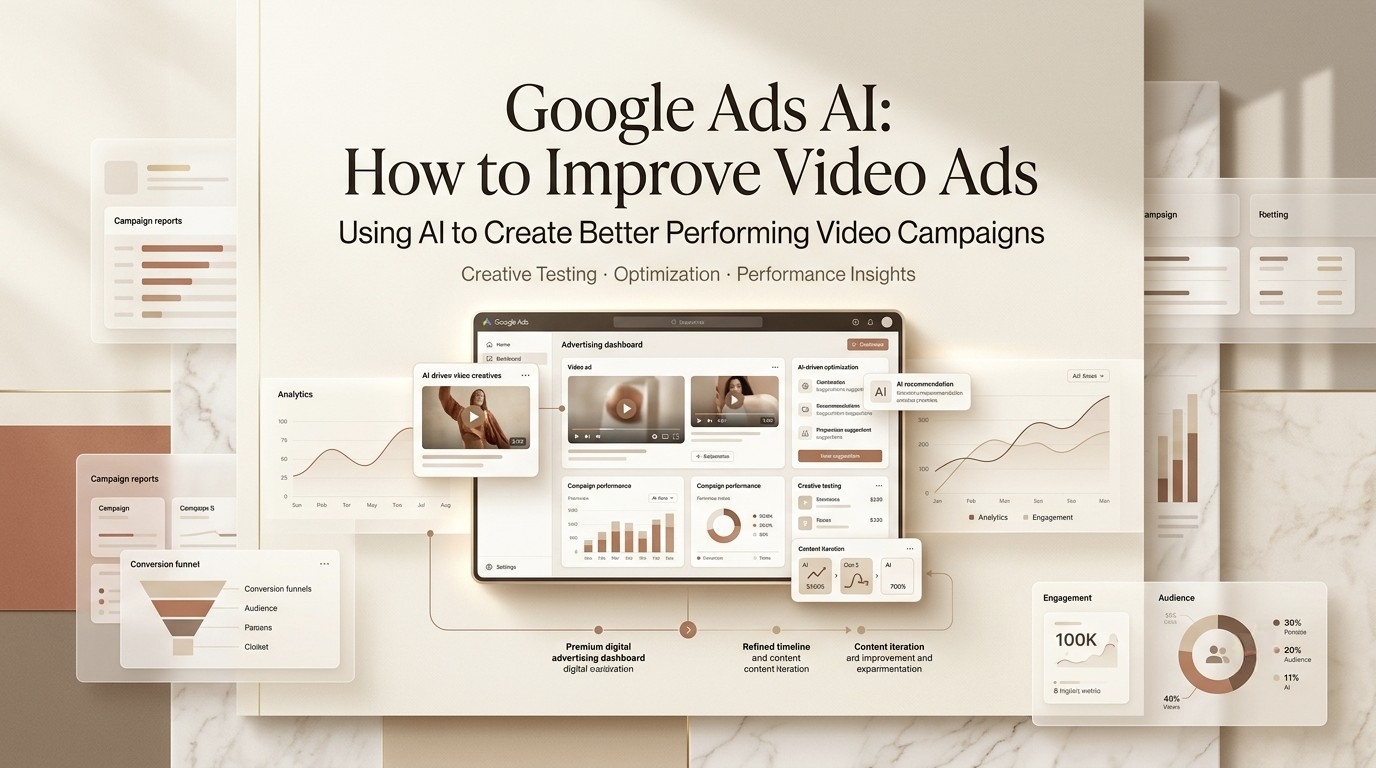
I’m Leo. Two weeks ago, I had a Performance Max delivery due Friday, and the client kept swapping the hero product mid-week. Old me would’ve hand-cut five vertical videos and skipped dinner. This time, I let the platform’s creative tools do the grunt work and ate my ramen warm for once. That’s the real promise of Google Ads AI right now — not magic, just fewer late nights.
I’ve pushed actual client ad delivery through these features over the past few months, so this is the honest version: what AI for Google Ads actually does for video, what you have to verify before you trust it, and where it still face-plants on you.
What Google Ads AI Means in 2026
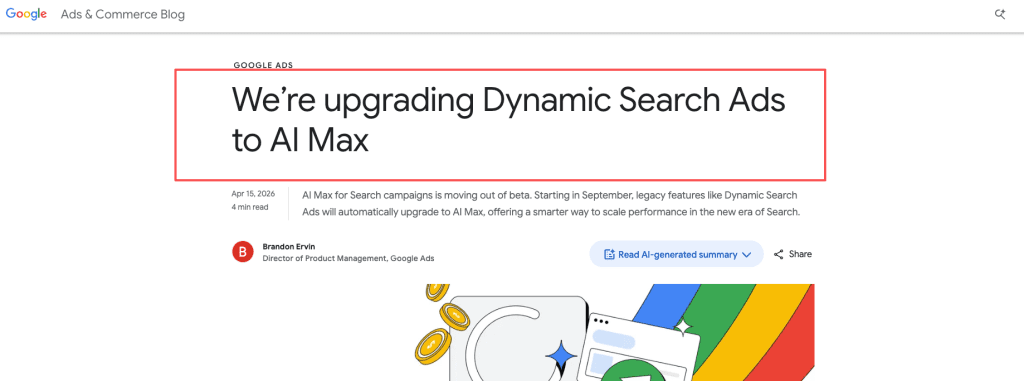
Quick reality check: there’s no single button called “AI.” It’s a stack of features bolted across the platform, and in 2026 that stack got a lot bigger. Google moved AI Max for Search out of beta and rolled generative tooling deeper into its campaign suite — and per Google’s own ads blog, the direction is clearly toward intent-based, AI-assembled campaigns. On top of that, 2026 also brought new label requirements for AI-generated ad content, so the compliance side moved too. For video specifically, the system can now generate, voice, resize, and test your clips with far less manual work than a year ago.
So the question isn’t “should I use it.” It’s already running in your account. The question is which parts actually move your video performance, and which you should keep a hand on.
Writer Verification Checklist Before Publishing
Here’s the thing nobody tells you: this stuff changes monthly. I keep a tab open for google ai ads news because a feature that was opt-in last quarter is sometimes mandatory this one. Before you publish anything or scale a campaign, run these three checks.
Google Ads AI Max current status
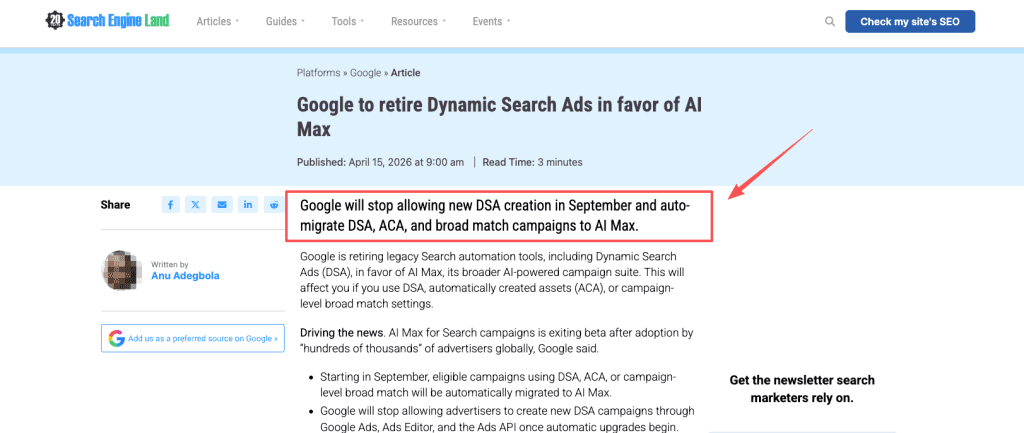
AI Max moved out of beta into general availability on April 15, 2026, and the legacy escape hatch is closing fast. Starting in September, campaigns using Dynamic Search Ads, automatically created assets, or campaign-level broad match get automatically upgraded to AI Max, and new DSA campaigns can no longer be created once that begins, as Search Engine Land reported. If your account runs ai max google ads features, verify these three toggles before the forced upgrade hits:
Search term matching — controls how broadly AI expands your queries
Text customization — whether AI rewrites your ad copy dynamically
Final URL expansion — whether AI can send traffic to pages beyond your designated landing page
Google’s own data suggests accounts using all three features see roughly 7% more conversions on average — but treat that as their benchmark, not a delivery guarantee for your specific account and offer.
Performance Max latest AI features
Two changes matter for video. First, the video limit per asset group jumped from 5 to 15, so you can feed the machine far more variants. Second — and this one bit me — Google now auto-generates AI voice-overs for PMax videos that lack their own audio, built from your headlines and descriptions. I had a client whose silent brand cut suddenly grew a robotic narrator the week this rolled out. Check every video asset for surprise audio. The opt-out window for this has already passed for most accounts. If you haven’t checked, go to campaign settings → Video enhancements and look at what’s currently enabled. Don’t assume it’s still off.
AI Overview ad placement updates
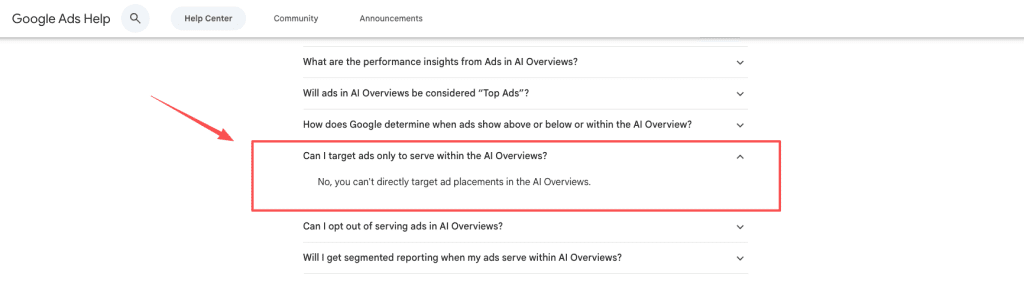
This is the one I get the most questions about. You can’t directly target ad placements in AI Overviews, you can’t opt out of serving there, and Google currently doesn’t offer segmented reporting for it, according to Google Ads Help. So when someone asks me to “optimize for ai overview ads,” I give them the honest answer: you can’t steer it directly. You feed strong assets and clean feeds, and the system decides where you show.
Where AI Helps Google Ads Creative
Now the good part. When I run my old workflow side by side with the new tools, three things genuinely save me time.
Video variants
A new “Create video” button showed up inside the Performance Max workflow in May 2026, powered by Google’s Veo 3 model, letting you generate video assets directly in Google Ads instead of leaning on external production. Pair that with the expanded 15-video limit Strike Social documented, and you can ship a dozen aspect ratios and hooks from one brief. I treat it like a junior editor — it drafts, I cut what’s usable.
Asset testing
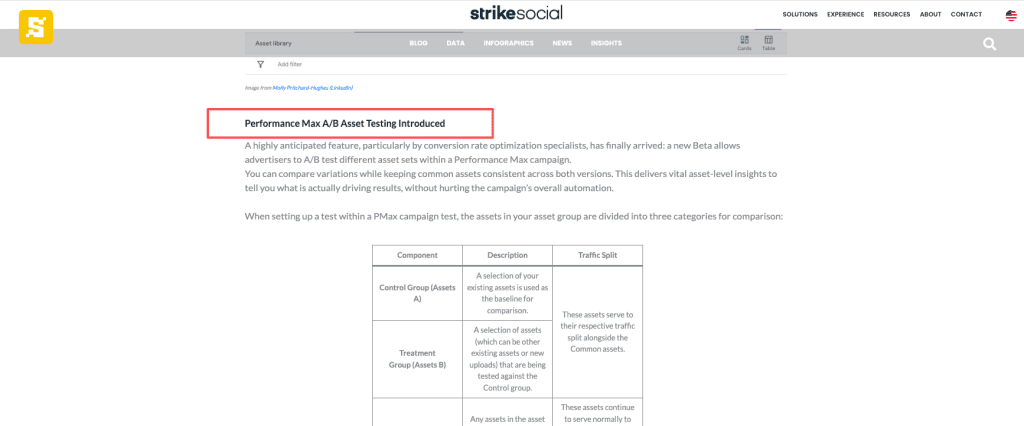
PMax finally added A/B asset testing, so you split traffic between a control set and a treatment set instead of guessing in the dark. This used to need three tools and a spreadsheet held together with hope. Now I run one clean experiment and let the data tell me which thumbnail and which opening three seconds actually win. Less arguing in the group chat, more deciding from numbers.
Creative insights
The reporting got real. Performance Max now exposes clearer video performance metrics — impressions, engagement, and conversion contribution per asset. That’s the difference between “the AI did something” and “I know which clip earned its keep.” For a video-heavy account, that visibility is the whole game.
What AI Cannot Fix
Good is good, bad is bad — here’s the bad. The AI will not save you from:
- A weak offer or the wrong audience — bad signals in, bad optimization out.
- Broken conversion tracking — automation amplifies your measurement, garbage included.
- Your brand voice — that auto voice-over proves the machine happily makes calls you’d never sign off on.
My rule: let it handle the grunt work — variants, resizing, testing — and keep humans on the offer, the targeting, and the final taste check. If I had to mark a grey zone, it’s the generated video itself. Some cuts are genuinely sharp, some look like a 2012 slideshow with robotic captions. Run it, then judge with your own eyes before anything goes live.
FAQ
How do I opt out of AI-generated voice-overs in Performance Max campaigns?
Check the campaign settings under “Video enhancements” or “Asset automation” and disable the AI voice-over feature before the automatic rollout. Many advertisers recommend doing this early, as the generated narration can sometimes sound robotic or misalign with brand tone.
Does using AI-generated video in Google Ads hurt performance?
Not necessarily. Google’s data shows well-optimized advertiser-supplied videos still outperform fully auto-generated ones in most cases, but AI-generated variants are excellent for rapid testing. The key is human review for brand fit and offer strength.
Can I control where my ads appear in AI Overviews?
No direct control is available. Ads can appear above, below, or within AI Overviews automatically based on auction and relevance. Focus on strong assets, clear feeds, and high-quality landing pages instead of placement tweaks.
What is the best way to use Veo 3 for Google Ads video creatives?
Upload high-quality product images or text briefs in Asset Studio. Generate short (5–15s) vertical and horizontal variants, then combine with your own footage or voice for best results. Test multiple versions in PMax asset experiments.
How has AI Max changed Search campaign management in 2026?
It shifts from keyword-heavy targeting to intent-based matching with broader automation. Many agencies report higher conversion volume but recommend keeping tight negative keywords and monitoring for irrelevant traffic during the transition.
Should I rely entirely on Google’s auto-generated assets for video campaigns?
No. Most experienced advertisers use AI for initial variants and rapid resizing, but always perform a final human review for brand voice, compliance, and creative quality. Fully automated campaigns often underperform compared to hybrid human+AI approaches.
Conclusion
Here’s the bottom line after a few months of real deliveries: Google Ads AI is genuinely useful for the boring half of video production — generating cuts, resizing, voicing, testing. It’s still useless at the parts that need a human: the offer, the audience, the taste. So go turn on asset testing, audit your PMax videos for that surprise voice-over, and verify your AI Max settings before September forces your hand. Then judge the output with your own eyes. If you catch a gloriously weird AI-generated clip in the wild, you know where the comments are — drop your worst one, I collect them.
Previous posts: