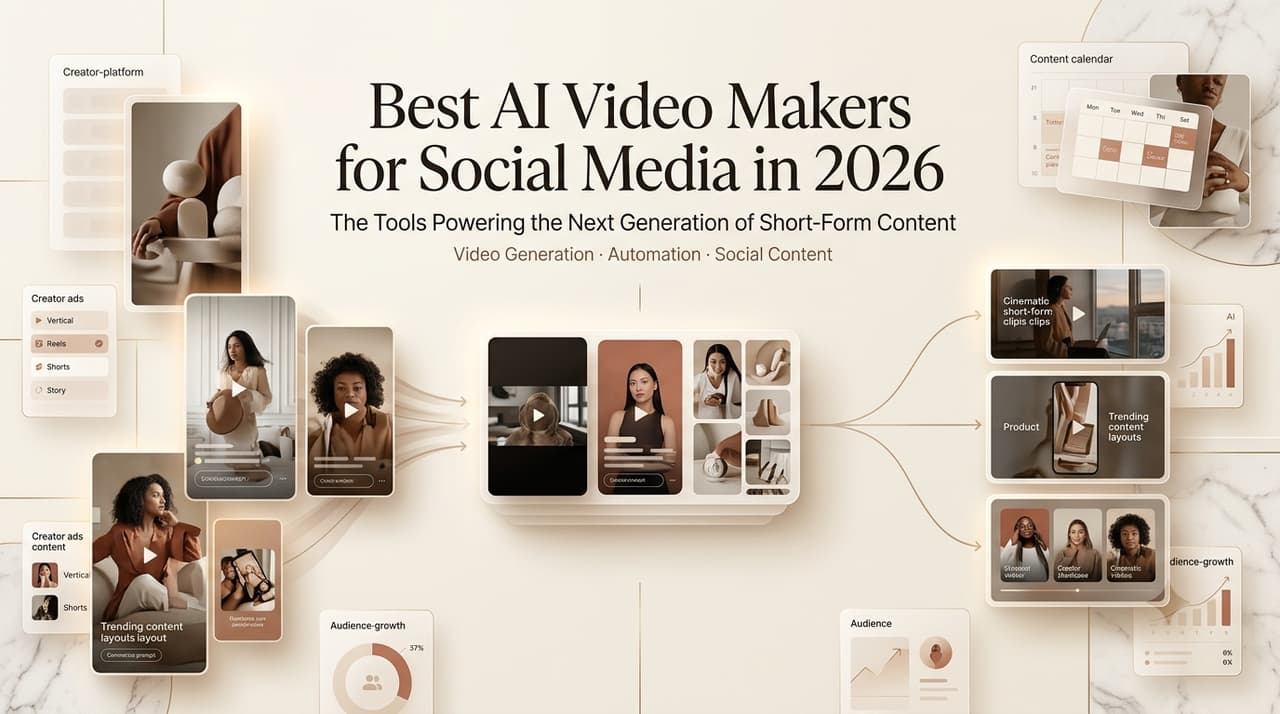
Hi, Dora here. I burned through a free credit balance at 1 a.m. last week hunting for the best ai platform to make music videos for social media, and ended up with three clips that looked like three different people made them. Same song. Same prompt. Totally different vibe. That’s the thing nobody warns you about — the gap between “this tool is amazing” in a demo and “why does my character’s face keep changing” in real life is huge.
So I did the boring work. I tested the main players for short-form, ads, and music clips through April–June 2026, and I’m going to tell you which one fits what. No “revolutionary” nonsense. Just where each tool wins, where it annoyed me, and what the free tiers actually let you keep.
Here’s the path: how I picked, the top tools by job, the free options worth your time, a quick comparison table, and how to choose without overthinking it.
How We Picked AI Video Makers
Social formats, speed, output quality, and export options
I scored every tool on four things that actually matter for posting: does it export clean 9:16 (and 1:1 when needed), how fast does it generate, how good does the output look without a manual rescue, and can you get it out without a watermark glued to the corner.
Speed sounds minor until you’re iterating. A tool that takes four minutes per clip wrecks your flow when you need eight variations. Output quality I judged on faces, motion, and whether physics looked sane — most failures show up in hands and hair, every single time.
Where creator workflows matter more than raw model quality
Here’s something that took me too long to accept: the “best” model on a benchmark is often not the best tool for you. Sora 2, Veo 3.1, and Kling 3.0 are the current raw-quality leaders — but raw quality is only half the job. If the workflow makes you stitch ten 5-second clips by hand, the prettiest model still costs you an afternoon.
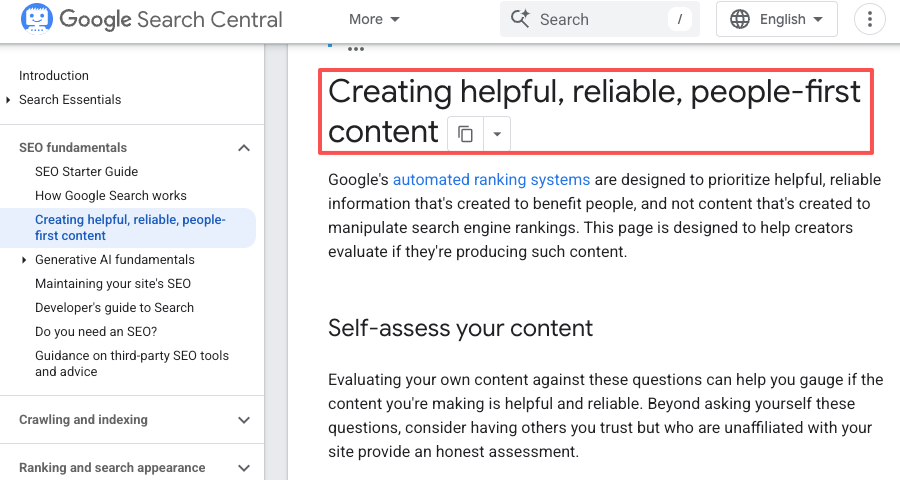
This lines up with what search engines reward now, too. Google’s own guidance on people-first, helpful content leans hard on real experience over polish — and honestly, that’s how creation works as well. The tool that gets you to a finished, postable video matters more than the one that scores highest in a lab.
Top AI Video Makers for Social Media
Best for fast social clips
For quick, scroll-stopping clips, my go-to has been PixVerse (V5.5/5.6). It’s fast, it’s cheap, and image-to-video is shockingly good for the price — you can feed it up to seven reference images and keep things consistent across a sequence. It won’t beat Sora 2 on pure realism, but for a daily posting habit? It’s the best ai video maker I keep coming back to.
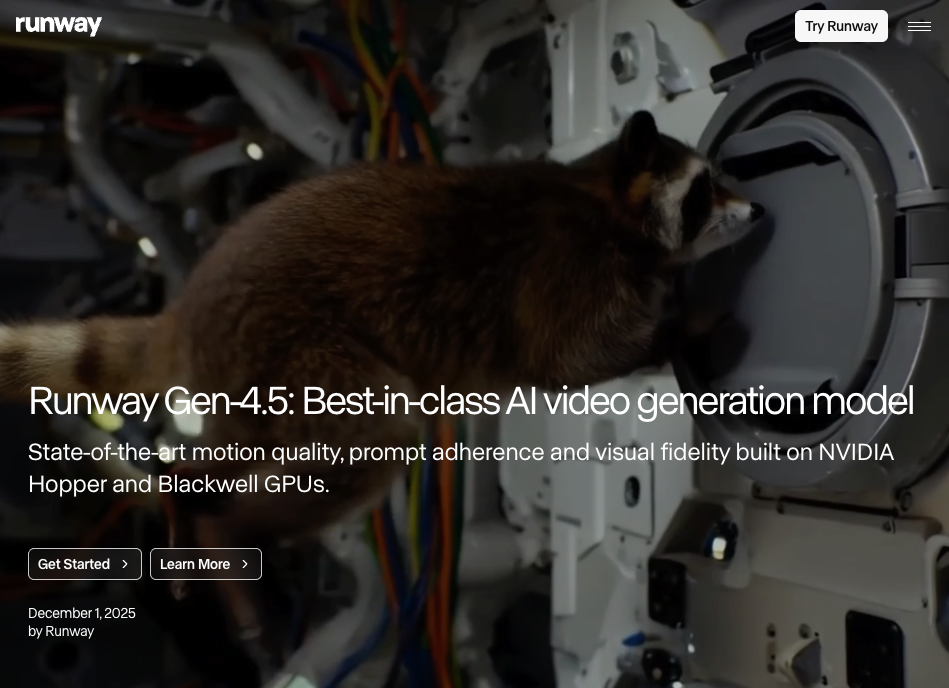
Runway (Gen-4.5) is the other one I reach for, especially when I need actual editing control — timeline-style multi-shot editing, clip chaining, and strong browser-based workflow. In late 2025 it added native audio generation and editing along with improved longer multi-shot capabilities, which nudged it from “cool clip maker” toward “I can finish a real video here.” Pricing sits around $12–15/mo for Standard and $28–35/mo for Pro as of mid-2026 — but check the current page, these shift constantly.
Best for UGC-style ads
If you’re making ad creative — talking-head UGC, product demos, the stuff that needs to feel like a real person filmed it — Kling is my pick for realistic humans and lip-sync. It handles faces and dialogue better than most, which is exactly what UGC ads live or die on.
For avatar-driven ads at scale, Synthesia and HeyGen are the obvious names. They’re built for “type a script, get a presenter,” which is great for explainers and less great for anything with personality. Synthesia’s entry plan runs roughly $18–29/mo depending on the tier (it changed again recently — verify before you commit). I’ll be honest: avatar videos still read a little stiff to me. Fine for training and product walkthroughs, weaker for anything that needs charm.
Best for music or trend-based videos
This is where it gets fun, and also where most general tools fall apart. If you’re after the best ai platform to make music videos for social media, the bar is higher than short clips: the visuals have to follow the song — not just play next to it.
For that, you want something that hears the track. CrePal comes at this from a multi-model orchestration angle: instead of one model, it routes each step — script, visuals, soundtrack, edit — to a different specialized model and stitches the whole thing into one workflow. Its MP3-to-video mini app is built exactly for turning a song into a multi-scene clip, and the chat-to-edit means you can fix a scene without regenerating everything. It’s not trying to be the single “best model” — it’s trying to be the thing that gets you from a song to a finished cut. For people who hate juggling five tabs, that’s the pitch. Worth a test, especially if your bottleneck is coordination, not generation.
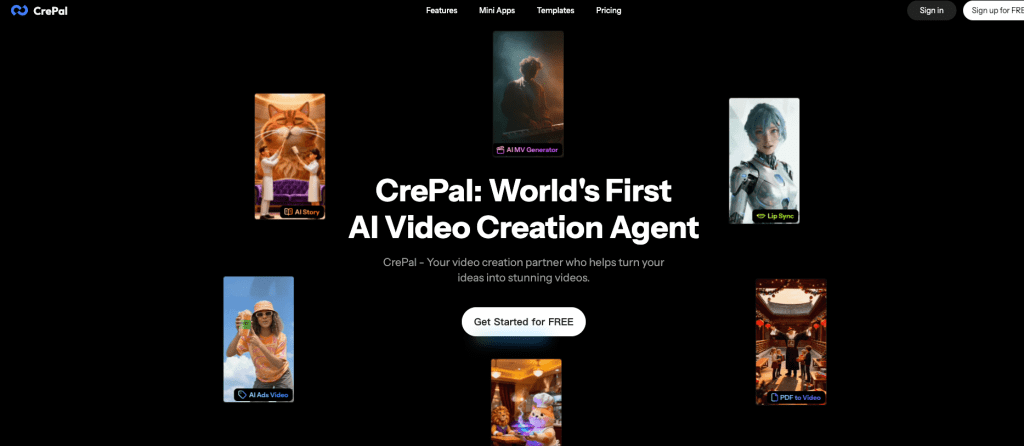
I’ll add the honest caveat I always do: agent-style tools can feel like a black box when auto-selection picks a model you wouldn’t have. The real-time preview and editable checkpoints help, but if you’re a control freak about every frame, you’ll feel the friction.
Two music-specialist tools also earned a spot. Freebeat acts like an AI director for songs — it pulls audio straight from Suno or Udio links, detects song structure, and offers lyric, story, and dance modes. Kaiber is great for short, stylized loops and Spotify Canvas, but its subjects tend to morph and melt over longer runtimes, so I keep it to short cuts.
Best Free and Low-Friction Options
Free access, watermark, and sign-up trade-offs
Let me set expectations, because the “free” marketing is doing a lot of work. Most free tiers in 2026 give you enough to test, not enough to publish. The good stuff — HD export, no watermark, commercial rights, faster queues — is almost always tied to a paid tier. That’s not a scam, it’s just the model. Plan around it.
What free usually gets you: a daily credit drip, capped resolution (often 720p), and a watermark you’ll want gone. Kling’s free tier, for example, hands you a batch of daily credits at 720p with a watermark, and its cheapest paid tier is so low it’s basically free anyway. PixVerse and Luma Dream Machine (around $9.99/mo paid) both have usable free tiers too.
If you’re on your phone and want the best app to make ai videos without a desktop, the mobile experiences from PixVerse and the bigger players have gotten genuinely good — though every serious export still tends to want a paid plan. My rule: use the free tier to find the tool you’d actually pay for, then pay. Burning hours on a free plan you’ll outgrow in a week is a waste.
Quick Comparison Table
Compare use case, access, quality, limits, and best fit
| Tool | Best for | Free tier reality | Output quality | Watch out for |
| PixVerse | Fast social clips, image-to-video | Yes, capped res + watermark | Strong for the price | Not top-tier realism |
| Runway Gen-4.5 | Editing control, multi-shot | Limited free, paid for real use | High, native audio now | Credit system, no rollover |
| Kling | Realistic humans, UGC ads | Daily credits, 720p + watermark | Best-in-class faces/lip-sync | Free queue gets busy |
| Synthesia / HeyGen | Avatar explainers & ads | Trial, then paid | Clean but stiff | Limited personality |
| CrePal | Multi-scene + music videos | Free plan, watermark on free | Varies by routed model | Auto-model picks feel opaque |
| Freebeat | Song-to-video, Suno/Udio | Free to start | Good beat sync | Performance-style look |
| Kaiber | Stylized loops, Canvas | Trial + paid tiers | Artistic, dreamy | Subjects morph over time |
Pricing and limits move fast — treat this as a starting map, not gospel. Re-check the official page before you pay.
How to Choose the Right Tool
Pick by platform, content type, and editing control
Start with the post, not the tool. Three quick questions:
What platform? TikTok, Reels, and Shorts all want vertical 9:16 — so confirm your tool exports it cleanly before anything else. If a generator only does 16:9, that’s a hard no for short-form.
What content type? Talking-head ad → Kling or an avatar tool. Fast trend clip → PixVerse. Multi-scene story or a music video from a song → an orchestration tool like CrePal that runs the whole pipeline. Don’t force one tool to do everything; that’s how you end up frustrated.
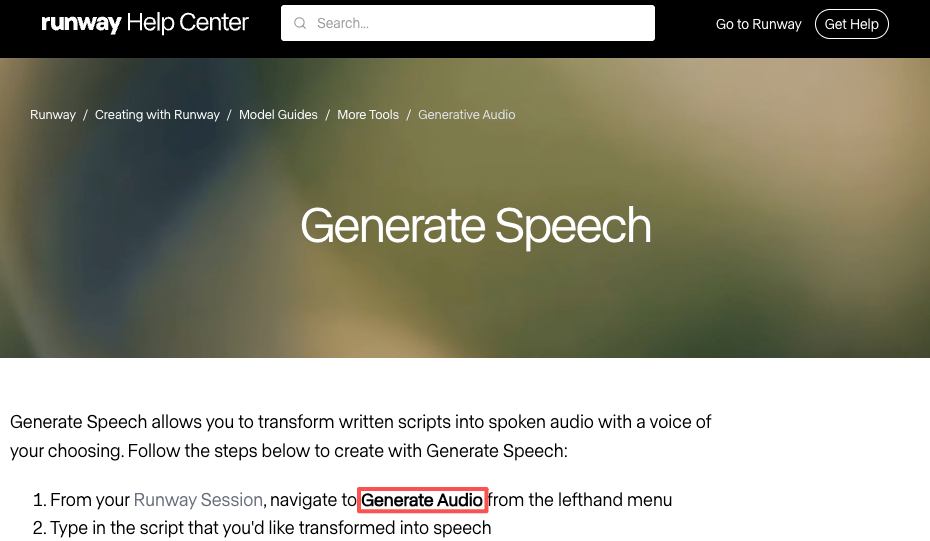
How much editing control do you need? This is the real fork. If you want to direct shot-by-shot, Runway’s timeline is the most editor-like. If you’d rather give a brief and review, the agent approach saves you the manual labor — and with native audio now built into Runway’s generative audio tools, you’re doing less sound work in post than you were a year ago.
My honest take? Pick two tools, not five. One fast generator for daily clips, one workflow tool for the bigger projects. That combo covers about 90% of what a creator actually ships.
FAQ
Which AI video maker is best for TikTok & Reels? For pure speed and vertical clips, PixVerse is my daily driver. Kling wins when you need realistic people. Both export clean 9:16, which is the non-negotiable for TikTok and Reels. If you want one of the best ai to make videos for trends specifically, lean toward whichever handles fast iteration — you’ll be regenerating a lot.
What’s the best tool for AI music videos? Depends on your starting point. If you’ve got a finished song — say from Suno, which now does tracks up to about four minutes — a music-first tool like Freebeat reads the structure and syncs visuals to it. If you want the whole thing built from one brief across multiple scenes, CrePal’s MP3-to-video flow is the closest to a real music-video pipeline. For short stylized loops, Kaiber is still a fun pick. There’s no single best ai music video maker — it’s about whether you’re starting from a track or from scratch.
Are there good free tiers without watermarks? Mostly no, and I’d be lying if I said otherwise. Free tiers in 2026 are built for testing — watermark-free, HD, commercial-rights exports almost always sit behind a paid plan. Use free to pick your tool, then upgrade.
When should I use an editor instead of an AI maker? When you need frame-level precision, exact timing, or heavy compositing. AI makers get you to a strong first cut fast, but for shot-level control on a high-stakes project, a real editor (or Runway’s timeline) still wins. They’re partners, not replacements.
So that’s my map for the best ai platform to make music videos for social media — and everything around it. Honestly, just pick two tools, test them on one real project this week, and see which one you stop fighting. That’s the only benchmark that’s ever mattered to me. I’ll keep retesting as the models update, because they always do.
Previous posts: