Leo here. I’ve seen good story drafts get wrecked by one lazy continuation. The opening has a sharp voice; the character wants something specific, then an AI story continuer adds a rooftop chase, a random betrayal, and a prophecy nobody asked for. Fun for five seconds. Useless if you’re trying to finish a story.
The better use of story continuation AI is quieter: extend the plot without breaking the promise your first pages already made. Give it context, ask for options before prose, and treat the output like a draft room, not a magic printer. That’s the workflow I use when I need more scenes, stronger endings, or beats that might later become AI video drafts.
What an AI Story Continuer Helps With
An AI story continuer is best at momentum. It can look at your setup and propose what might happen next: a confrontation, a reveal, a reversal, a quieter emotional scene, or a final image.
Where it helps most:
- Turning a stuck chapter into possible next beats
- Finding a cleaner bridge between two scenes
- Testing different endings before committing
- Expanding a short premise into a scene list
- Rewriting a passage in the same tense, POV, and tone
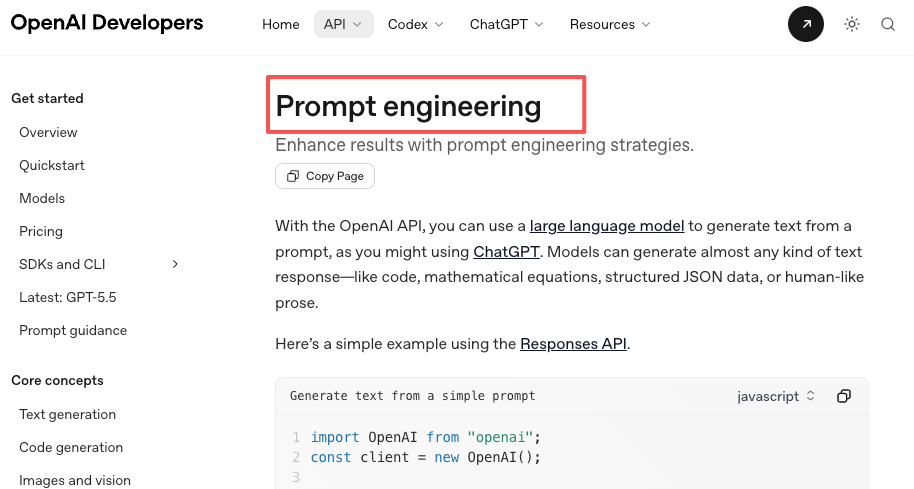
Quick reality check here: the tool does not “understand” your story the way you do. It predicts and composes from the context you provide. OpenAI’s prompt guidance is useful here because it treats prompting as a way to give clear instructions, context, and examples, not as a magic phrase hunt.
My usual starting prompt is boring on purpose: “Continue this story in 500 words. Preserve the current POV, tense, tone, and character motivation. Do not introduce new major characters, magic systems, locations, or lore unless they are already implied. First give me a bullet-point beat plan, then write the scene.”
Boring saves drafts. I learned that after watching a decent mystery scene turn into sci-fi twice because I forgot to say “no new genre elements.”
Continue a Story Without Losing Direction
Before asking for prose, give the model a small story bible. Not a massive encyclopedia. Just enough to keep the rails visible.
Use this structure:
| Context field | What to include |
| Premise | One sentence about the story problem |
| Current scene | What just happened |
| Character want | What the protagonist wants right now |
| Pressure | What gets worse if they fail |
| Boundaries | What the AI must not change |
| Target output | Beat list, scene, ending options, or rewrite |
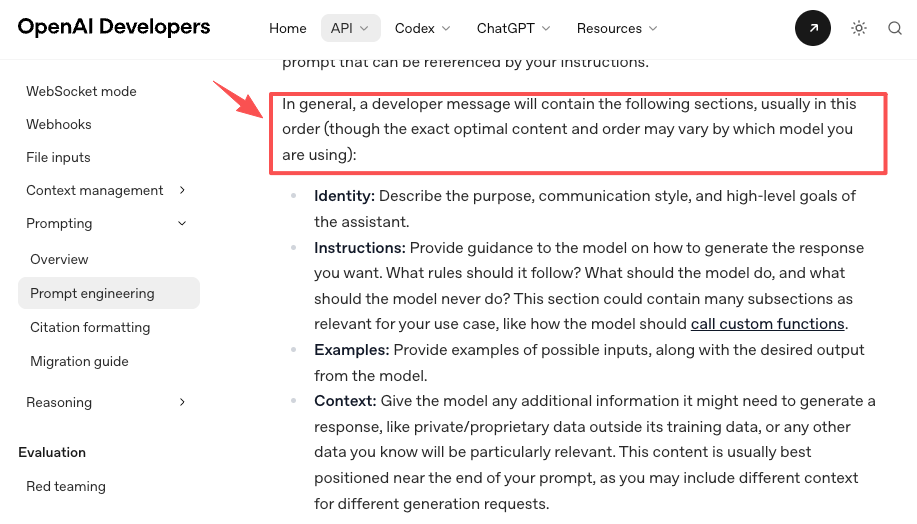
This matches a broader prompting principle: separate identity, instructions, examples, and context so the model can read the task cleanly. OpenAI message formatting is written for developers, but the same idea works for fiction prompts. For story continuation, structure matters more than fancy wording.
Character motivation
Start with desire, not plot. Bad prompt: “Continue the scene and make it exciting.” Better prompt: “Mara wants her brother to confess before the council vote. She is angry, but she still needs his protection. Continue the scene without making her forgive him yet.”
That one line blocks a lot of nonsense. The AI can still surprise you, but it has to surprise you within the character’s pressure. When I test continuations, I ask one question first: would this person actually do that today, after the scene I just wrote?
Conflict and stakes
Conflict is not noise. A gunshot, a storm, or a sudden villain reveal can wake up a flat scene, but it can also dodge the real problem.
Give the AI the conflict type:
- Internal: guilt, fear, temptation, denial
- Interpersonal: betrayal, negotiation, confession
- External: deadline, pursuit, public failure
- Moral: two bad choices, both costly
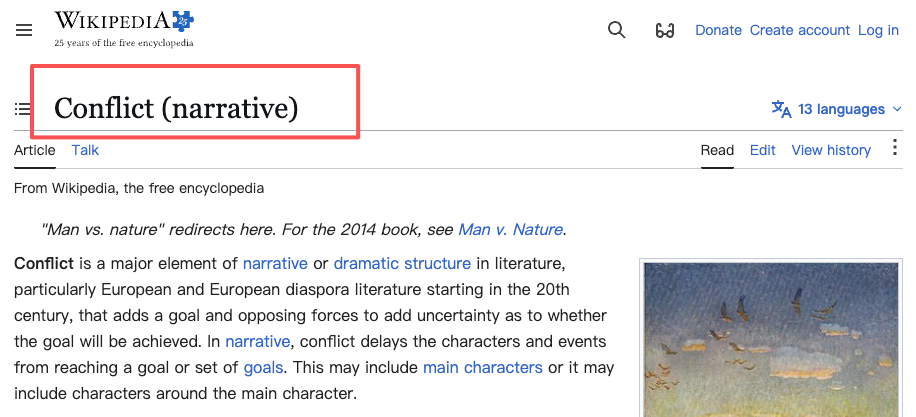
Narrative conflict is usually about a goal meeting an opposing force, which is why “make it dramatic” is weaker than naming what blocks the character. Then define the stakes in one sentence: “If she tells the truth, she loses the job; if she lies, her sister takes the blame.” That is better than “make the stakes higher.”
Ending options
I rarely ask for one ending first. I ask for several. Try this: “Give me ending options in different directions: hopeful, tragic, ambiguous, ironic, and open-ended. For each, explain what character change it pays off.” This forces the continuation to connect ending with transformation. It also keeps you from accepting the first decent answer just because you’re tired. Been there. Bad idea.
Fix Drift Before Adding New Scenes
This is where an AI story prompt generator can be useful, but only if you make it diagnose before it expands. Most drift starts when the model guesses the wrong pattern from your text. It sees a “dark alley” and reaches for crime. It sees the “chosen child” and reaches for prophecy. It sees banter, and suddenly everyone becomes a sitcom character.
Before generating new scenes, run a drift check: “Read the passage below. Identify any risks a continuation might drift on: tone, genre, character motivation, timeline, setting rules, unresolved conflict. Do not continue the story yet.”
That last sentence matters. If you skip it, the tool often starts writing before it has inspected the problem.
Tone mismatch
Tone drift is the easiest to miss because the plot can still be technically correct. A grief scene becomes witty. A cozy mystery becomes hard-boiled. A children’s adventure suddenly talks like a legal deposition.
Give the model tonal anchors:
- “plainspoken, dry, restrained”
- “lyrical but not melodramatic”
- “fast, nervous, sentence fragments allowed”
- “warm, comic, no snark”
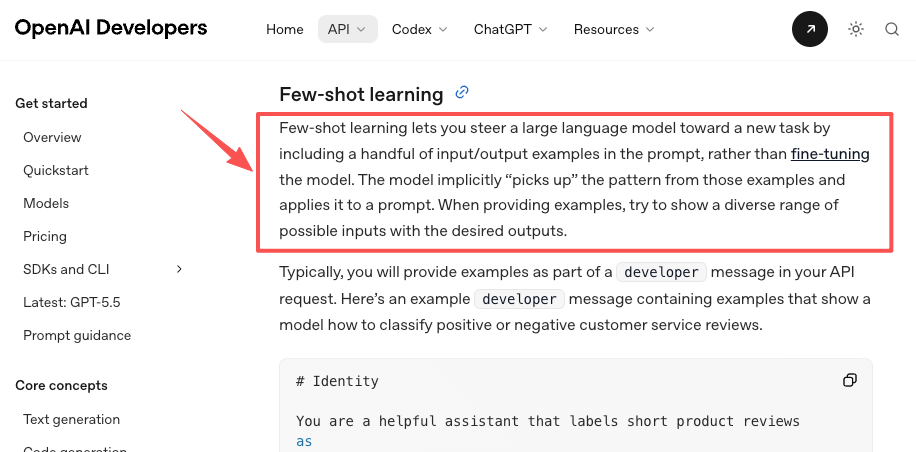
If you have a sample paragraph that nails the voice, include it. OpenAI few-shot learning uses examples to steer the model toward a pattern, which can also help with tone and POV control.
Character inconsistency
Character drift usually shows up as sudden wisdom, sudden cruelty, or sudden competence. The shy apprentice gives a courtroom speech. The careful detective ignores evidence. The selfish brother becomes noble because the scene needed a hug. Use a “cannot yet” rule: “Jonah cannot apologize yet. He can show concern through action, but he should still avoid direct responsibility.” That gives the continuation room to move while protecting the arc. Characters can change, obviously. They just shouldn’t teleport emotionally.
Optional: Turn Continued Beats into Video Scenes
Only after the continuation works on the page should you think about video. This is where CrePal may fit this kind of workflow because its site describes AI video creation, preview, chat-based editing, and HD export features.
I’d keep the handoff simple:
- Continue the story as text.
- Pick beats that have clear visual action.
- Convert each beat into a short scene briefly.
- Add character appearance, location, mood, camera distance, and dialogue notes.
- Generate a rough video draft, then revise by scene.
For example, don’t send: “Mara confronts Jonah.” Send: “Interior council archive, night. Mara stands between Jonah and a locked evidence cabinet. She keeps her voice low because guards are outside. Jonah avoids eye contact. The scene should feel tense, quiet, and unresolved.”
That gives a video agent something directional. It also matches how modern video generation workflows often benefit from clear scene-level prompts, visual details, and iteration rather than vague story summaries. The OpenAI video generation guide is a useful reference here because it shows how much scene description matters once text becomes visual output.
When to Stop Generating and Start Editing
Stop generating when the options start repeating the same emotional move. That’s my line.
If several continuations all solve the scene with a confession, you don’t need another confession. You need to edit. Pick the strongest version, cut the extra explanation, and sharpen cause and effect.
My editing pass usually checks these things:
- Does the scene change the situation?
- Does the protagonist make a choice?
- Is the conflict still connected to the main promise?
- Did the AI add facts I didn’t approve?
- Can I remove a chunk of explanation without losing meaning
FAQ
Why do AI continuations drift?
They drift because the model is filling gaps from patterns, not protecting your private intention. If your prompt does not specify genre, timeline, motivation, and boundaries, the continuation may choose the most familiar path. That’s why a clear story bible beats a clever prompt.
How do you choose the best continuation?
Choose the one that creates the hardest honest choice for the character. Pretty prose is nice, but pressure matters more. If you’re comparing the best AI for story writing, test tools with the same passage and judge continuity, motivation, and editability before style.
When should a continuation become a new episode?
Make it a new episode when the central question changes. If the original scene asks “will she expose the lie?” and the new material asks “can she survive exile?”, you may have crossed into a fresh chapter, episode, or arc. That’s not failure. It just needs a new promise.
What should be rewritten before video generation?
Rewrite anything vague, internal, or contradictory. Video needs visible behavior: action, setting, expression, blocking, and sound. “He feels betrayed” is not enough. “He folds the letter twice, smiles at the guests, and drops it into the fire” is usable.
Conclusion
An AI story continuer is strongest when you make it respect what already exists. Feed it motivation, conflict, stakes, tone, and boundaries before asking for new pages. Then use the output like a writing partner: compare options, reject drift, edit hard.
And if one continuation gives you a scene that is visually clear enough to film, that’s when video becomes useful. Not before. The best AI for writing stories is the one that helps you finish the story you meant to write, not the one that keeps inventing shinier detours.
The last one hurts a little. It also works. AI prose tends to explain the feeling after already showing it.
Previous posts: