It’s Leo. If you are searching for the veed.io ai video generator, you are probably not asking a pure “can it generate a clip?” question. You are asking something more practical: can VEED help a beginner turn an idea, script, or raw recording into a video that is actually usable?
Last week I helped a solopreneur creator who needed to turn a 7-minute raw product walkthrough recording into three short LinkedIn videos. She had no editing experience. We tried VEED. Within 25 minutes she had cleaned audio, auto-generated captions, trimmed filler words via transcript, added her brand colors, and exported three ready-to-post clips. The result was good enough for LinkedIn — not cinematic, but professional and publishable. That experience perfectly illustrates what I want to discuss today.
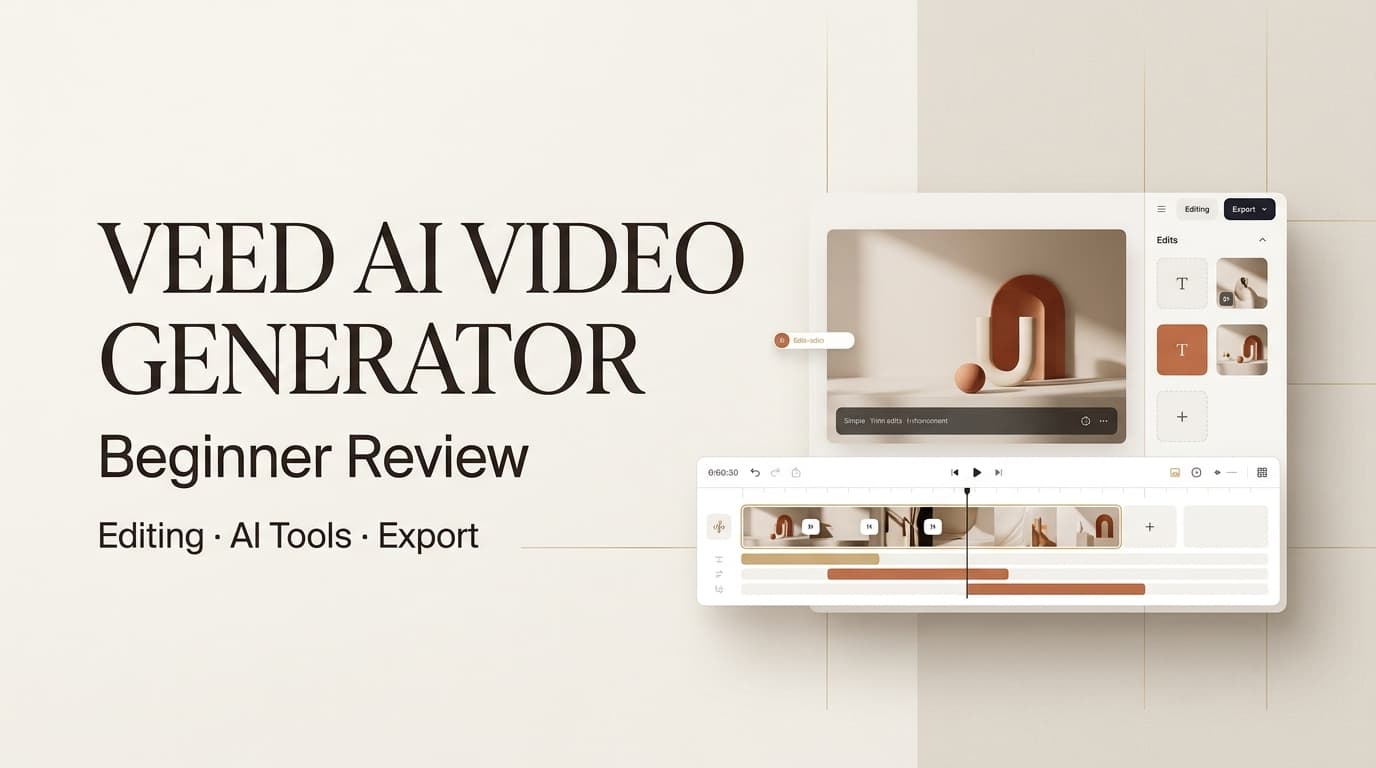
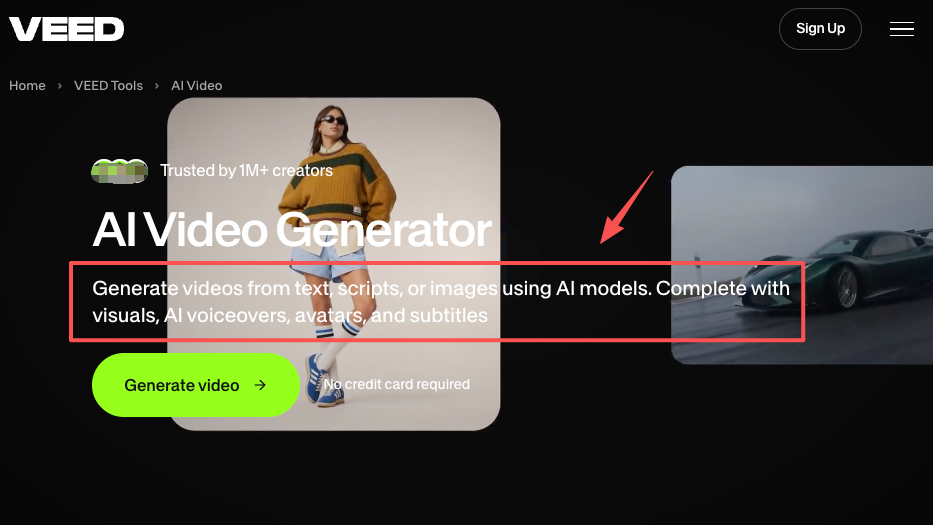
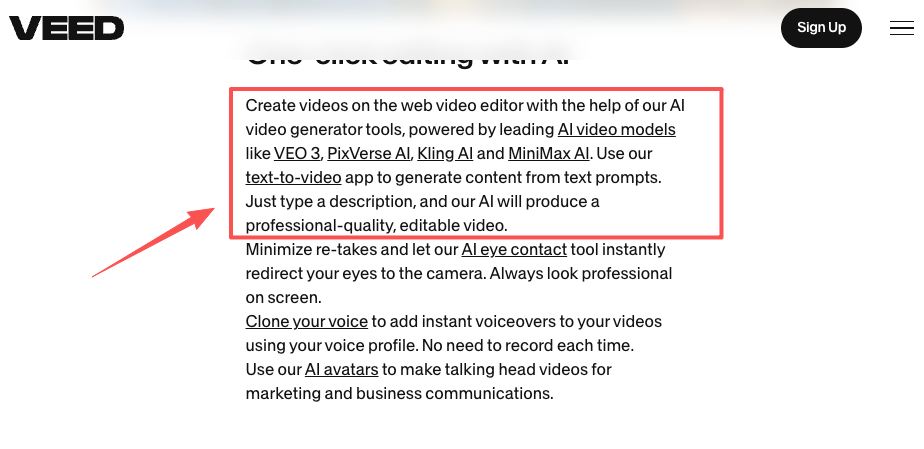
Short answer: yes, for the right beginner. VEED AI works best when you want generation and editing in the same browser-based workspace. The VEED AI Video Generator can help create video from prompts, scripts, images, or avatars, then move you into editing for captions, branding, audio, layouts, and export.
But I would not treat it as magic. Beginner-friendly tools always make tradeoffs. They remove setup pain, but they also decide a lot for you. That is fine for social posts, explainers, simple ads, internal training clips, and fast content tests. It is less ideal when you need precise shot planning, complex visual continuity, or a full creative approval process.
What VEED Is Built For
VEED is built for people who want to create and edit videos online without learning a professional editing suite. That sounds simple, but it matters. Beginners usually do not fail because they “cannot make video.” They fail because video production asks them to be a writer, editor, subtitle designer, audio cleaner, export technician, and prompt engineer at the same time.
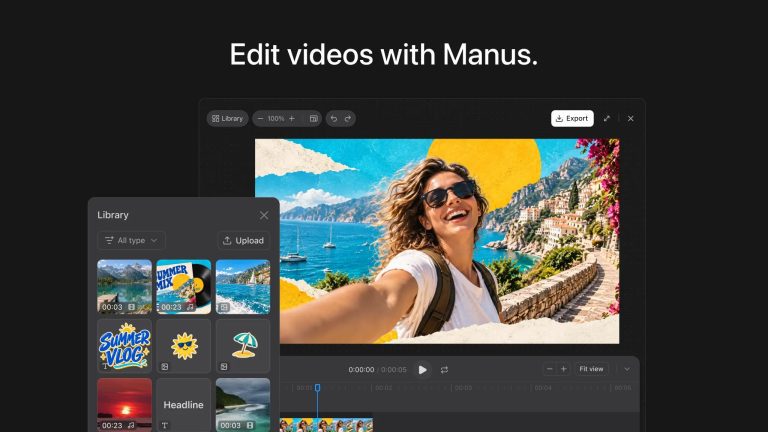
A fair veed io review should start there. VEED is not only an AI-generated page. It is closer to an online video editor with AI tools added around the workflow. Its official online video editor covers browser-based editing, subtitles, text, audio cleanup, resizing, and export.
That makes it useful for:
- short social videos
- talking-head clips
- creator updates
- product demos
- simple ad drafts
- training videos
- subtitle-heavy content
- quick AI-generated concepts
The weak fit is also clear. If you need a tightly planned brand film, complex scene continuity, or multiple approval rounds, VEED may feel more like a fast editor than a full production system.
How We Evaluate It
I judge beginner AI video tools with one question: can someone make a postable video, revise it without starting over, and export it in the format they need?
A lot of tools look impressive at the generation step. Then the pain starts. You need to change a caption, remove a pause, replace one scene, adjust the CTA, or export without a watermark. That is where beginners either keep going or quit.
Editing control
This is where VEED is stronger than many prompt-only tools. As an ai video editor, it gives beginners familiar controls: trim, crop, add text, edit subtitles, clean audio, add branding, and work from transcripts. VEED’s text-based video editing is especially beginner-friendly because deleting words from a transcript feels less intimidating than cutting on a timeline.
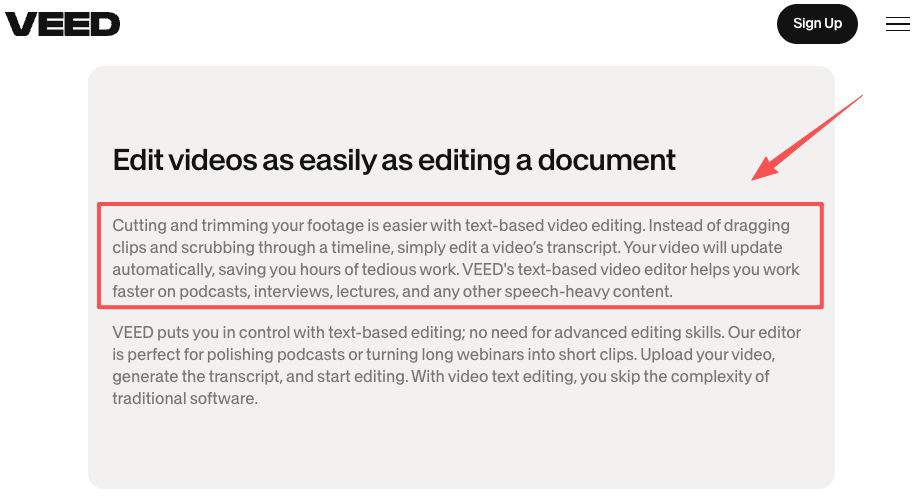
Here is the kind of workflow where that matters. A creator records a two-minute product walkthrough. The first take has filler words, one awkward pause, and a CTA that starts too late. In a traditional editor, a beginner may spend half an hour just finding the cuts. In VEED, transcript-style editing turns that into a reading task: remove the bad phrase, tighten the pause, check the captions, preview, export.
The limitation is precision. VEED is good for speed and clarity, but if you need heavy compositing, detailed color work, layered audio control, or frame-level finishing, you may outgrow it.
AI features
The veed ai video generator is only part of VEED’s AI toolset. VEED also offers AI avatars, text-to-speech, voice tools, subtitles, translation or dubbing features, background and audio cleanup, eye contact correction, and access to different AI video models depending on the workflow.
For beginners, the best AI features are not always the flashiest ones. I care more about tools that save a creator from re-recording: captions, audio cleanup, rough B-roll, voiceover drafts, and quick avatar tests. Those solve daily production pain.
Generation quality will vary by prompt, source material, model, and scene complexity. My rule is simple: use VEED for fast drafts and editable social assets, not for scenes where one inconsistent hand, face, logo, or product detail can ruin the whole piece.
Export workflow
Export is where beginners often get surprised. They think the work ends when the preview looks good. Then they discover watermark rules, resolution limits, file size issues, caption settings, or platform compression.
VEED’s own pages currently indicate that free exports may include a watermark and that higher-resolution or watermark-free exports depend on plan access. Because pricing, credits, and limits change, always verify the official VEED pricing page before client work.
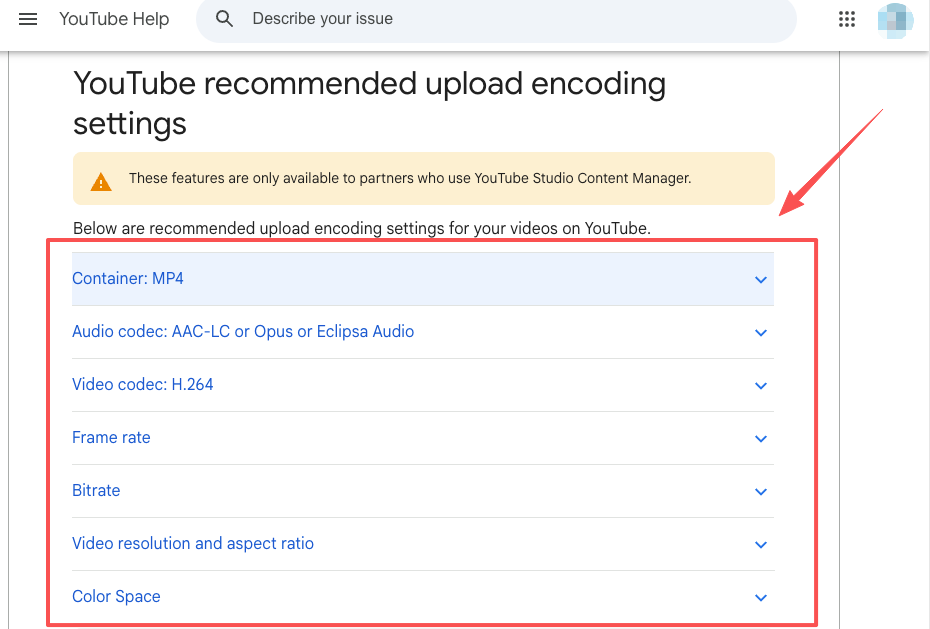
For YouTube uploads, I also like checking Google’s recommended upload encoding settings. Export quality is not just “720p, 1080p, or 4K.” Codec, frame rate, audio settings, and aspect ratio can affect how the final upload looks.
Output Quality and Limits
VEED’s quality depends on which job you give it.
For editing existing footage, the output can be very solid. If your source video is clean and your task is captions, trimming, background noise cleanup, branding, social resizing, and light polish, VEED can make a beginner look much more organized. I would use that workflow for LinkedIn clips, short-form educational videos, UGC-style ads, podcast cutdowns, and course snippets.
For AI-generated footage, I would be more cautious. The first draft may look polished, but beginners should inspect four things before publishing:
- Are faces, hands, and objects stable?
- Does the product look like the real product?
- Do captions match the spoken words?
- Does the scene actually support the message?
That last point is the sneaky one. AI video can produce a beautiful scene that does nothing for the offer. I have seen teams approve “cinematic” clips that hide the product until the end. Looks good. Sells nothing.
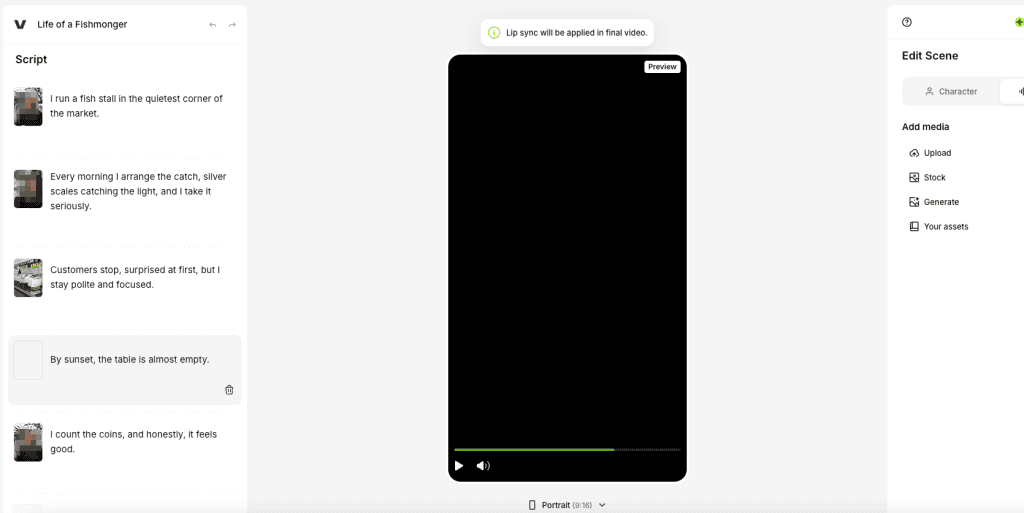
VEED’s advantage is that generated clips can be adjusted in the same workspace. You can add subtitles, replace media, apply branding, change text, and export without immediately jumping to another app. That saves time. It does not remove the need for human review.
VEED vs AI Director Workflows
This is the real buying decision.
VEED is a good fit when you already know roughly what you want and need help creating, editing, and exporting quickly. It is an editor-first workflow: generate or upload, adjust, caption, polish, export.
An AI Director workflow starts earlier. It helps structure the idea, script, storyboard, visual direction, revision logic, and final delivery as one guided process. CrePal, for example, positions its AI Director around coordinating script generation, editing, preview, and export across a broader video creation workflow.
The difference matters for teams. If a beginner creator says, “I recorded a clip and need it cleaned up,” VEED makes sense. If a marketing team says, “We have a campaign brief and need several coherent video concepts with scripts, scenes, revisions, and approvals,” an AI Director workflow may fit better.
I would use VEED for editing speed. I would use an AI Director workflow for planning depth.
Pricing and Free Limits
Pricing is the part I would never treat as permanent. VEED’s plans, credits, AI model access, watermark rules, export resolution, and feature limits can change. So the safest advice is this: use the official pricing page as the source of truth before buying or publishing client work.
For beginners, the best test is not “Which plan is cheapest?” It is:
Can you complete one real video from start to export without hitting a blocker?
Before paying annually, test these points:
- Can you generate enough clips for your format?
- Can you export without a watermark if needed?
- Can you export at the resolution your platform or client expects?
- Are subtitles, avatars, translation, voice tools, and AI generation included in your plan?
- Do AI credits run out faster than your workflow can justify?
A creator making two clips a month has very different needs from a small agency making twenty ad variations. VEED can be good value if it replaces several small tools. It can feel expensive if you only wanted one AI clip and did not expect credit-based limits.
FAQ
When is VEED better for editing than generation?
VEED is better for editing when you already have usable footage and need to make it publishable fast. Talking-head clips, product walkthroughs, webinar excerpts, podcast cutdowns, and UGC ads can benefit from captions, trimming, audio cleanup, layout changes, and transcript edits.
Generation is better when you have no footage or need quick visual filler. But if the video depends on accurate product details, exact character consistency, or a specific scene, editing real footage may beat generating from scratch.
What export details should creators verify?
Verify watermark status, resolution, aspect ratio, file format, subtitle burn-in, audio quality, and platform requirements. Also check whether your current plan supports the export quality you need.
For client work, export a 10-15 second test before the deadline. That tiny test can catch watermark, caption, compression, or aspect ratio problems before you polish the full video.
When should teams use a guided AI Director workflow?
Use a guided AI Director workflow when the video starts from a brief rather than existing footage. If the project needs script planning, storyboard logic, scene consistency, feedback rounds, and final approval, a director-style workflow keeps the team from turning one idea into disconnected clips.
That is especially useful for small agencies. The hard part is rarely “can we make a video?” The hard part is keeping message, visuals, revisions, and export aligned long enough to ship.
Conclusion
The veed.io ai video generator is a strong beginner option if you want AI creation and practical editing in one browser workspace. Its biggest value is not pure generation. It is the mix of AI drafts, transcript editing, subtitles, audio cleanup, brand adjustments, and export.
I would recommend VEED for creators who need fast social videos, simple ads, explainers, and talking-head edits. I would be more careful if the project needs deep planning, strict continuity, or a full approval system.
The cleanest test is simple: run one real beginner project through it, from prompt or upload to final export. If you can finish without opening five other tools, VEED is doing its job.
Previous posts: