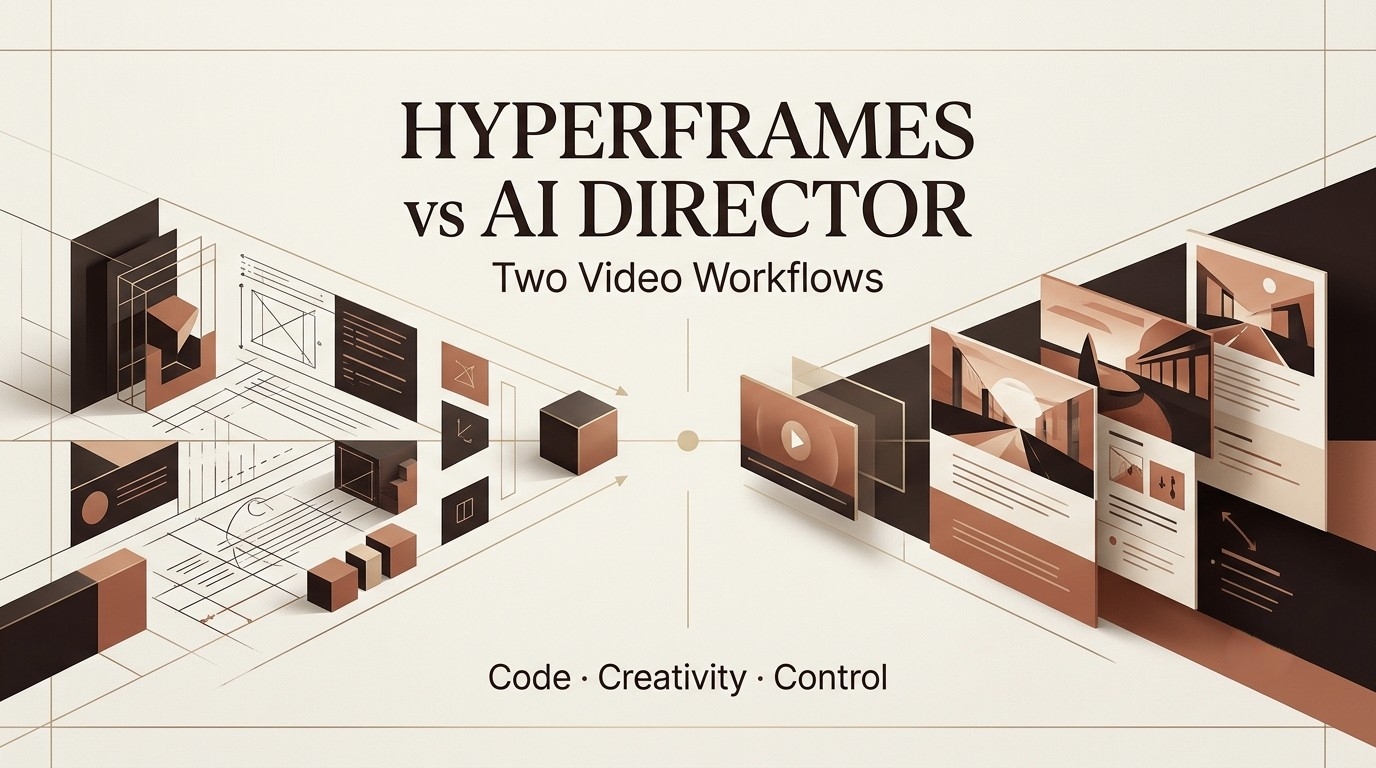
I’m Dora. I first think about tools like HyperFrames through a handoff problem: who can safely change the video after the first version exists? If the answer is “only the developer who wrote the motion logic,” the tool belongs in a very different workflow from an AI Director system where creators ask for script, storyboard, visual, and revision changes in natural language.
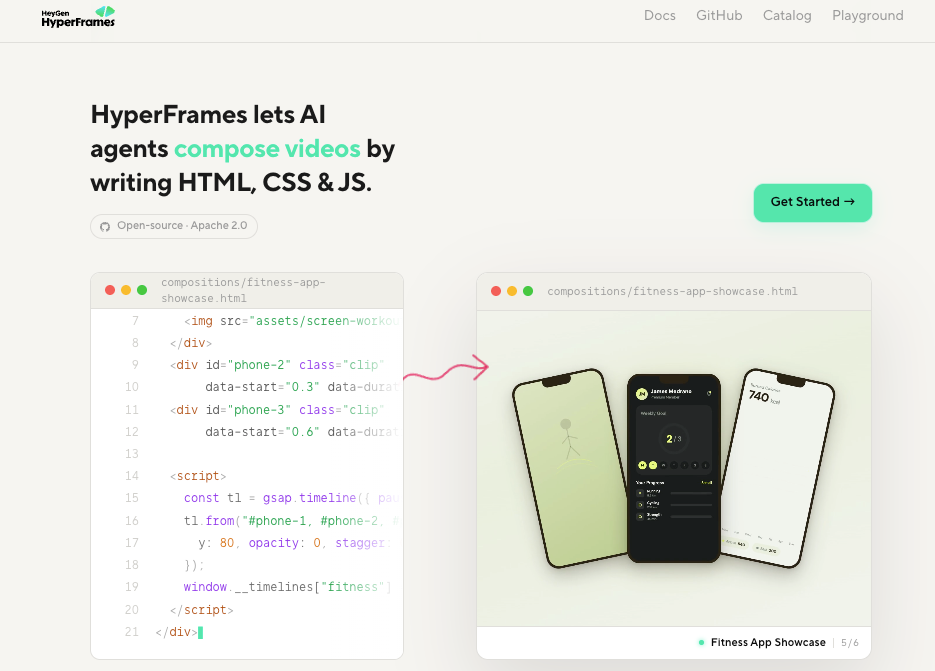
HyperFrames has an official HeyGen page and GitHub repository. It is described as an open-source, agent-oriented framework for turning HTML, CSS, media, and seekable animations into deterministic MP4 videos, with agent skills and CLI-based workflows. This comparison still stays conservative: teams should verify the current package behavior, renderer, browser/runtime support, hosted usage terms, pricing if applicable, and export requirements before using it in production.
What HyperFrames Appears to Do
code-driven motion
HyperFrames appears to sit closer to code-driven motion than guided video creation. That means the creative unit is not just a prompt or storyboard. It is likely a component, timeline, animation state, keyframe sequence, or renderable scene that a developer can adjust.
That can be powerful. Code-driven motion is excellent when the animation needs repeatable timing, precise spacing, reusable components, or consistent transitions. If I were animating a SaaS dashboard card, pricing tile, product metric, or onboarding flow, I would rather have motion defined in code than rebuild the same transition manually in a timeline editor.
The tradeoff is that code becomes part of the creative asset. The team needs version control, browser testing, render checks, and clear ownership. MDN’s Web Animations API is a useful reference point because it explains how browser animation models handle timing and animation effects. Even if HyperFrames uses a different abstraction, the production questions are similar: what controls timing, what renders the frame, and what breaks when the environment changes?
UI and card animation
The apparent sweet spot for HyperFrames is UI and card animation. This is different from cinematic AI video. UI motion needs legibility, hierarchy, rhythm, and consistency. A card should slide, expand, flip, fade, or stack in a way that supports the message, not just looks energetic.
In practice, this matters for product explainers, launch videos, feature reels, and social clips built around interface moments. A developer-oriented tool can keep spacing and layout stable across variations. If the marketing team needs five versions of the same animated feature card with different copy, code can be cleaner than manual editing.
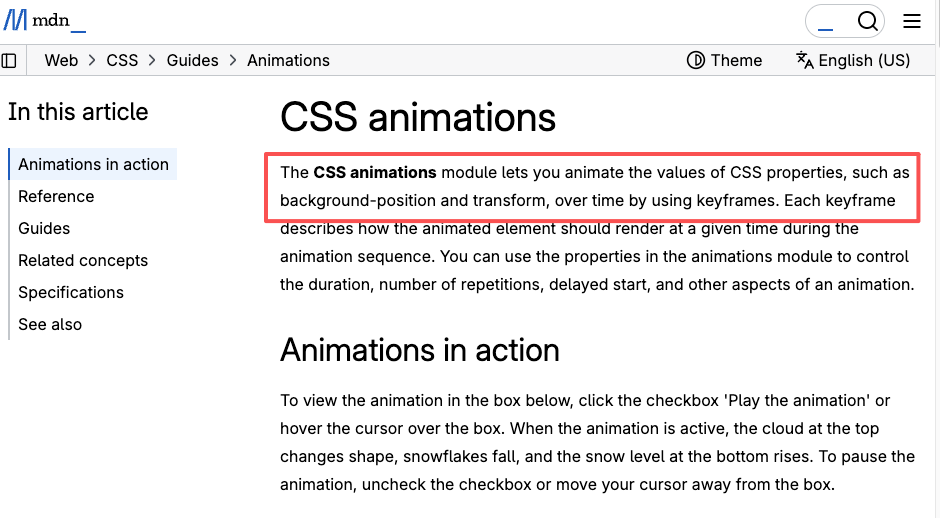
CSS animation basics still matter here. MDN’s CSS animations guide explains how keyframes control property changes over time. That is the mental model I would use when evaluating HyperFrames: can it make motion predictable, reusable, and inspectable?
developer-oriented control
Developer-oriented control is the main advantage and the main limitation. It gives technical teams precision. It gives non-technical teams dependency.
If a motion designer or frontend engineer owns the project, HyperFrames could be efficient. If a content strategist wants to request “make the opening more emotional, shorten the second scene, and add a product reveal,” a code-driven tool may slow the team down unless there is a clean review layer.
This is where I would ask a hard production question before choosing the tool: are we making an animation component, or are we making a full video story?
What AI Director Workflows Add
concept and story
AI Director workflows start earlier than motion. They help shape the concept, message, structure, and creative intent before anyone worries about easing curves. CrePal presents itself as an AI video creation agent with an AI Director that can create videos, preview script/image/video production, and accept natural-language feedback or chat-based changes.

That is a different job from code-driven animation. The creator may begin with a product idea, campaign angle, PDF, rough script, or loose creative brief. The system helps turn that into a video direction.
For teams, this matters because many video problems are not motion problems. They are story problems. The hook is weak. The sequence is unclear. The product moment appears too late. The CTA feels bolted on. Code cannot fix that by itself.
storyboard planning
A strong AI video workflow needs storyboard planning before production. This is where a video storyboard AI layer becomes useful. It can help map the opening, visual beats, transitions, voiceover, and revision notes before the final assets are generated.
Research around agentic video storytelling points in the same direction. The Co-Director paper describes video storytelling as a coherence problem across creative directions, scenes, and refinement loops. That does not mean every marketing team needs a research-grade system. It does show why video generation needs more than isolated clips or motion blocks.
revision management
Revision management is where AI Director workflows often feel more usable for non-developers. A creator can ask for a shorter intro, warmer tone, faster cuts, or clearer product shot without editing code. That makes the system more accessible to marketing teams, founders, educators, and social creators.
The weakness is precision. Natural language revisions can be fuzzy. A code-driven tool may beat an AI Director workflow when timing must be exact to the frame or when the same animation has to be reused across many technical variants.
Code-Driven Motion vs Guided Video Creation
The core difference is the control surface. HyperFrames, as it appears, likely gives control through code. AI Director workflows give control through creative direction.
Code-driven motion is better when the output is a precise animation system: UI cards, product dashboards, animated charts, repeatable explainers, launch visuals, or browser-rendered motion graphics. Guided video creation is better when the output is a narrative asset: UGC ads, product stories, tutorials, social videos, AI character clips, and multi-scene campaign drafts.
I would use HyperFrames when the visual logic is already known and the team needs exact motion. I would use an AI Director workflow when the team still needs help with the idea, script, storyboard, assets, and review loop.
“Vibe Motion” is a term that can mean different things depending on the tool or community using it. If it refers to vibe-based motion direction, then it fits between these two worlds: less rigid than hand-coded animation, but not always as structured as a full AI Director workflow. Teams should define what the term means in their own stack before putting it into a production brief.
Best Fit by Team Type
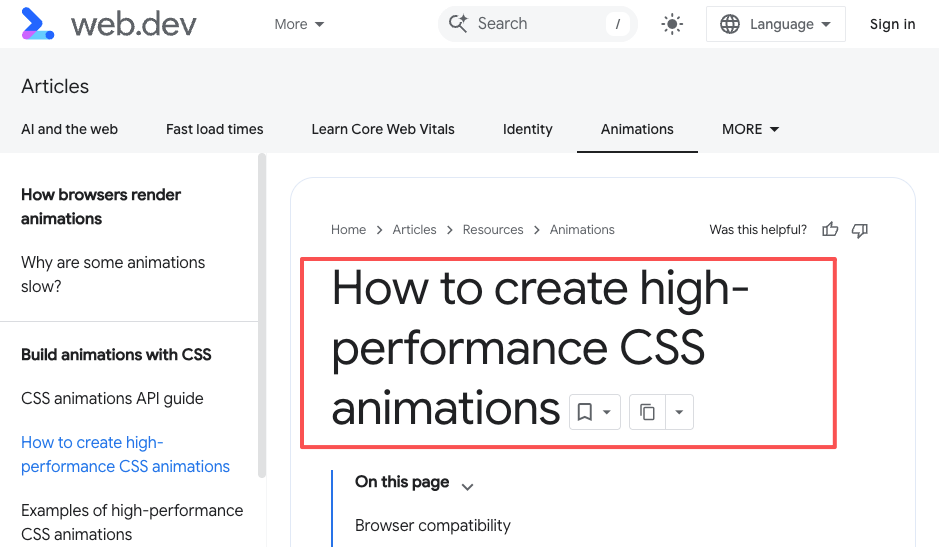
For developer-led teams, HyperFrames may be attractive if it produces inspectable motion code and supports predictable rendering. A frontend engineer can tune timing, layout, and responsiveness, then test across browsers. For this kind of work, Google’s high-performance CSS animation guidance is a good baseline because export quality depends on more than creative intent; it depends on how animation affects rendering and performance.
For creator-led teams, AI Director workflows are usually easier. The team can begin with a theme, audience, script, storyboard, and revision notes. CrePal fits this use case when creators want one guided flow from idea to video draft rather than a codebase.
For hybrid teams, the best setup may use both. An AI Director workflow develops the story and shot plan. HyperFrames or a similar code-driven motion layer handles UI scenes, cards, data moments, or branded animation inserts. The final editor then combines narrative footage, generated visuals, and motion graphics into one piece.
FAQ
What files should be included with motion handoff?
A good motion handoff should include the source code or project file, rendered preview, dependency versions, fonts, image assets, audio references if used, export settings, browser or renderer notes, and a short explanation of what can be safely changed. If the motion is part of a larger AI video workflow, also include the storyboard context so the animator understands why the scene exists.
How should browser differences be documented?
Browser differences should be documented with the browser name, version, operating system, screen size, and a short description of the visual mismatch. A screenshot or short screen recording is better than a vague note. If a card animation jitters in one browser but not another, the developer needs reproducible evidence, not just “looks broken on my laptop.”
What happens when animations break after export?
The team should separate render bugs from creative bugs. If the animation timing changes, layout shifts, or frames drop, it is a technical issue. If the motion works but the scene feels unclear, it is a creative issue. Programmatic video tools such as Remotion show why this distinction matters: rendering video from code can be powerful, but export behavior still needs testing and repeatable project setup.
Can non-developers request changes without editing code?
Yes, but only if the workflow has a review layer. Non-developers should request changes in plain language tied to timecodes, scenes, or visual states. A developer or motion owner then translates that into code. If the team needs many non-technical revisions, an AI Director workflow may be more practical for early drafts, with HyperFrames reserved for final motion components.
Conclusion
HyperFrames and AI Director workflows should not be treated as direct replacements. They solve different production problems.
HyperFrames appears better suited to code-driven motion graphics, especially UI cards, animated components, and developer-controlled visual systems. AI Director workflows, including CrePal, are better suited to guided video creation, where the team needs help moving from concept to script, storyboard, assets, and revision management.
The practical choice is simple: use code when the motion system needs precision and reuse. Use an AI Director when the story, scene flow, and creator revisions matter more than editing animation code. For many teams, the strongest workflow will use both, but only after the roles are clearly separated.
Previous posts: