It’s Leo. A creator team once asked me which platform they should use for a product teaser. Their real question was not “Which one looks better?” It was messier: one person wanted to test many models quickly, another wanted a proper scene plan, and the editor wanted fewer random clips dumped into a folder.
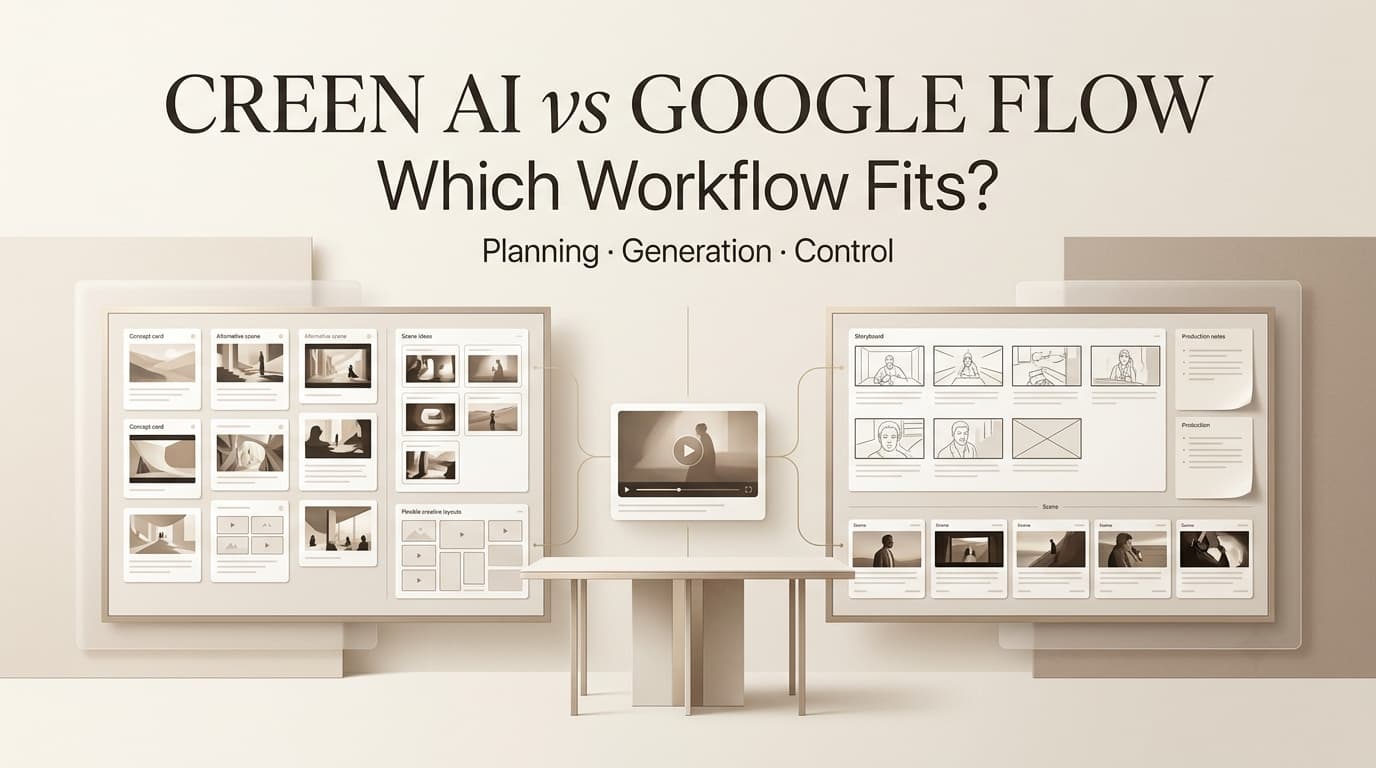
That is the right lens for Creen AI vs Google Flow. This is less about declaring the best AI video tool for everyone and more about workflow fit. Creen appears to lean toward fast multi-model testing. Google Flow is positioned as a dedicated AI filmmaking workspace built around Google’s own models.
Before publishing, verify current availability, pricing, region access, model support, commercial terms, and output rules from each official source.
Quick Verdict
If your team is still exploring visual direction, Creen may fit better as a fast testing layer. If your team wants a more structured filmmaking environment around Veo, Google Flow may fit better.
When Creen AI may fit
Creen’s own AI video generator page presents it as a browser-based workspace for text-to-video, image-to-video, image generation, audio, and model switching. That makes it interesting for creators who want to compare looks quickly before committing to one direction.
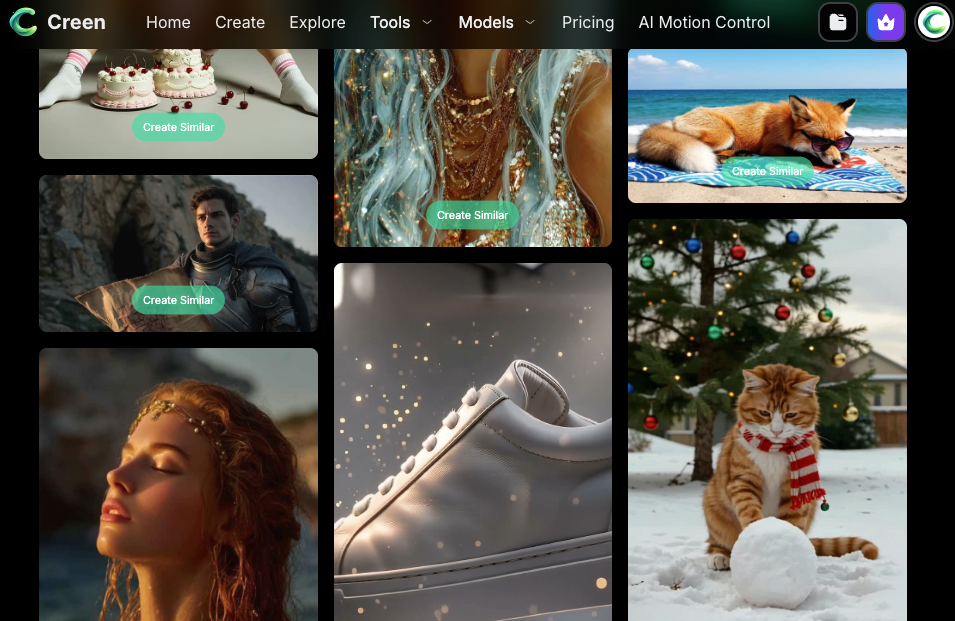
For early-stage ideation, this can be useful. A marketer might test a product prompt across different engines, compare motion styles, then bring the strongest direction into a stricter storyboard process. That is where “Google Flow alternative” searches often come from: creators want more than one backend to test.
When Google Flow may fit
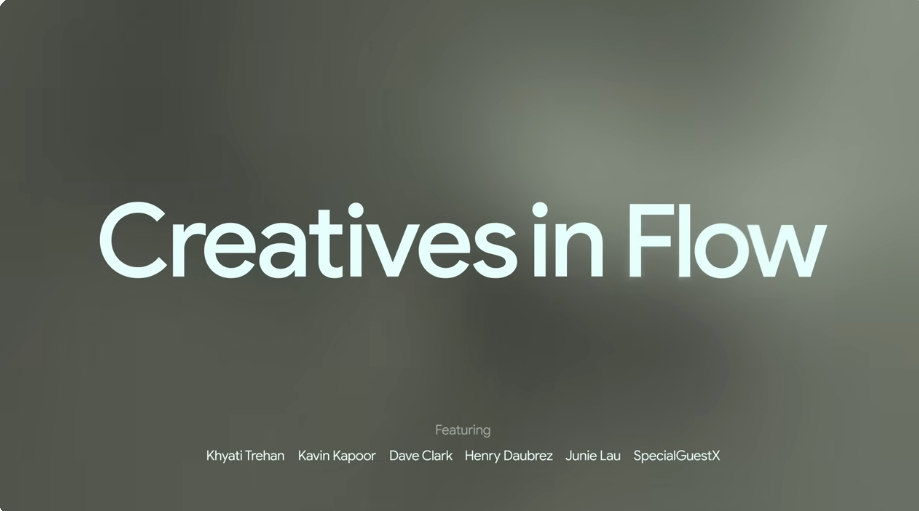
Google describes Flow as an AI filmmaking tool designed for Veo, Imagen, and Gemini. The pitch is not “try every model.” It is a more dedicated creative environment for clips, scenes, story ingredients, camera controls, and asset organization.
If your project already needs scene continuity, character or ingredient reuse, and structured clip building, Flow may feel more coherent than a pure model-testing workspace.
When neither is enough alone
Neither workflow replaces creative direction. A tool can generate clips, but it cannot fully own the campaign brief, product claim, story arc, rights review, or final approval. Some teams may use a multi-model workspace for tests, a dedicated filmmaking tool for scene building, and an AI Director-style layer to organize brief, storyboard, revision notes, and export decisions.
Multi-Model Testing vs Dedicated Video Workflow
The central difference is operating style. Creen-style workflows ask, “Which engine gives us the best starting point?” Flow-style workflows ask, “How do we build a video project with consistent scenes?”
Experimenting with engines
Creen is useful to discuss as a multi-model video workflow because its official materials emphasize access to many models in one browser workspace. For creators, that means faster side-by-side exploration. The same prompt can become a rough comparison of realism, motion, pacing, stylization, and prompt obedience.
But model testing can also create noise. I have seen teams generate 30 clips, like three of them, and still have no idea which one fits the script. Experimentation needs a scoring sheet: story fit, product accuracy, motion quality, visual tone, and revision cost.
Planning scenes and shots
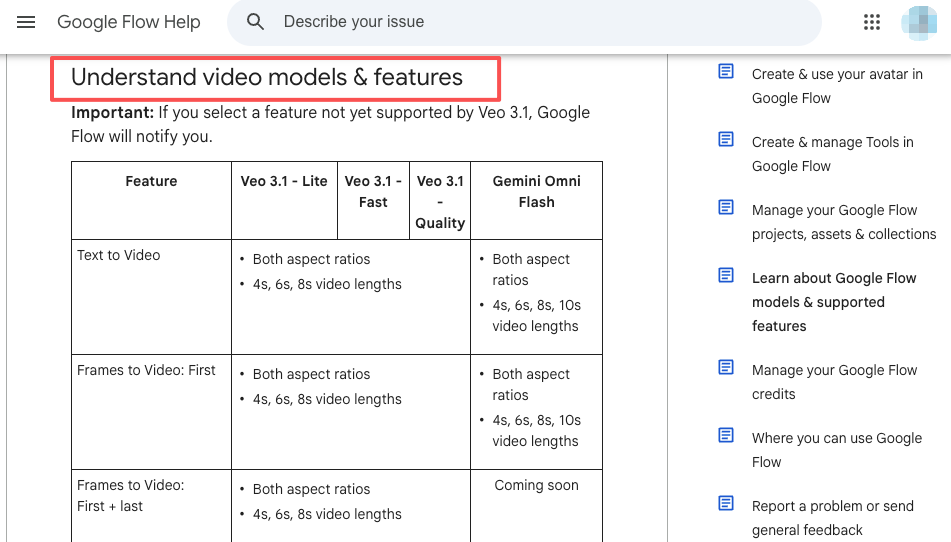
Flow’s strength is closer to project structure. Google’s Flow Help says users can create cinematic clips, scenes, and stories, and that Flow uses Google’s generative models. The Flow model support also explains that different models support different features, which matters before a team plans a shot.
Scene planning is where a dedicated workflow helps. If a product reveal needs the same object across multiple shots, or a short film needs continuity between scenes, random model hopping may hurt more than help.
Managing revisions
Revisions expose the difference. In a testing workspace, revision may mean rerolling, switching engines, or adjusting a prompt. In a filmmaking workspace, revision may mean extending a shot, changing a camera direction, editing a clip, or preserving story ingredients.
For client work, I prefer revision notes before generation: what changed, why it changed, who approved it, and whether the next version still matches the brief. Without notes, every platform becomes a folder of mystery exports.
Use-Case Comparison for Creators
The best choice depends on the project shape. A short social test, a product concept, and a story-driven video do not need the same workflow.
Short social clips
For short social clips, Creen may be useful when speed matters more than continuity. If a creator wants to test five hook visuals for a Reel, a multi-model workspace can help surface options quickly.
Google Flow may fit when the short clip still needs cinematic consistency or tighter shot control. If the piece depends on one visual idea executed cleanly rather than many rough variations, the dedicated workflow may be easier to manage.
Product concepts
For product concepts, I would separate ideation from approval. Creen can help test early product moods or motion concepts. Flow may help build a more polished scene once the team knows what direction to pursue.
Be careful with product accuracy. A generated product image or interface may look better than the real thing. Before any concept moves toward paid use, compare it against approved assets and current product claims.
Story-driven videos
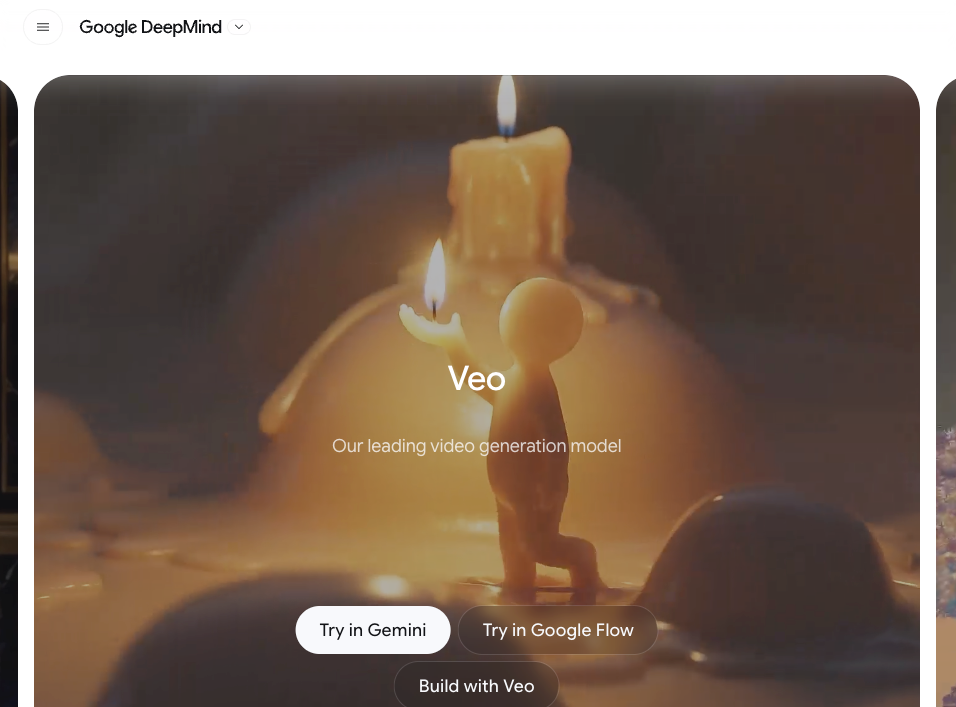
For story-driven videos, Google Flow has a clearer fit. Google’s Veo page positions Veo around video generation for filmmakers and storytellers, with Flow as a way to create clips, scenes, and stories.
Creen can still play a role in visual exploration, but story work needs sequence. If your video has a beginning, turn, emotional beat, and ending, you need more than a model shootout. You need a storyboard, scene logic, and revision checkpoints.
Limits and Verification Notes
This comparison should not be treated as a permanent feature table. AI video products change quickly, and both model access and output rules can shift.
Availability
Google Flow availability depends on supported regions, age requirements, and subscription access, according to the Google Flow Help Center. Creen availability should be checked on its own website and app listings before a team relies on it.
Do not assume a workflow available to one creator is available to every team member, client, region, or device.
Pricing and access
Pricing and access should be verified immediately before purchase or production. A product may advertise free usage, selected free models, credits, subscriptions, or account-free access, but those details can change. Treat pricing pages, in-product notices, and model settings as the source of truth.
For comparison testing, write down the date, plan, region, model selected, clip length, watermark status, and export limits.
Output rights
Output rights are not just a checkbox. Teams should check commercial-use terms, data handling, watermarks, attribution, source asset rights, and whether model-specific terms apply. If a platform uses third-party or multiple models, confirm whether different engines have different rules.
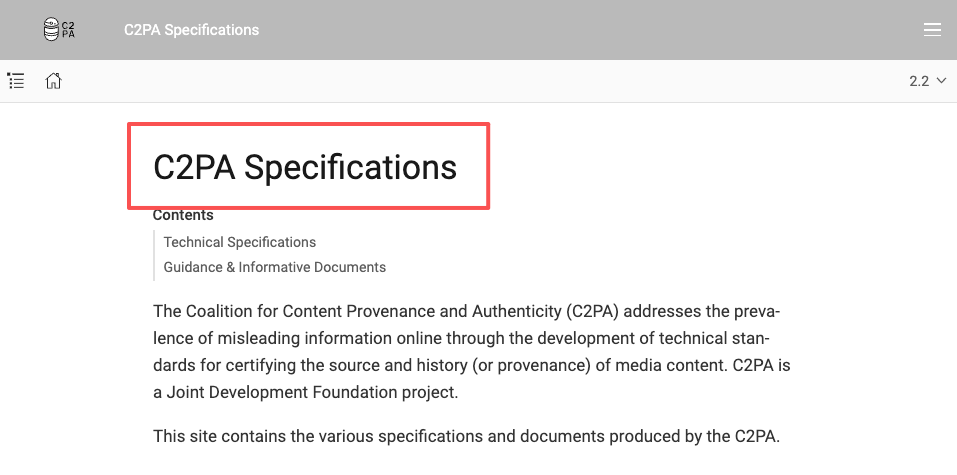
For synthetic media traceability, the C2PA specification is a useful background. Even without formal credentials, teams should track what was generated, edited, approved, and exported.
FAQ
What should teams do if one platform changes access?
Pause the workflow and record the change. If a model, region, pricing tier, or export rule changes mid-project, decide whether to freeze the current workflow, rerun tests, or move the project to another tool.
Do not quietly swap platforms after approval. That can change output quality, rights, and review assumptions.
How should comparison tests be documented fairly?
Use the same brief, same intended format, same source assets, and similar review criteria. Record model names, settings, date, platform, and reviewer notes. A fair test should compare workflow fit, not only the prettiest single output.
Can creators combine outputs from both workflows?
Yes, if rights, platform terms, and project notes allow it. A team might use Creen for quick visual tests and Google Flow for more structured scene building. The key is documenting which asset came from where and whether it is approved for final use.
Who decides which workflow becomes the team default?
The default should be chosen by the person who owns production outcomes, usually a creative lead, content lead, or producer. Technical preference matters, but the winning workflow should reduce revision chaos, protect rights, and help the team ship better videos.
Conclusion
Creen AI vs Google Flow is really a comparison between two production habits. Creen may fit creators who want fast multi-model testing and broad experimentation. Google Flow may fit teams that want a dedicated AI filmmaking platform built around Veo, scene planning, and structured project work.
The smartest choice is not the tool with the loudest feature list. It is the workflow that matches your project: quick tests, product concepts, or story-driven scenes. Verify the facts, document the comparison, and choose the system your team can actually review and repeat.
Previous Posts: