
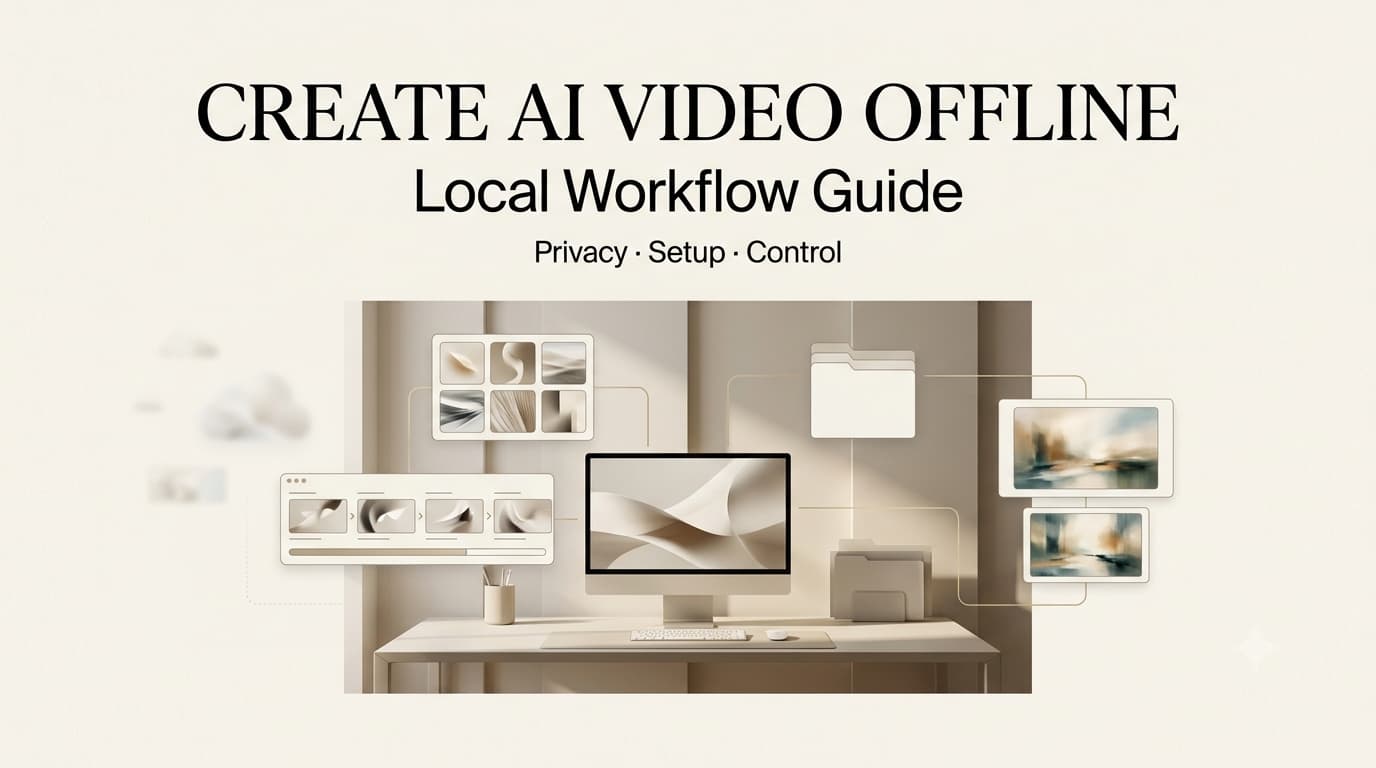
I understand the appeal of trying to create AI video offline. The first time a client sent me unreleased product footage, my instinct was not “which shiny model should I try?” It was “where can this file safely go?” That is the real reason creators ask about offline AI video. Sometimes it is about speed or cost. More often, it is about control.
Still, “offline” needs a careful definition. It can mean local generation, local editing, or a hybrid setup where sensitive files stay on your machine while some non-sensitive work still uses cloud tools. A true offline workflow is not just a model running on a laptop. It is a production system with scripts, storyboards, file rules, version records, review notes, and export decisions.
What “Create AI Video Offline” Really Means
Local generation
Local generation means the AI model runs on hardware you control. The source images, prompts, temporary files, and generated clips do not need to be uploaded to a cloud service during generation; for privacy-heavy projects, that can be useful. A brand may not want prototype footage, unreleased packaging, internal training clips, medical visuals, or legal review assets uploaded into an external workspace.
But local generation is not automatically simple. An offline AI video generator still depends on model files, compatible software, drivers, enough storage, and a machine that can handle the workload. Many teams also need internet access at least once to download models, documentation, or dependencies. After that, some setups can run locally, but the details depend on the tool and license.
Offline editing
Offline editing is different. A team may generate clips in the cloud, then move the approved files into a local editing system for trimming, sound, captions, color, and export. This does not make generation private, but it can protect the later production stage.
For creators, offline editing is often the easiest first step. You can keep client review cuts, voiceover files, internal notes, and final exports inside a controlled local folder. That matters when the generated clip is only one piece of a larger project.
Hybrid workflows
Hybrid workflows are the most realistic option for many teams. You might use cloud tools for low-risk concepting, local tools for private source assets, and standard editing software for final assembly. The point is not purity. The point is risk matching.
A strong private AI video workflow separates files by sensitivity. Public moodboards can use cloud tools. Client assets, unreleased footage, likeness references, and legal-review material may stay local. That structure is more useful than pretending every project needs the same level of isolation.
Before You Choose an Offline AI Video Setup
Hardware expectations
Offline video generation can be demanding. A machine that edits 1080p footage smoothly may still struggle with AI generation. Video models need memory, compute, disk space, and time. Longer clips, higher resolution, larger models, and multiple retries all increase the load.
I would not choose local work just because it sounds more professional. If a team spends all day fighting hardware, the privacy benefit may not justify the lost production time. The right AI video setup depends on the work: short internal experiments, image-to-video tests, private client drafts, or repeated production at scale.
Hardware claims change quickly, so verify current requirements from the exact model or tool you plan to use. Do not rely on old screenshots or creator forum comments.
Model access
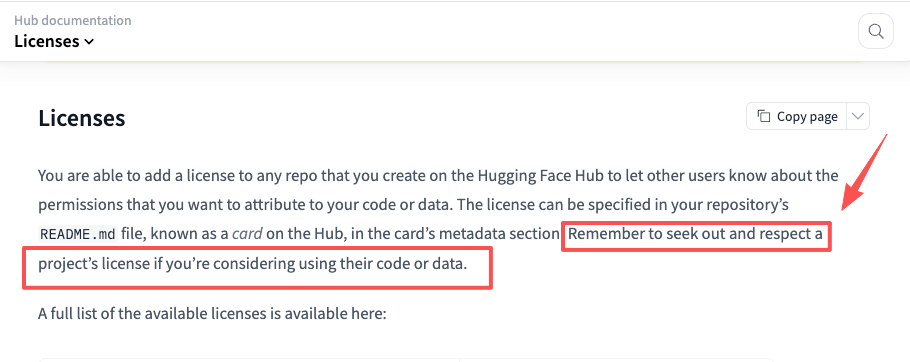
Model access is where many offline plans get vague. Some local AI video tools are open source. Some are research-only. Some allow commercial use. Some require attribution. Some restrict certain outputs. Some model files are easy to download, while others require approval or a platform account.
This is where documentation matters. Hugging Face model card documentation is useful because model cards can include intended use, limitations, datasets, evaluation notes, and license metadata. Hugging Face repository license guidance is also relevant when teams need to check whether a model, dataset, or codebase can be used in a client project.
The practical rule is simple: do not put client assets into a local model workflow until the model license and intended use are clear.
File privacy needs
Offline work should begin with a file policy, not a generation test. Decide which files can enter the local workstation, who can access them, where temporary files go, how outputs are named, and when old drafts are removed.
A privacy-focused workflow should also think about backups. A local file is not private if it syncs automatically to a personal cloud drive. A workstation is not isolated if everyone shares the same login. Local generation can reduce exposure, but only if the surrounding file system is disciplined.
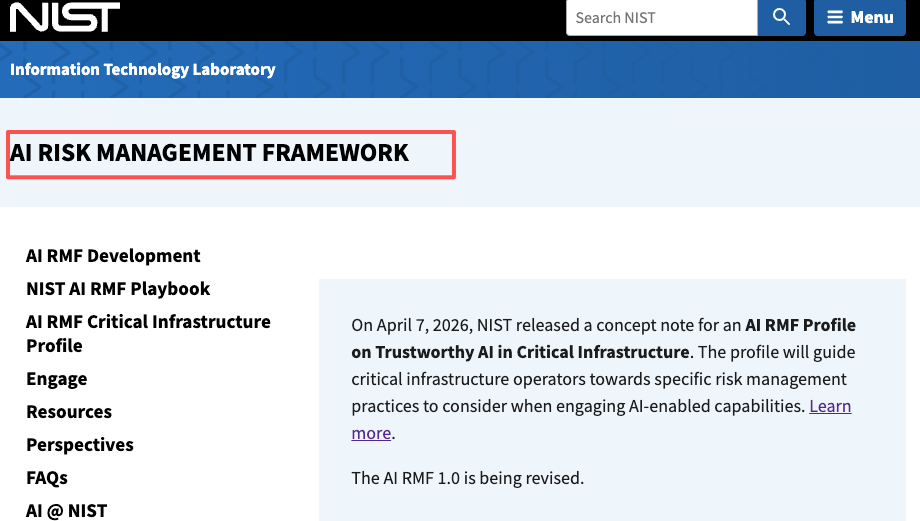
For risk framing, NIST AI risk management practices are a useful reference for thinking about trust, governance, measurement, and risk controls around AI systems. Creator teams do not need enterprise paperwork, but they do need a repeatable review habit.
Offline AI Video Workflow for Creators
Script and storyboard planning
Offline generation should not start with random prompts. Start with script and storyboard planning. What is the video trying to show? What shots are needed? Which assets are sensitive? Which scenes can be generated with fictional placeholders? Which scenes require approved product visuals?
This step saves time. In my own workflow, local tests go better when each clip has a job. A shot might test camera motion, product placement, character pose, or background mood. If the prompt does not have a job, the output becomes hard to judge.
Local test generation
Local test generation should happen in small segments. Short tests are easier to inspect, rerun, and discard. A creator might test a product turntable, a background motion pass, a character gesture, or a scene transition before building the full edit.
The review note should capture the model, settings, input files, date, output file, and whether the clip is safe for the next stage. This is not busy work. When a local setup changes, old results become hard to compare unless the team knows what changed.
Review and export handoff
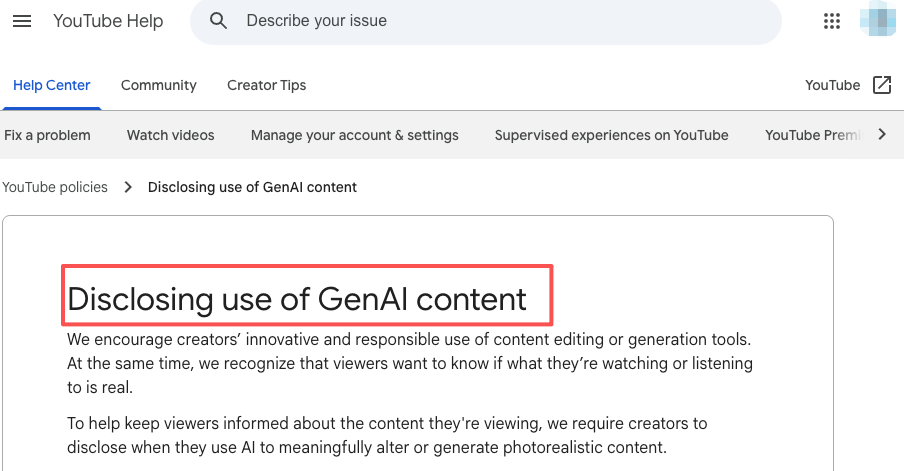
A local clip still needs human review. Check visual artifacts, motion consistency, source rights, likeness issues, and whether the output matches the storyboard. If the clip moves into a public platform, YouTube GenAI disclosure requirements matter when realistic AI-generated or meaningfully altered content could affect viewer understanding.
Export handoff should include the final clip, project notes, model license record, source asset status, and known limitations. For copyright context, U.S. Copyright Office guidance on AI and copyright is useful background for authorship and AI-assisted output questions. This article is not legal advice. Licenses, commercial use, privacy, and platform rules should be checked against current official terms.
Local vs Cloud AI Video Workflows
The cloud vs local AI video choice is not about which side is always better. Cloud tools are usually easier to start, faster to update, and more comfortable for non-technical creators. They may offer polished interfaces, model switching, team workspaces, and fewer hardware headaches.
Local workflows are better when privacy, asset isolation, repeatability, or internal testing matter more than convenience. They are also useful when a team wants to evaluate models without uploading sensitive material. The cost is setup friction, hardware limits, maintenance, and licensing complexity.
A good team can use both. Cloud for low-risk ideation. Local for sensitive tests. Editing software for final assembly. The workflow should match the asset risk, not the mood of the day.
FAQ
Who should approve local model use for client projects?
A creative lead should approve quality fit, but operations, legal, or the account owner should approve model use. The approval should cover license terms, client asset handling, storage, deletion, and whether outputs can be used commercially.
What files should stay out of shared offline workstations?
Unreleased client assets, private likeness references, legal documents, raw customer footage, and sensitive product files should stay out unless the workstation has clear access controls. A shared offline machine can still leak risk through bad permissions or sloppy backups.
How should teams document local setup changes?
Document model version, software version, driver changes, hardware changes, settings, and file paths connected to important tests. If output quality changes later, the team needs to know whether the model improved, the settings shifted, or the machine changed.
When should offline drafts move into cloud review?
Offline drafts can move into cloud review after sensitive source files are removed or replaced, rights are checked, and the team decides the clip is safe to share. If the draft still includes private references, unreleased assets, or unclear likeness material, keep review local.
Conclusion
To create AI video offline, think beyond the model. Local generation can protect sensitive files, but it does not replace planning, review, licensing checks, editing, or export discipline.
The best offline workflow starts with script and storyboard decisions, tests short clips locally, records model and file details, and moves only approved outputs into broader review. Offline is not magic. Used carefully, it is a privacy and control layer inside a larger creator workflow.
Previous Posts:





[…] Create AI Video Offline: Local Workflow Guide AI Video Workflow: From Brief to Final Cut AI Video Review Checklist Before Export LTX-2.5 Review 2026: Is Native Multi-Shot Useful? Face Swap AI Video: Consent-Safe Workflow […]