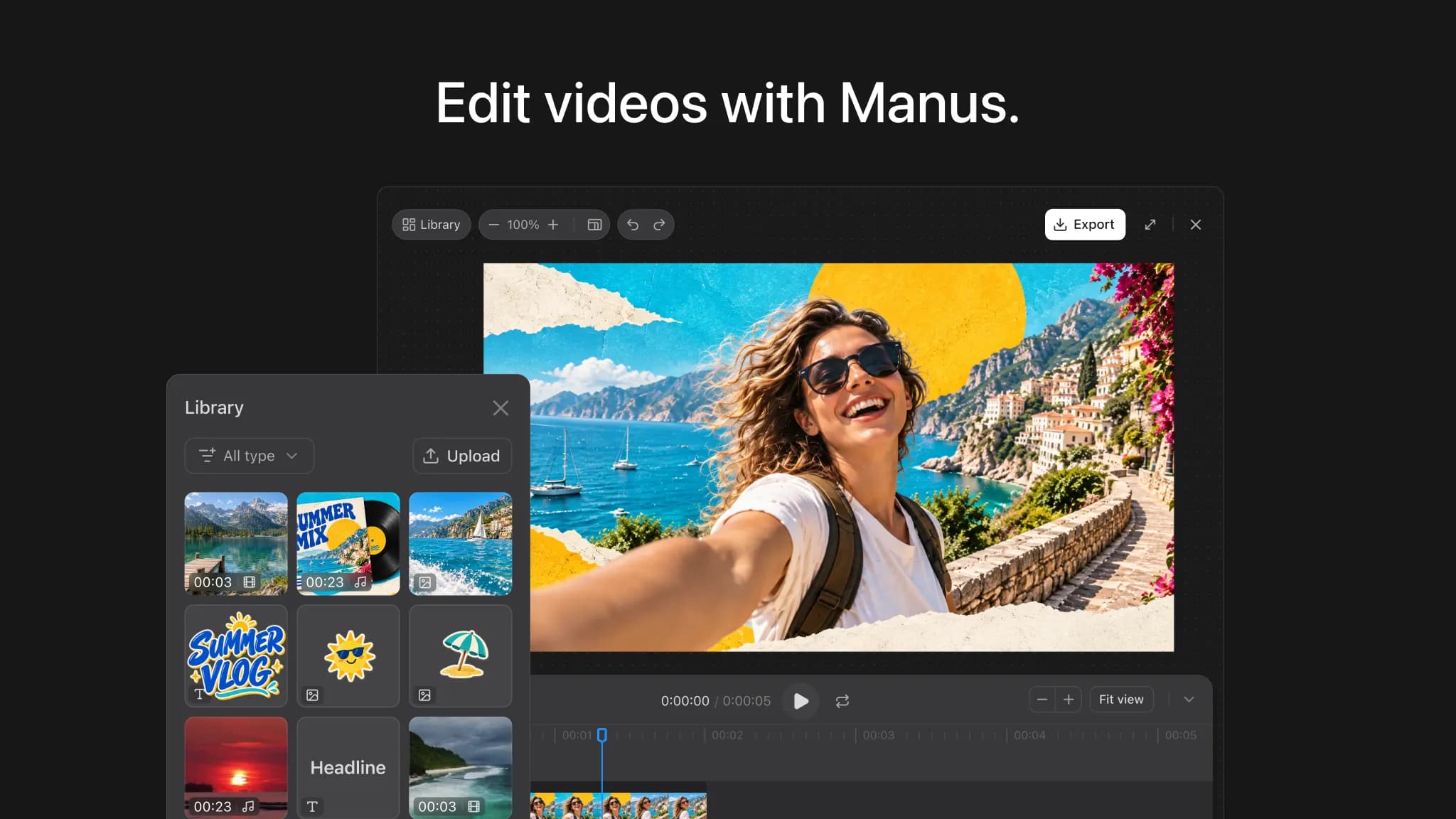
A campaign brief looks settled until the first cut arrives. The product is the wrong color, the opening drags, and the approved photo is still in a shared folder. Manus Studio vs CrePal comes down to where your team wants to make those fixes.
This comparison uses vendor materials checked October 2, 2026, not a hands-on test. Neither vendor’s materials establish a quality, speed, or cost winner.
Quick Verdict by Production Need
Choose Manus Studio Video Editor when your producer needs an editable video timeline after the first cut. Choose CrePal AI Director when the team needs a script, scene plan, and model-routed draft first. Both offer AI-led creation: Manus also directs from an idea, and CrePal describes shot-level controls. Your AI video production workflow should match how reviewers make changes after the first cut.
That distinction matters when a client says, “The opening works, but the bottle shot does not.” One team will want to replace a clip itself. Another will want to send a scene-level instruction and review the next draft. The better tool depends on who owns that correction.
Compare Brief and Shot Planning
Keep Work Inside a Connected Studio Project
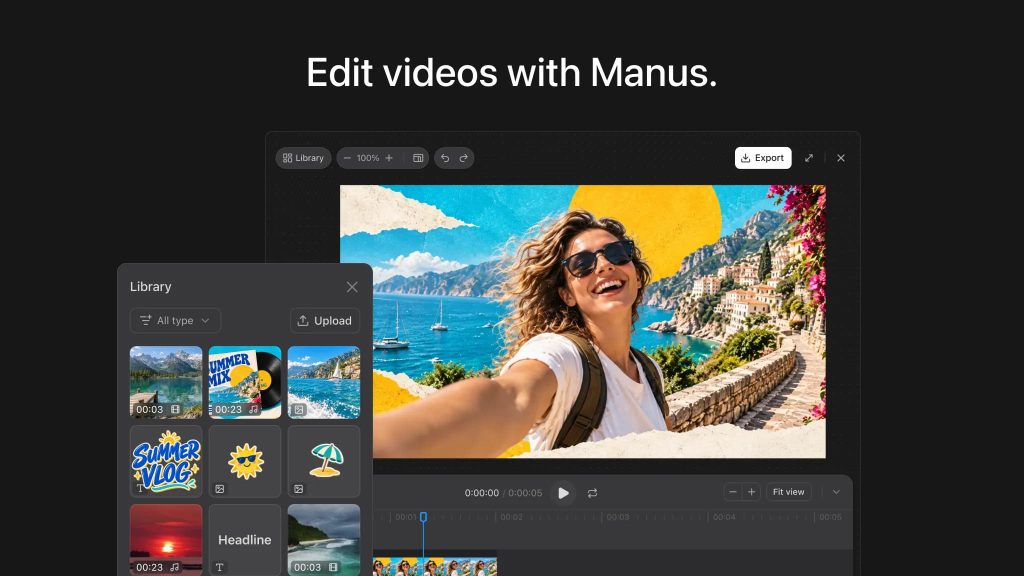
Imagine a 45-second vertical ad for a reusable bottle: approved close-up, commuting scene, fixed headline, quiet ending. The connected Manus Studio project keeps the brief and video in one context. Manus presents Video Editor as a way to make a first cut and edit its pieces.
Give Manus the approved photo and exact label copy. Check whether the first cut uses them correctly; a connected project cannot approve a product claim.
Turn an Idea Into a Directed Multi-Scene Plan
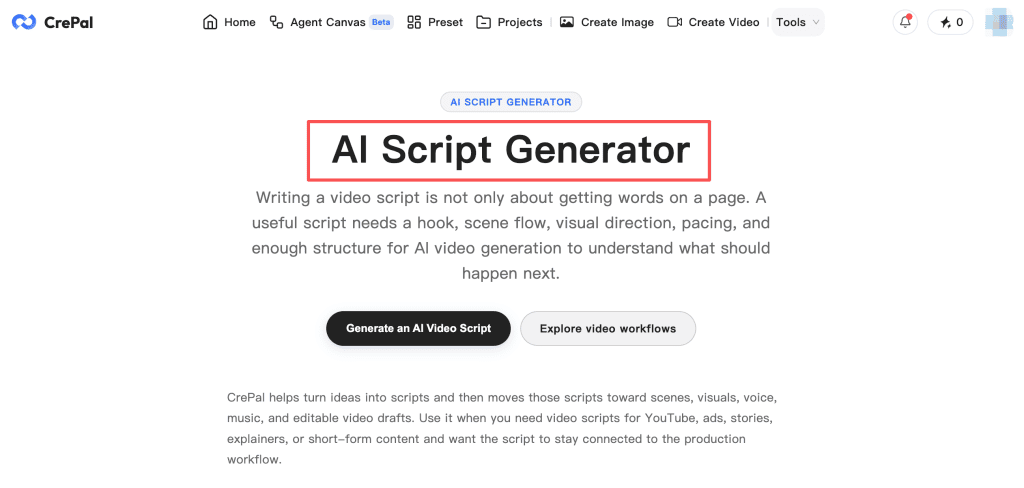
CrePal’s script-to-scene workflow uses audience, goal, format, and scene notes to shape a shot plan before generation. It helps when the first debate is story order: show the commuter’s problem or the bottle first?
Approve the sequence and product facts first. CrePal cannot verify a physical claim for the team.
Here, the decision is whether the storyboard settles enough creative questions before anyone judges a polished clip. If the client still argues about who the ad addresses, another render will not settle the brief.
Compare Generation and Editing Control
Revise Separate Assets on an Editable Timeline
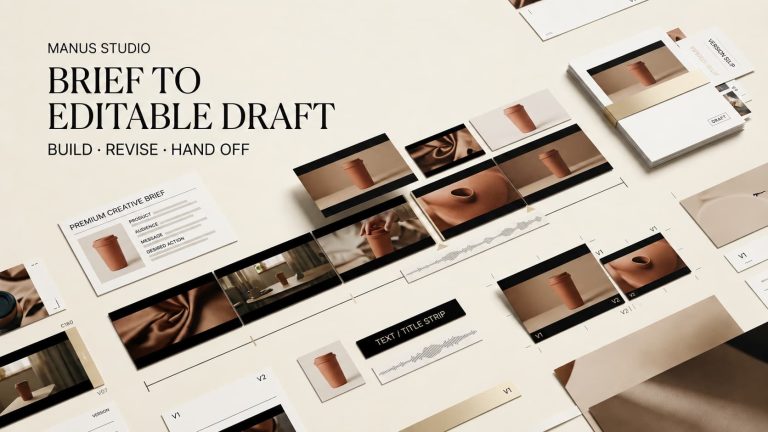
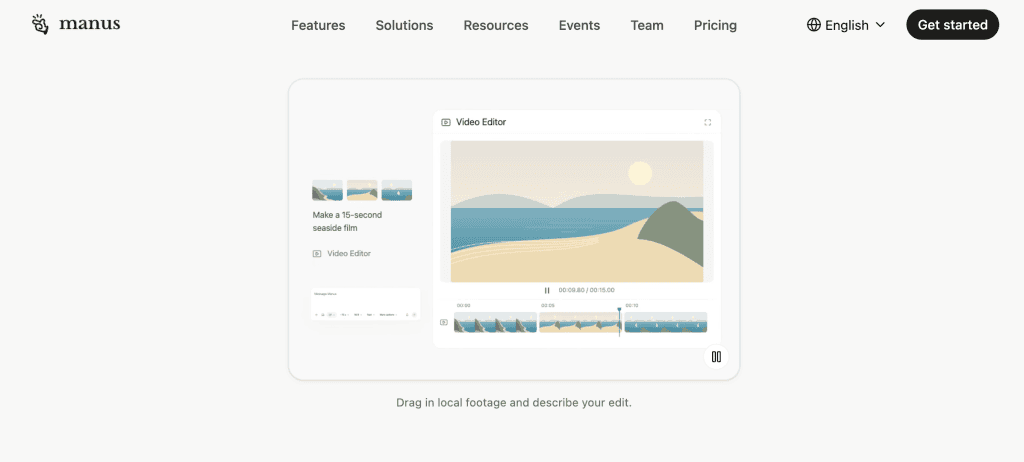
The Manus Studio Video Editor presents clips, text, images, and audio as separate timeline elements. Manus describes trimming, moving captions, adding local footage, and exporting. An editor could replace the bottle close-up and move the headline directly.
Editable does not mean every part of a generated shot can be repaired independently. The producer may still need to replace the underlying clip when the bottle itself changes shape; moving a text layer will not fix it.
Coordinate Models Through an AI Director
CrePal describes model routing and scene-level direction, chat revisions, and per-scene overrides in Director Mode. This multi-model video creation approach fits a brief needing a product image, motion scene, and voiceover.
Ask whether your reviewer would say, “Shorten scene two; keep the approved label,” or drag the label and trim the clip. That preference predicts where revisions may stall.
Compare Revision and Export Handoffs
Alternate Between Manual Edits and Agent Passes
Manus describes editing the timeline, then asking its agent to continue from those edits. Swap in the real bottle shot, for example, then request a tighter transition. Save a review export and a note of what must stay fixed. Check the next pass against both.
Review Scenes Through Conversation and Export a Complete Video
CrePal’s scene review and chat revision flow moves from plan approval to scene comments and export. A useful note says, “Scene three uses the approved bottle photo; shorten the pause; keep the closing line.” Name the scene and constraint.
CrePal lists MP4 export; check your account’s watermark and access before delivery. Its published materials do not promise a Manus-style layered project export.
An exported video is a deliverable, not an editing handoff. If a downstream editor must move individual captions or swap an audio track, ask for the required source assets and recreate those controls in the finishing tool.
Choose the Better Fit for One Short Campaign
Use the same brief, licensed assets, and acceptance criteria in each tool. Check product accuracy, treatment of the approved photo, revision effort, and delivered file. Try one change: revise the opening while preserving the ending. Keep the brief and render outside either service.
For hands-on cuts and asset placement, start with Manus. For scene planning and model routing, test CrePal first. A mixed workflow needs manual file and note handoffs; neither vendor confirms native project transfer.
The comparison should end with a specific question: which service gets the approved correction into the next client review with fewer ambiguous decisions? Count the time spent explaining feedback, not just the time spent generating a first clip.
FAQ
How do Manus and CrePal measure usage or credits?
Manus describes task-based credit use. CrePal’s usage varies by mode, duration, resolution, and model. Neither publishes a reliable cost for this exact brief. Record credits spent on each draft and revision.
Can projects be transferred directly between the two tools?
Neither vendor confirms a native project importer. Move exported video, approved media, and shot notes manually; a rendered file will not transfer editable layers.
What team permissions does each platform publish?
Manus documents Owner, Super Admin, Admin, and Member roles. CrePal advertises a Team option without a comparable public video-project permission matrix. Confirm access controls before sharing client footage.
How does each service handle uploaded media retention?
CrePal distinguishes temporary processing uploads from projects stored until deletion or account closure. Manus describes account deletion and sandbox recycling, without establishing a Video Editor upload-retention period. Ask both vendors about deletion of sensitive media.
Do commercial-use rights change by plan?
Manus permits commercial use of outputs, subject to third-party rights. CrePal’s paid-plan language permits commercial use, but its Free-plan FAQ and terms conflict on restrictions. Get written clarification before using a Free export for a client. Clear rights to footage, music, and likenesses in either tool.
Conclusion
Choose the workflow your reviewer can inspect and correct. Manus centers a layered edit; CrePal centers a directed scene plan and chat revisions. Test the same approved brief in both, then judge the correction path as carefully as the first cut.